Order again and leave reviews
A finished order can offer Order again and Review actions. Order again attempts to build a current cart from historical information; it does not place a new order. Review opens the feedback stages available for that order.
These actions can appear in order history or finished order details. Their availability depends on the active Website session, order data, earlier reviews, current cart, Website configuration, and theme. A supported order-access link can show order details without guaranteeing that every action is available.
Find the available actions
Open a finished order and scroll to the action area. Review and Order again can appear based on the returned order and Website presentation. A visible action does not confirm that the request will succeed.
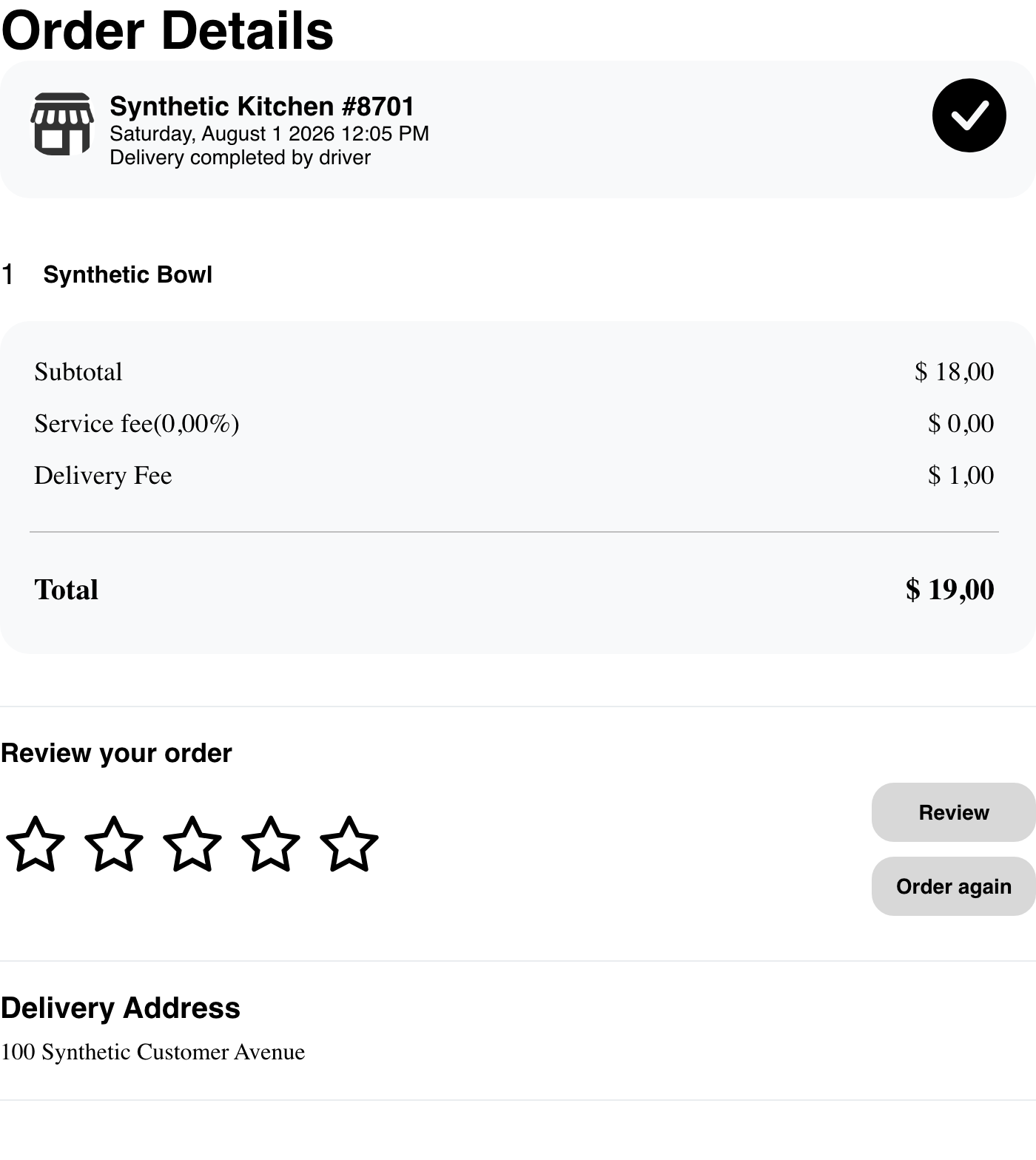
The presence of an action does not guarantee that the next request will complete. Website still evaluates the current business, products, cart, and review information.
Order again
- Select Order again for the finished order.
- Read any cart warning before continuing.
- Review the cart that Website builds.
- Resolve unavailable products or options when Website returns you to the business.
- Continue through checkout only after confirming the current products, quantities, prices, fulfillment details, and total.
Website can continue to checkout when the rebuilt cart is valid. If current information needs attention, it can return the customer to the business for adjustments. Products, options, prices, quantities, availability, address, fulfillment schedule, and checkout requirements can differ from the earlier order.
When a current cart already has products
Website can warn that continuing will remove products from a current cart for the same business.

Continue only when the customer is prepared to replace those cart contents. Recheck the resulting cart before checkout. Do not assume that an earlier order will be recreated exactly or that several earlier business orders will be rebuilt as one atomic action.
Review a business and order
Select Review to open the first applicable feedback stage. An unreviewed finished order can begin with the business and overall order experience.
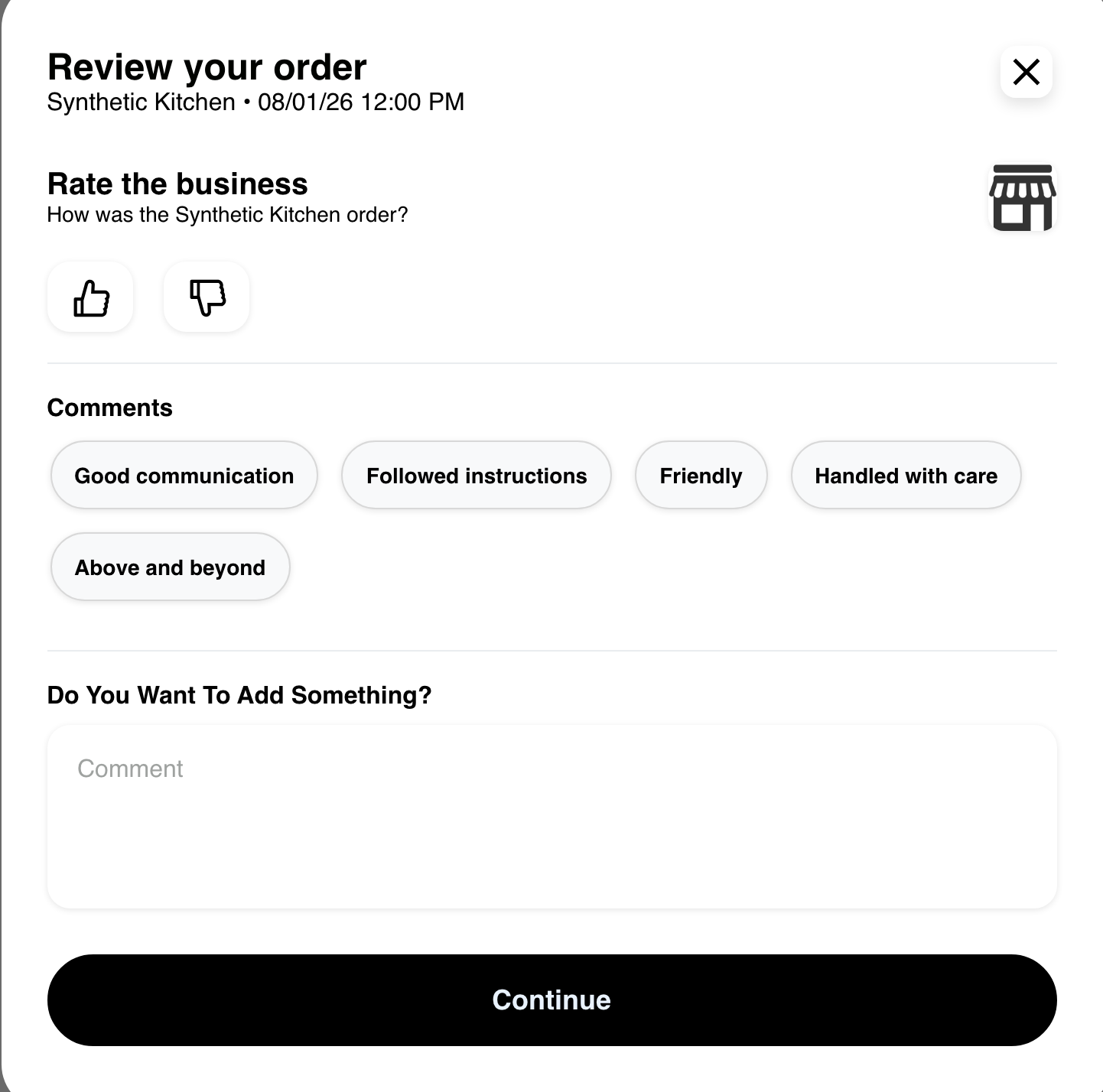
- Choose the available positive or negative rating.
- Optionally select a suggested comment or enter additional feedback.
- Review the feedback before selecting Continue.
Opening the dialog is passive. Feedback is submitted only when the customer uses the stage's submission action.
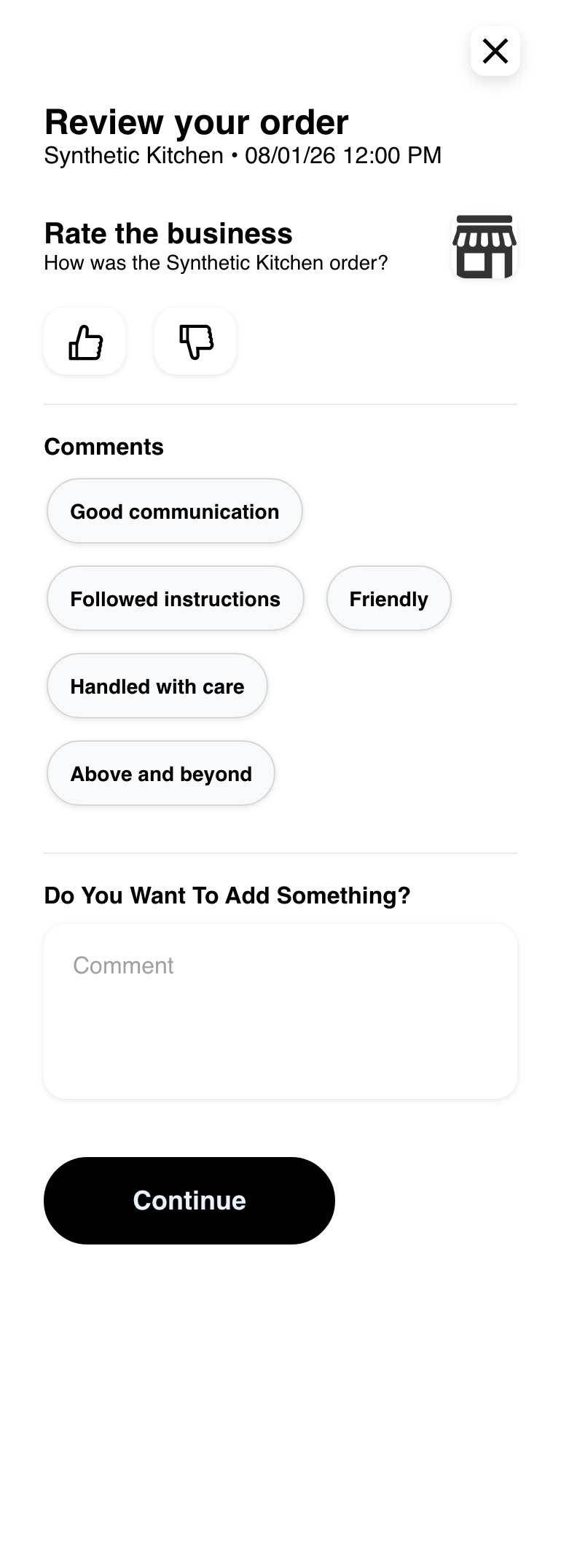
On mobile, the same choices are arranged vertically.
Review products
When product feedback applies, Website can show a separate stage for each eligible item.
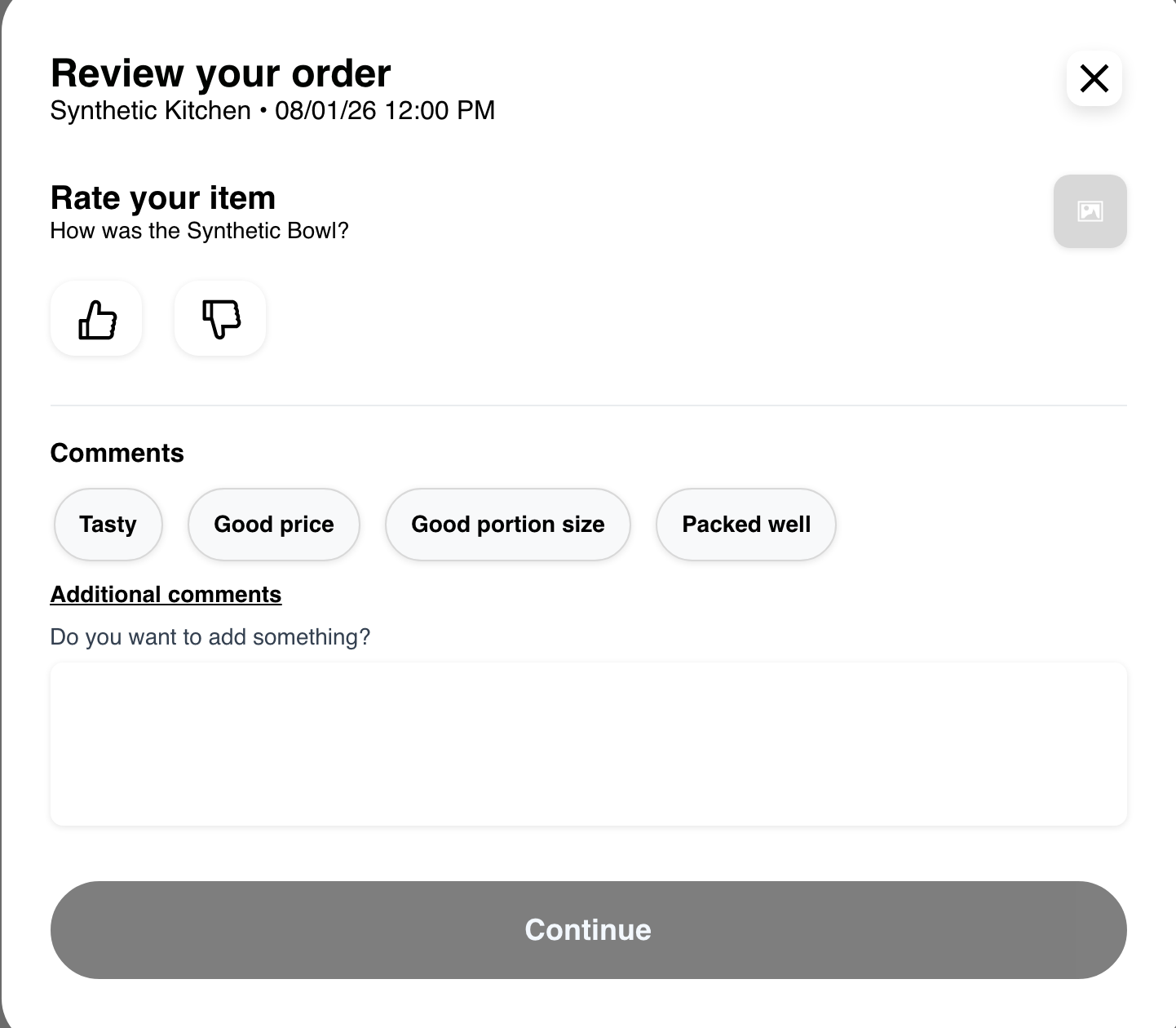
Choose a positive or negative rating for an item, then add optional suggested or written feedback. Continue remains unavailable until the customer changes at least one product rating.
The product stage does not appear for every order. Deleted items, earlier reviews, order data, and the available feedback sequence can change what Website shows.
Review a driver or service professional
An eligible order can include feedback for an internal driver. The form can provide rating choices, suggested comments, and an optional written comment.
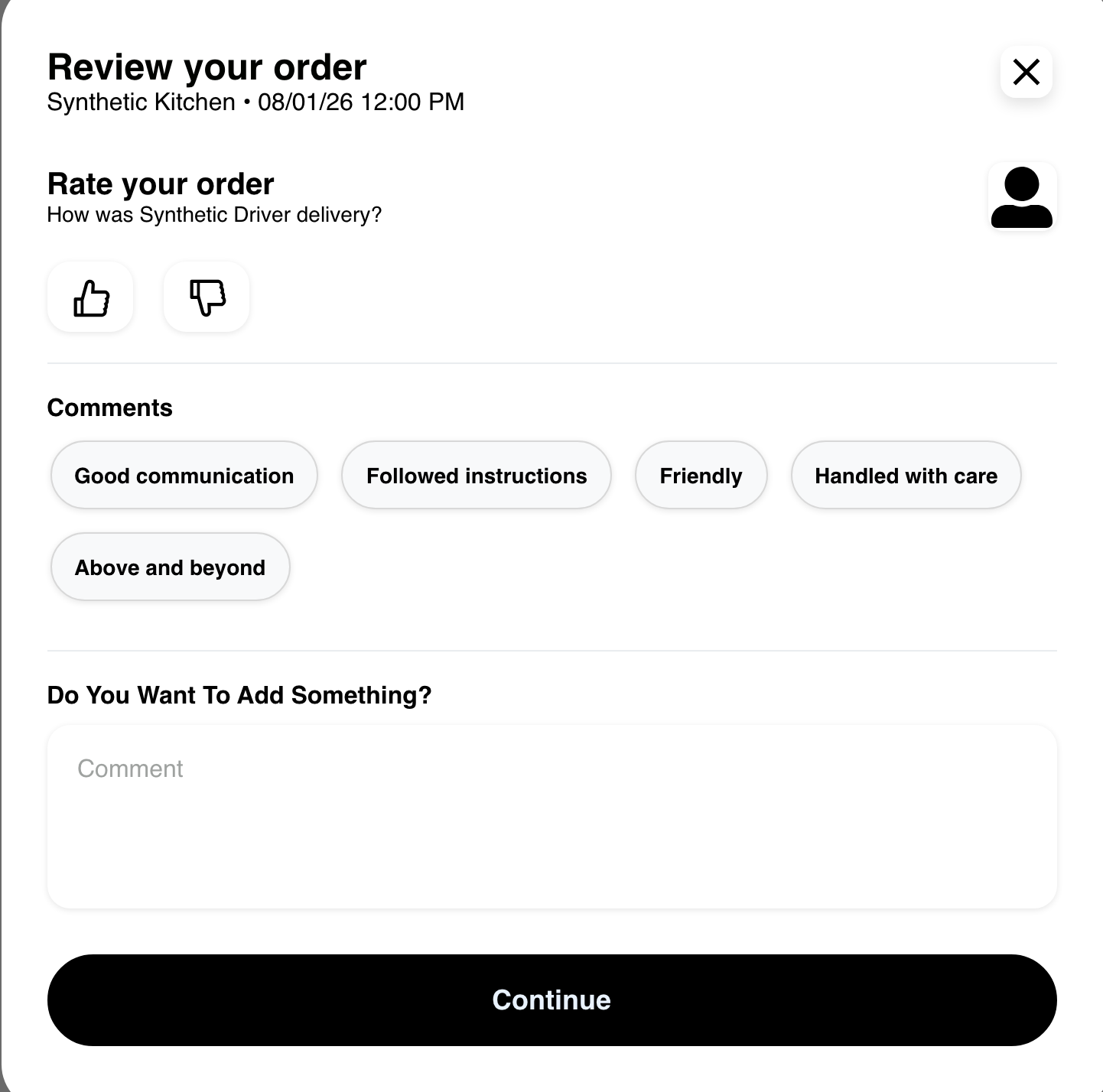
A service order can offer professional feedback later in the sequence. Driver and professional stages depend on the people and review information returned for the order. External drivers are not part of this Website review flow.
Understand the review sequence
Website chooses the next applicable stage from the order information and earlier feedback. The sequence can include:
- the business and overall order;
- eligible products;
- a service professional when applicable; and
- an eligible internal driver.
Not every stage appears, and a later stage can depend on completing an earlier one. A submitted review is not guaranteed to be anonymous, editable, removable, or publicly displayed.
Troubleshooting
Order again is missing
The order state, saved cart information, active Website session, or Website presentation can hide the action. Open the current business menu and create a new cart when the historical action is unavailable.
The rebuilt cart is different
Website rebuilds against current information. Review unavailable items, changed options, quantities, prices, fulfillment details, and totals before checkout. Adjust the cart from the current business menu when needed.
Website shows a current-cart warning
Read the warning before continuing. Proceed only when replacing the current same-business cart products is acceptable, then verify the resulting cart.
Review is missing or skips a stage
Review stages depend on order data, earlier feedback, Website presentation, and the eligible business, products, driver, or professional. Missing stages do not change the saved order summary.
A review is not accepted
Keep the feedback within the visible form requirements and try once more. If Website still returns an error, preserve the customer-facing order reference and contact the Website's support team. Avoid repeatedly submitting the same review while the result is unclear.
Related guides: Review order history · Review order details and tracking · Manage a cart · Complete checkout