Understand Website presentation modes
Website can start with a choice of businesses, open a specific store, guide customers into a participating franchise location, or present a kiosk-oriented Home. The mode affects the starting page, navigation, and way customers reach a menu; it does not by itself confirm that a business is open or ready to accept an order.
The presentation is selected for the Website. Customers do not switch modes themselves, and the available pages and controls can vary by Website, business, location, order type, and screen size.
Choose from multiple businesses
A multi-business Website can show the businesses available for the current location and order context. Select a business to continue to its page and menu.
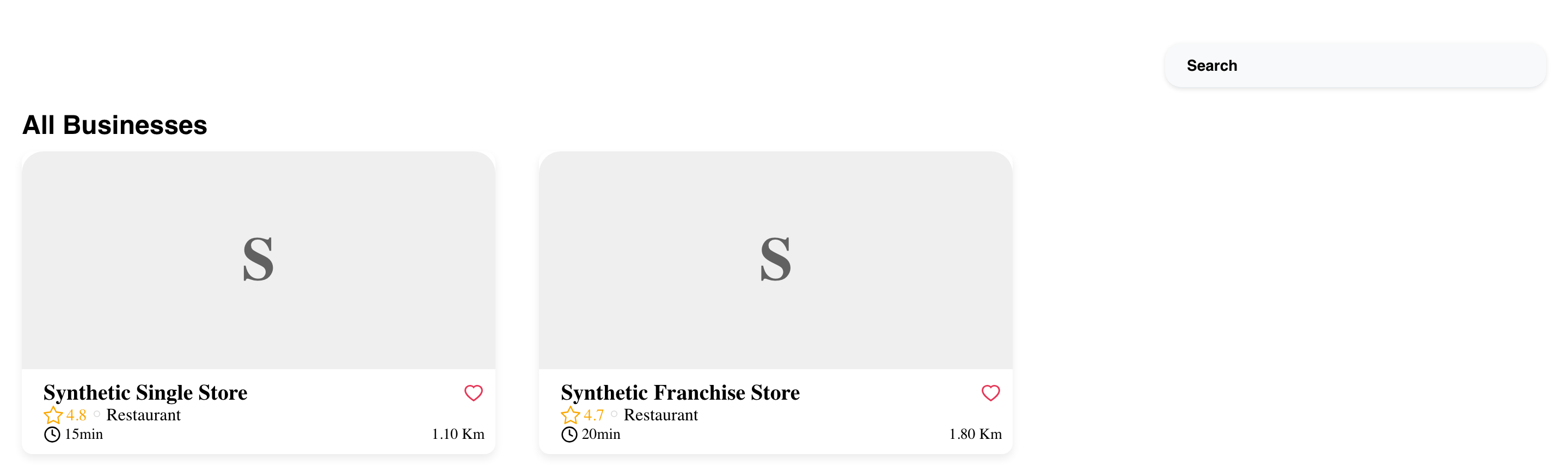
The list is not a complete directory of every business connected to a project. Results can change with the selected address, order type, ordering time, and each business's availability.
On mobile, business choices stack vertically beneath the current ordering context.
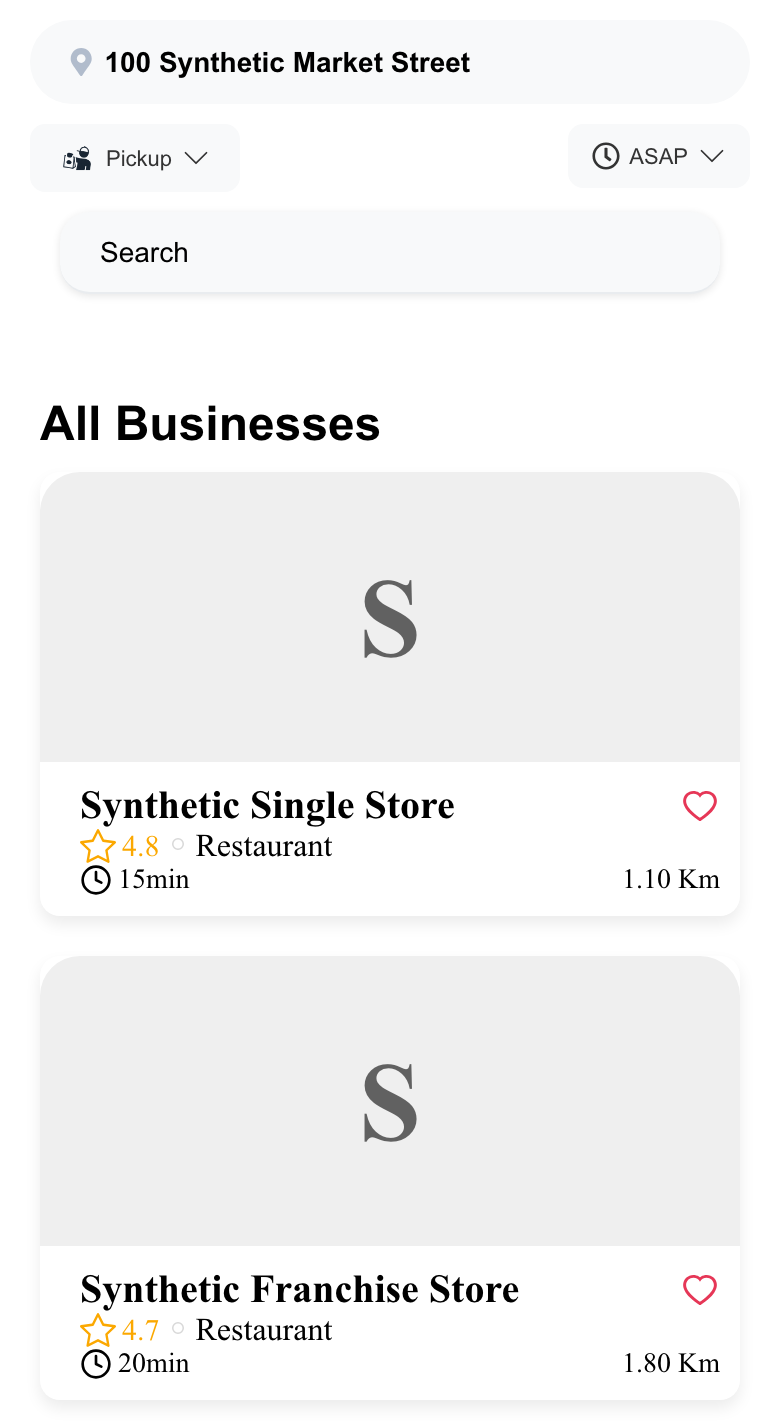
For details about result cards and empty states, see Browse available businesses.
Open a single-store Website
A single-store Website can open directly to one configured business instead of asking the customer to choose from a business list.
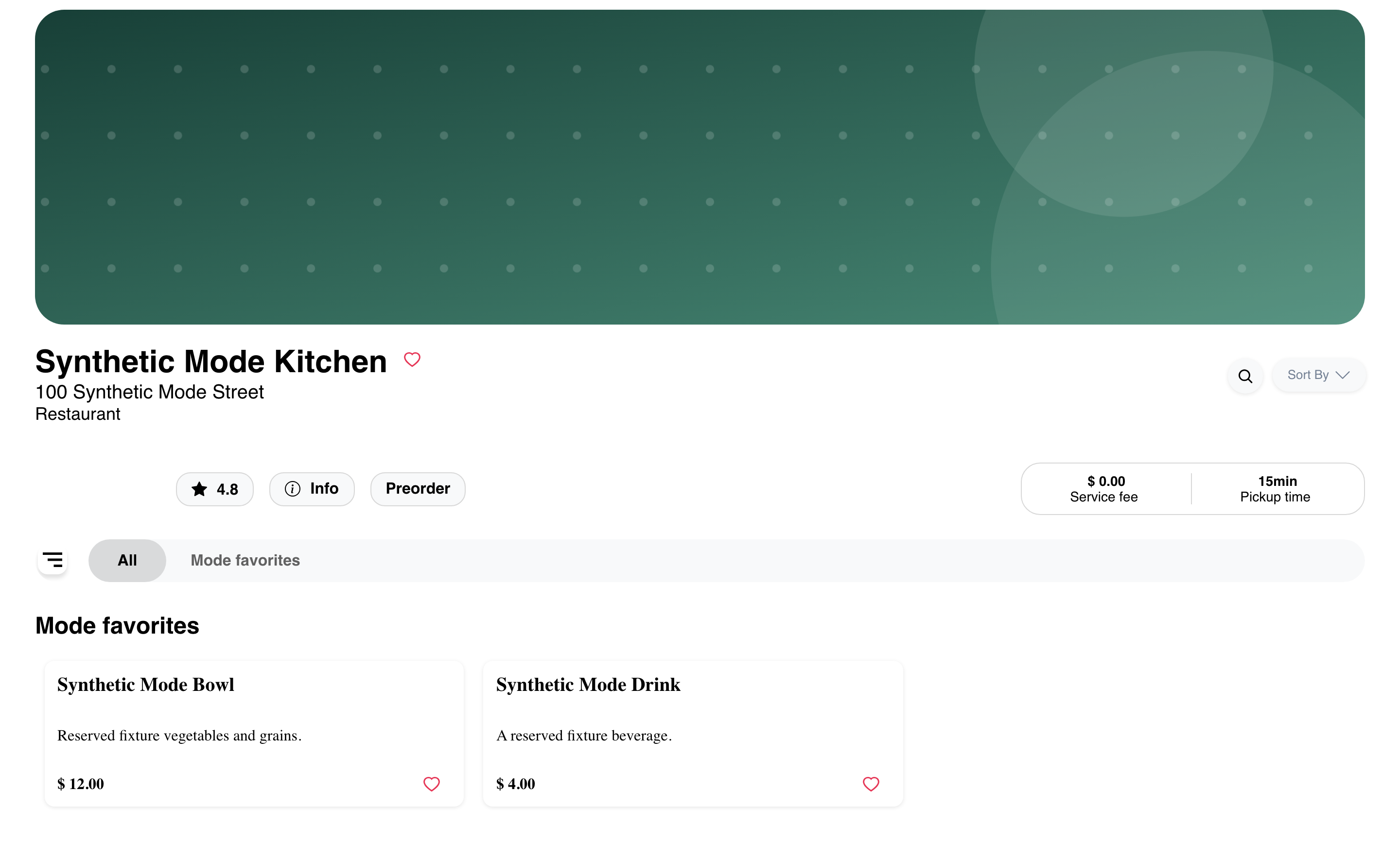
The business page can show order context, business information, category navigation, and menu products. The exact sections depend on the business data and Website presentation.
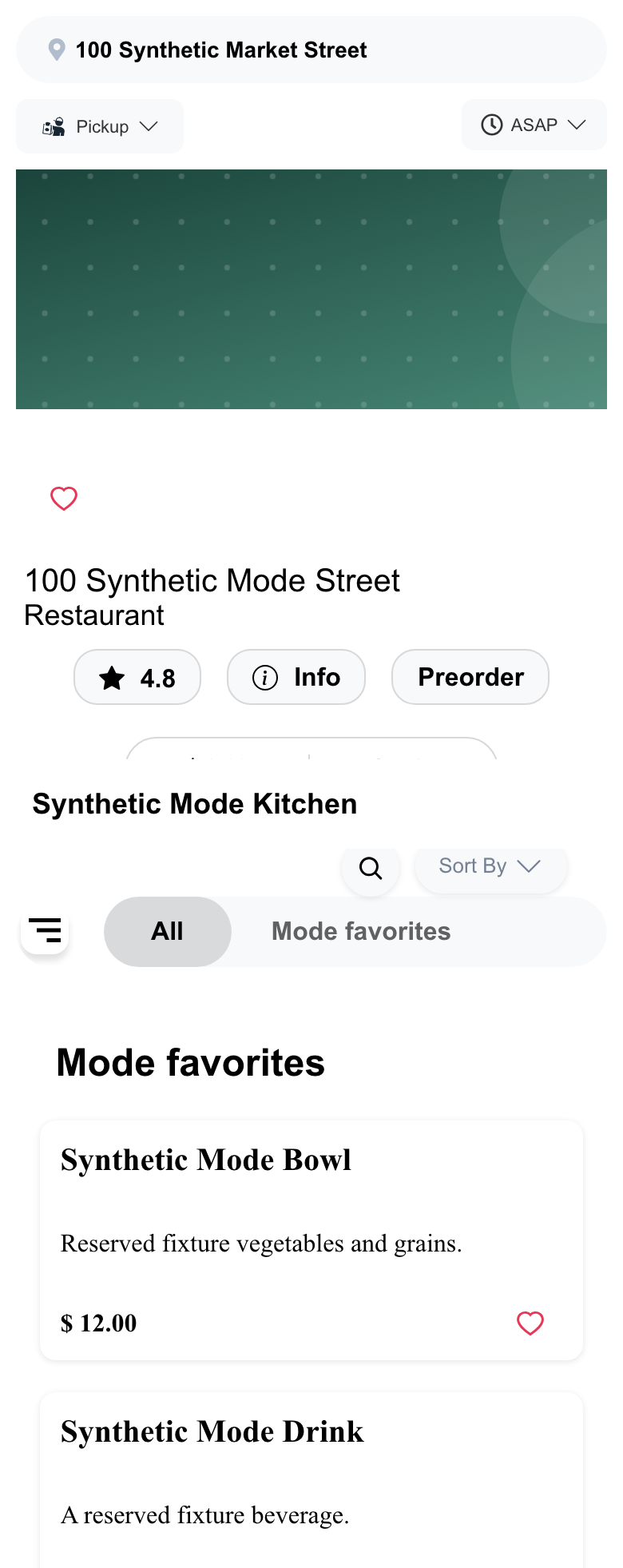
On mobile, the order context and category navigation can appear before or alongside the menu content. Controls can move or stack, so the first mobile screen does not need to match desktop.
Opening the store page does not confirm that its menu is currently orderable. Review the visible availability, selected order type, and ordering time before continuing. See Browse a business and its menu.
Use a franchise Website
A franchise Website can use the customer's ordering context to open a participating location automatically. When a store switcher is available, use Change store to return to the location choice provided by that Website.
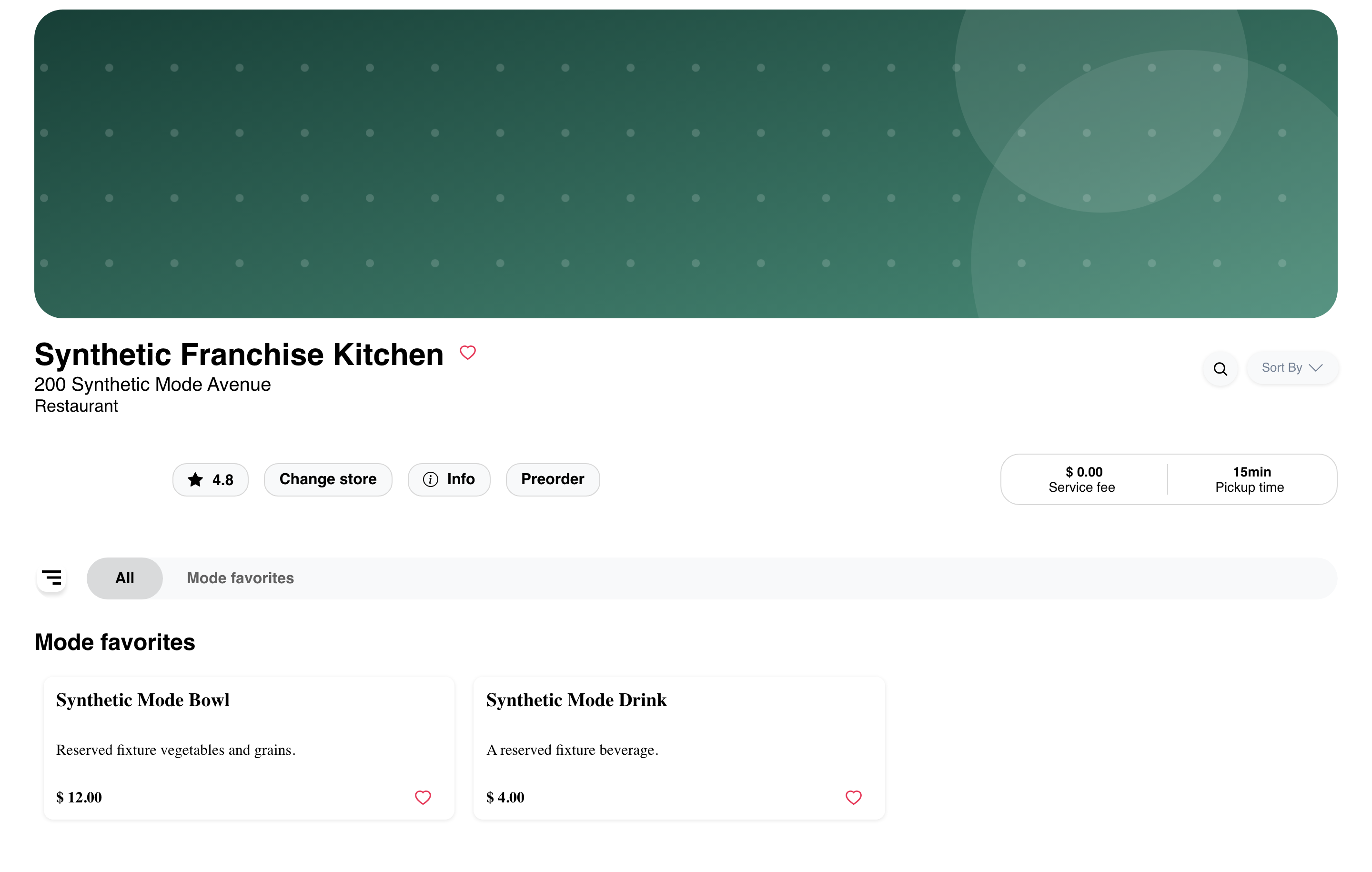
The first location shown is not a promise that every franchise location is available. Participating businesses, menus, fulfillment choices, and schedules can differ by location.
Recognize a kiosk-oriented Home
A kiosk-oriented Website can keep customers on an order-focused Home with a location and search entry instead of opening a store automatically.
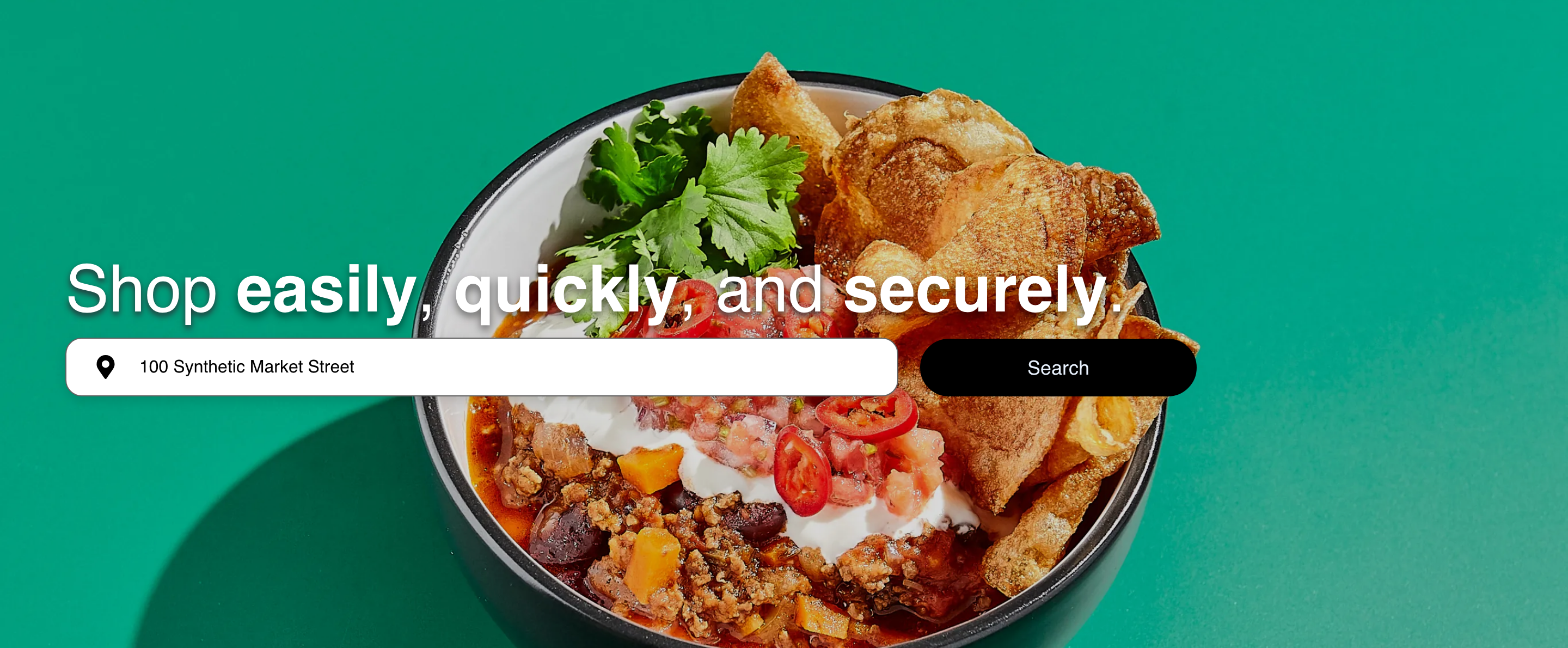
Use the controls visible on that Home to confirm or change the location and begin searching. A business link published by the same Website can open a different store presentation, but customers should not guess or edit the link to find one.
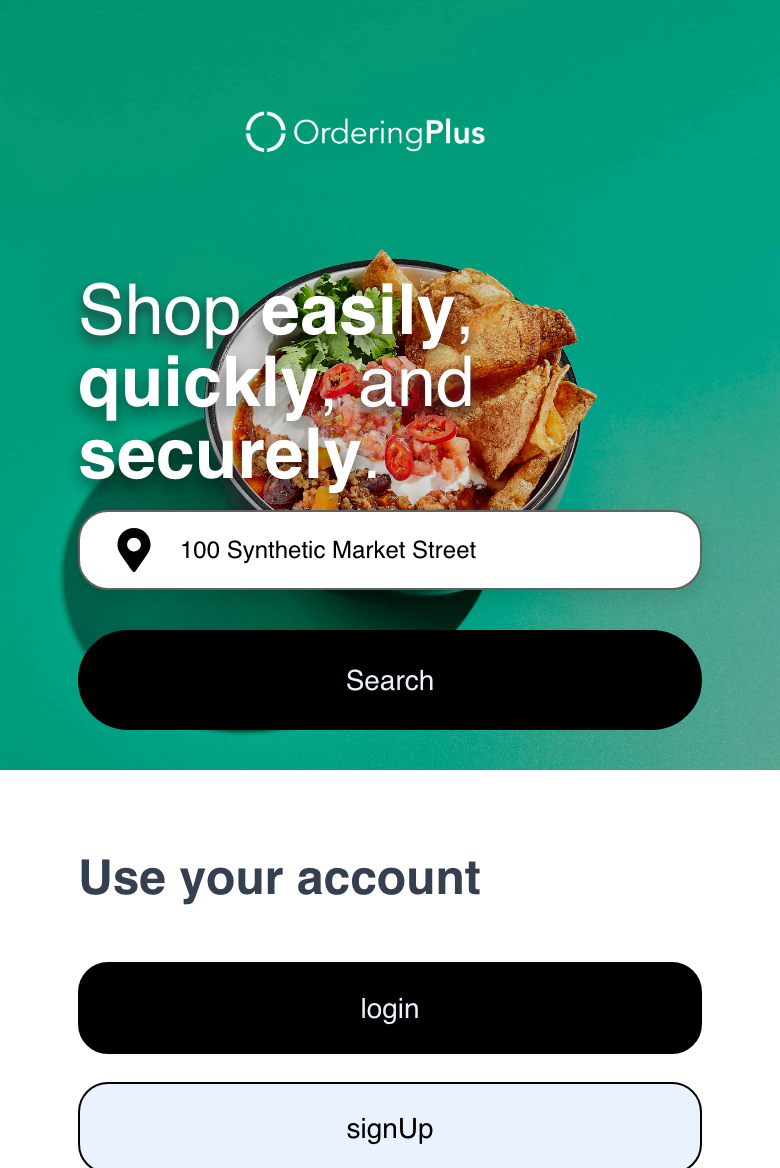
Kiosk-oriented layouts can reduce or rearrange global navigation, but they are not guaranteed to hide every account or navigation control on every page and device.
Follow Website-provided links
Published links can open a business through a store path or a shorter business path. The exact format depends on the Website. Use links exposed by the Website, business, or support team rather than constructing a route from a business name.
The root page, Home, business list, and direct business link can lead to different presentations. Returning to Home is therefore not always the same as reopening the original store link.
Troubleshooting
The expected business is not in the list
Confirm the selected location, order type, and ordering time. Reload the business list once after correcting them. If the business remains absent, it might not be returned for the current context; do not infer availability from another Website or a previously saved link.
A franchise Website opened one location immediately
This can be the intended franchise flow. Review the business name and address before ordering. Use Change store when it appears and another location is needed.
A single-store page has no products
Confirm the selected order type and ordering time. A store page can load even when no menu products are available for the current context. Follow Browse a business and its menu for menu-specific guidance.
The kiosk experience looks different on mobile
Use the visible Home, location, and search controls. Kiosk-oriented navigation can differ between desktop, mobile, Home, and direct business pages; do not rely on a control appearing in the same position everywhere.
A saved or manually edited link does not open the expected page
Return to the Website's published Home, business list, or store link. Supported link formats vary, and a guessed path can resolve differently or fail.
Related guides: Choose a location and order type · Browse available businesses · Browse a business and its menu