View wallet balances and activity
Authenticated customers can use Cash Wallet and Loyalty Points to review available balances and activity when Wallets is available for the Website.
Wallet views depend on the Website configuration and might not appear for every customer. Required profile information or contact verification can appear before Wallets opens. Gift cards use a separate experience and are not covered here.
Review Cash Wallet
- Sign in to Website.
- Open the customer menu.
- Select Cash wallet when it is available.
The Available card shows the balance as Wallet credits. Wallet credits are account units; this page does not label them as a specific currency or guarantee that they equal the order currency.
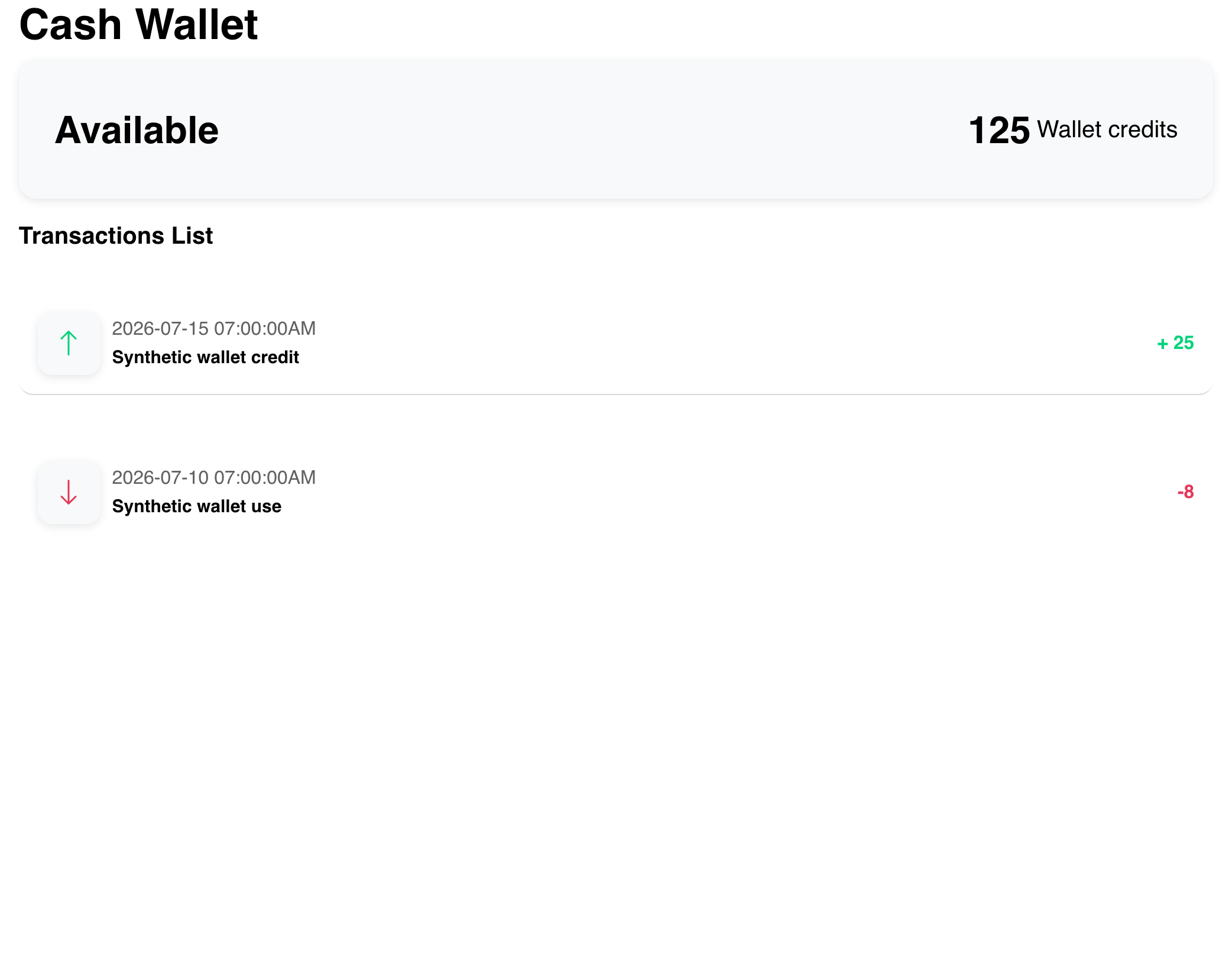
The Transactions List can show dated credits and uses. A positive amount appears with an up arrow and plus sign; a negative amount appears with a down arrow. Descriptions explain the activity represented by each row.
Review Loyalty Points
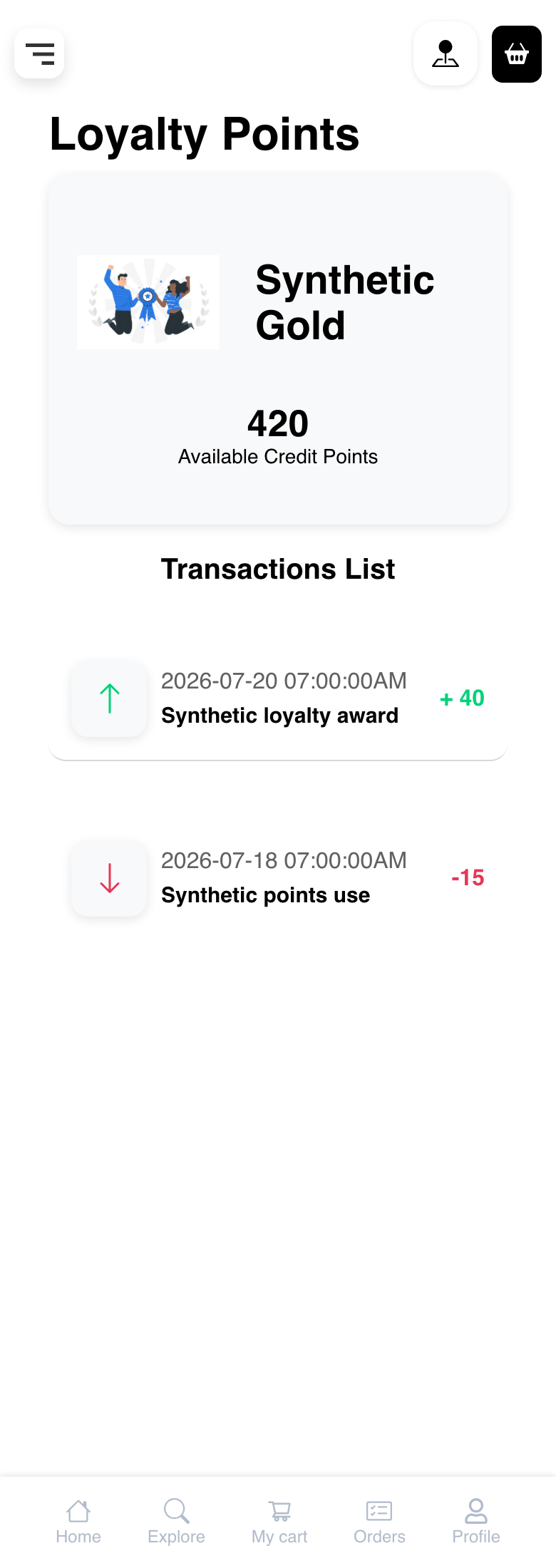
Open the customer menu and select Loyalty points when that option is available. This view shows Available Credit Points. It can also show the customer's loyalty level.
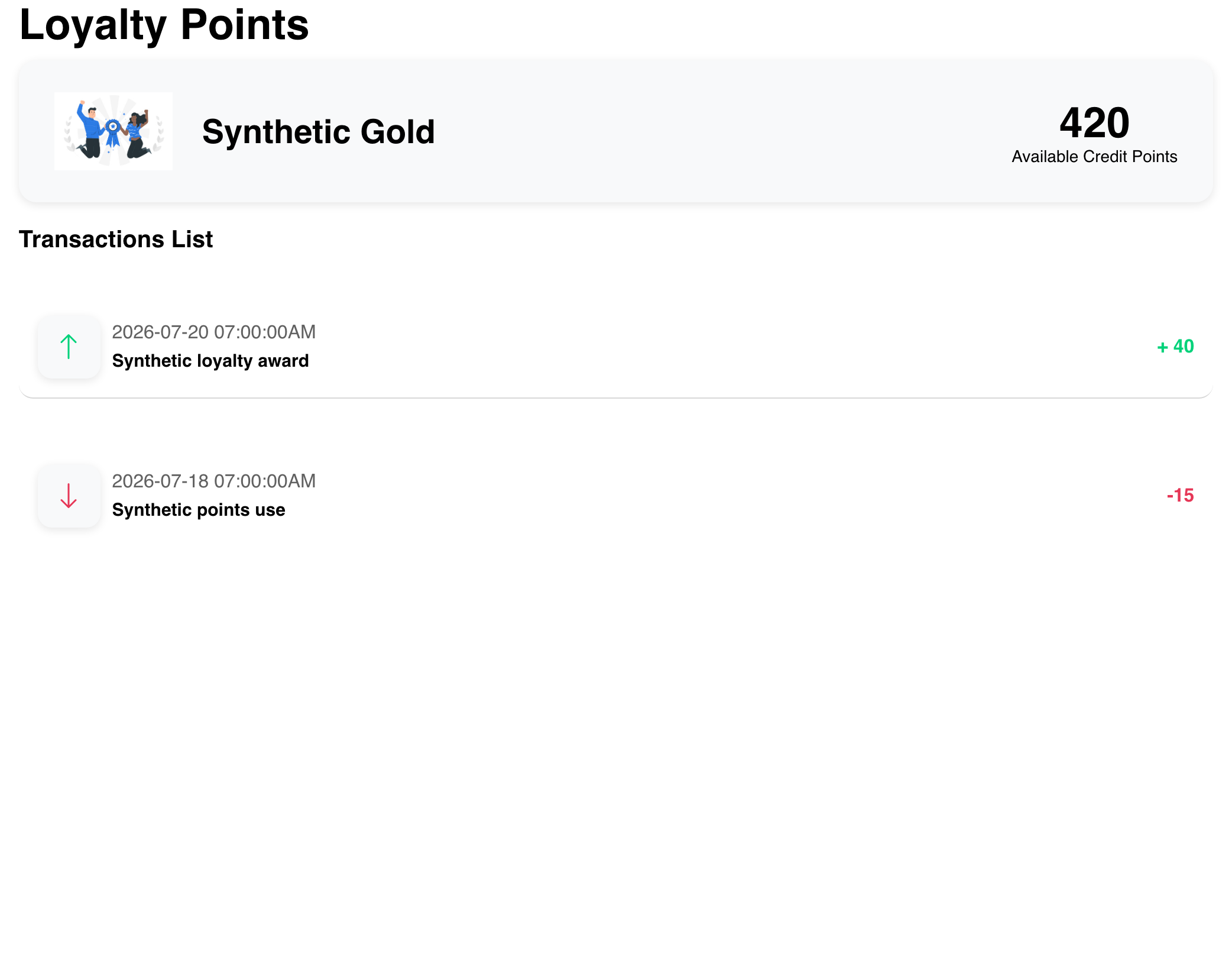
Loyalty activity uses the same dated positive and negative presentation. Points and Wallet credits are separate units; do not treat the number in one view as the balance in the other.
Understand balance and checkout availability
A visible account balance does not guarantee that it can be applied to every order. Checkout evaluates the current business and order context, and a multi-business checkout can require common eligibility across participating businesses.
When Wallets loads, the Website can initialize missing wallet records for the account. This does not award credits or points by itself, and a newly available wallet can still have a zero balance.
Use the payment choices shown during the current checkout as the authority for that order.
Understand a wallet with no activity
A wallet can have a visible balance while its activity area shows No transactions found.
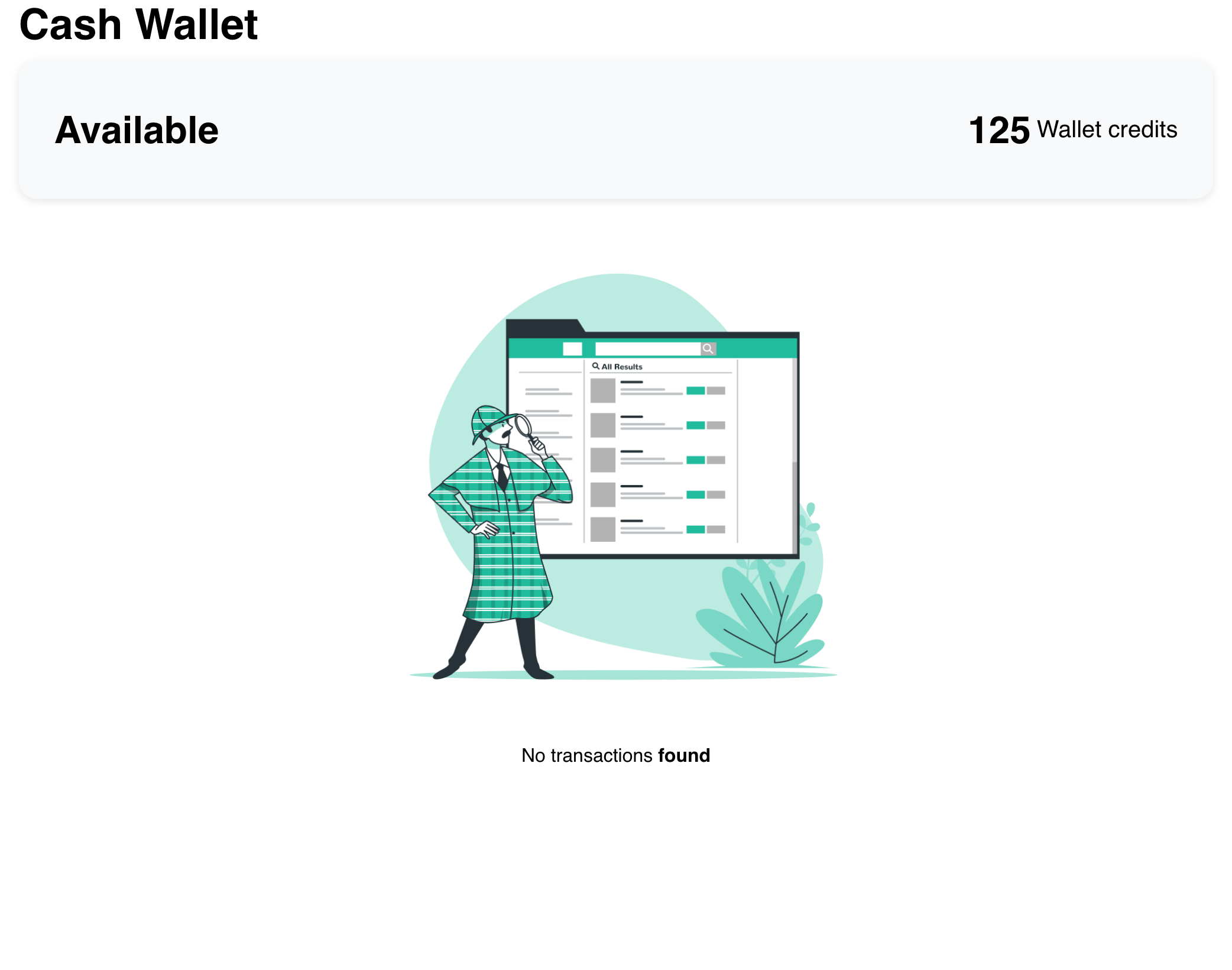
This message describes the selected wallet's activity list. It does not mean the Wallets feature is unavailable.
Use Wallets on mobile
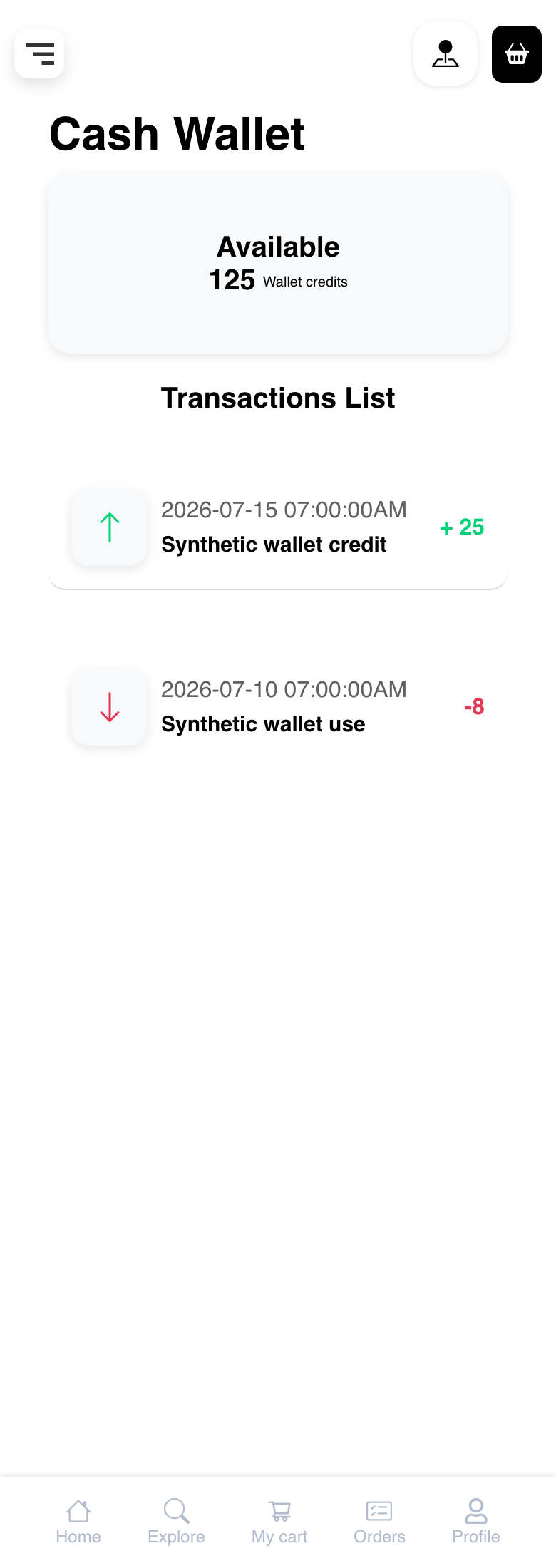
Mobile presents the same Cash Wallet balance and activity purpose in a vertical layout.
The Loyalty Points view likewise keeps the level, balance, and activity rows together for a smaller screen.
Dates follow the Website locale and the customer's timezone, so their format can differ from the examples.
Troubleshooting
Cash wallet or Loyalty points is missing
Confirm that the customer is signed in and has completed any requested profile or contact-verification step. Wallet availability also depends on the Website configuration. Contact the business if the expected option remains unavailable.
The balance appears but there is no activity
No transactions found is a valid state for the selected wallet. Confirm that the intended wallet view is open, then reload the page if recent activity is expected but has not appeared.
Wallet activity cannot be loaded
Wait for the page to finish loading, then reload and try again. Follow any on-screen error if the activity still cannot be shown. Do not assume that an unavailable activity list changes the displayed balance.
The balance cannot be used at checkout
Review the payment choices shown for the current order. Wallet eligibility can depend on the business, order context, and whether the checkout contains one or multiple businesses. Use another available payment choice or contact the business if the expected wallet option is missing.
Wallet credits look different from the order total
Cash Wallet displays Wallet credits without a universal currency label. Compare the choices and amount shown during checkout rather than converting the account-page number yourself.
Related guides: Manage an account profile · Choose a payment method · Complete checkout