Save a customer phone number
Use the call-center flow only when the customer’s phone number and address are needed for an authorized order or support interaction. Phone numbers, addresses, names, and order history are personal data. Collect the minimum information required, explain the purpose through the approved customer policy, and never copy the data into notes, screenshots, chat, or another system without authorization.
Use real customer details only for an authorized order or support interaction. Use synthetic or redacted values in examples, and do not copy personal information into shared materials.
Handle the call safely
- Ask for the customer’s phone number only when the approved workflow requires it.
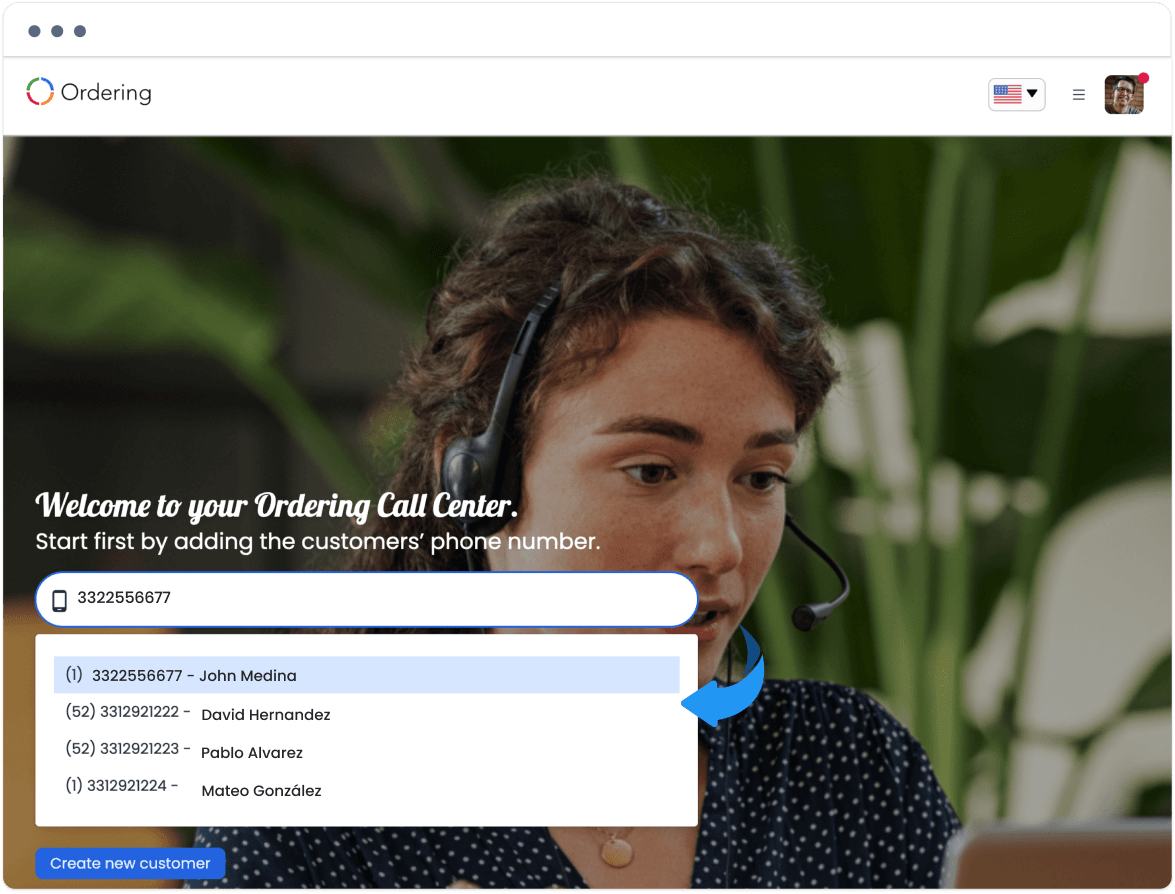
- Search for an existing customer record using the authorized call-center interface.
- Confirm the matching record with the customer using the minimum necessary information; do not read unrelated saved places, order history, or account details.
- If no record exists, create one only when the agent is authorized to do so and the required consent/policy conditions are met.
- Collect the address only when it is necessary for the intended order or service method, and verify it with the customer before any authorized order action.
Keep record creation separate from ordering
Creating a customer record, saving a phone number, saving an address, and placing an order are separate actions with separate privacy and effect boundaries. A quick form path does not prove consent, save success, address validity, order creation, payment acceptance, or delivery completion.
Related guides: Call Center Agents · Profile and account sessions