Call Center Agents
Call Center Agent accounts use user level 9. Authorized administrators can review account details, status, and business assignments, subject to the permissions and features enabled for the project.
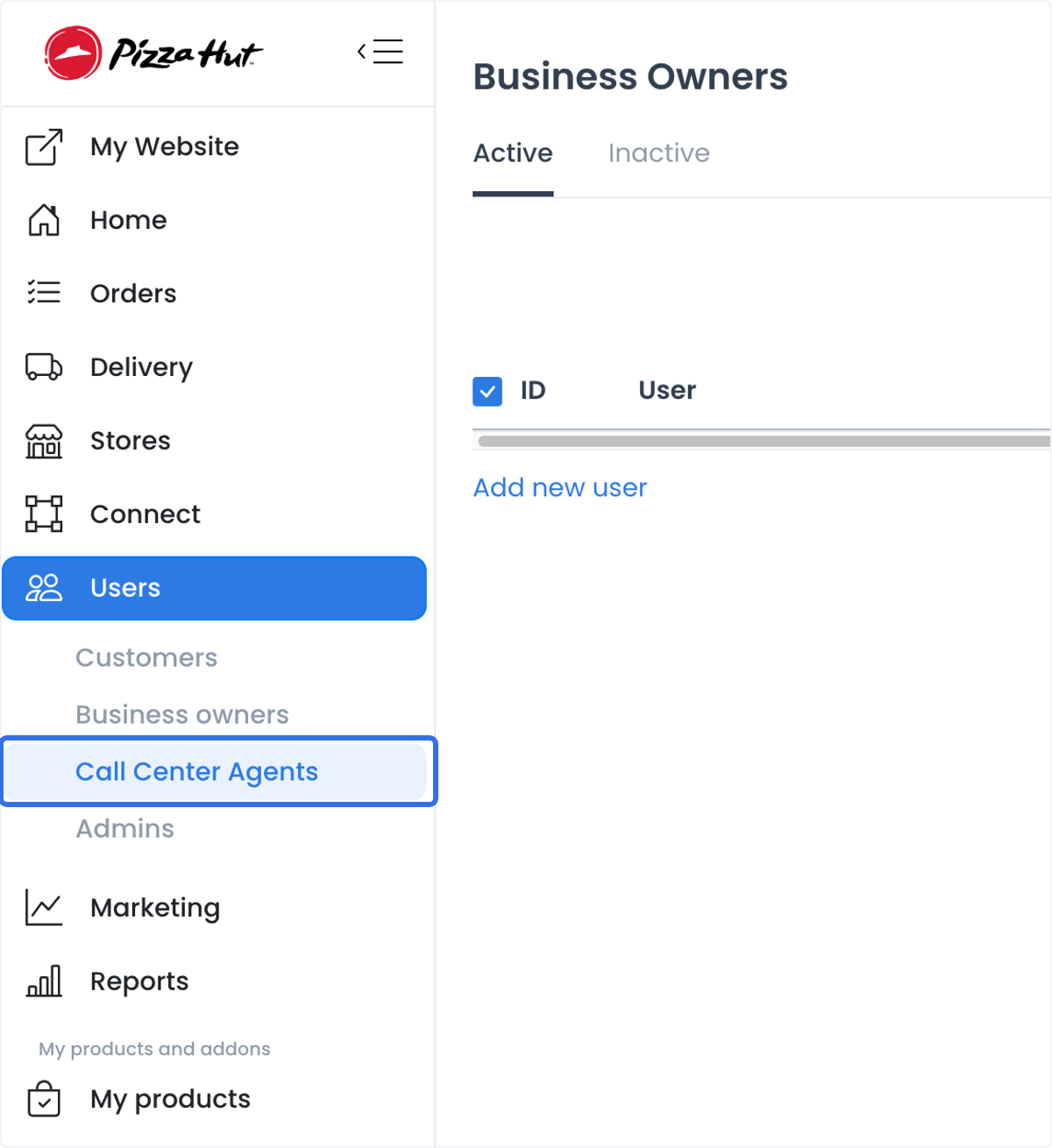
The /users/callcenter-agents route allows level 0. The Users sidebar requires level 0, excludes read-only account types, and shows this item only when the applicable source configuration enables it. These client gates do not replace API authorization.
Review the Call Center Agents list
- The page fixes the list and new-user type to level 9.
- Query state supports active filtering, pagination, and search over identity and contact fields.
- Selecting a record can expose profile and business-assignment details.
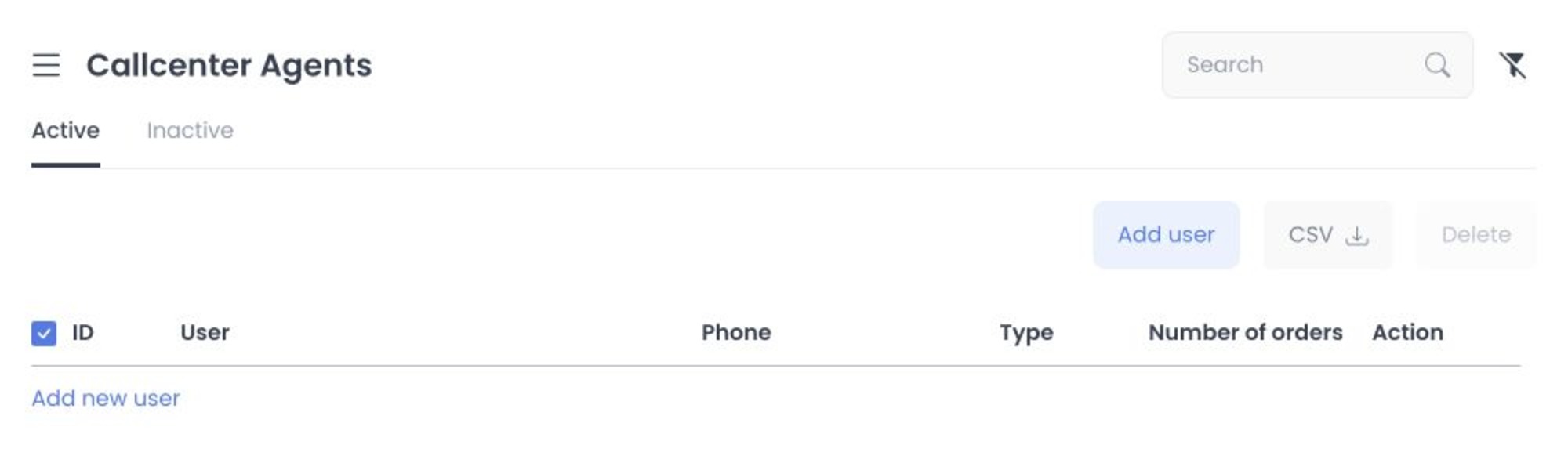
Agent records can contain names, email addresses, phones, addresses, birth dates, photos, account-verification data, saved places, order history, and push tokens. Use only the information needed for an authorized account or support task, and redact personal details before sharing examples. Create or change an agent only when you have the required identity and access permissions.
Add and manage agents
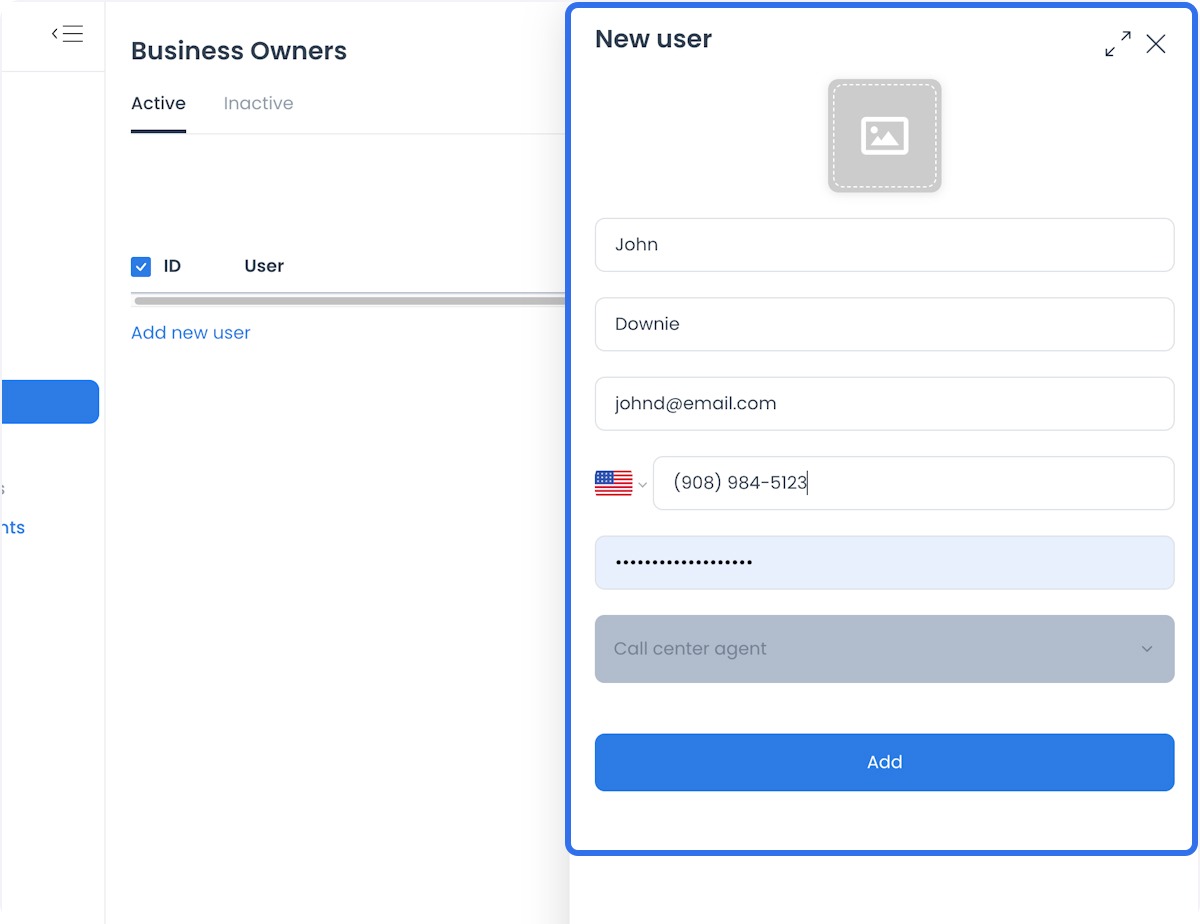
The user-management form can show both a Business Owners layout and a Call center agent option. Call Center Agent is user level 9; available fields, roles, and assignments can vary by project. Confirm the intended role and store scope with your administrator before creating an account.
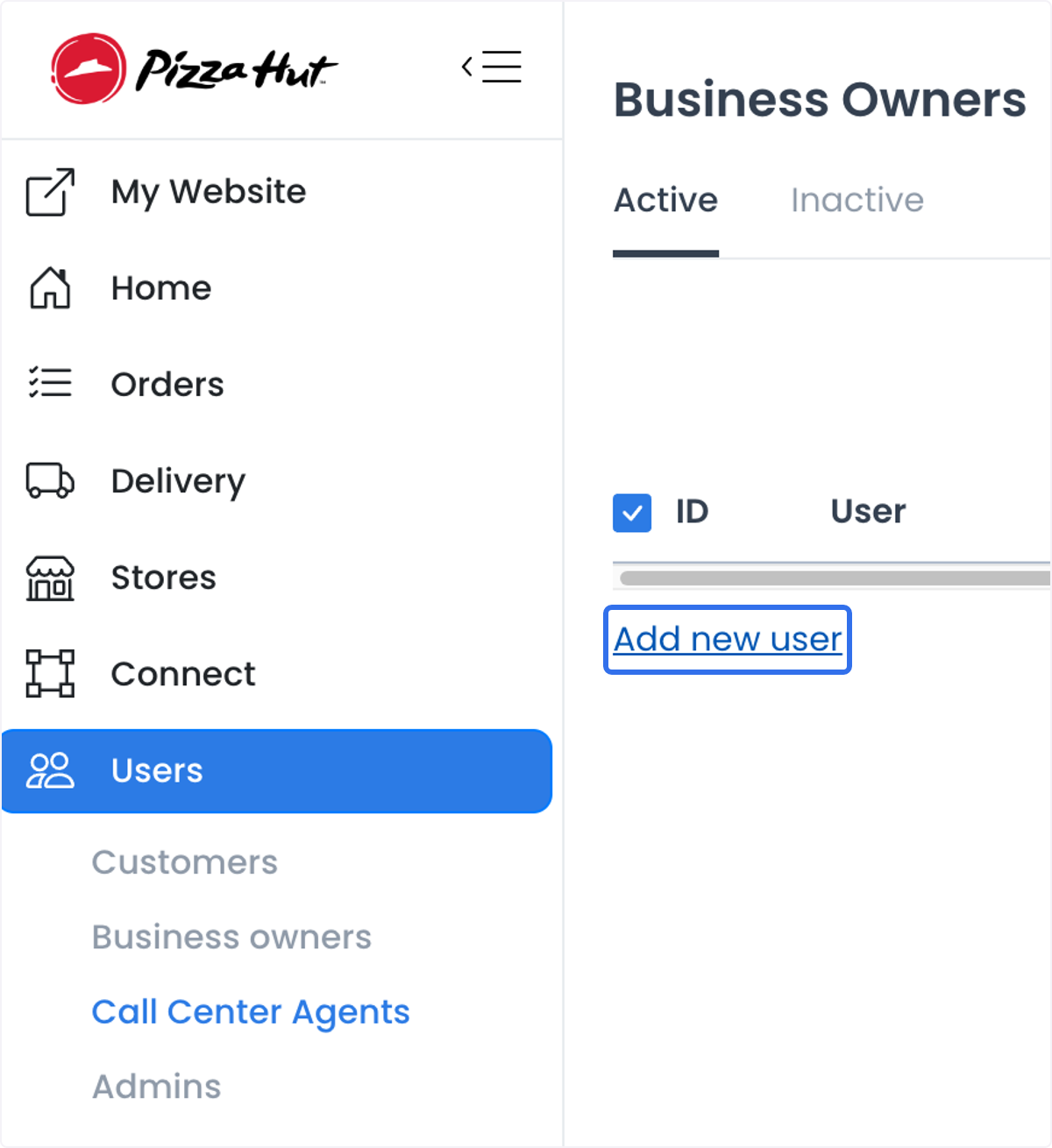
The user-management page provides access to the add-user action.
The identity form can request first name, last name, email, phone, password, image, and user type. Only an authorized identity administrator should create the record. Do not share passwords or personal details.
Profile and assignment boundaries
The shared form can register a level-9 user with configuration-driven profile, contact, credential, and image fields. The detail menu adds Businesses for level 9 and requests the businesses_agent relationship. Saving the selected collection is a user-update write whose API source can replace agent/business relationships.
The profile can include saved places, order history, and push tokens. Treat these as private operational records and access them only when needed for an authorized task.
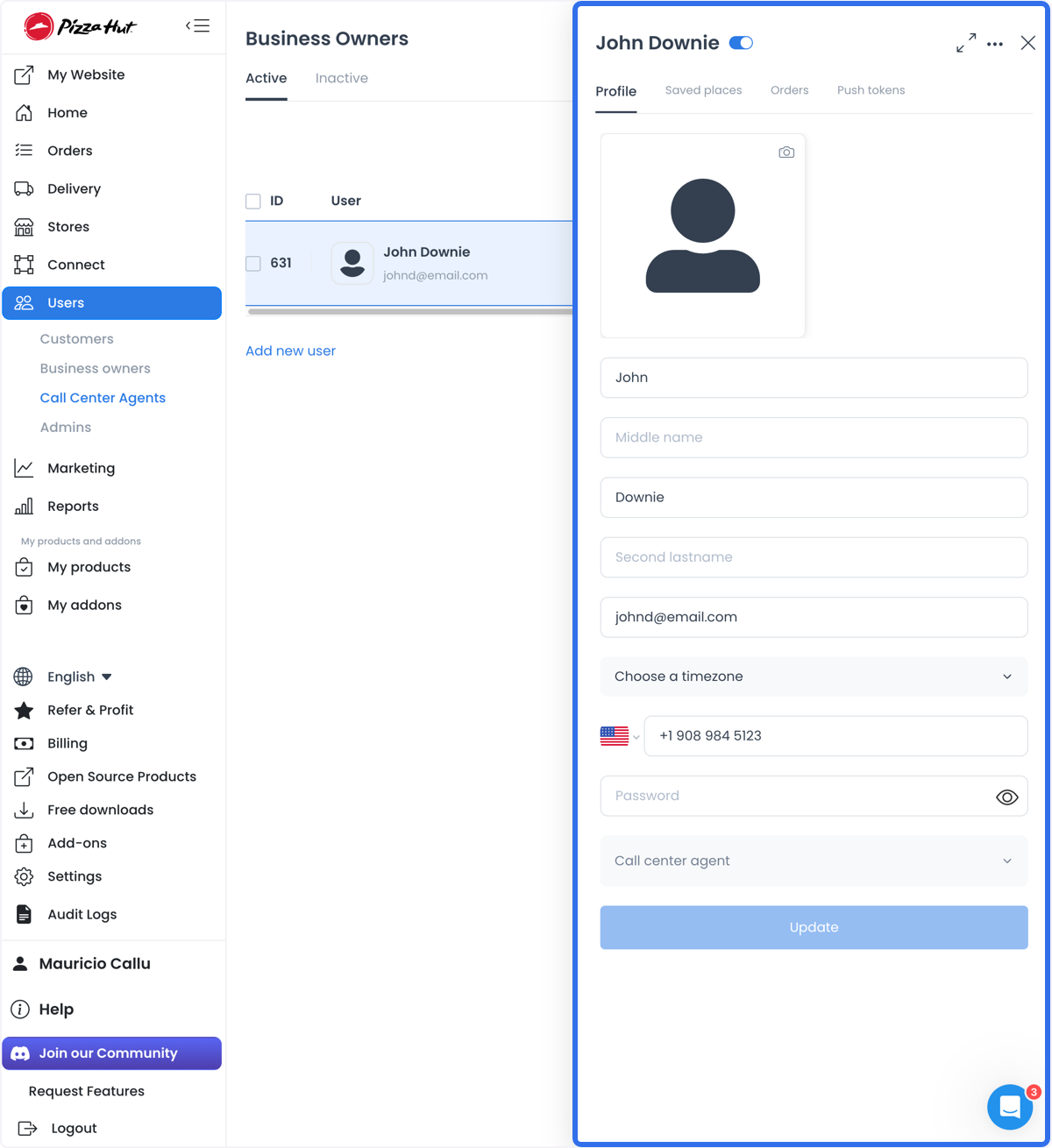
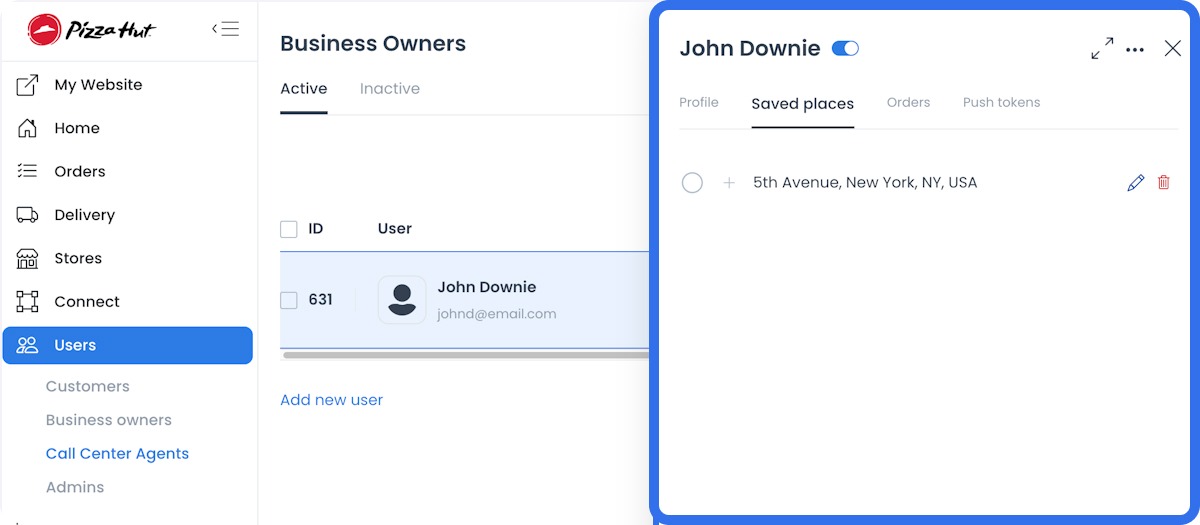
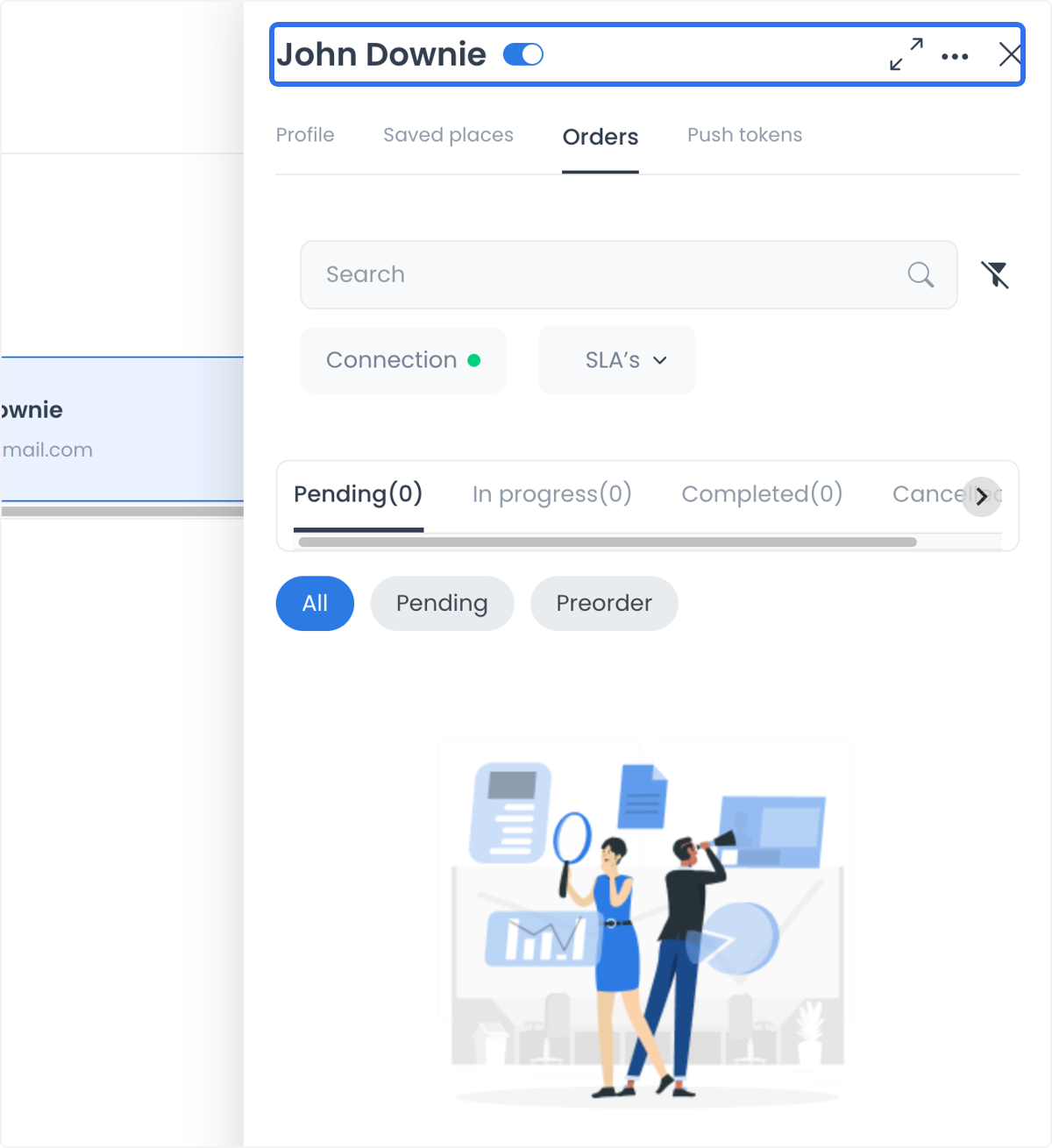
Profile updates, status and role changes, password changes, deletion, bulk deletion, and business assignments can affect identity or access. Changing a password may revoke other sessions.
Use the boundaries to plan safely
- A multi-store organization can use assigned-agent/business relationships only after the owner confirms the intended store scope.
- A customer-service workflow can surface an approved subset of customer context, but an agent route does not authorize editing orders or browsing every profile field.
- A delivery-related workflow needs its own role, assignment, order, and privacy authority; a visible user type does not establish performance tracking or driver access.
- Push tokens are sensitive device identifiers; do not use them as a general communication list or include them in documentation.
Fail-closed checklist
- Do not inspect names, contact values, verification state, assignments, push tokens, orders, or sessions.
- Do not create, update, enable, disable, delete, re-role, or assign an agent.
- A confirmation message does not guarantee that a change was applied to every related service; check the account state before repeating the action.
Related guides: Users overview · Profile and account sessions · Filter Call Center by franchise · Save a customer phone number