Business owners
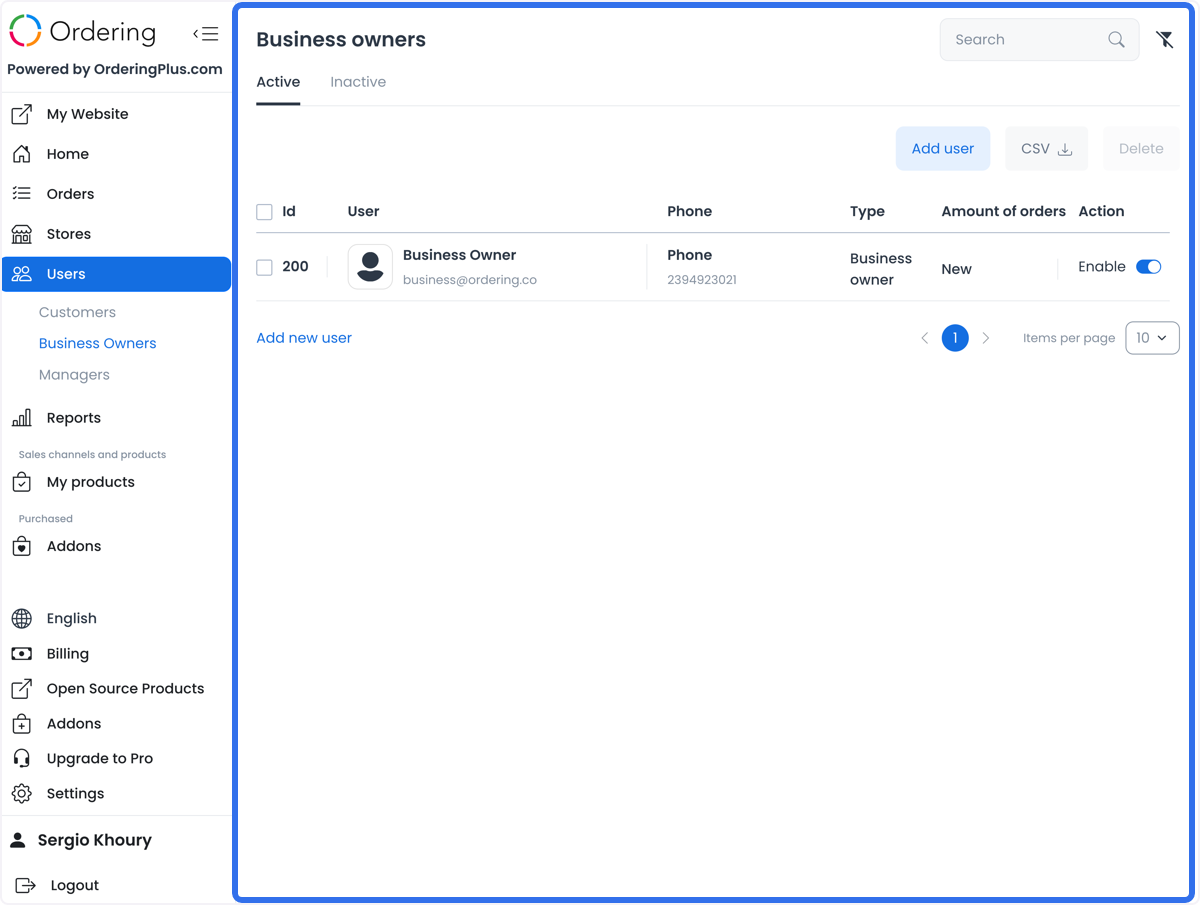
Use Users > Business owners in the Ordering.co Dashboard to find business-owner accounts, review list information, and open an account when you need to manage its profile or business relationships. This is an administrator-oriented area. Menu visibility and a returned record are not proof that an account is authorized for every read or change.
Business-owner records can contain names, emails, phones, addresses, verification state, order metrics, assigned businesses, metadata, and other private operational information. Use only the minimum data needed for the task and follow your organization's privacy and authorization controls.
Find business owners
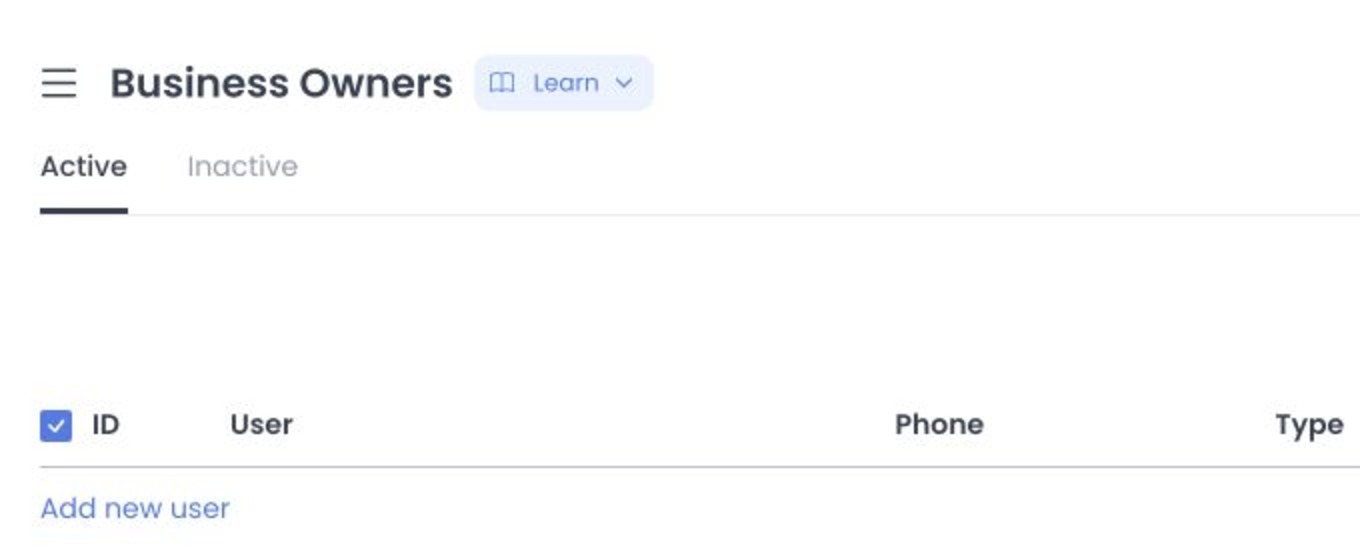
The list separates Active and Inactive accounts and can show an ID, user, phone, type, number of orders, and account action. Search can use name, last name, email, or phone information. Use the returned list to locate an account; do not treat an account name, contact field, activity toggle, or order count as independent proof of identity, account ownership, business access, payment, delivery, or operational performance.
Use filters deliberately
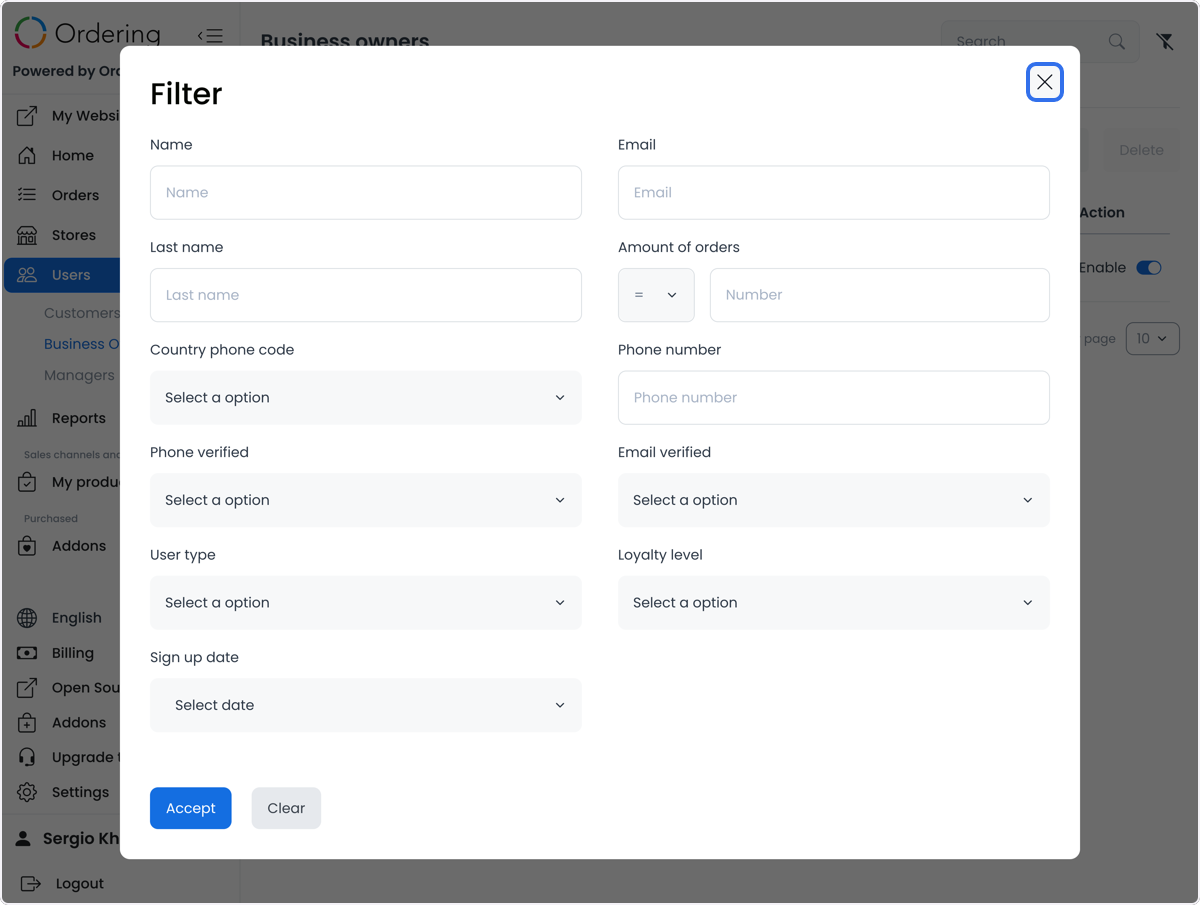
The advanced filter can include first name, last name, email, an order-count condition and value, country phone code, phone number, phone or email verification state, user type, loyalty level, and sign-up date. Active and Inactive are separate list states.
Apply the smallest useful filter set, then verify the result set before you export, open, enable, delete, or edit an account. Applying a filter changes the list query; it does not independently validate returned identities, contact details, verification, or account access.
Export the list
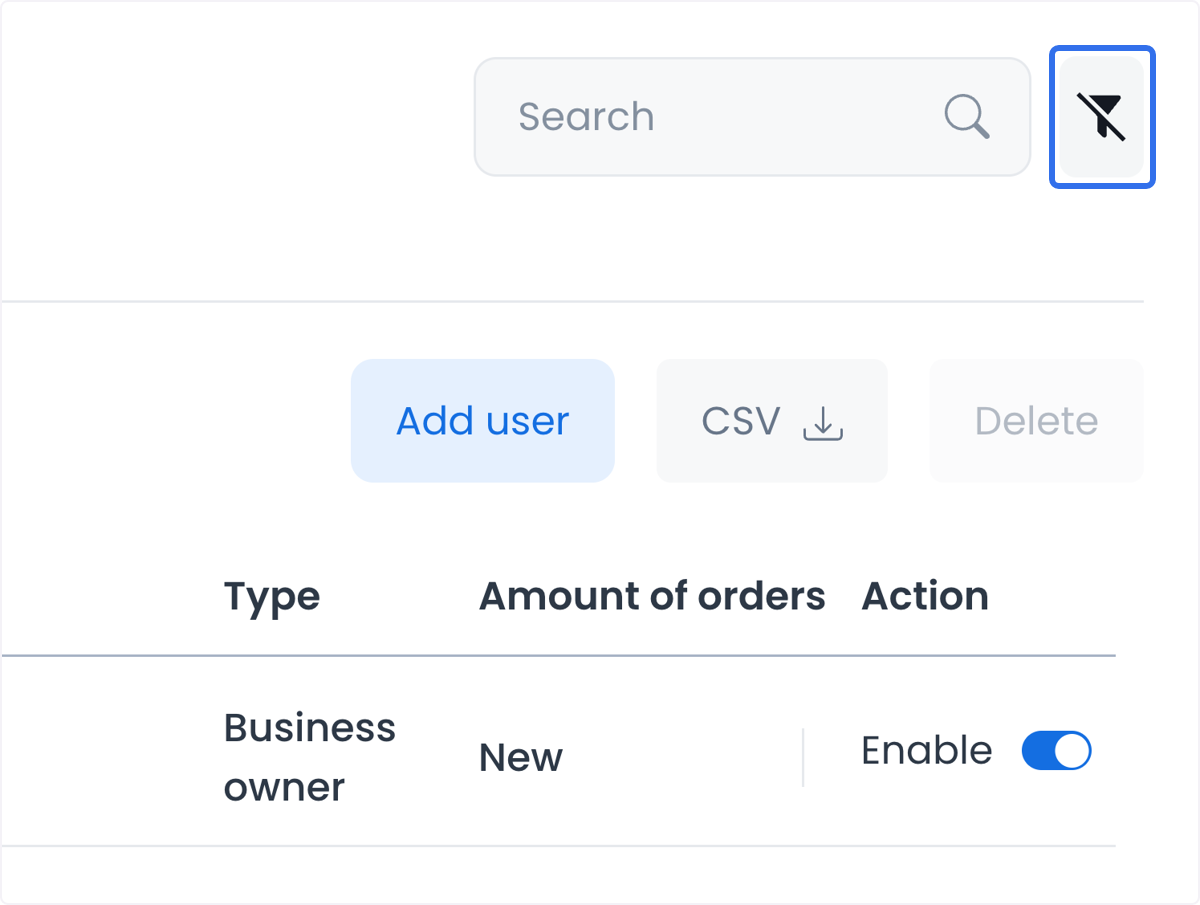
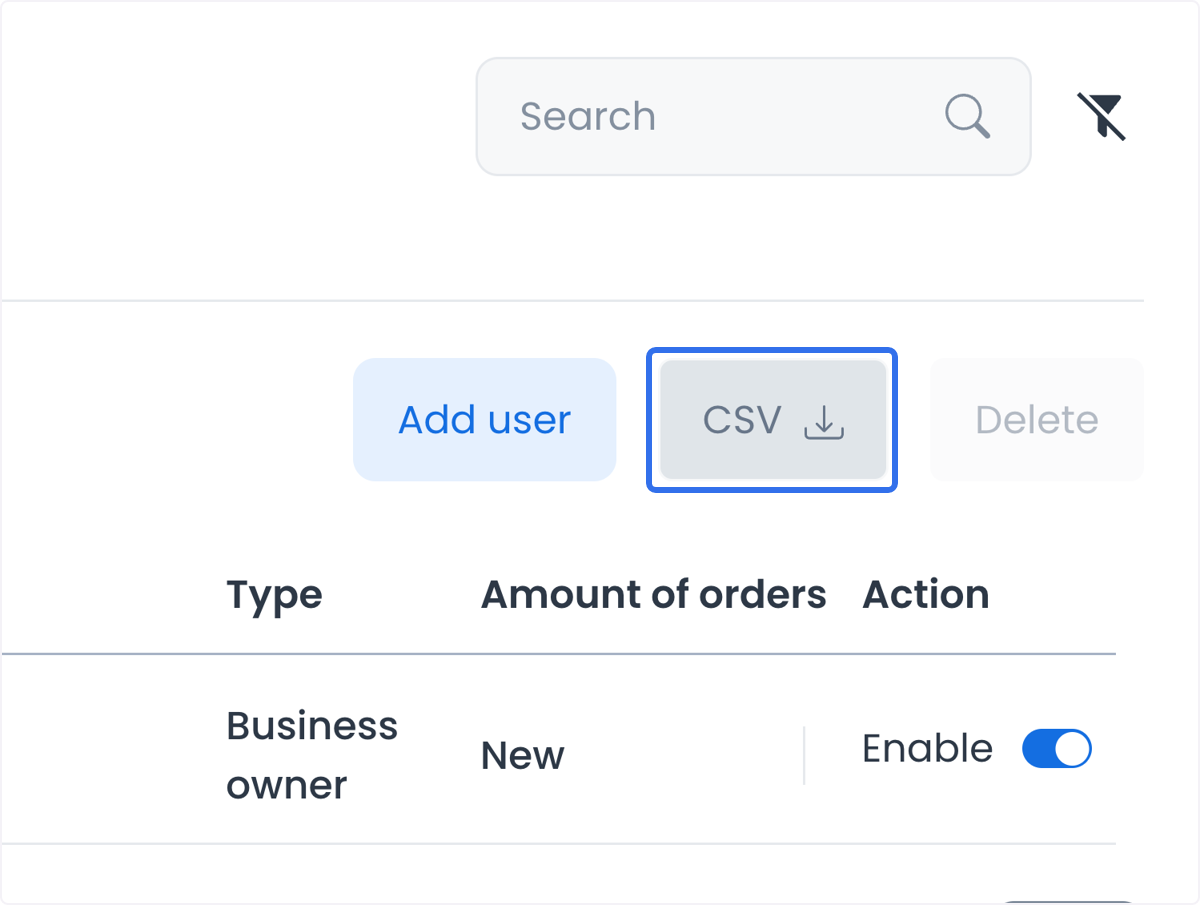
The CSV action requests an export for the active list and its filters. Treat an export as a private-data and outbound-communication action:
- Confirm your authorization and the intended account scope.
- Review the active/inactive state and applied filters.
- Confirm the requesting account's configured email and approved destination.
- Keep the request in your approved audit process.
The Dashboard can acknowledge an export request before its file or email is available. That acknowledgement is not proof that a file was generated, contains the intended records, was delivered, was received, or was retained securely. Verify those outcomes through your approved operational process.
Open an account and manage its state
Opening a business owner can expose Profile, Saved places, Businesses, Orders, and Custom fields. Each panel can have its own data, authorization, and save boundary. A list row does not establish that the account can access every assigned business or that the panel's data is complete.
The Enable control sends a request to change an account's state. Profile saves can change identity, contact, image, password, or role fields when those fields are available. Custom-field controls can change account metadata. Delete actions can remove an account. Confirm the account, permission, and intended impact before any of these actions. An interface response does not prove an account change, role entitlement, session result, notification delivery, payment, or business outcome.
Use Create or edit a business owner for the profile and assignment workflow.
Assign businesses without losing relationships
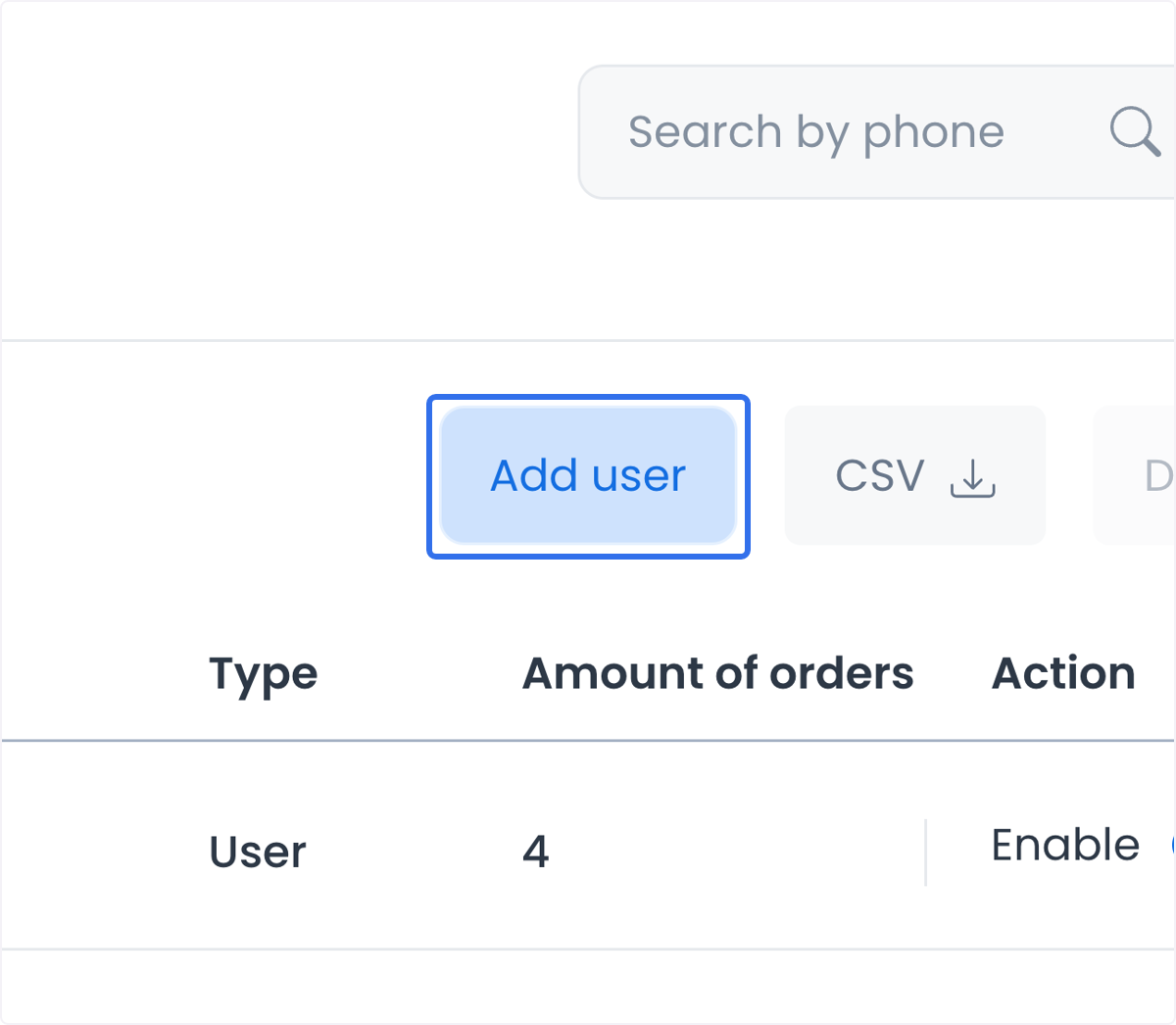
The Businesses panel can load the account's current business relationships and a paginated business inventory. Searching can narrow the displayed businesses. Selection remains local until you save it.
Saving a business selection can replace the account's relationship set rather than only append a new business. Review every intended relationship before saving. In particular, Select all can apply only to the current results page; saving a page-scoped selection can remove relationships that were selected elsewhere or were not returned on that page.
An assigned-business row or save acknowledgement does not prove that the business owner can sign in, is authorized for every business resource, received a notification, or completed an order or payment. A business-owner assignment also does not create, update, or verify a customer account, customer contact data, or an individual order's customer details.
Interpret list data as operational context
Use business-owner list data to organize support, account review, and follow-up. Do not turn a displayed contact method into proof of contact ownership or delivery, an order count into proof of fulfillment or payment, or a business relationship into proof of a business result. For role and route context, see Dashboard roles and route access.