Configure store payment methods
Payment methods controls how customers pay for orders at a store. Each store can enable a combination of gateways and cash/card options, tailored to its product and delivery types.
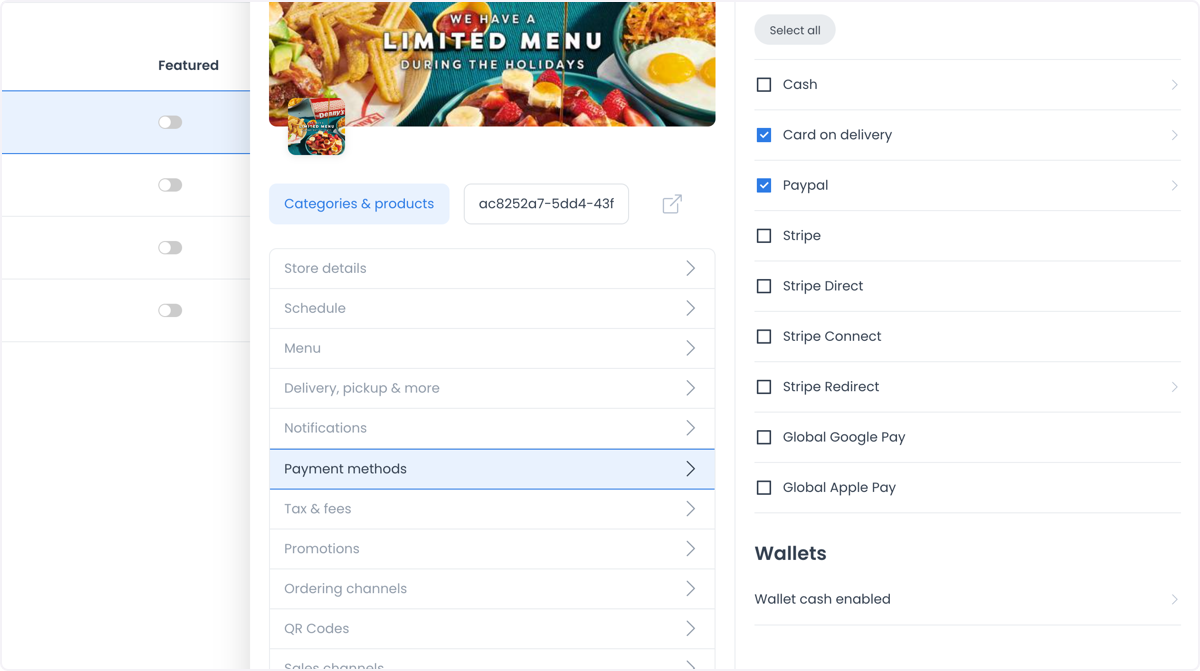
Cash and card on delivery
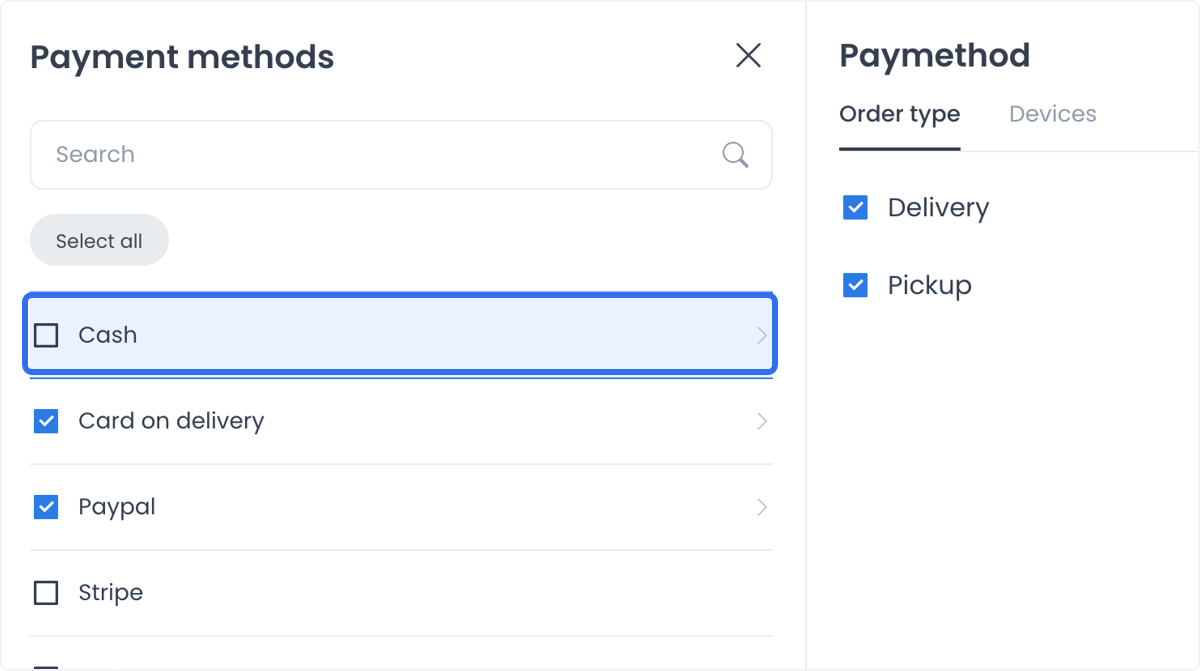
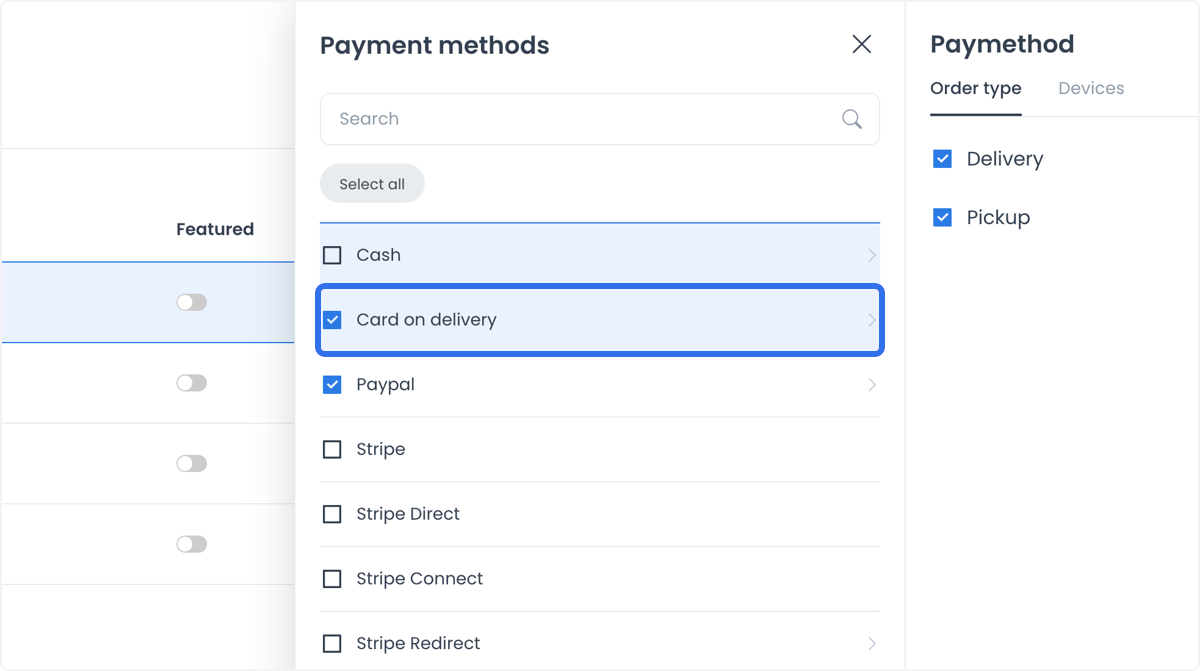
Each store can set its own payment methods per product and delivery type. For example, configure a website to accept cash only for delivery orders, or set an ordering app to accept cards for all delivery types.
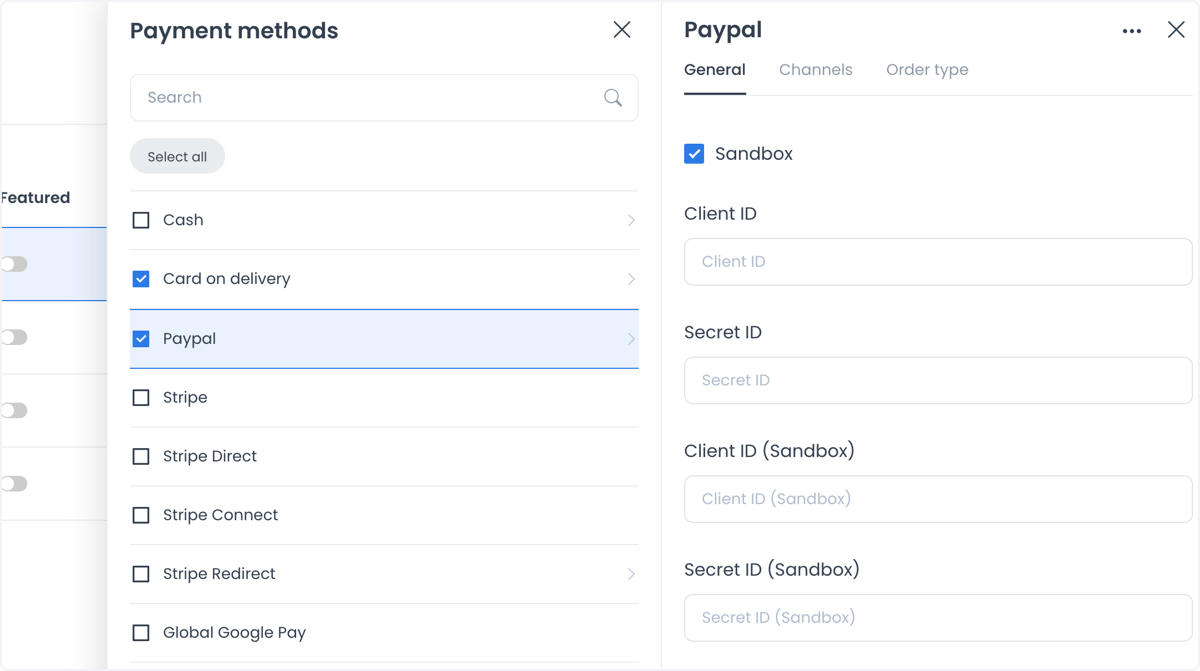
PayPal
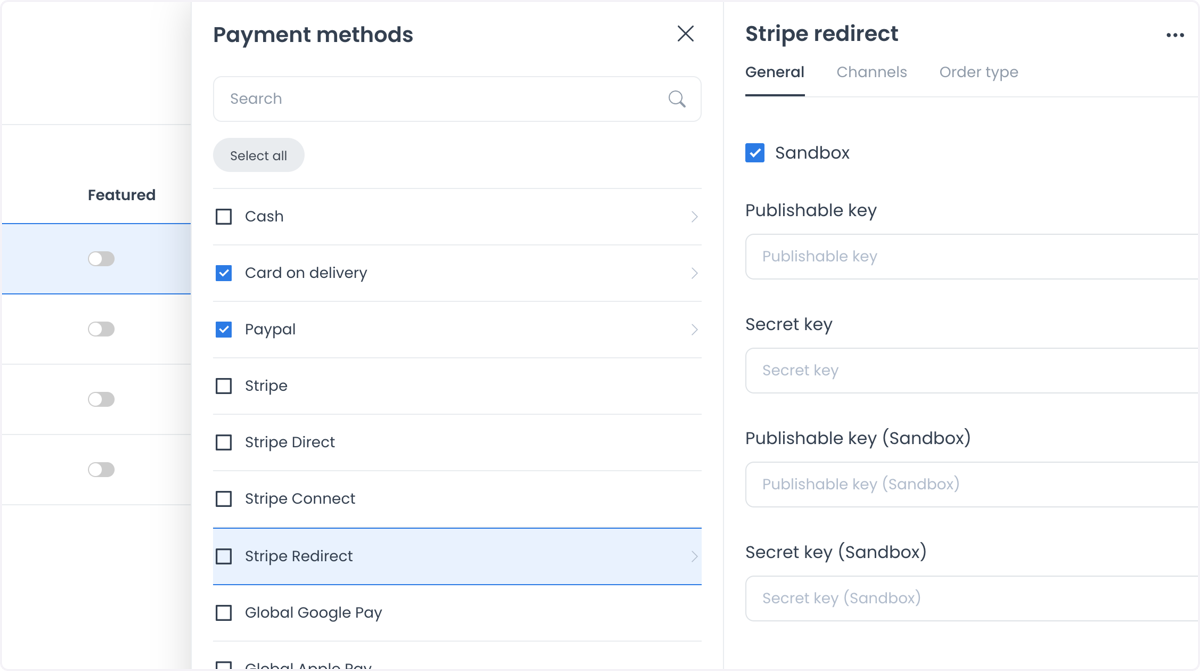
Configure PayPal's availability the same way as other payment methods. Setup requires a client ID and secret ID. Use Sandbox mode to test the configuration before going live.
Stripe Connect
Stripe Connect splits payments between a marketplace's admin and its store owners, which is useful for marketplace businesses that need to distribute payments automatically across multiple stores.
By default, the platform percentage is calculated only on the product subtotal. The remaining product subtotal, plus taxes, the delivery fee, and the driver tip, goes to the connected business account. See Stripe Connect for an example and the distinction between a driver tip and an actual driver payout.
Stripe Checkout
Stripe Checkout adds support for payment methods that may not otherwise be available in a given country, such as Bancontact, Alipay, and Giropay, extending the store's ability to accept international payments.
Apple Pay and Google Pay
- Google Pay: lets customers pay with Google Pay for a fast, secure checkout.
- Apple Pay: lets customers pay with Apple Pay for a familiar checkout on Apple devices.
Wallet cash
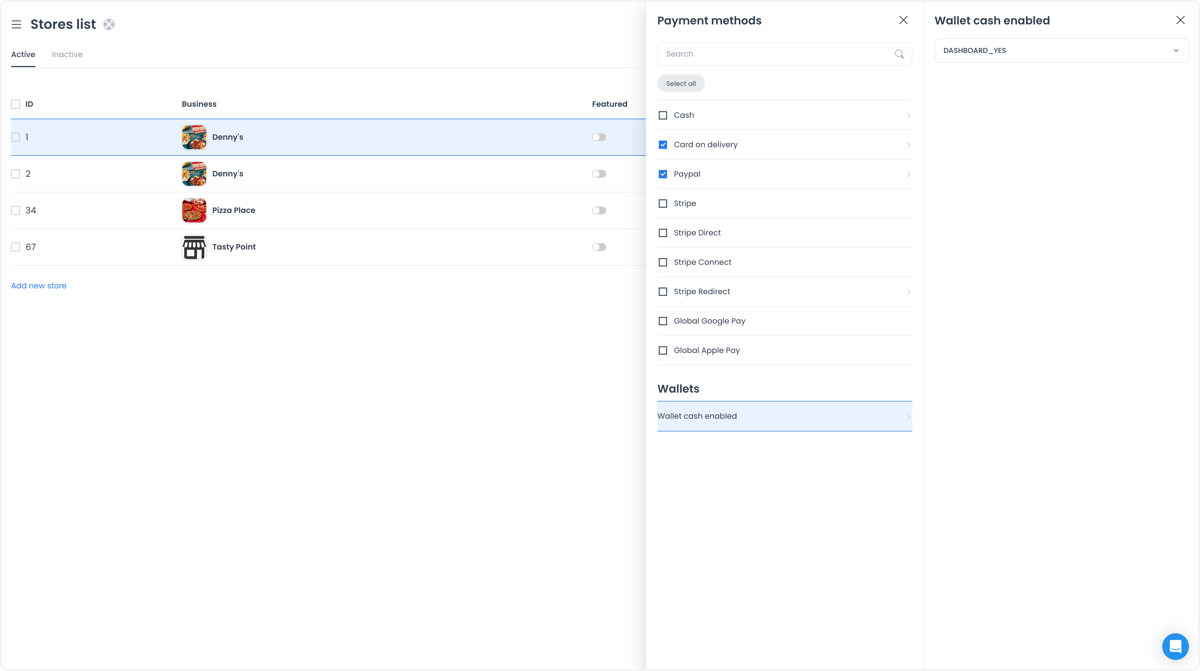
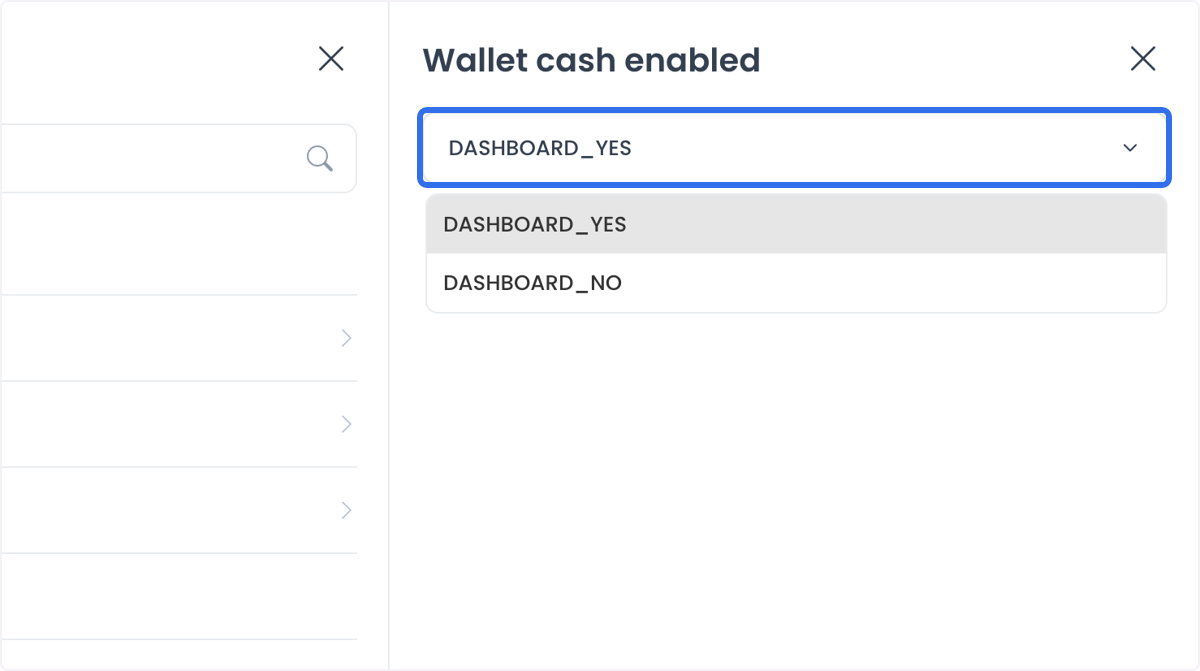
Enable a wallet cash option so customers can load money into a digital wallet for quick, repeat transactions.
Set up a payment gateway
Each payment gateway needs its own setup so that incoming payments go directly to the intended account. Setup typically involves entering the API keys or credentials the gateway provider issues.
Use cases
- Local restaurants and cafes: accept cash on delivery for local orders while accepting card payments for online orders.
- E-commerce websites: offer PayPal and Stripe to cover a wide range of customer preferences, including saved cards for repeat purchases.
- Marketplaces: use Stripe Connect to manage payments between the platform and individual store owners.
- Global businesses: use Stripe Checkout to accept payments from international customers through local payment methods.