Configure delivery, pickup, and fulfillment
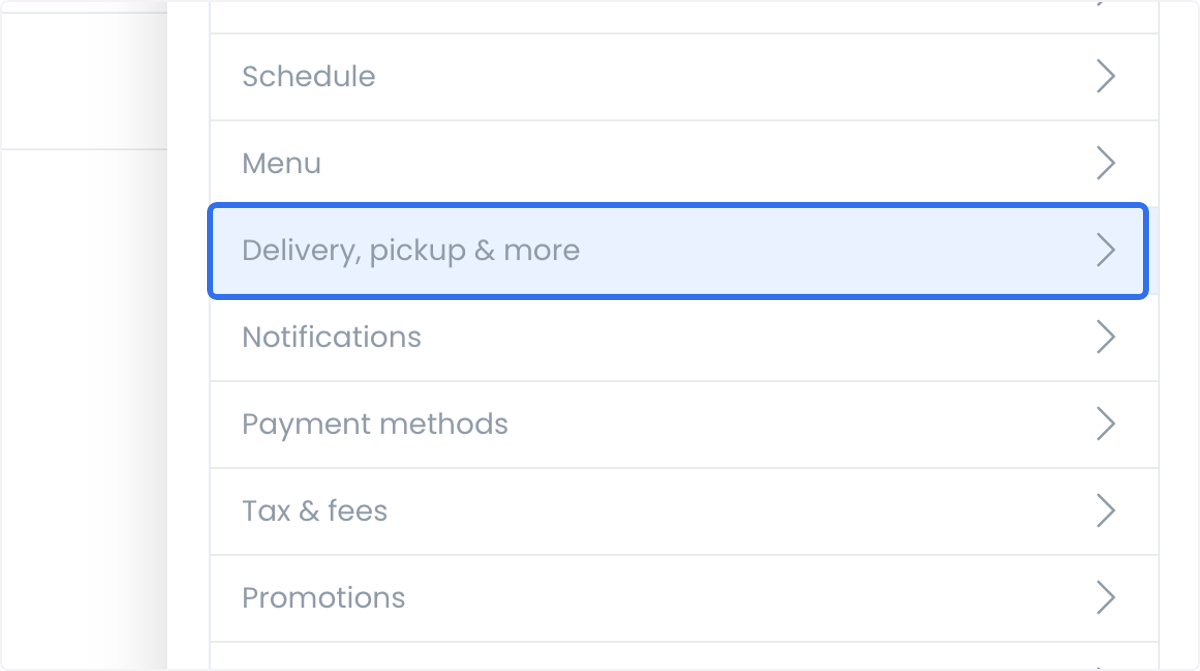
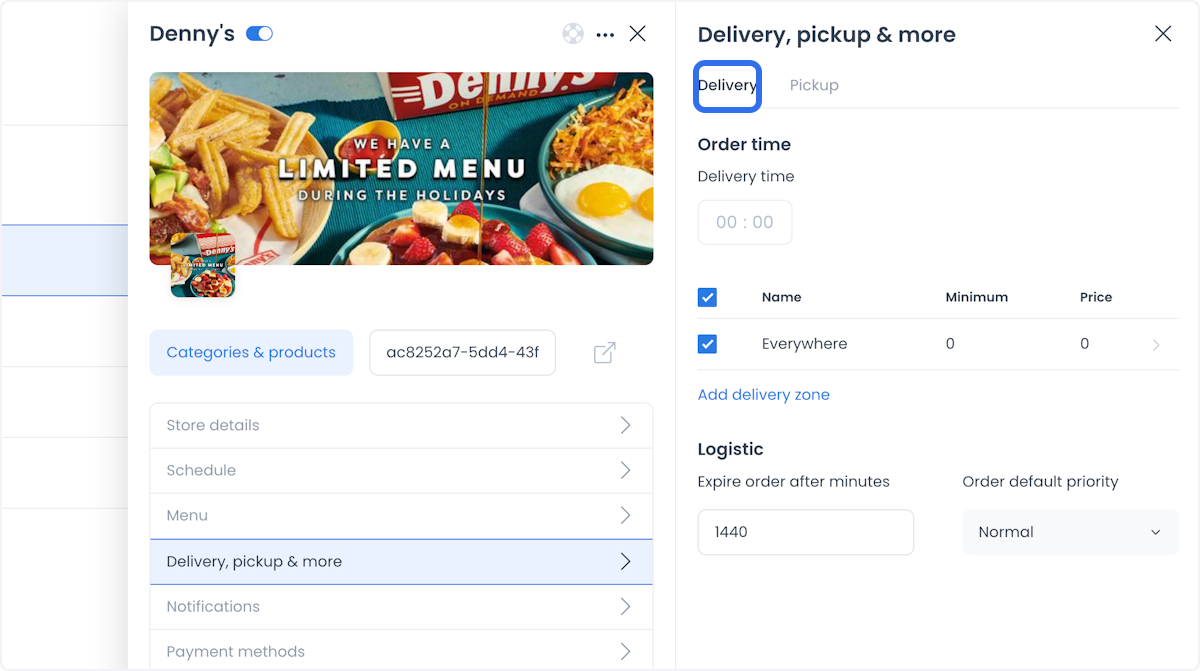
Delivery, pickup & more controls how a store fulfills orders: estimated delivery times, pickup availability, delivery zones, and a small set of logistics settings such as order expiration and default priority. Configuring these accurately keeps customer expectations aligned with what the store can actually fulfill, and lets delivery charges apply automatically based on the customer's location.
Delivery time
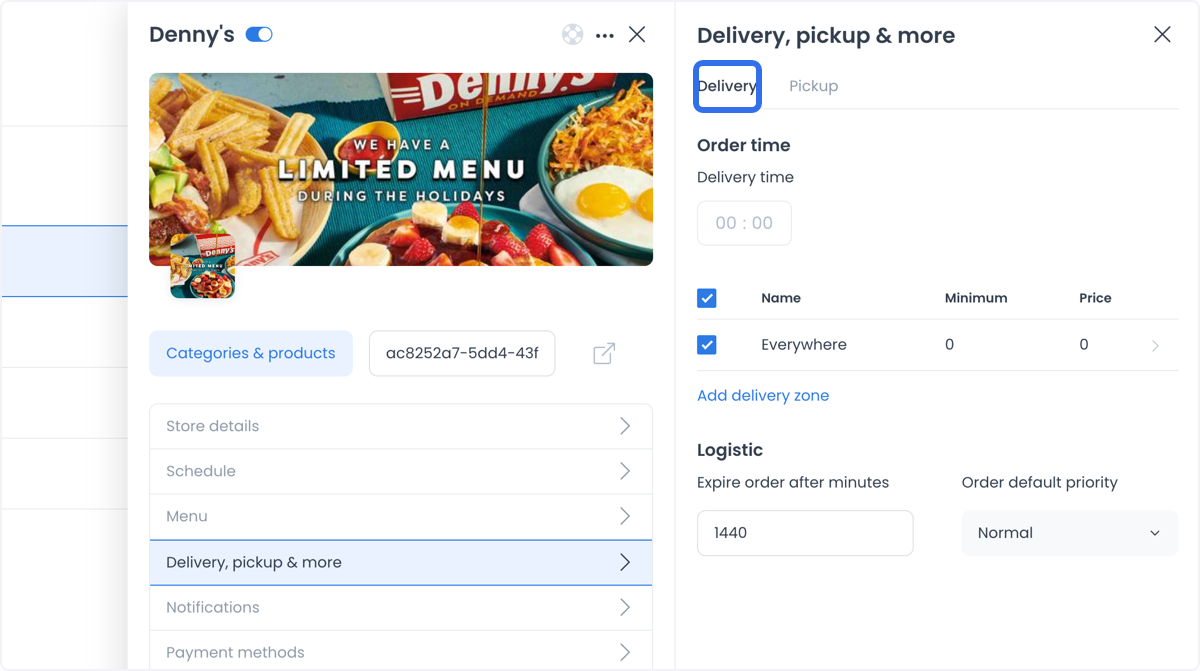
Set the estimated delivery time for orders so customers know when to expect their delivery.
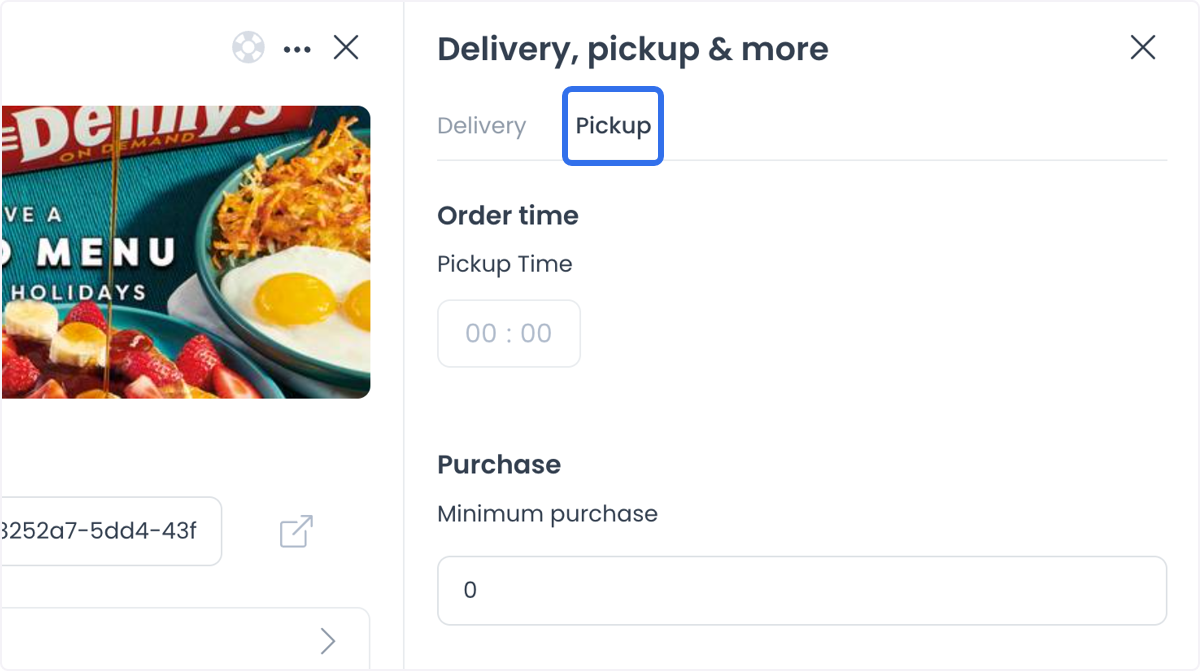
Pickup
Enable a pickup zone so customers can place orders for in-store collection instead of delivery. This removes delivery time and delivery fees for those orders.
Delivery zones
Delivery zones define where a store delivers and what it charges for each area.
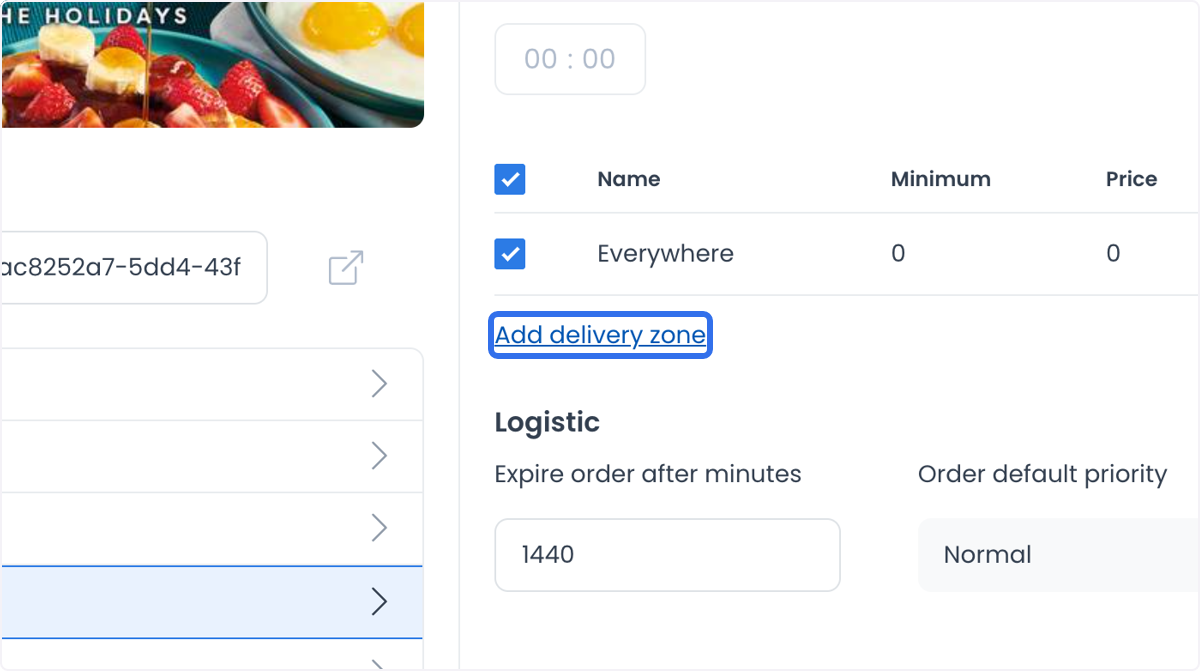
Create a delivery zone
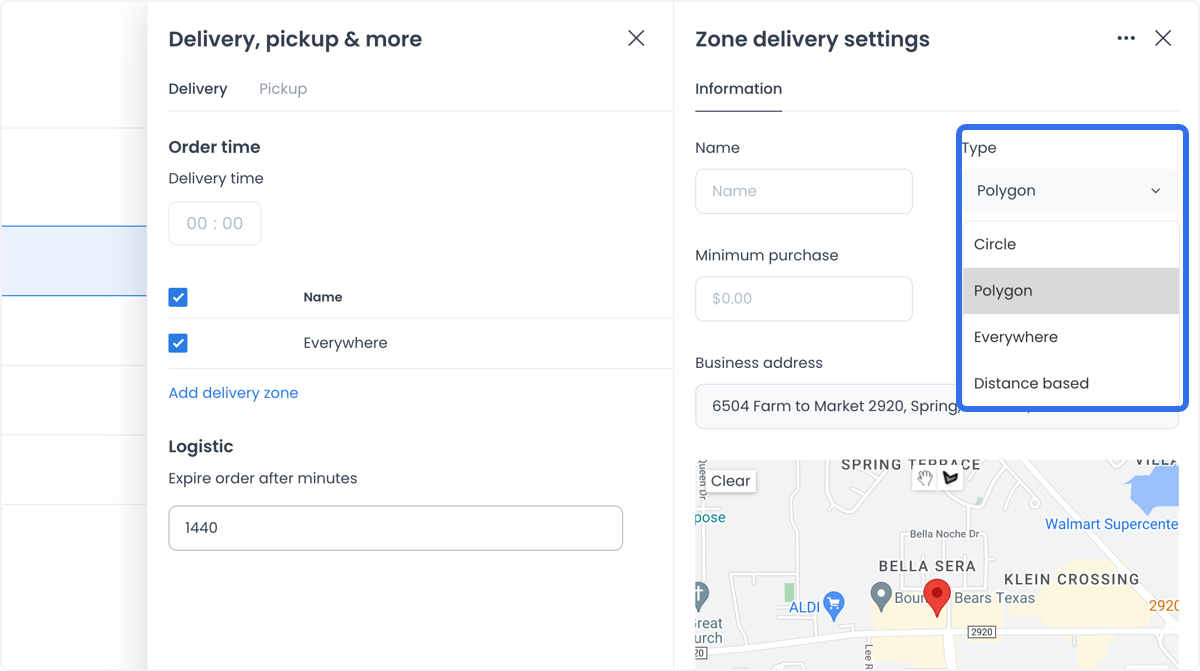
Choose one of four methods to define the zone's boundaries:
-
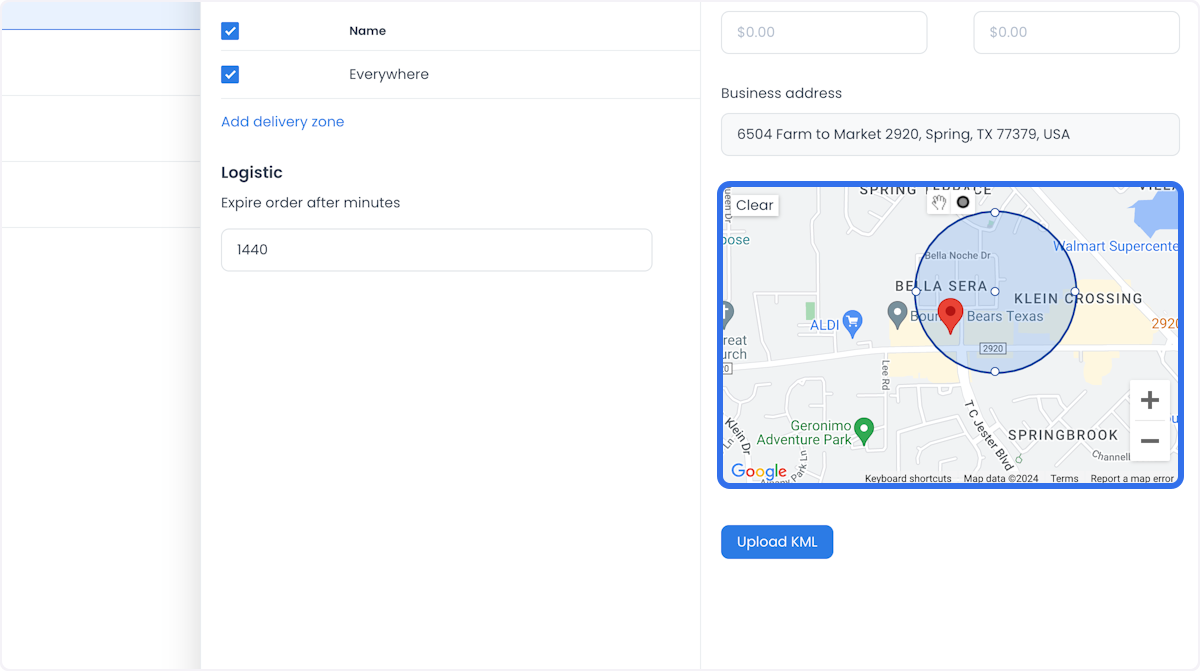
Circle: click a spot on the map, then drag from a point on the circumference to define a circular delivery area.
-
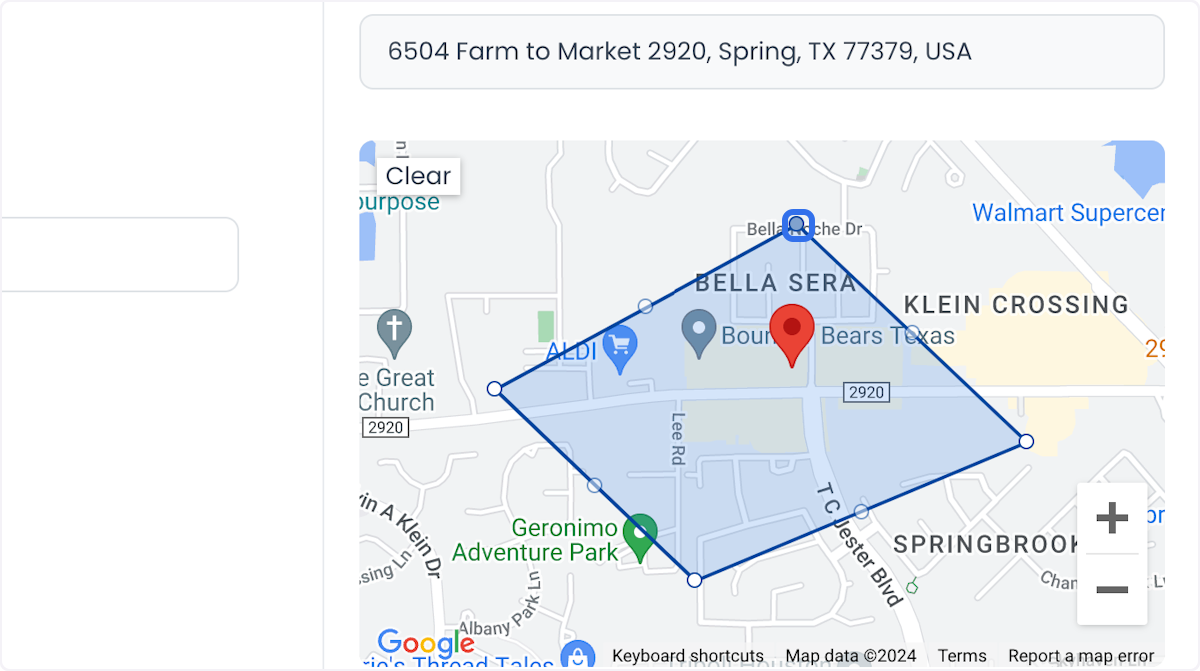
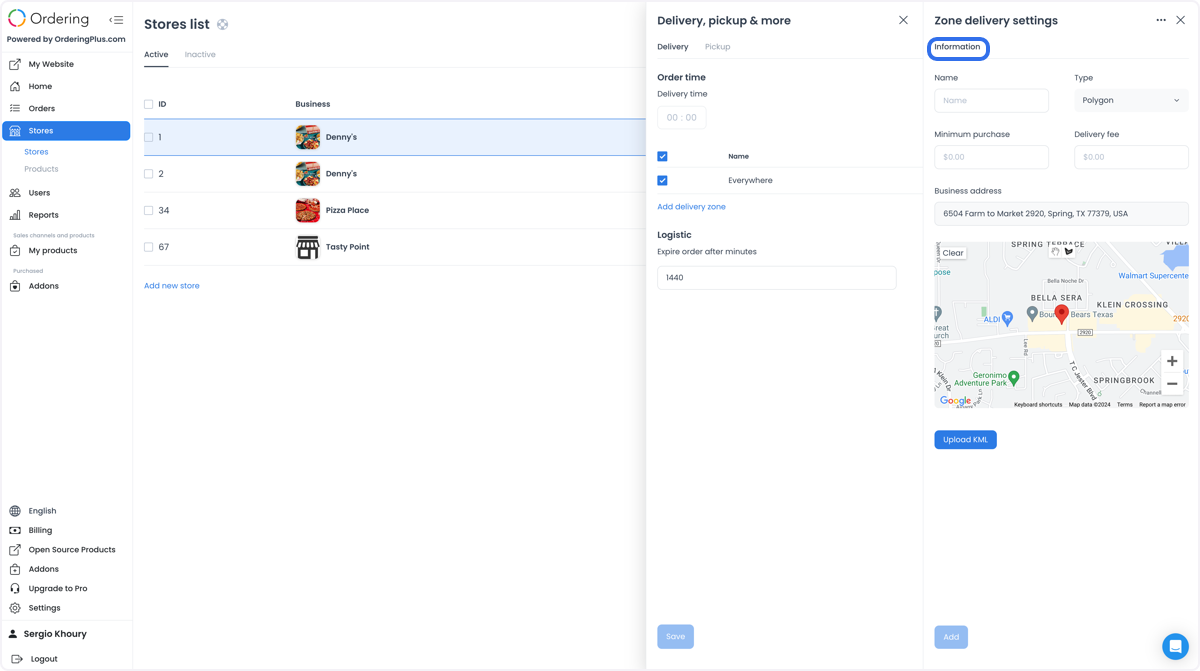
Polygon: click to place points on the map, forming a polygon that outlines the delivery area.
-
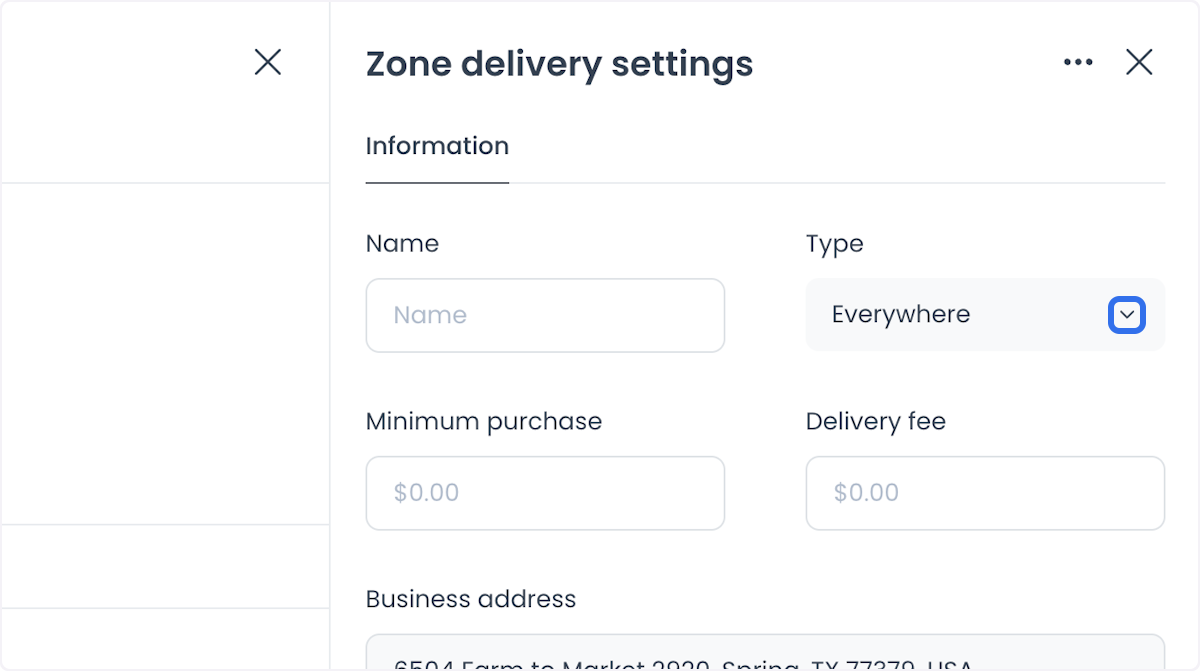
Everywhere: cover all locations without restriction, so the store delivers to any address.
-
Distance-based: define zones by distance from the store, so different fees and minimum order amounts apply based on how close the customer is.
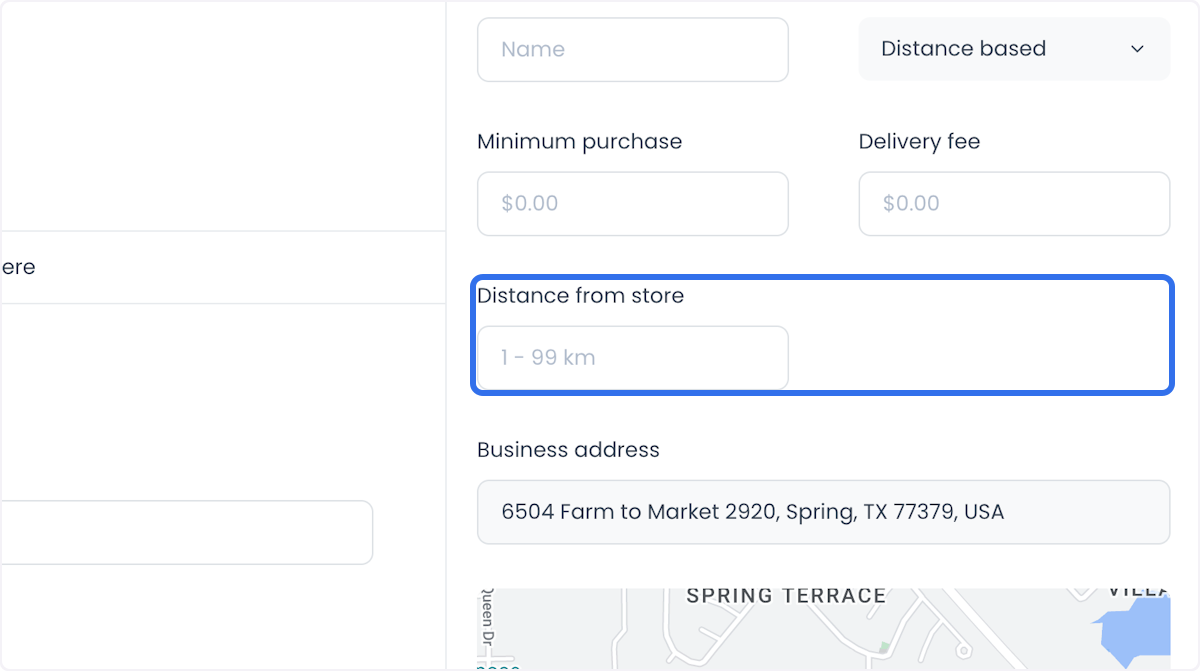
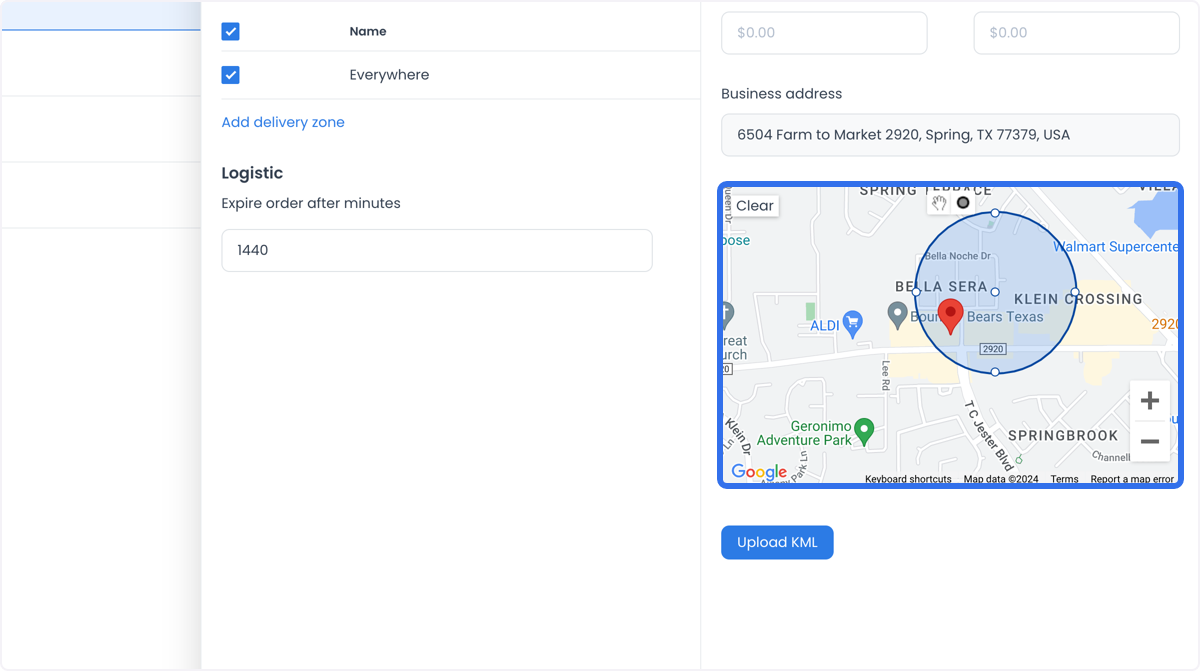
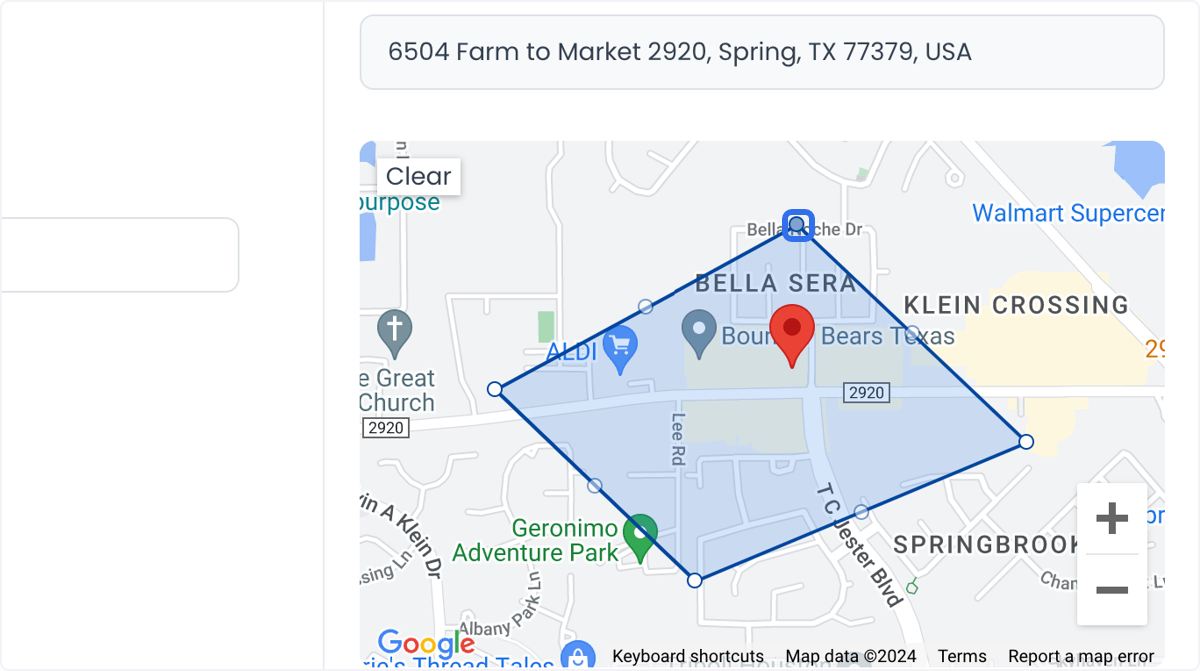
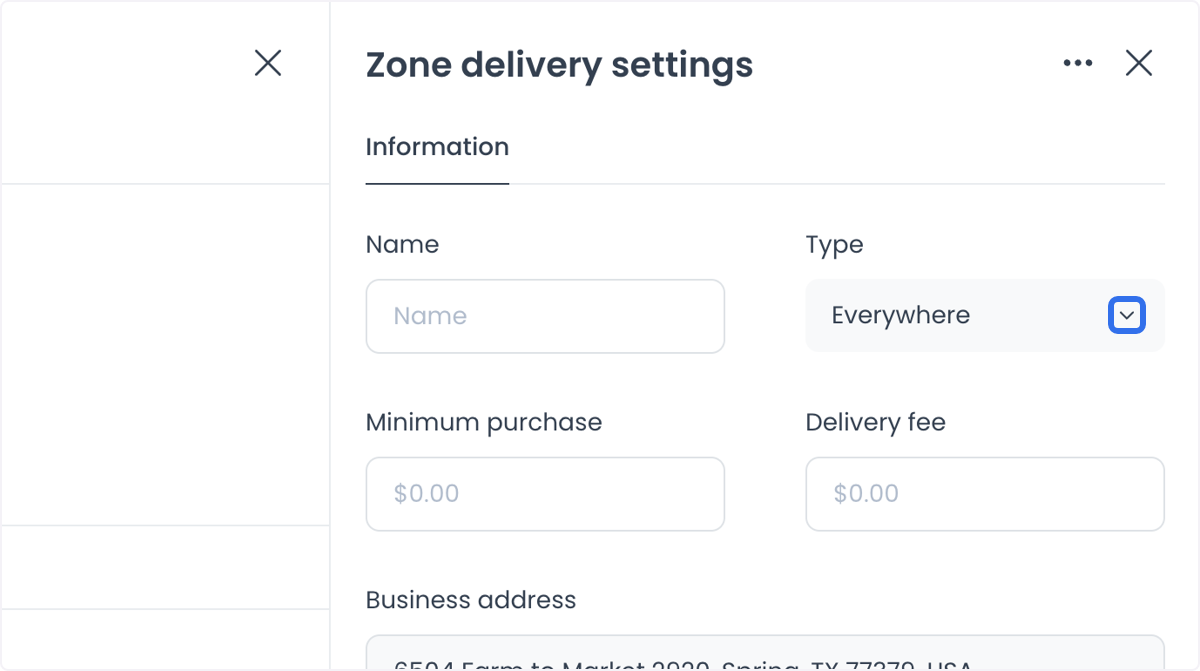
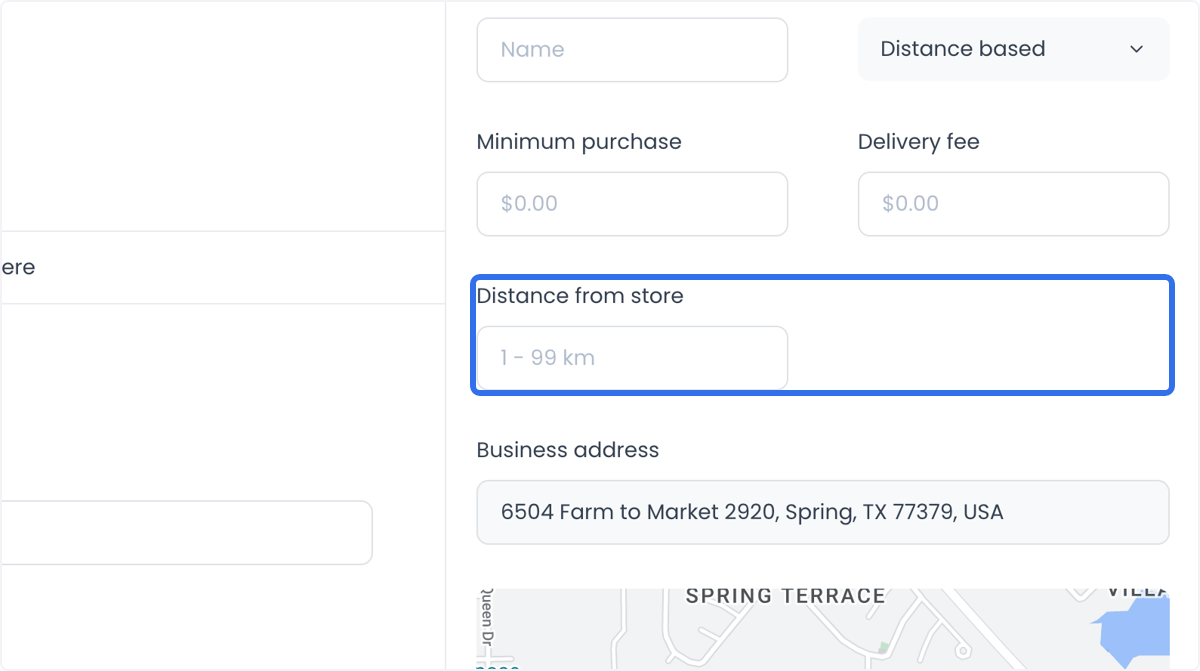
A store can have multiple delivery zones with different fees; the correct charge applies automatically based on the customer's location. For each zone, set a minimum order amount and a delivery fee. If a customer's address falls outside every defined zone, the store does not appear in their search results, which prevents orders the store cannot fulfill.
Logistics settings
-
Expires order after minutes: sets how long an unfulfilled order stays active before it expires, helping keep the workflow on schedule.
-
Order default priority: assigns a default priority to orders, so processing can follow urgency or importance.
Use cases
- A restaurant can set multiple delivery zones with distance-based fees to serve nearby customers quickly while still reaching farther areas.
- A retail store can combine minimum order amounts with delivery fees to keep deliveries cost-effective, and set delivery times to manage expectations during busy periods.
- A multi-location business can configure delivery zones per store so customers only see stores that can actually deliver to their address.