Configure ingredients and properties
Use Ingredients / Properties to maintain descriptive components or properties for a product. It is not the customer-choice configuration surface. For order-time choices, use Product options.
To change a selected product, you need edit access. The inspected route permits administrator and business-owner levels, and Stores navigation is hidden in read-only modes. Project configuration, product type, and product state can limit visible controls. An entry shown in the Dashboard is an observable editor state, not proof of server persistence or customer-facing behavior.
Describe product components
Use this panel to record descriptive information about a product, such as a pizza's pepperoni, mushrooms, extra cheese, or crust. This can be useful for food and beverages, beauty and personal-care products, or custom-made products when the operator needs to describe their components or properties.
Do not present these entries as controls that let a customer add or remove components. If a customer needs to choose among options or modifiers, configure that interaction in Product options.
Add an ingredient or property
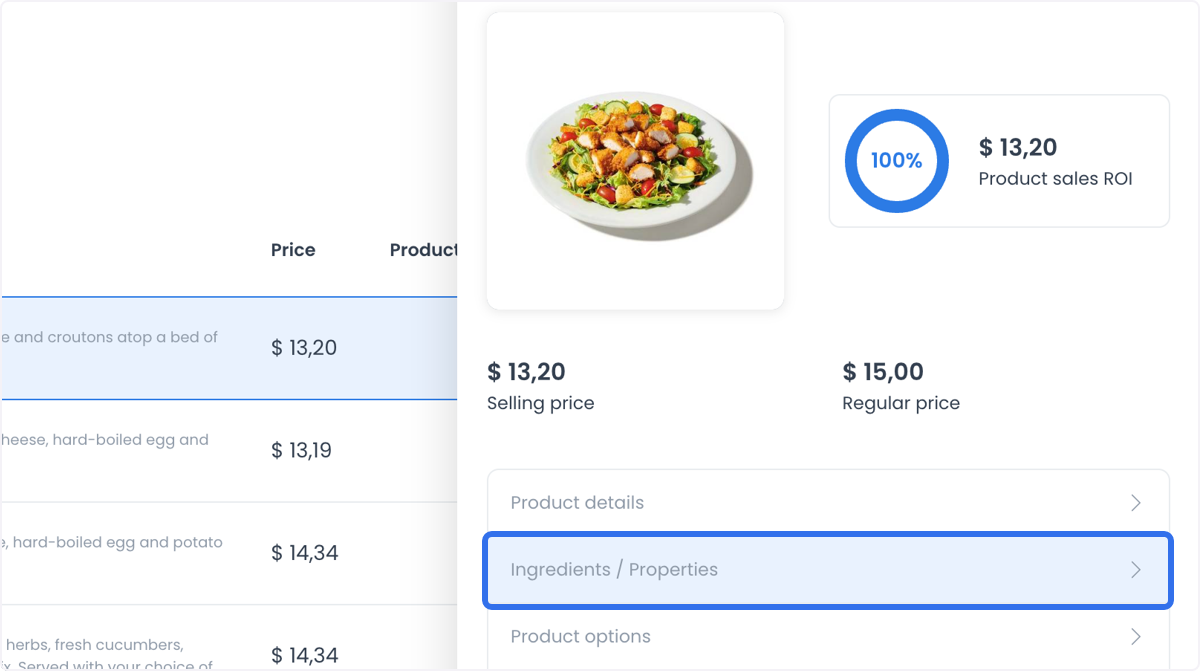
- Open the product panel and select Ingredients / Properties.
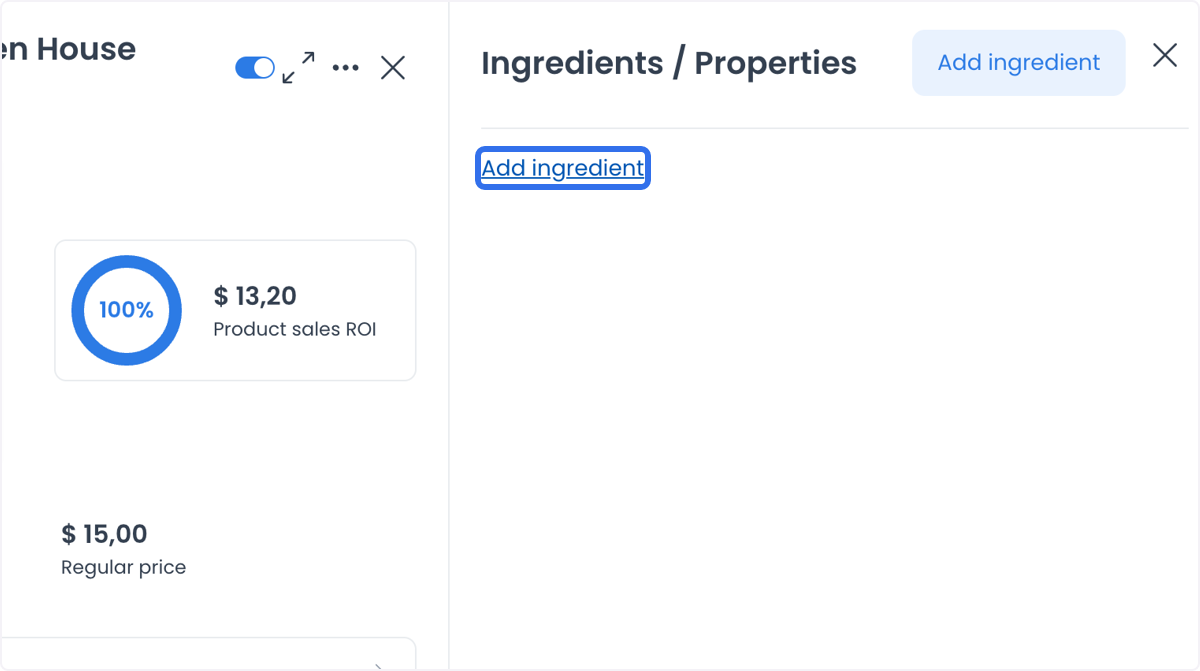
- Select Add ingredient.
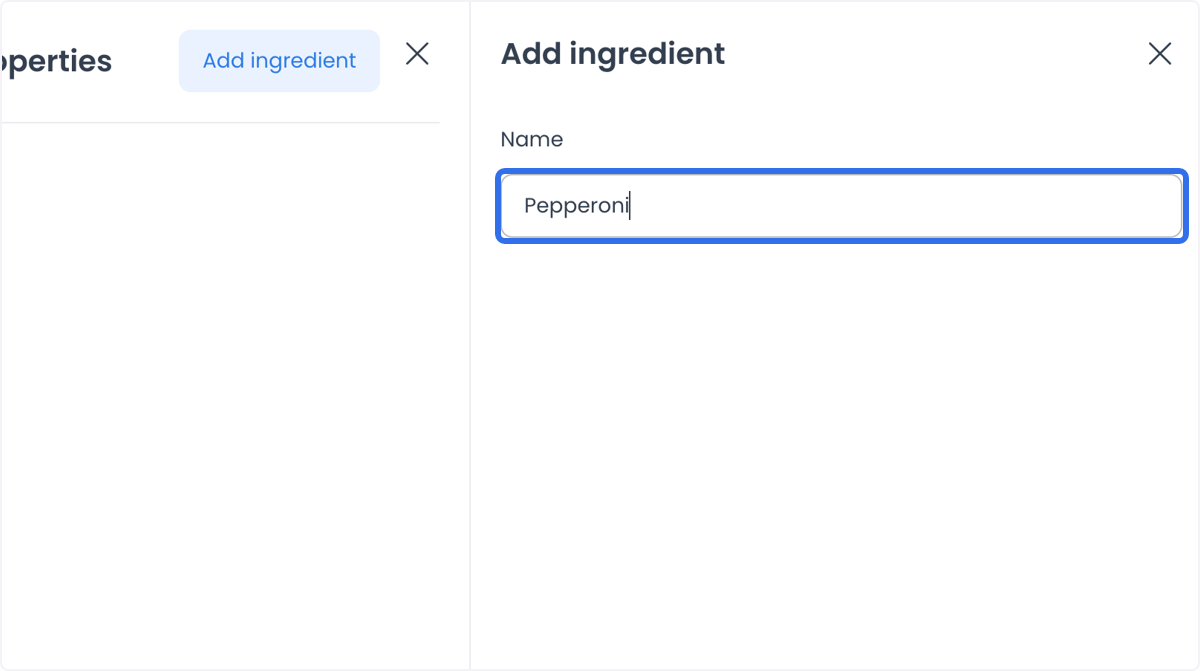
- Enter the ingredient or property name.
- Select Add only in an approved product-maintenance workflow.
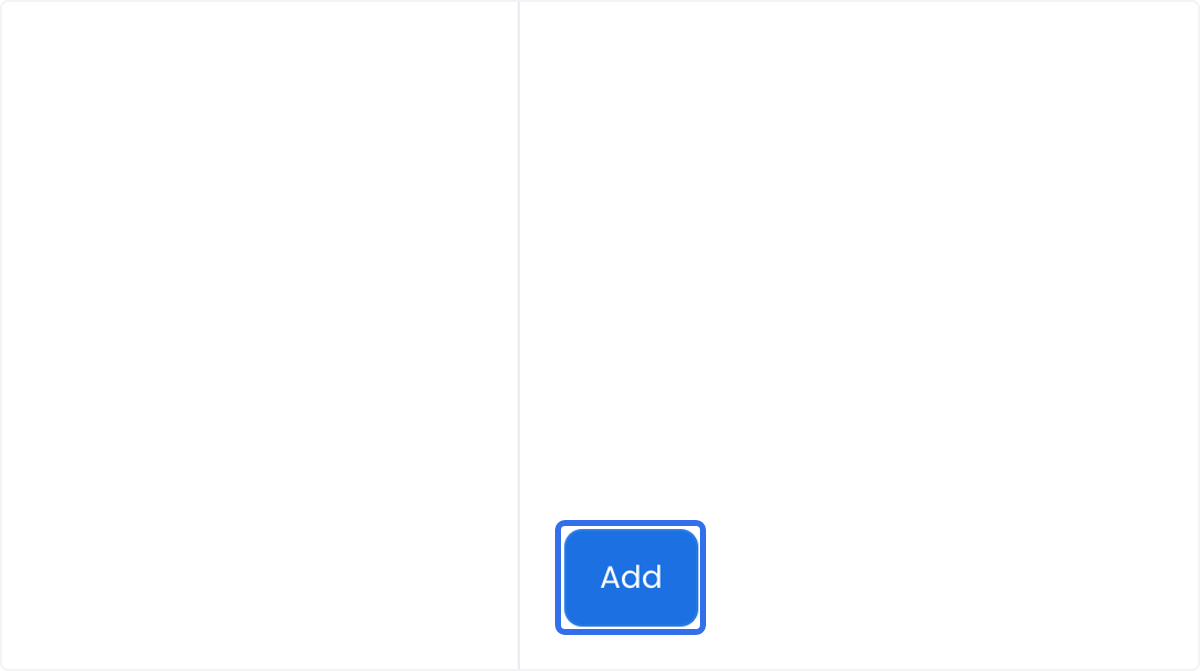
The observable result is an entry in the Ingredients / Properties panel. Selecting Add crosses a product-write boundary; it does not establish persistence, a published description, or a customer-choice experience.