UUID access settings
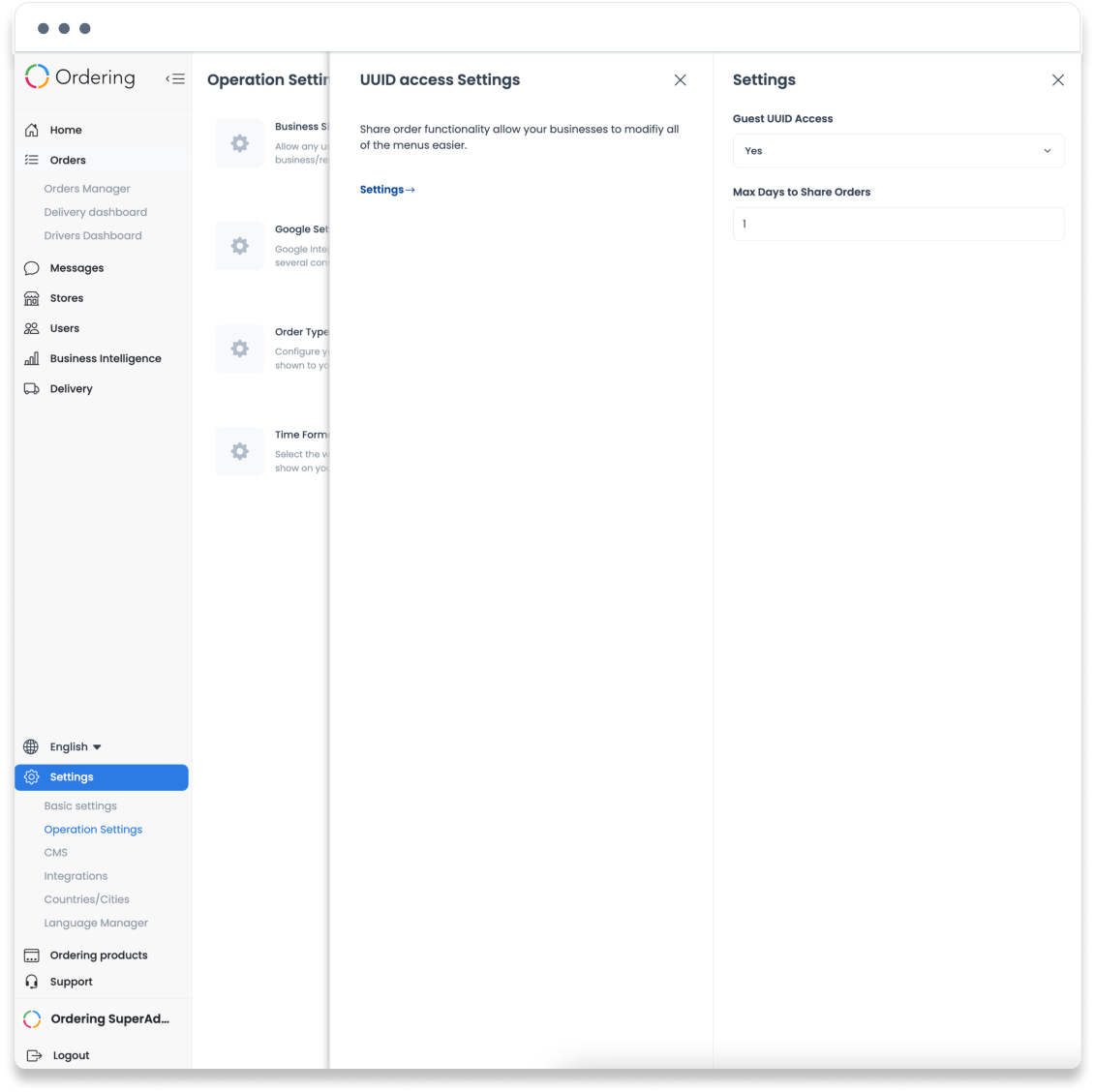
UUID access settings appear under Operation Settings and expose a guest UUID access control plus a maximum number of days for sharing orders. The source describes a limited-time way for customers to share placed orders, while the captured panel also contains a broader menu-modification description. That difference is not enough to establish the exact permission model for a deployed project.
An access or sharing setting can affect what a guest can reach through an order-related UUID. Confirm the current product behavior, privacy expectation, expiry period, and project scope with the authorized owner before enabling or changing it. No guest flow, order, menu modification, or sharing action was tested for this guide.
Review the setting
- Open Settings → Operation Settings.
- Select UUID access Settings when it is available for the selected project.
- Review the Guest UUID Access value.
- Set Max Days to Share Orders only after the intended sharing window and security implications are approved.
- Save through the approved workflow and validate the result with an authorized synthetic fixture if runtime testing is required.
Keep the boundary clear
- A visible UUID setting does not prove that a guest can view, edit, modify, or share every order-related resource.
- A maximum-days field does not prove that an existing link expires, that previously shared links are revoked, or that a customer receives a notification.
- Do not share UUIDs, order identifiers, customer data, or screenshots of live orders in documentation or support records.
Related guides: Settings — Overview