User information
Use User Information to control the Required and State settings for customer, address, and credit-card validation fields. These are site-specific settings: the fields and switch positions you see can differ between sites.
User Information is in the Standard settings group and is available to Dashboard administrators. The sites shown depend on your plan and enabled apps. Enterprise projects can show all available sites; other projects show the website and, where enabled, the relevant app sites.
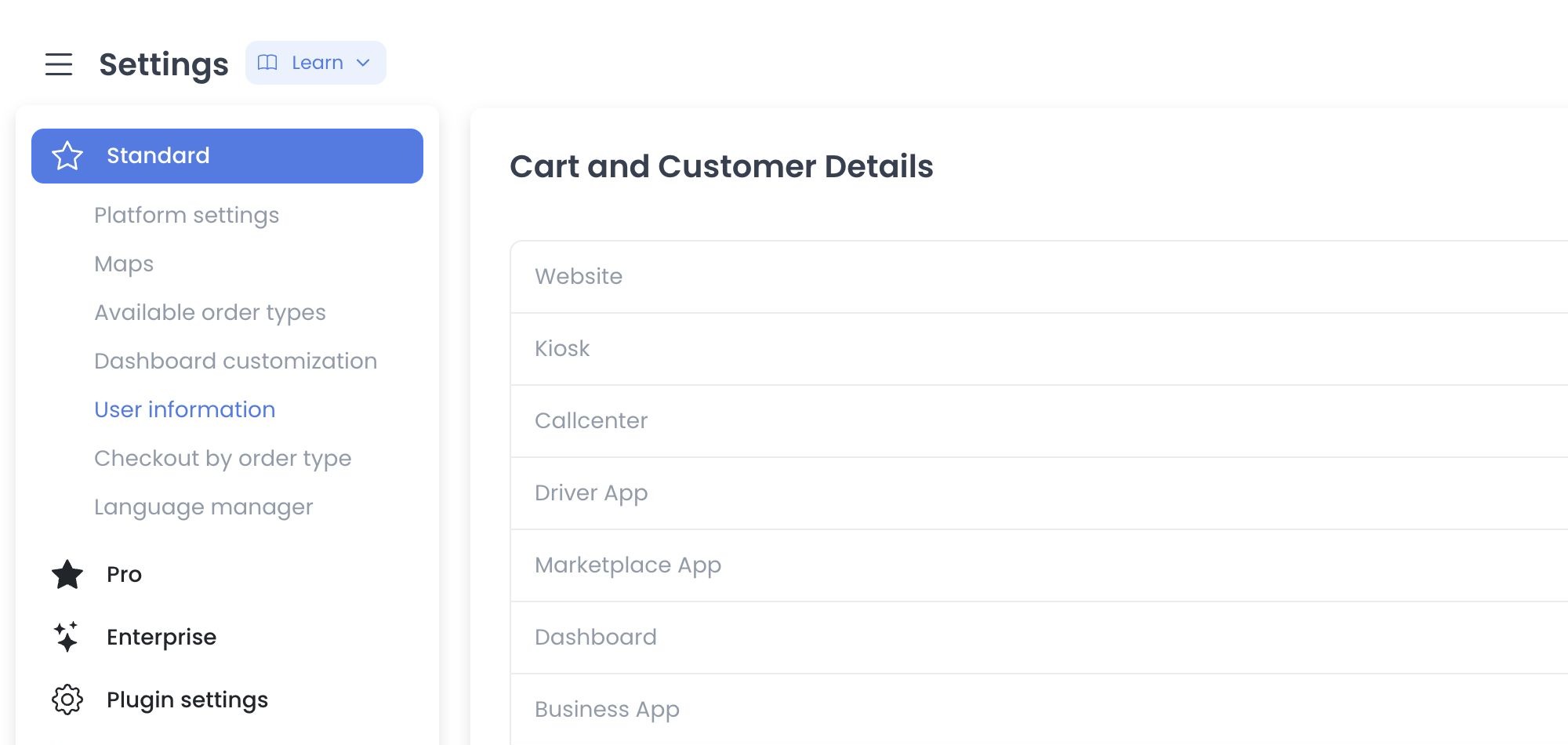
Open User Information
- In the Dashboard sidebar, select Settings.
- Open Standard.
- Select User Information.
The direct Dashboard path is /all-settings?category=user_information.
Data and component boundaries
The current source composes three field controllers:
- Cart and Customer Details filters validation fields whose
validatevalue ischeckout. - Address fields filters the
addressgroup and removes several customer-identity rows from that section. - Card fields filters the
cardgroup.
Select a site in a section to open its Settings table. Each available field has two switches:
| Control | What it does |
|---|---|
| Required | Maps to the site-specific validation-field required value. |
| State | Maps to the site-specific validation-field enabled value. |
The table only controls these switches. Field labels, input types, and the fields that appear are defined by your project's validation-field configuration. Do not assume that another site's fields or switch positions are the defaults for yours.
When Email appears in Cart and Customer Details, its Required and State switches are unavailable in this screen.
Immediate-write boundary
There is no page-level staging step. The source issues an authenticated update when a Required or State switch changes. It can also issue create requests for missing site-field records after a site is selected.
Important: selecting a site can create settings
Each of the checkout, address, and card controllers compares its base validation-field list with existing site records. After site selection, a controller can submit all of that section's missing records concurrently with Promise.all, using enabled: true; Email also receives required: true only in a section where Email participates. Merely opening an unconfigured site can therefore cross multiple write boundaries. This guide did not select a site or run any request.
Source-only boundaries
- The route is the literal
/all-settings?category=user_information; the Standard menu exposes it independently of numeric categories. - Site visibility is conditioned by plan and configured application/site state; source does not prove a project’s returned sites.
- Reads include sites, base validation fields, and site-field records. GET/HEAD are not presumed safe and none ran.
- The API source declares site-field collection/item contracts, including create, update, and delete routes. Those declarations are not deployment or success receipts.
- The fields can describe customer, address, and card requirements and therefore belong to a PII-sensitive configuration surface.
- Re-entry requires an immutable serving receipt and a pre-provisioned synthetic site whose read and write effects are intercepted.
Related guides: Platform settings · Available order types · Checkout by order type