Push notifications
Fixed Dashboard source can render the special Push notifications view for level 0 when plan state requests the Pro tree and a returned notification category is selected. This does not prove runtime availability.
Review notification settings
The page groups configuration into General, Administrator, Business, Customer, and Driver sections. Recipient sections let you select the runtime order-status triggers each group can receive. General controls can vary by project and may be text, select, or protected-password inputs.
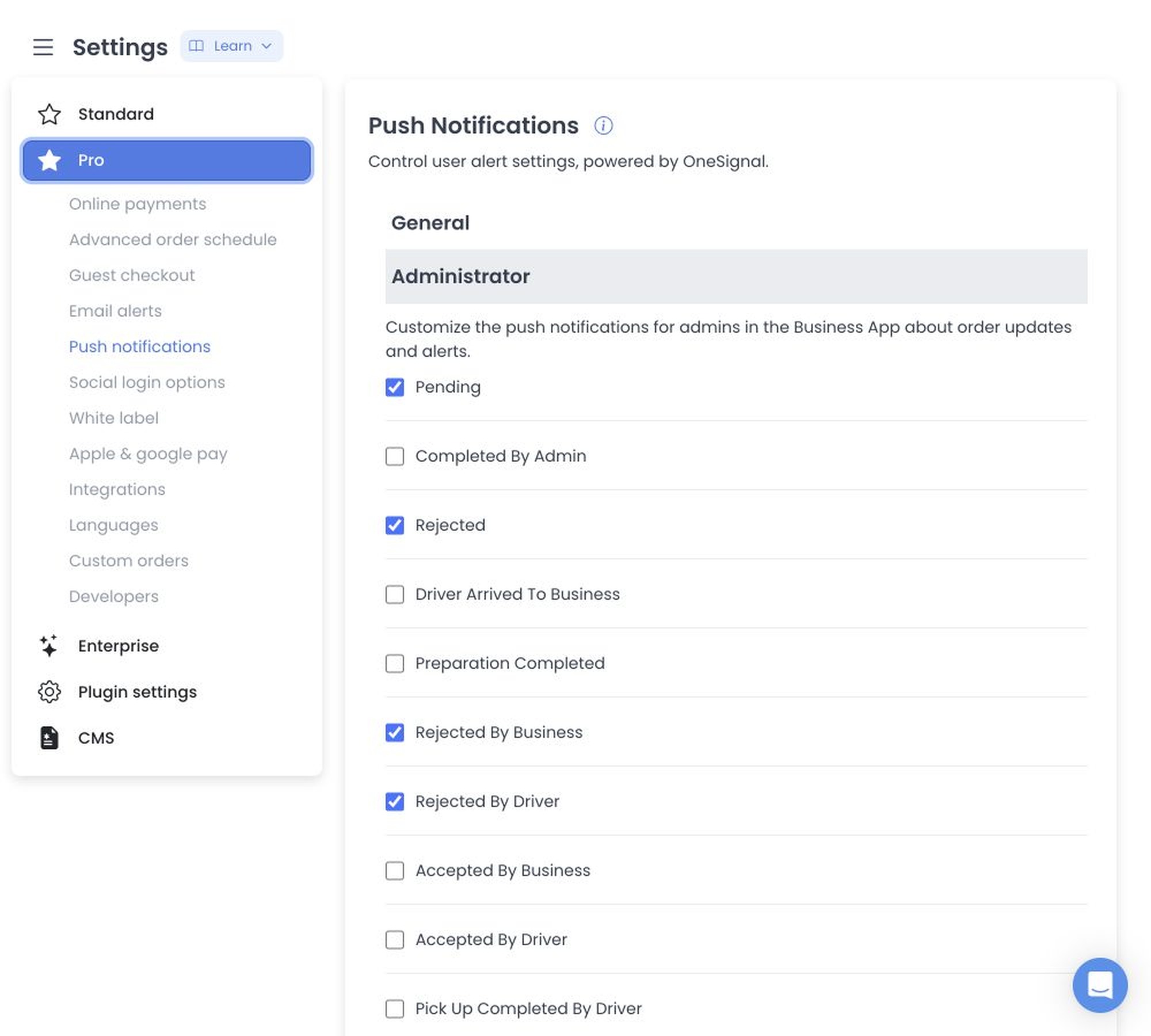
For repeat behavior, fixed UI tooltips identify a maximum count of 15 and seconds as the interval unit. The pinned API notification-settings reader clamps consumed repeat count to 0–15 and the consumed interval to at least 15 seconds; this is not proof that a config write was validated or that a repeat job ran. Fixed tooltips associate Administrator repeat with Pending/Order Ready, Business with Pending, and Driver with Order Ready.
Configuration does not prove a registered token, user/device permission, provider application, queued notification, or delivery. No provider, device, token, order, customer, or job was accessed.
Source-defined write effects
Changes are staged, then saved one configuration at a time. A partial failure can leave earlier updates accepted. Accepted config updates can write audit logs, refresh global config state, and run plugin hooks. Provider authentication, app IDs, REST API keys, device tokens, and customer/order data remain excluded.
In pinned API source, changing the value of onesignal_default_enabled deletes stored dashboardweb notification-token rows before the config response completes. This destructive side effect was not run. Re-entry requires immutable receipts, credential-free synthetic configs/tokens, deny-all provider egress, and every config/token/job effect intercepted.
Related guides: Email alerts · Settings overview · Settings logs