Set up Credomatic
Credomatic is a payment-provider integration configured through a plugin. It may be available in Panama, but country coverage, merchant eligibility, supported payment methods, fees, settlement, keys, and compliance requirements depend on the provider and your agreement. Confirm them with the authorized payment owner and current Credomatic documentation before configuring a project.
Installing a plugin, changing sandbox or live mode, entering keys, enabling a payment method, or saving a store setting can create external payment effects. Use provider-issued test credentials in an authorized test scope. Never share public or private keys, processor IDs, API keys, merchant identifiers, card data, or provider responses in documentation, screenshots, tickets, chat, or browser-visible configuration.
Review the integration boundary
The setup flow can include these stages:
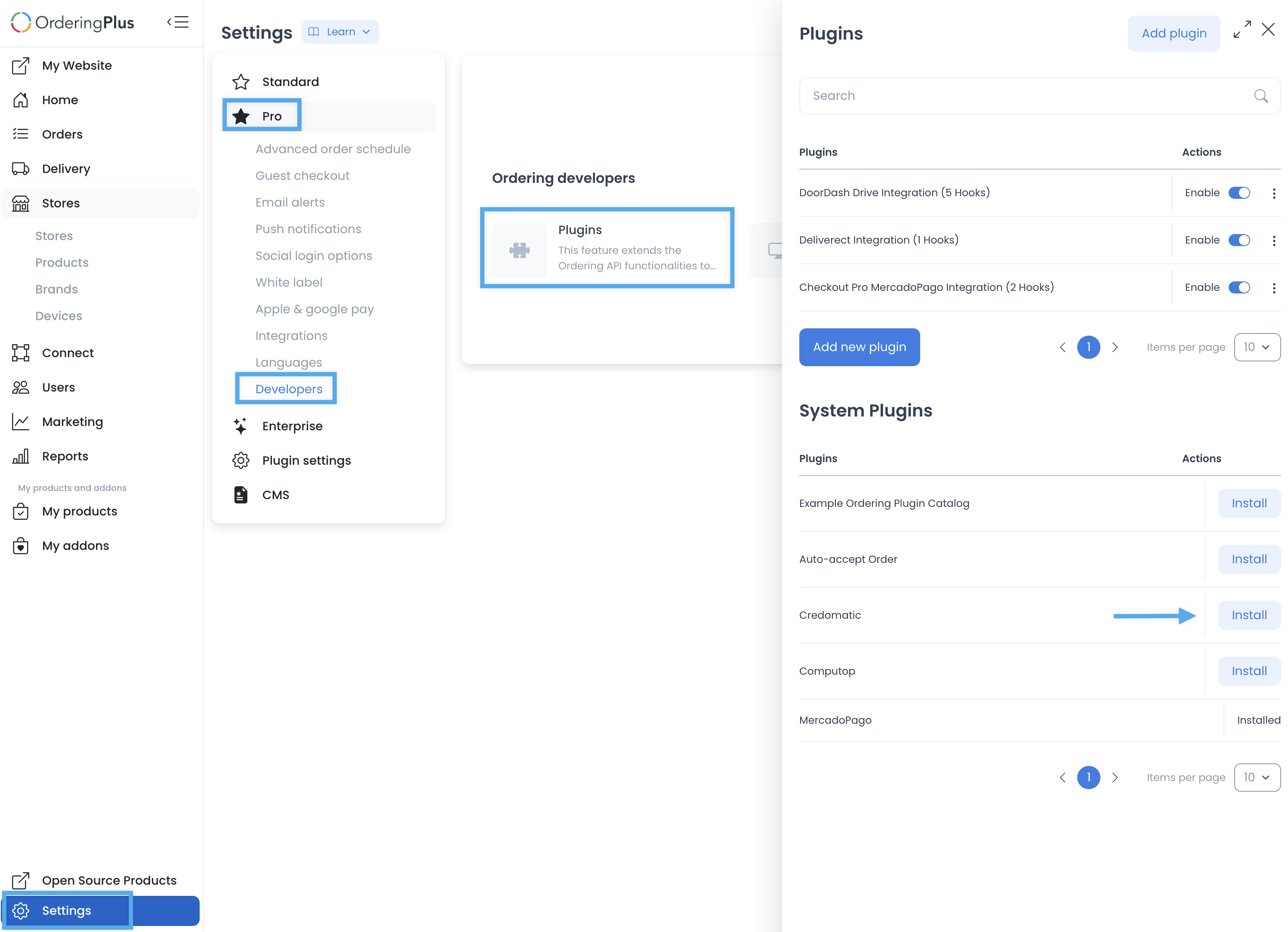
- Open Settings and locate the approved plugin-management area.
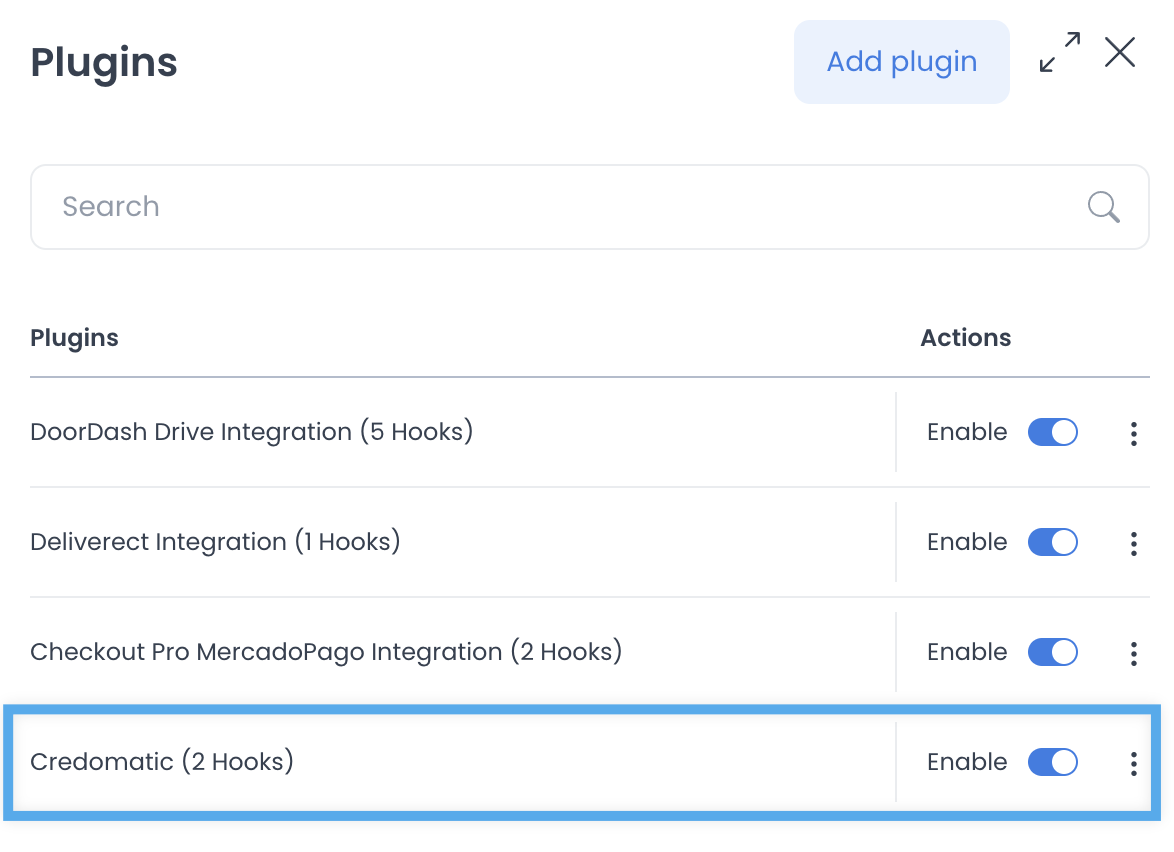
- Have an authorized owner install or enable the Credomatic plugin only after the provider agreement and project scope are confirmed.
- Open the plugin’s settings after the plugin state is available.
Keep sandbox and live settings separate
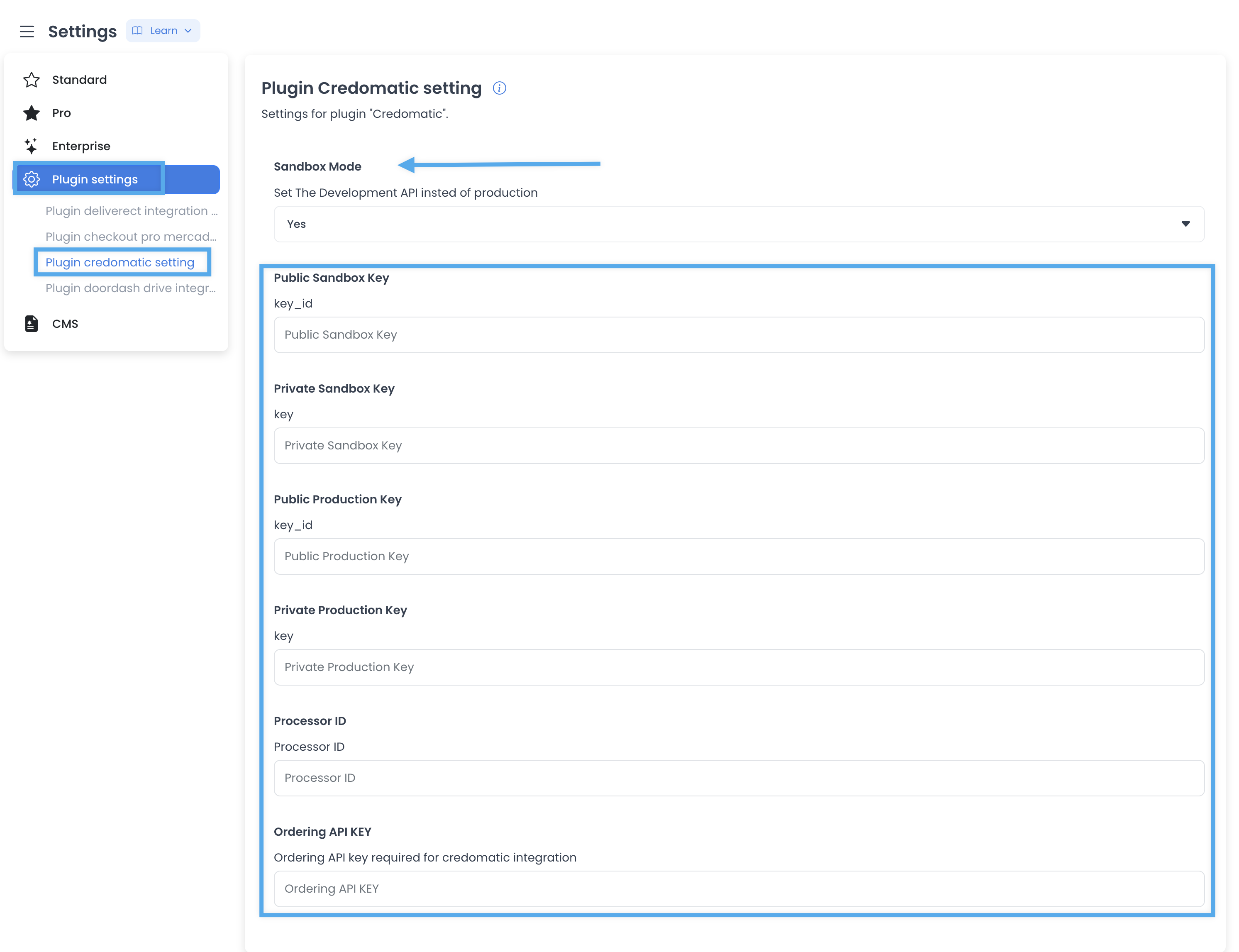
The plugin configuration can expose a sandbox-mode switch and separate public/private sandbox and production key fields, a processor identifier, and an Ordering API key. The mode can work as a general setting that affects stores using the payment method. Do not assume that a store-specific checkbox overrides every global setting; confirm the implemented behavior with the payment owner before changing either mode.
Use provider-issued test credentials only in an authorized test scope. Do not use real cards, a live merchant account, customer data, or a production store to discover whether the integration works.
Enable the method at a store only after approval
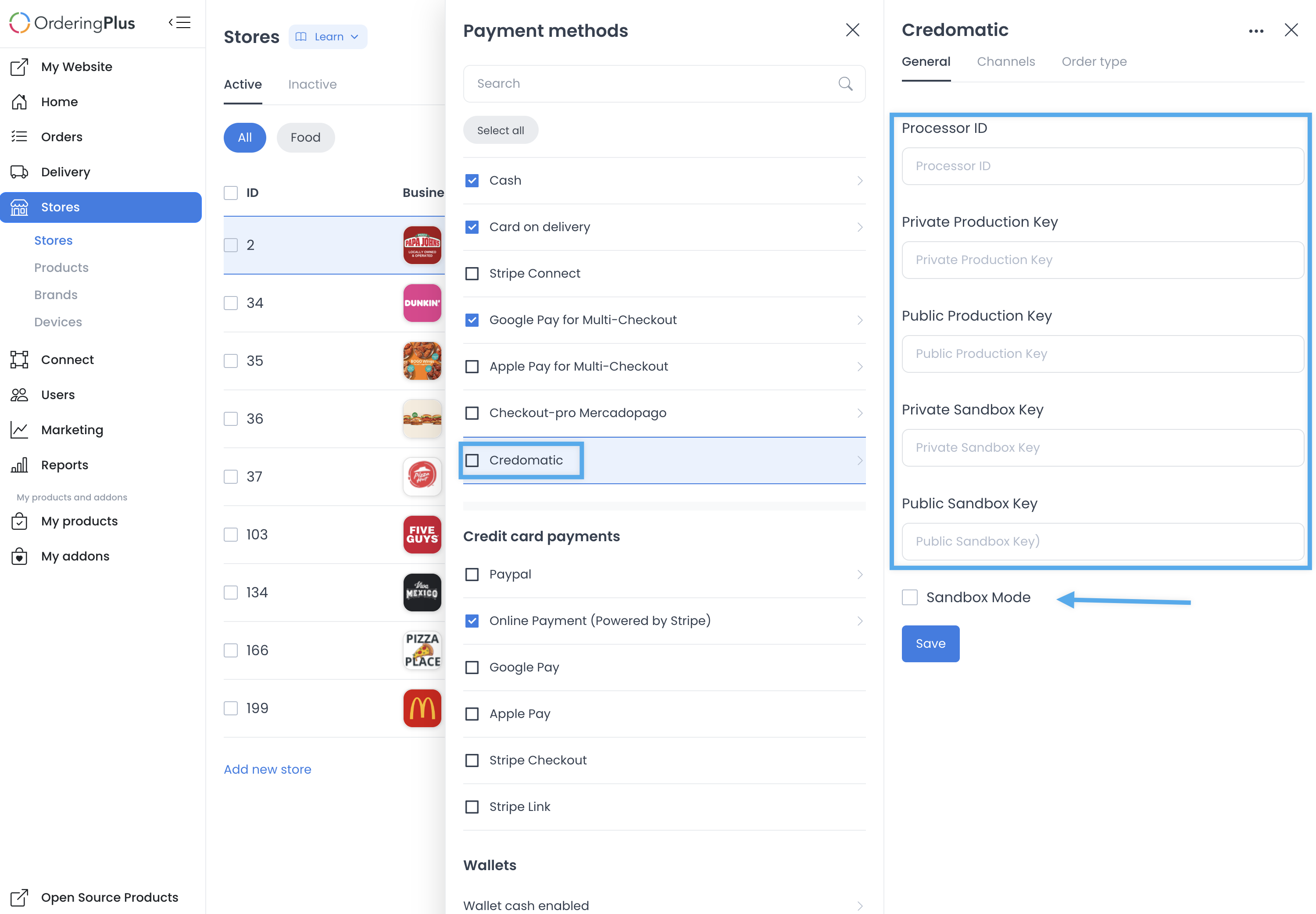
Credomatic can then be enabled for the intended store, with separate live and sandbox key sections and a store-level sandbox control. Treat that configuration as a sensitive payment change. Confirm the store, project, mode, provider account, key provenance, checkout visibility, and rollback plan before saving.
Validate without claiming a payment result
An approved payment test needs a defined test merchant or provider sandbox, non-sensitive fixture data, explicit cleanup, a controlled card/test-method policy, and observed provider-side and application-side results. A visible plugin, saved key field, enabled payment method, client message, or checkout label does not prove authorization, charge success, settlement, refund behavior, or customer availability.
Related guides: Online payments · Plugin settings