Email alerts
Use Email alerts to choose which returned events are selected for each recipient configuration. The documented Dashboard view recognizes Administrator, Business, and Customer records. The events and values available under each record are returned for the project and can differ from the historical examples in this guide.
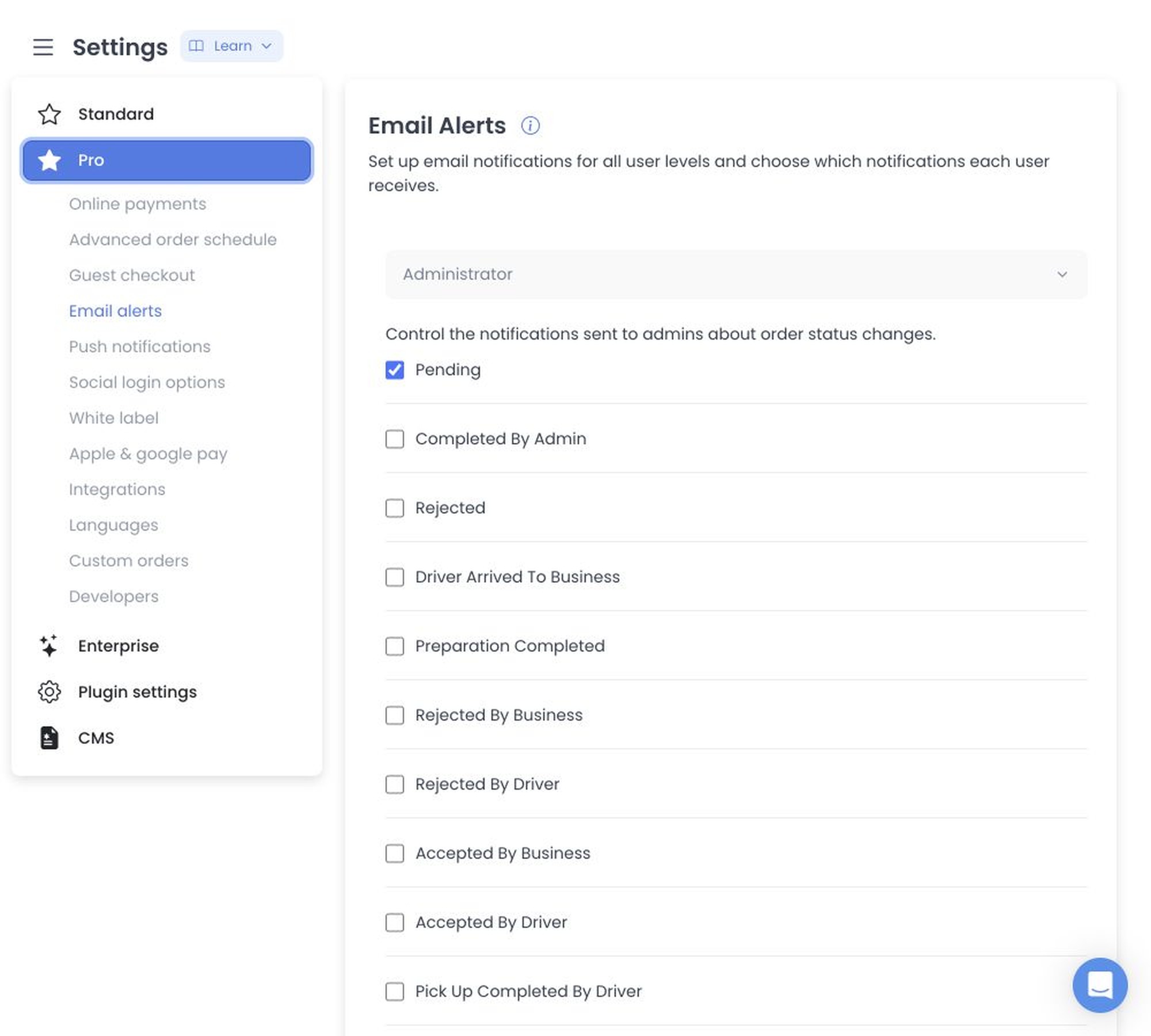
Configure recipient events
- Open Settings, then select Email alerts when it appears in Dashboard. This special view requires an Administrator (level 0) account; a read-only session is a separate constraint on configuration changes.
- Select the recipient configuration you want to edit: Administrator, Business, or Customer.
- Select only the returned events that the group needs to act on or monitor.
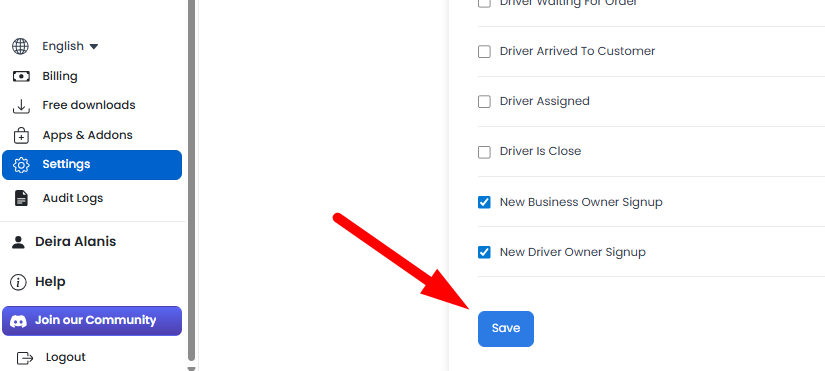
- If registration events are available, decide whether the responsible group needs those events as well.
- Select Save, then confirm every returned value. The documented Dashboard stages edits and updates each changed configuration separately; an earlier change can be accepted even if a later one fails.
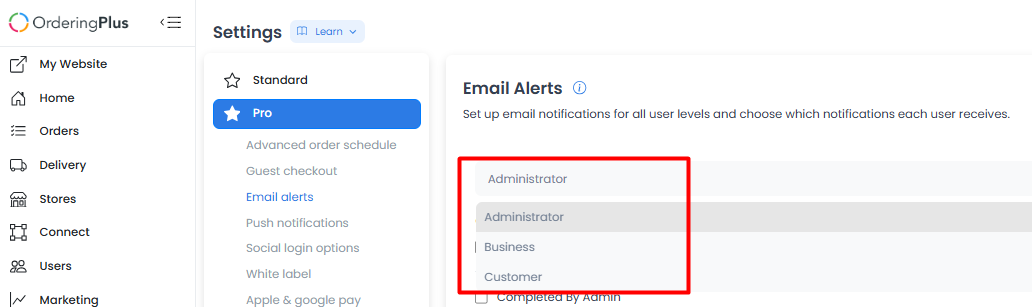
Choose events deliberately
The screen can present two different kinds of email choices:
- Registration events are non-order events, such as new business-owner or driver-owner registrations, when those options are returned. They do not represent an order status.
- Order-status selections are options returned with the specific Administrator, Business, or Customer configuration. Selecting one controls the email setting for that recipient configuration; it is not a portable catalogue of order states or a rule that changes an order’s status.
Select only the returned options that the recipient group needs to act on or monitor. Keep registration events separate from order-status selections, and confirm the labels and recipients returned by the project before relying on them.
For the published configuration-update request, authentication choices, and response envelope—not an email-event or order-status catalogue—see the configuration-update operation in API Reference.
Delivery and notification boundaries
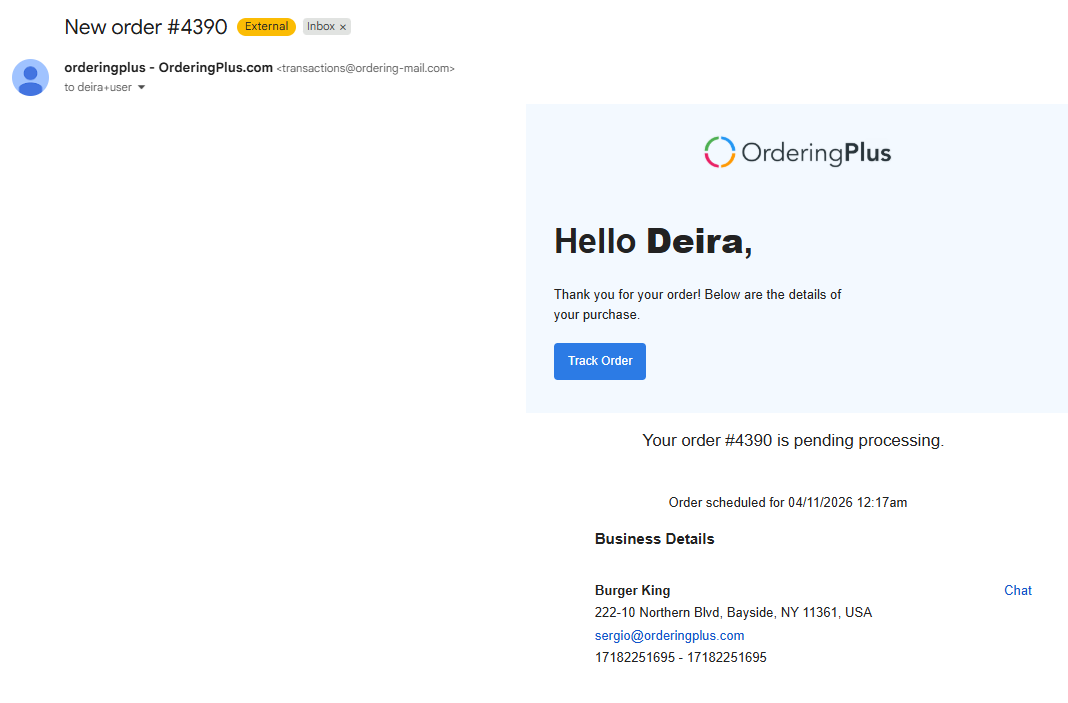
A selected event indicates intended email eligibility in the documented configuration. It does not establish a recipient address, template, sender, reply address, mail provider, job dispatch, delivery, or inbox result. This screen controls email settings only; use Push notifications for mobile app alerts and sounds when that category is available.
If Email alerts is missing
The category can depend on Dashboard access, read-only state, returned settings categories, and returned recipient configurations. A missing category does not identify a specific configuration or delivery failure. Confirm the available settings in the relevant project before changing another email-related setting.
The documented save operation can process more than one changed configuration in sequence. Review every recipient group after saving rather than assuming all selected events were accepted together.
For the product overview of sending email through your own server, see Custom SMTP on Ordering.co.
Related guides: Settings overview · Settings logs · Push notifications