Configure webhooks
Webhooks let your Ordering.co project communicate with other apps automatically. Instead of manually checking for updates, you register a destination URL and the platform sends it a payload the moment a specific event happens — keeping connected systems in sync in real time.
What you can do with webhooks
- Payment notifications — when a payment completes, notify an accounting app so financial records update without manual entry.
- Order notifications — when a new order is placed, notify a team messaging channel so staff see new sales as they happen.
- Communication routing — route an event, such as an incoming call, to the right destination based on your own rules.
Benefits
- Real-time updates — get notified immediately when an event occurs, instead of polling for changes.
- Automatic data transfer — data moves between systems without manual re-entry, which reduces the risk of transcription errors.
- Increased efficiency — automating routine notifications frees your team to focus on higher-value work.
- Enhanced integration — connect apps that wouldn't otherwise talk to each other, and shape each workflow to fit your business.
- Improved accuracy — consistent, automated updates keep connected systems aligned instead of drifting out of sync.
Configure a webhook
-
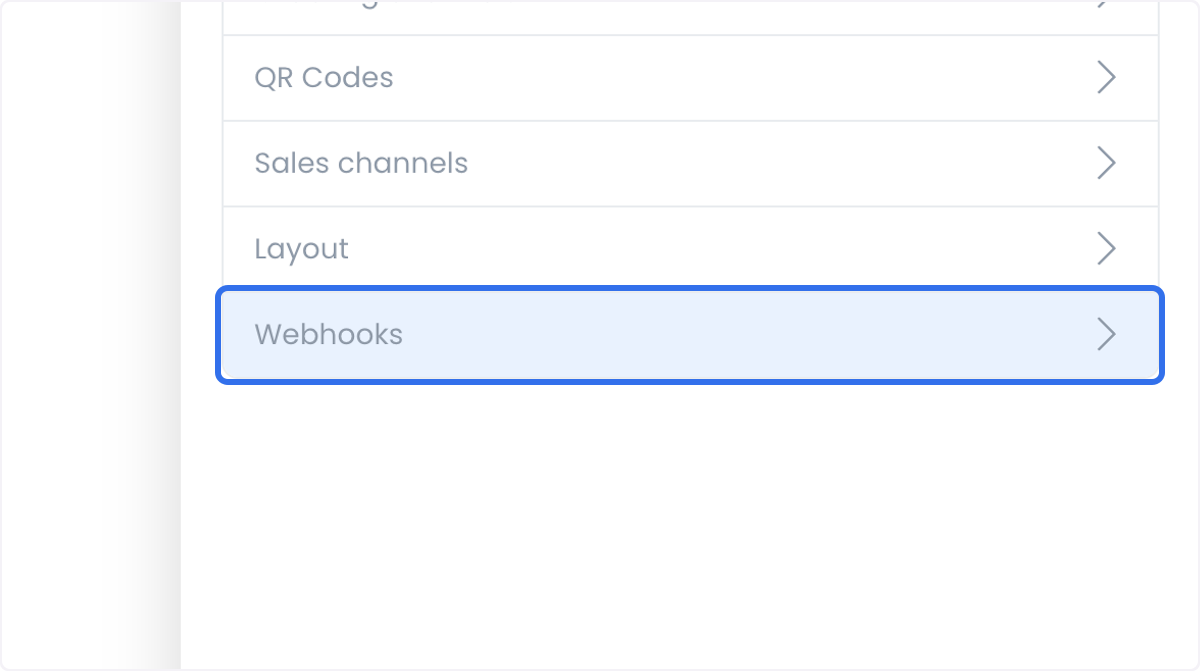
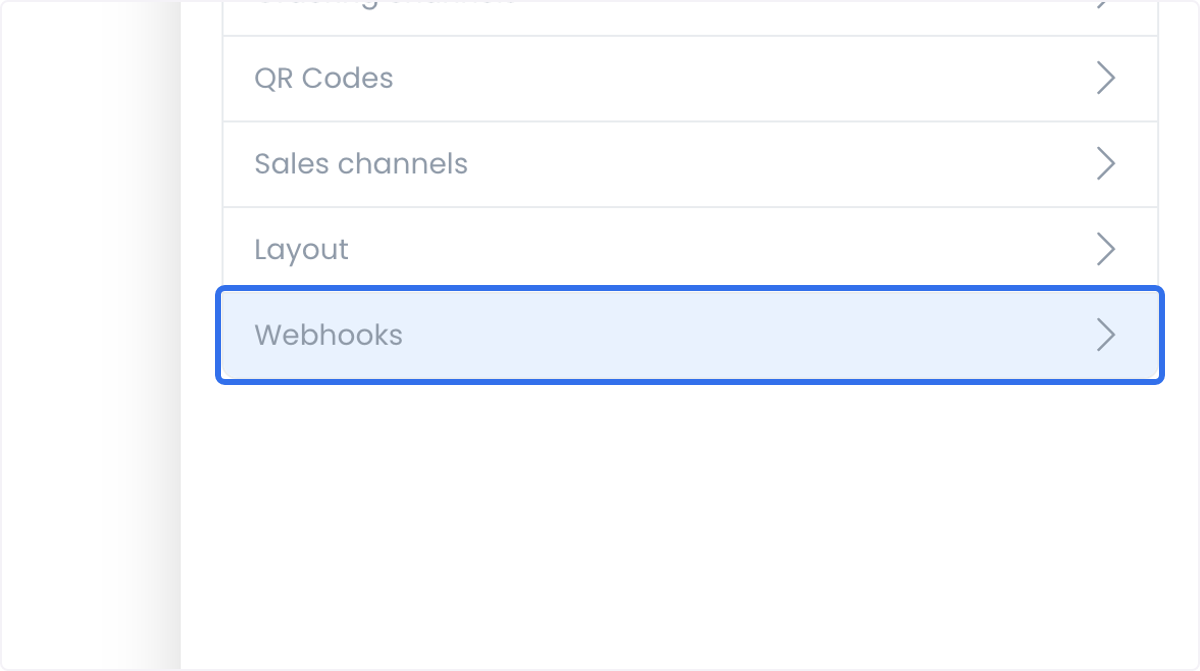
Open Settings > Pro > Developers, then select the Webhooks card.
-
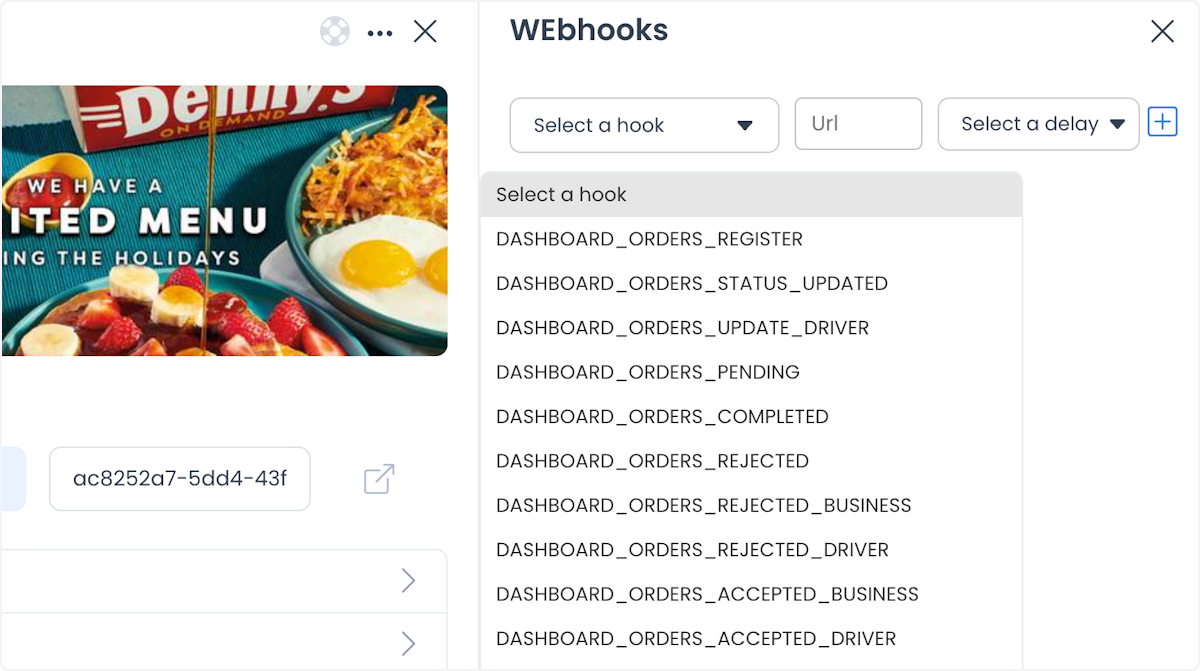
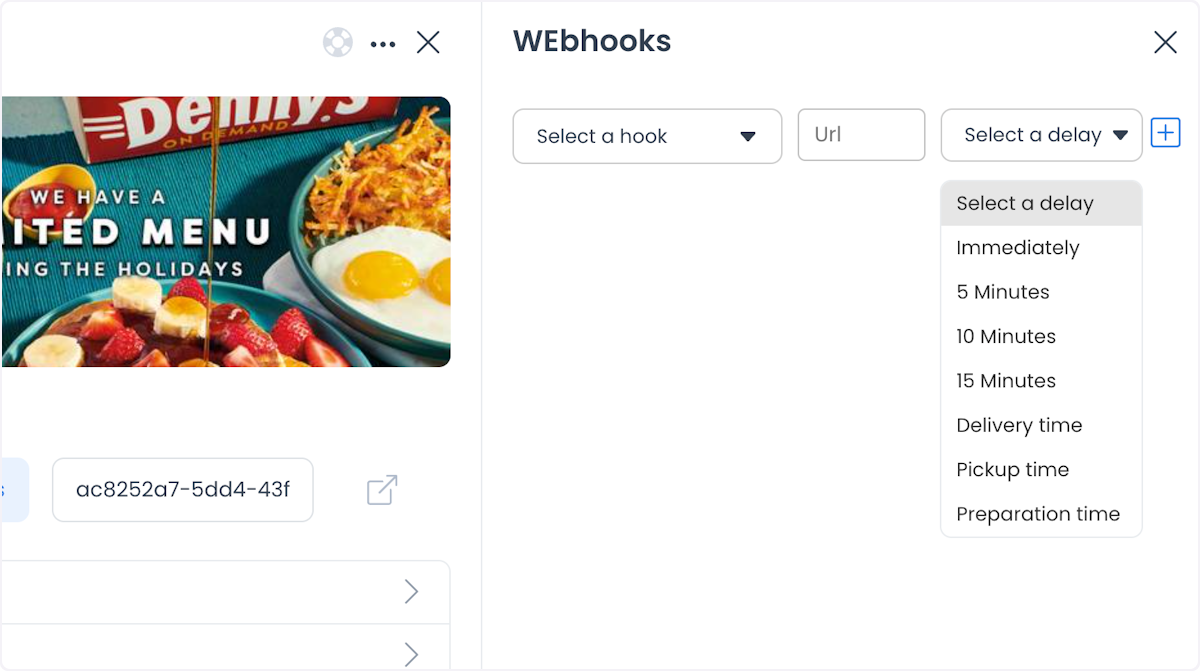
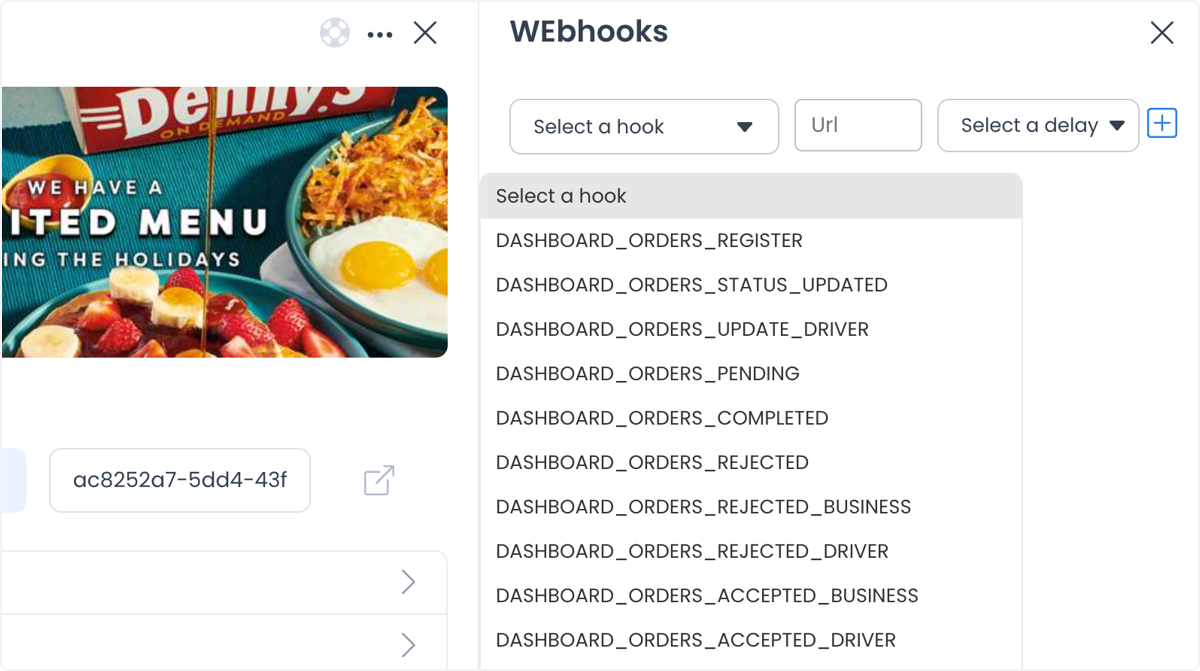
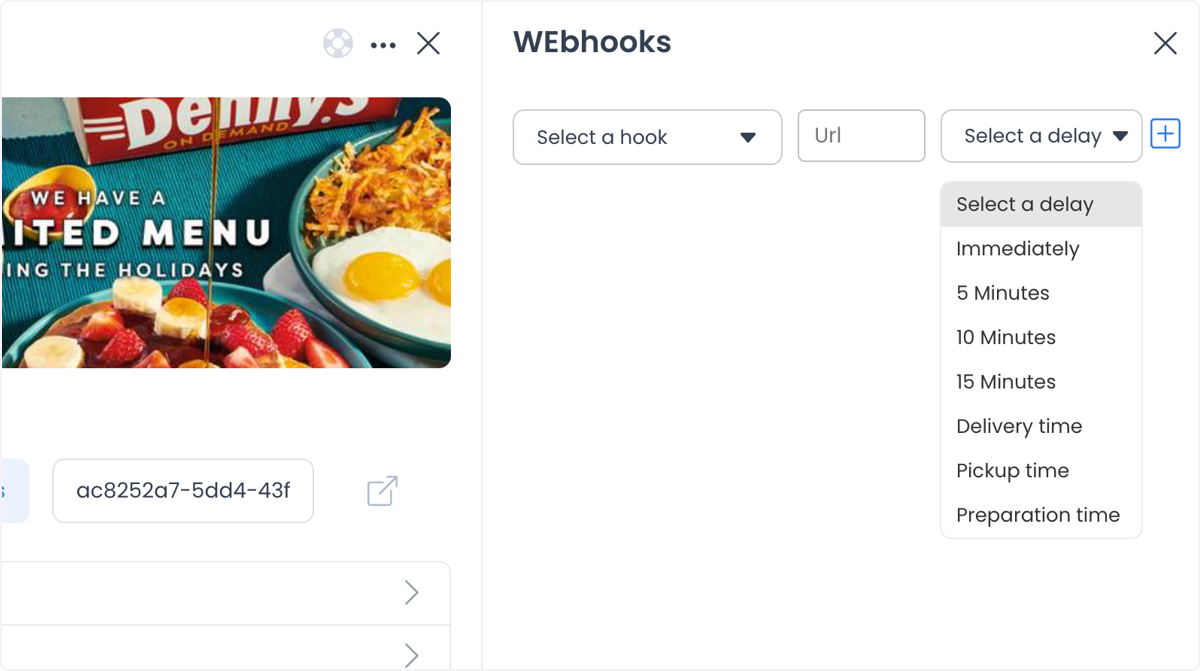
Select Add new webhook and follow the prompts to configure it: set the destination URL, choose the event (trigger) that should fire it, and select which apps or systems should be notified.
Use cases
- E-commerce — notify an inventory system when a new order is placed so stock levels stay current, or send order-confirmation emails the moment a purchase completes.
- Customer relationship management (CRM) — push new leads into your CRM as they're generated so your sales team can follow up promptly, or alert support when a high-priority issue is logged.
- Project management — trigger a notification when a new task is assigned, or update project timelines automatically as milestones are reached.
Related
Ordering.co integration page: Webhooks