Use the Ordering.co API
The Ordering.co API exposes the same backend that powers the Dashboard, so you can build a custom app, an online marketplace, or an integration without rebuilding any of that backend yourself. This guide covers what you need before your first request and walks through a few representative endpoints; for the complete, authoritative list of operations, parameters, and response fields, use API Reference.
What you need before you start
-
Project ID — your project's identifier, automatically generated from your project name. It contains no spaces and is always lowercase.
-
X-Api-Key — an API key for an operation that declares API-key authentication. Generate one from Settings > Pro > Developers > API Keys > Add API key. See Create an API key for the full procedure.
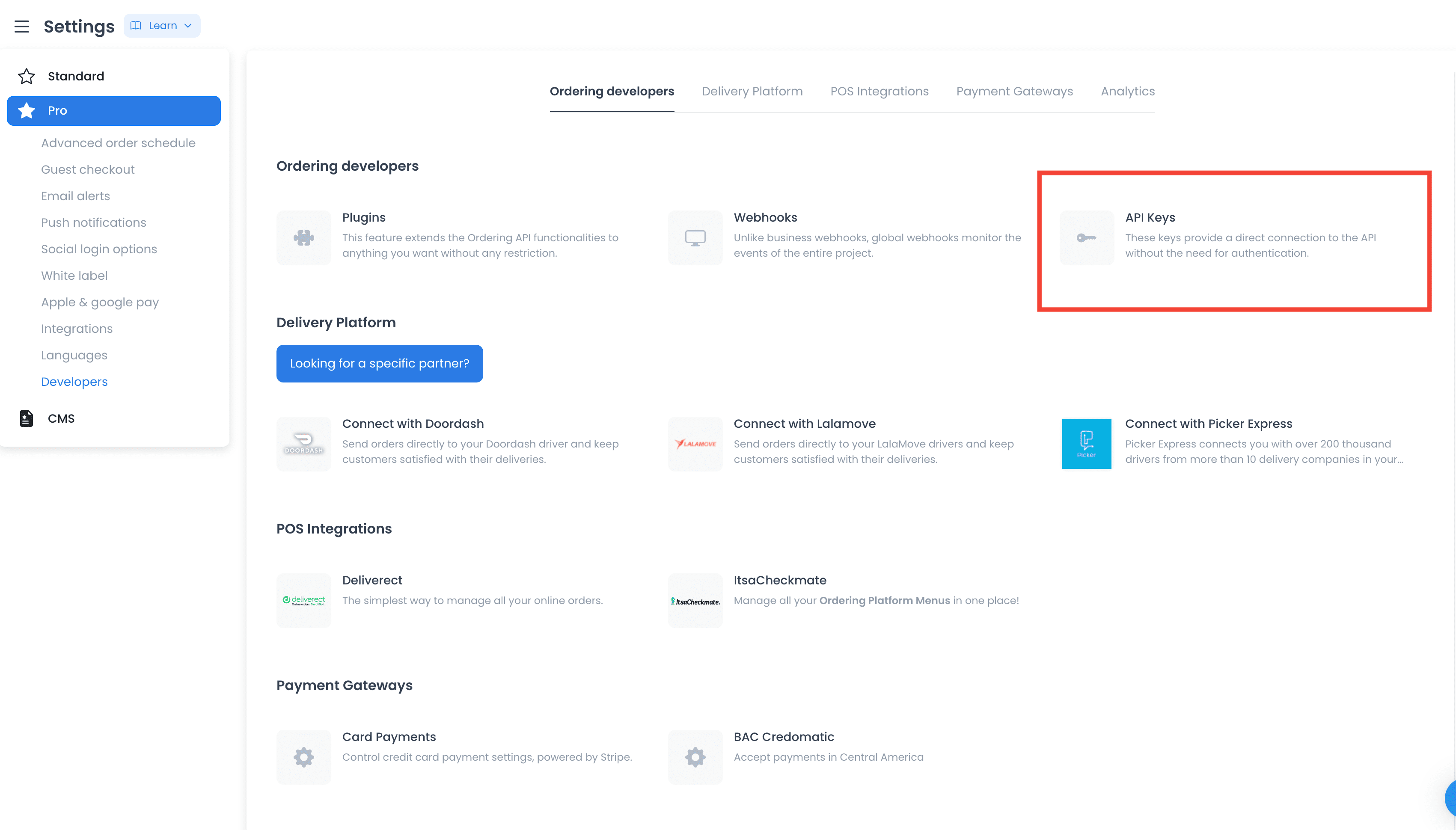
-
An API request tool, such as Postman, to send and inspect requests while you're building.
-
A web browser with developer tools, such as Google Chrome, useful for comparing a Dashboard request against your own.
Authentication is operation-specific. When an operation declares API-key authentication, send the key in its own X-Api-Key header:
X-Api-Key: <your-api-key>
Do not put an API key in Authorization; use each operation’s security block in API Reference to determine whether it accepts an API key, a bearer token, either, or neither. The documented server pattern is https://api.ordering.co/v400/<language_code>/<project_id>/<resource> — replace <project_id> with your project’s identifier and <language_code> with en or the project’s language code.
Get the orders list
Retrieve the orders that belong to your project, with support for pagination and filtering:
https://api.ordering.co/v400/<language_code>/<project_id>/orders?orderBy=-id&page=1&page_size=10&mode=dashboard
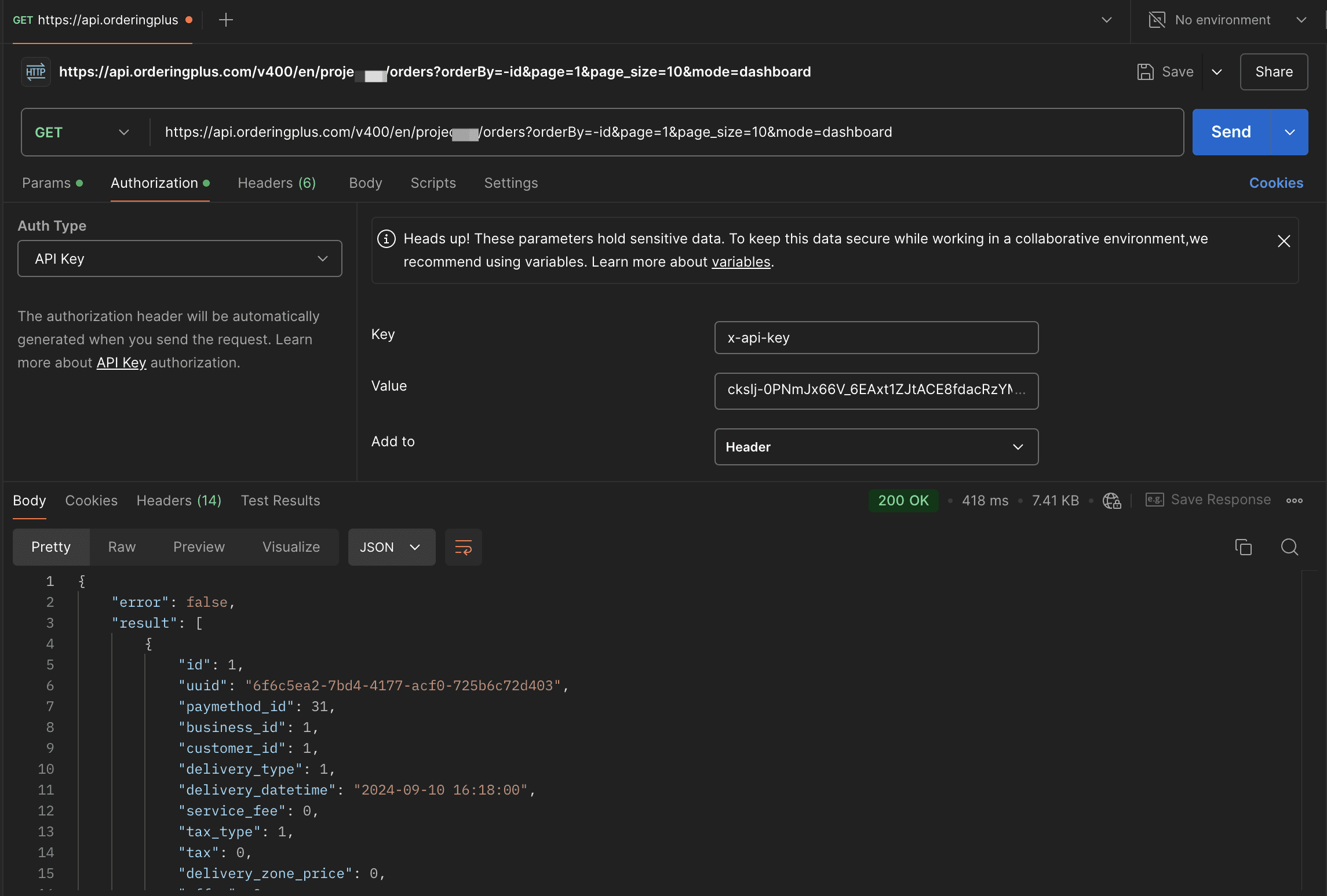
The operation publishes its current query parameters, operation-specific authentication choices, status/error responses, and a generic JSON envelope whose result varies by operation. It does not publish a complete filter grammar, operator list, or result-field catalogue. See the GET /orders operation in API Reference before constructing a request.
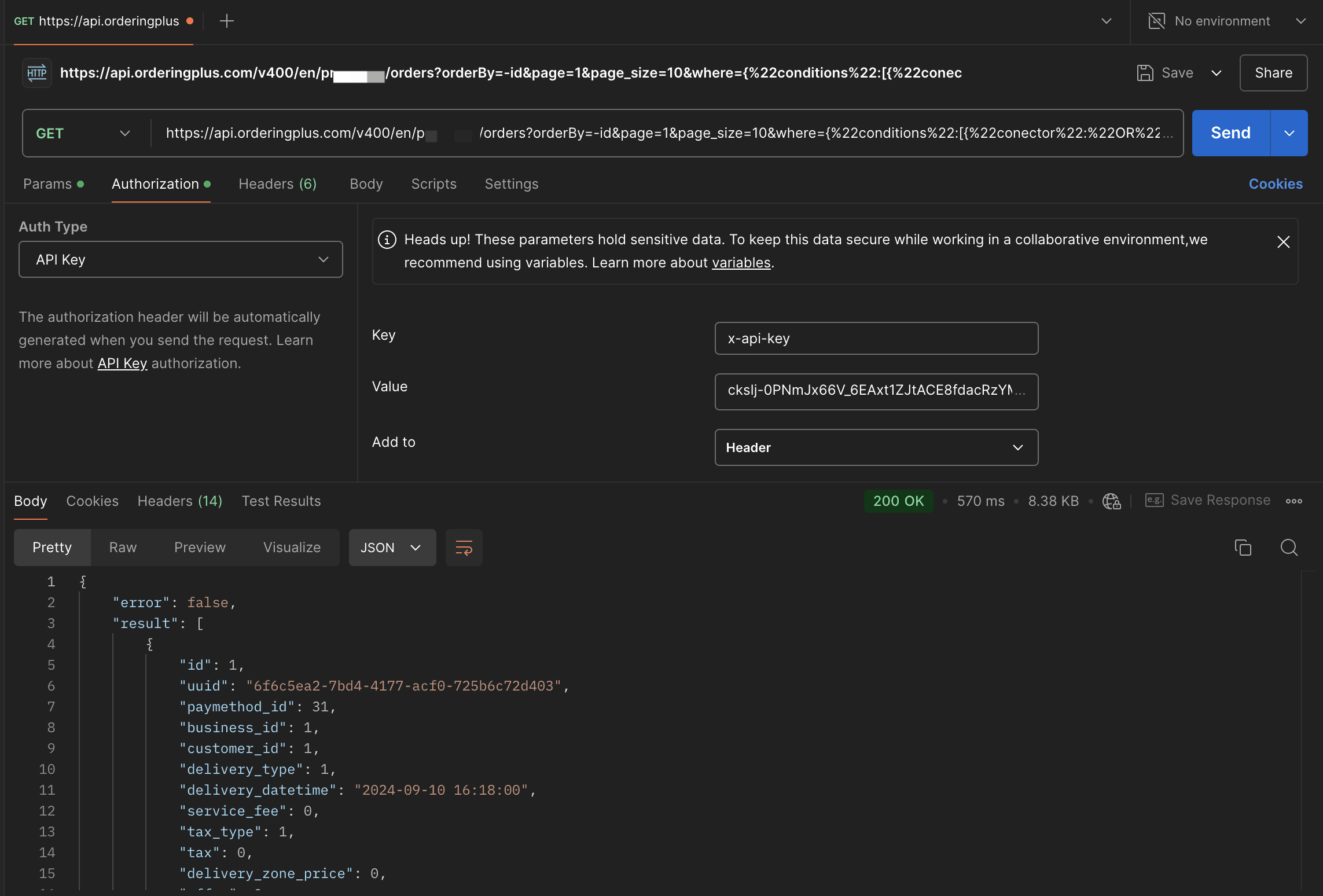
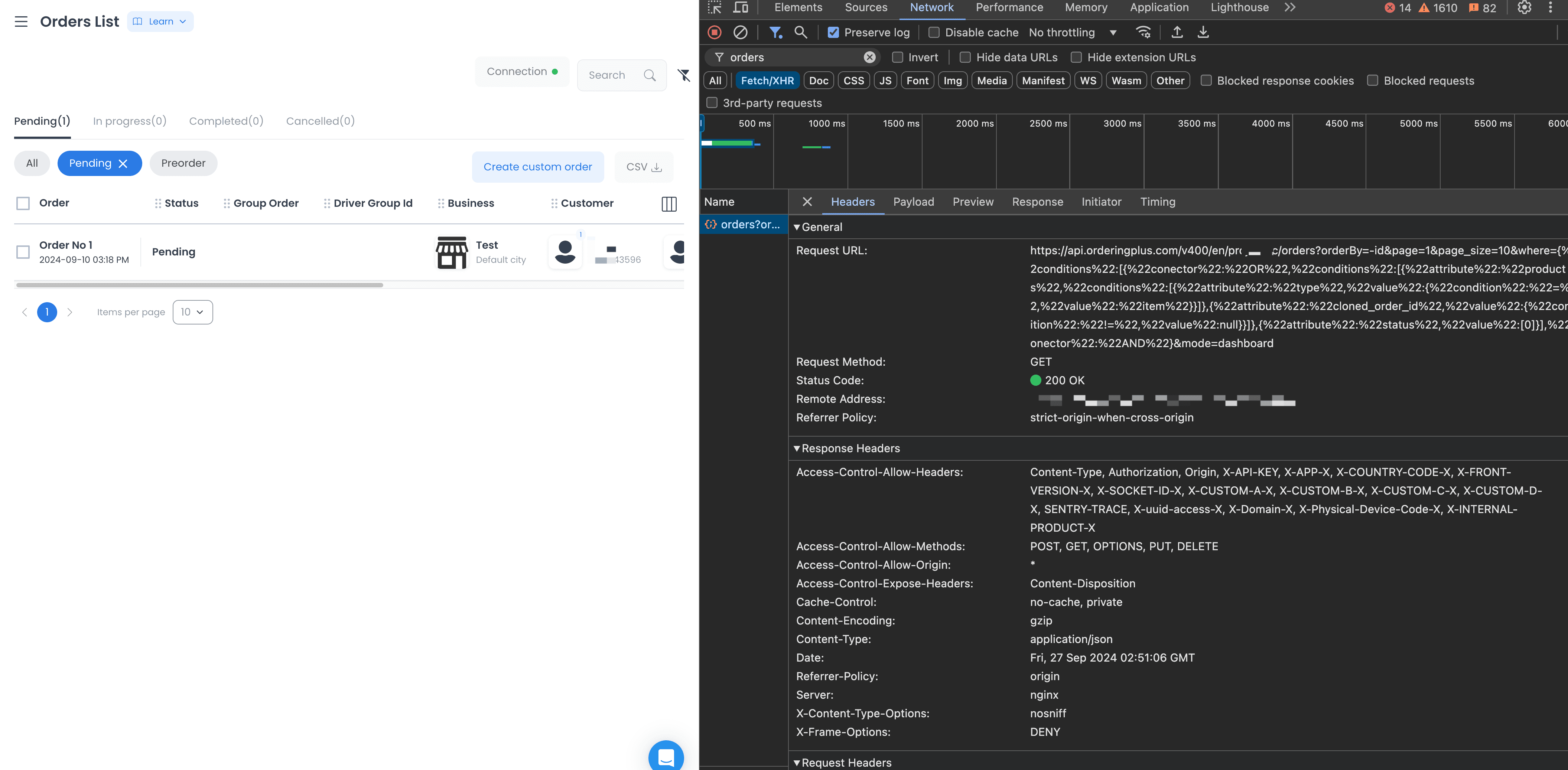
Get the businesses list
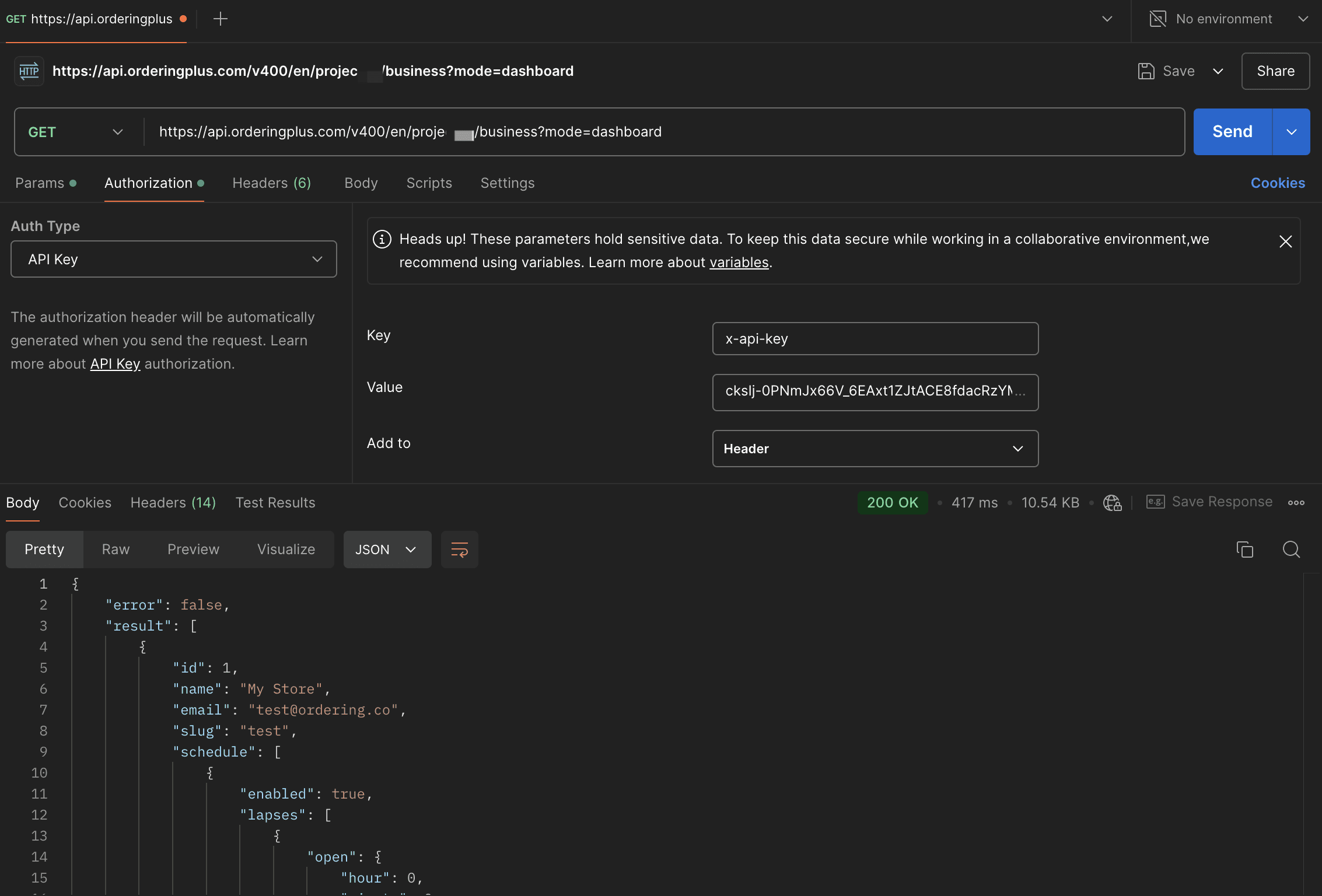
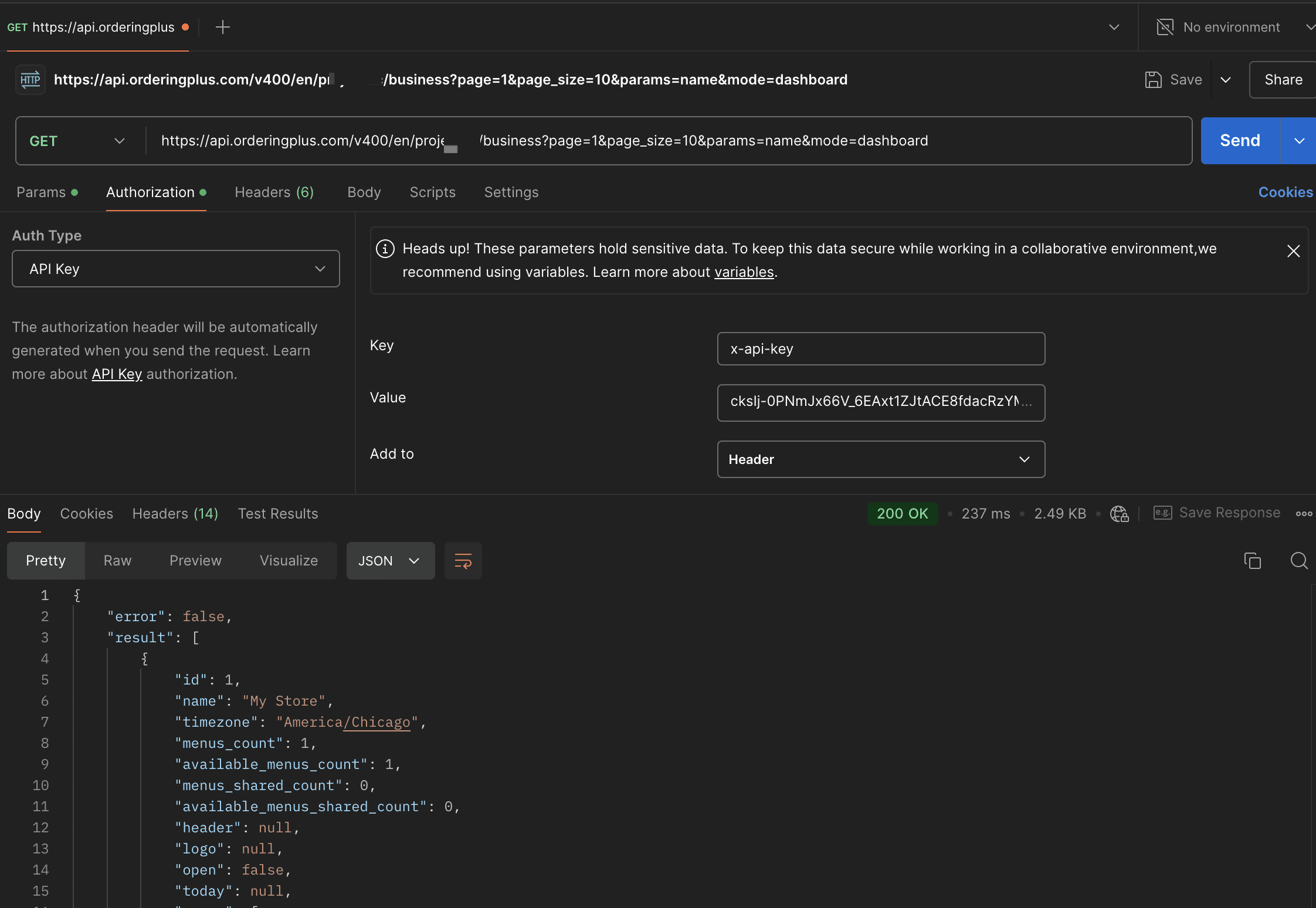
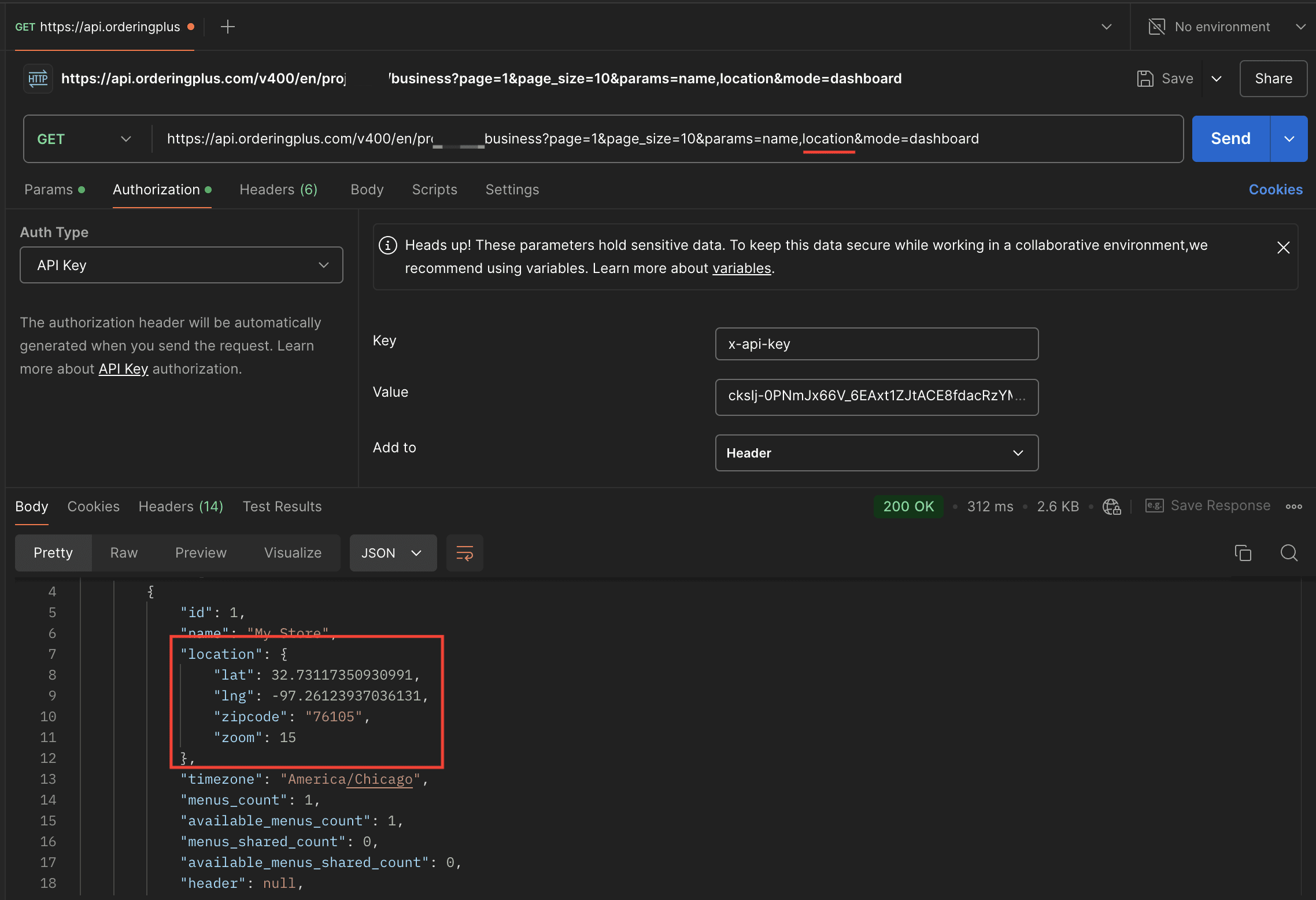
Use the GET /business operation in API Reference for its currently published query parameters and generic response envelope. It does not publish a typed catalogue of selectable business fields, reviews, categories, or a typed result payload.
The following captures are historical request examples. They do not define current query syntax, supported selectable fields, or response shape.
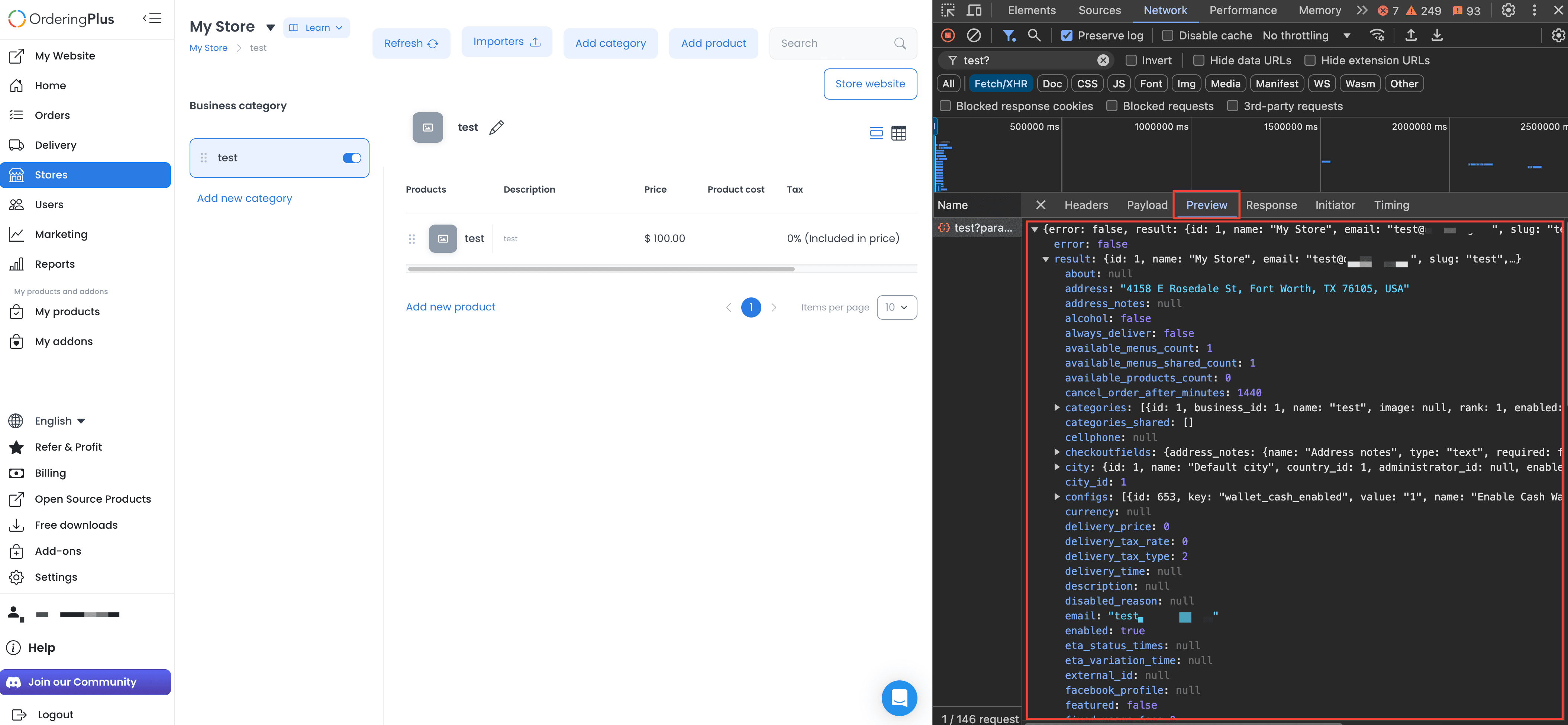
Get a store's categories and products
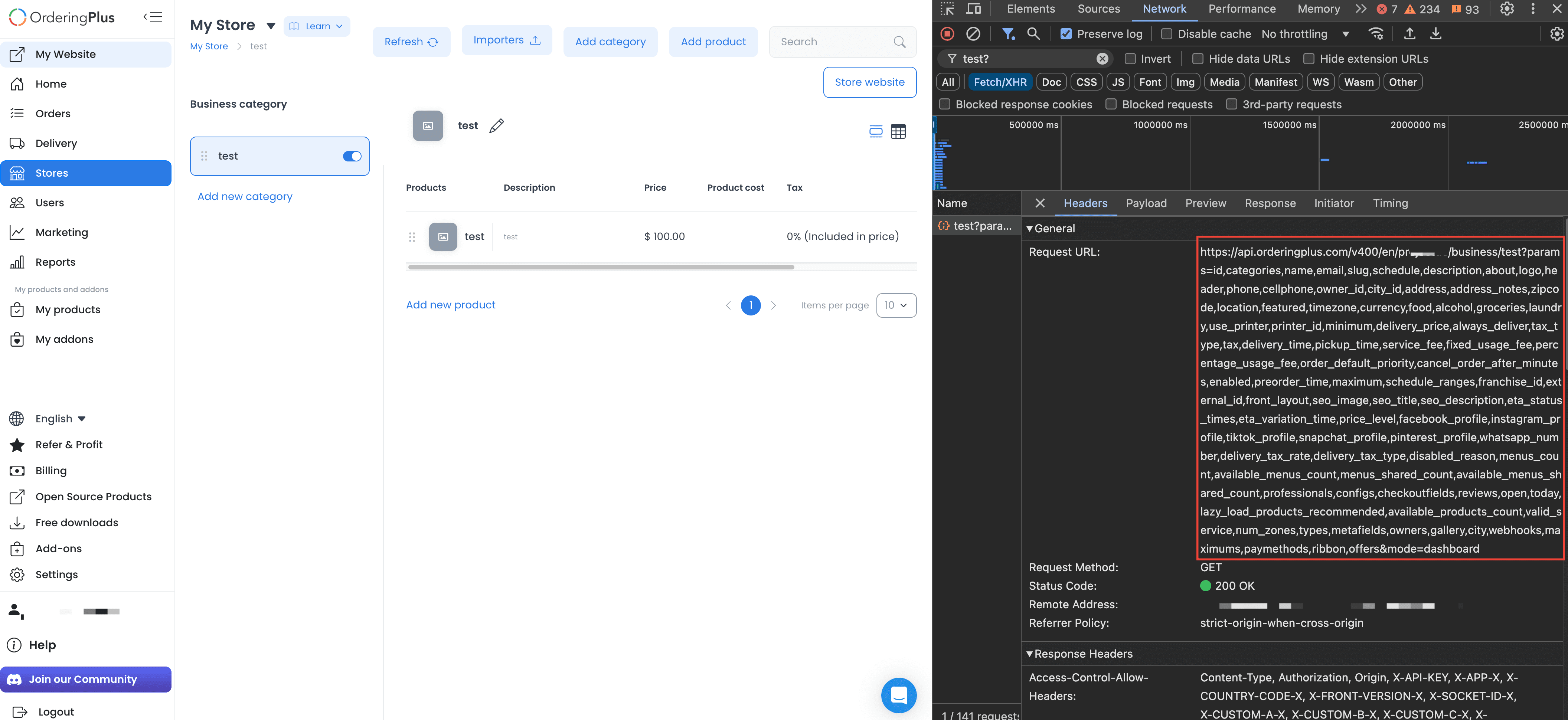
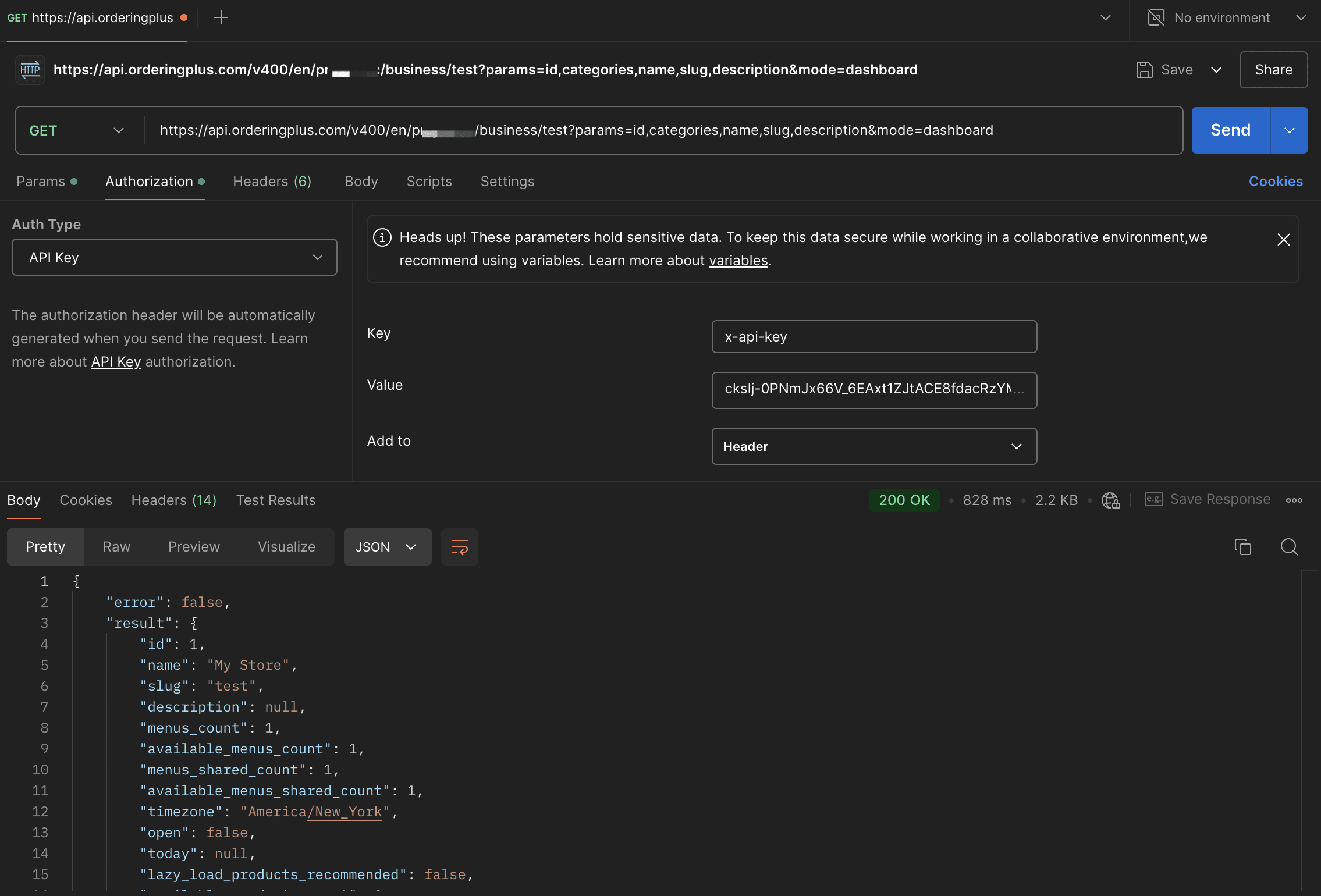
The current reference documents category and product retrieval as separate operations. Use the category-list operation in API Reference and the product-list operation in API Reference for their published path/query parameters and generic response envelopes.
The capture below is a historical request example; it does not establish a current nested categories response or a selectable-field contract.
Where to go next
This guide covers authentication and a few representative operation paths. For the full set of available operations — including request parameters, response schemas, and status/error codes — use API Reference. If you need the Dashboard’s operational status terminology, see Orders — Overview; it does not replace an API operation’s contract.
For the Ordering.co integration overview and project-scoping context, see Ordering API integration planning.