Developers
Apps & developers → API & integrations under Settings includes Plugins, Webhooks, API Keys, and MCP. The Settings route is limited to administrators (level 0); individual controls depend on project availability.
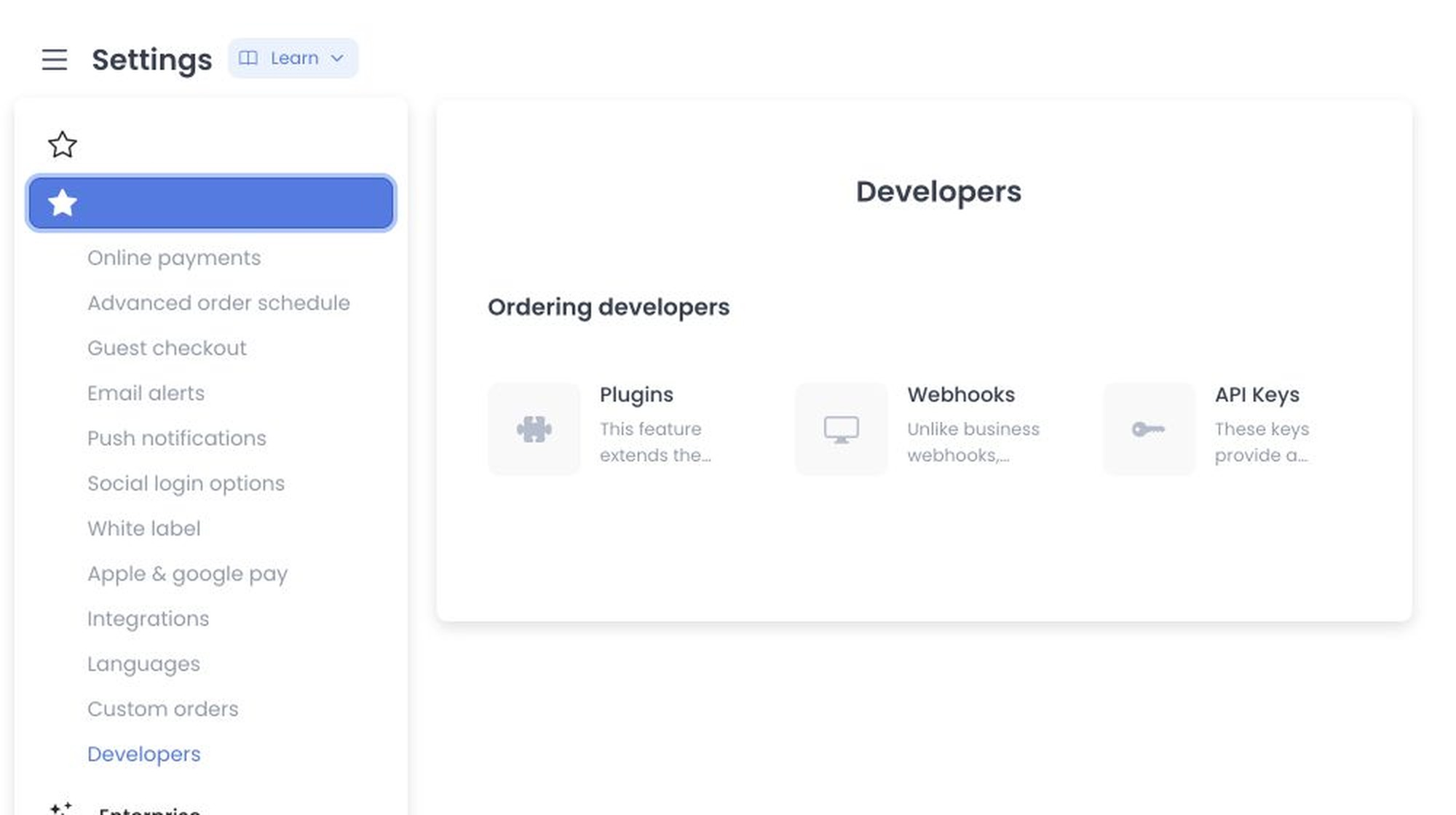
Cards and query state
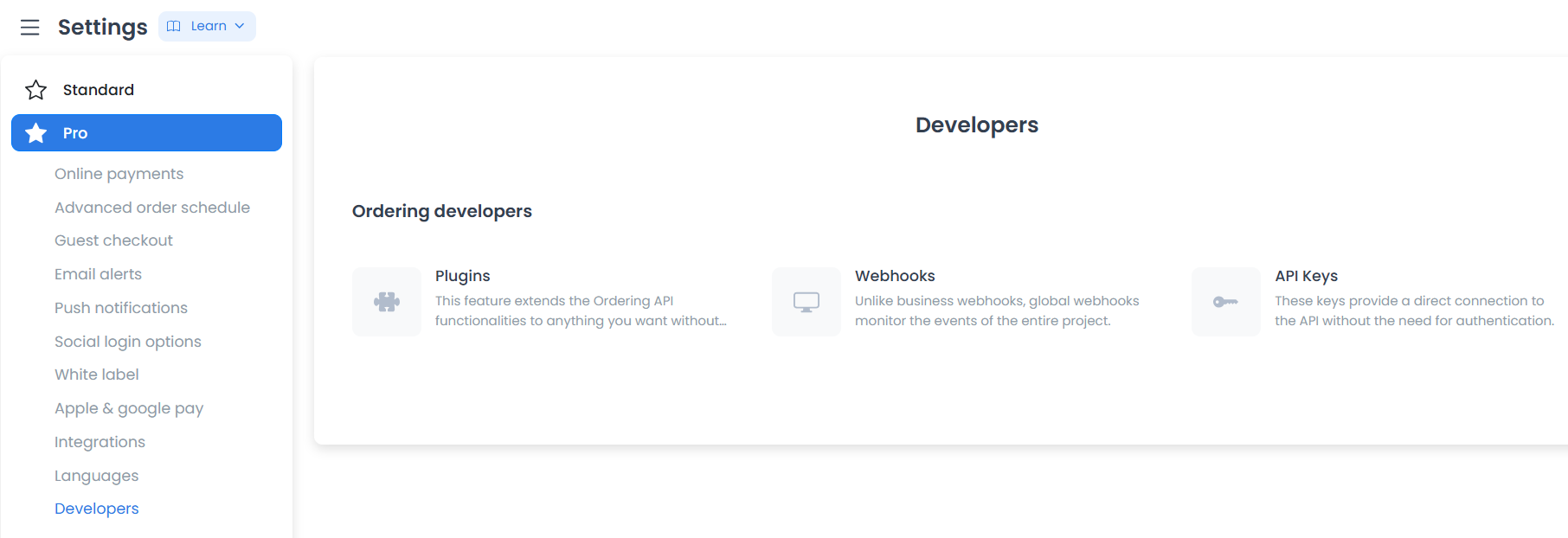
The Developers view represents the selected card in ?group=developers&category=developers&id=:id. Available controls can vary with project configuration. The screenshot above shows the Plugins, Webhooks, and API Keys cards; MCP is documented below.
Opening Webhooks can load existing records. Its form can collect a URL, trigger, and delay; Add webhook creates a record, and confirmed deletion removes one. Update and manual-dispatch operations can be available through the API even when they are not shown in this screen.
Unlike a business's own webhooks, the webhooks configured here are global: they monitor events across the entire project rather than a single business, which makes them the right tool for syncing project data with an external CRM, ERP, or database system in real time. Configure a trigger so the platform sends a payload to a destination URL whenever a specific action happens — for example, a new order is created or a driver is assigned. See Configure webhooks for the full setup procedure.
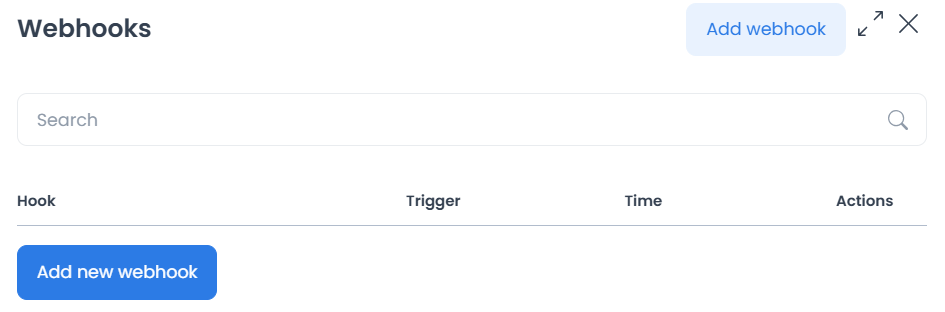
A webhook record contains a destination and event selection capable of outbound delivery. Review the receiving URL, event payload, security, and data-sharing requirements before saving. A configured record alone does not confirm delivery.
MCP for Claude Code and Codex
Open MCP (Claude Code & Codex) and use Copy prompt to connect as the main path.
Paste it into your terminal agent, sign in through the browser, review MCP and the separate
REST option, wait for the installer, reload and verify whoami inside your client.
The page keeps server URL, manual setup and personal key creation/replacement/revocation.
Follow the complete MCP guide for compatibility, quickstart/plugin, permissions, renewal and revocation. Browser success confirms delivery only; MCP read does not restrict the optional REST credential. Settings still requires administrator access; the pairing flow also supports eligible business managers.
API keys
The API Keys area can be available to accounts at levels 0 or 2 without widening access to the rest of Developers. It can display existing key values and offer copy, creation, and deletion actions. These controls do not by themselves confirm a key's scope, validity, creation, revocation, or authorization.
An API key gives an external application a direct, authenticated connection to the Ordering.co API without requiring manual user login on every request. Treat a key like a password: it can grant access to project data according to its authorization. See Create an API key for the generation steps. If a key is compromised, open its Actions menu and delete it, then generate a replacement immediately.
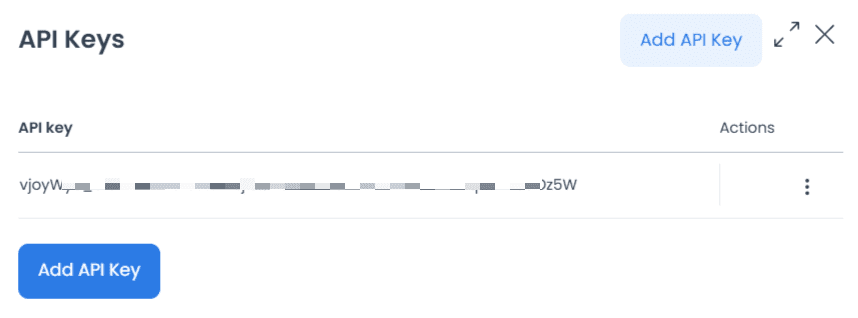
Never place keys, tokens, headers, URLs, user identifiers, or provider responses in screenshots or shared material. Treat all of them as secrets.
Plugins
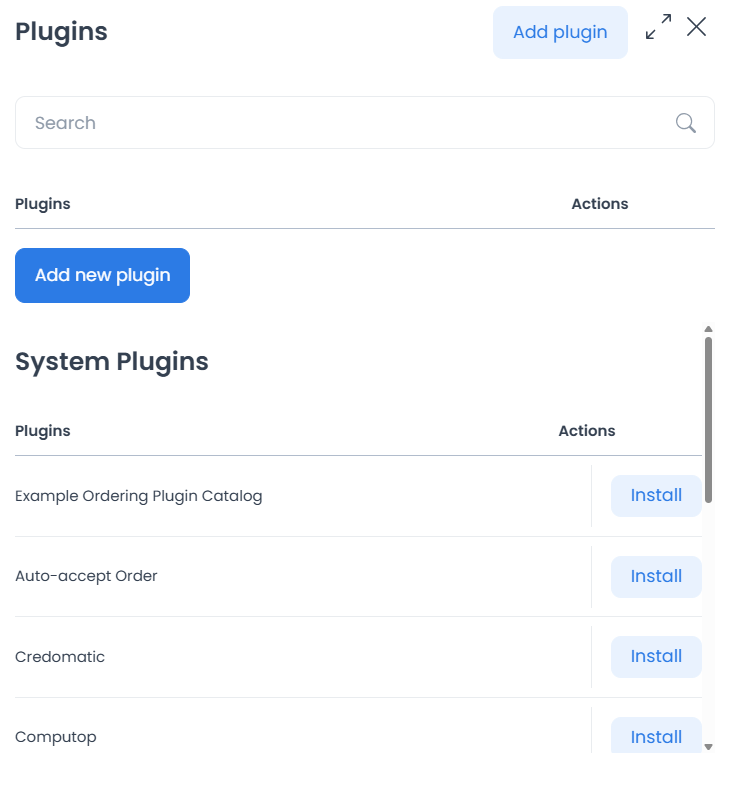
Plugins open a project-specific management sidebar backed by a plugin list. Returned plugins, settings, credentials, provider effects, installation state, and behavior can vary by project and provider configuration.
Plugins extend the Ordering.co API with custom features, specific payment gateways, or automated behaviors. Browse and install a system plugin — for example, an auto-accept-order plugin or a payment-gateway plugin such as MercadoPago, Credomatic, or Computop — or use Add new plugin to upload or link your own custom-developed code to the API.
Developer tips
Test any new plugin or webhook in a staging environment before enabling it on a live project. Plugin installation and key generation can take effect immediately, so review the related procedure and your project policy before using them. For endpoint-level request and response detail, see the API guidelines and the API Reference.
Operational boundaries
/all-settingsis limited to level 0 and has a separate group condition, while API Keys can have a separate 0-or-2 access condition that does not widen route access.- API endpoints and UI labels do not by themselves confirm authorization, delivery, key validity, revocation, provider behavior, or success.
- Before enabling a plugin, webhook, or key, use an approved non-production environment, prevent production credential or data exposure, and confirm the expected outcome.
Related guides: Integrations (analytics and live chat) · Settings logs · Settings overview