Set up Google Pay
Historical provider and Dashboard record
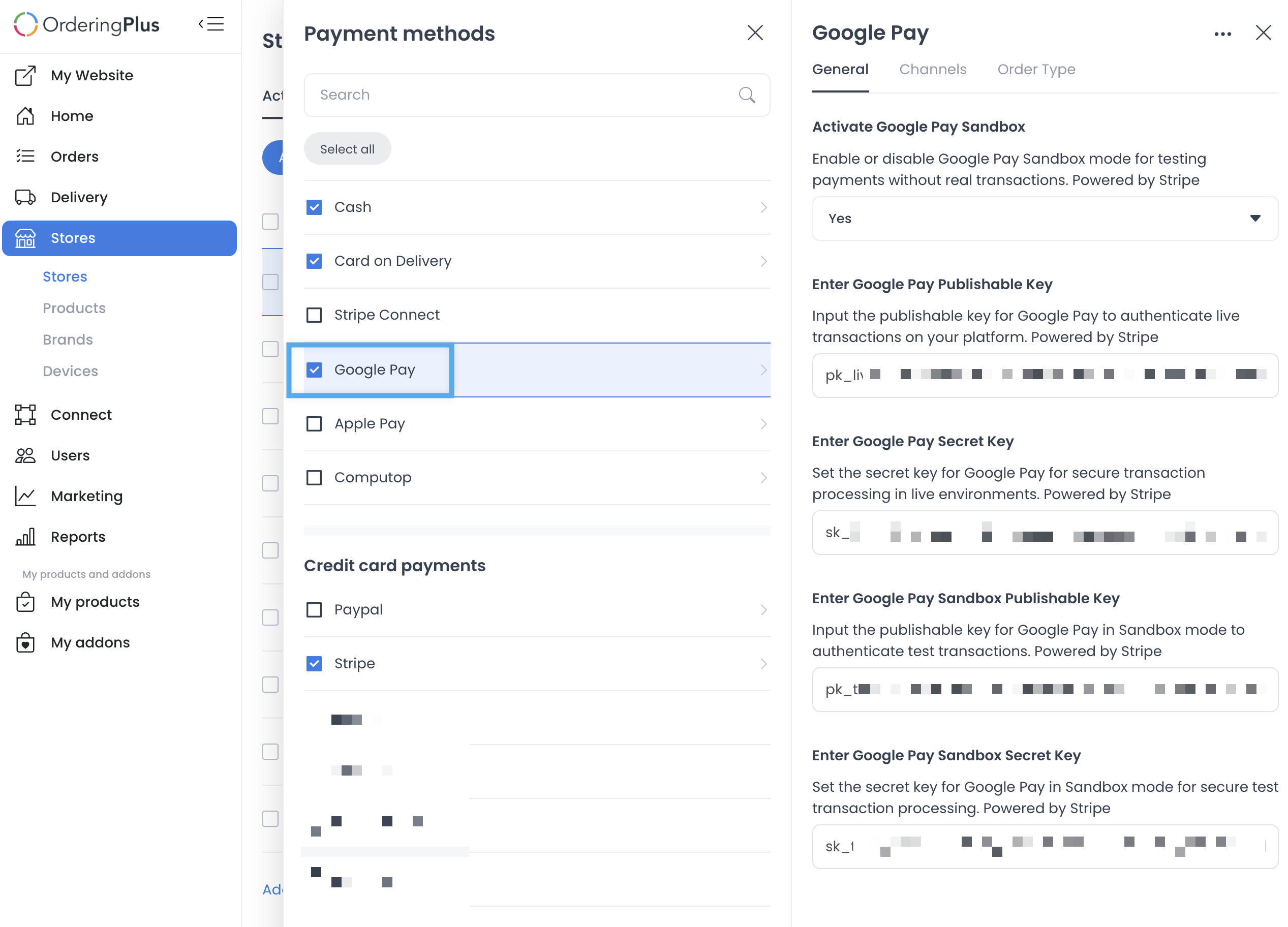
The retained source includes provider and Dashboard credential fields. Never place live or test keys in documentation, screenshots, messages, or source control.
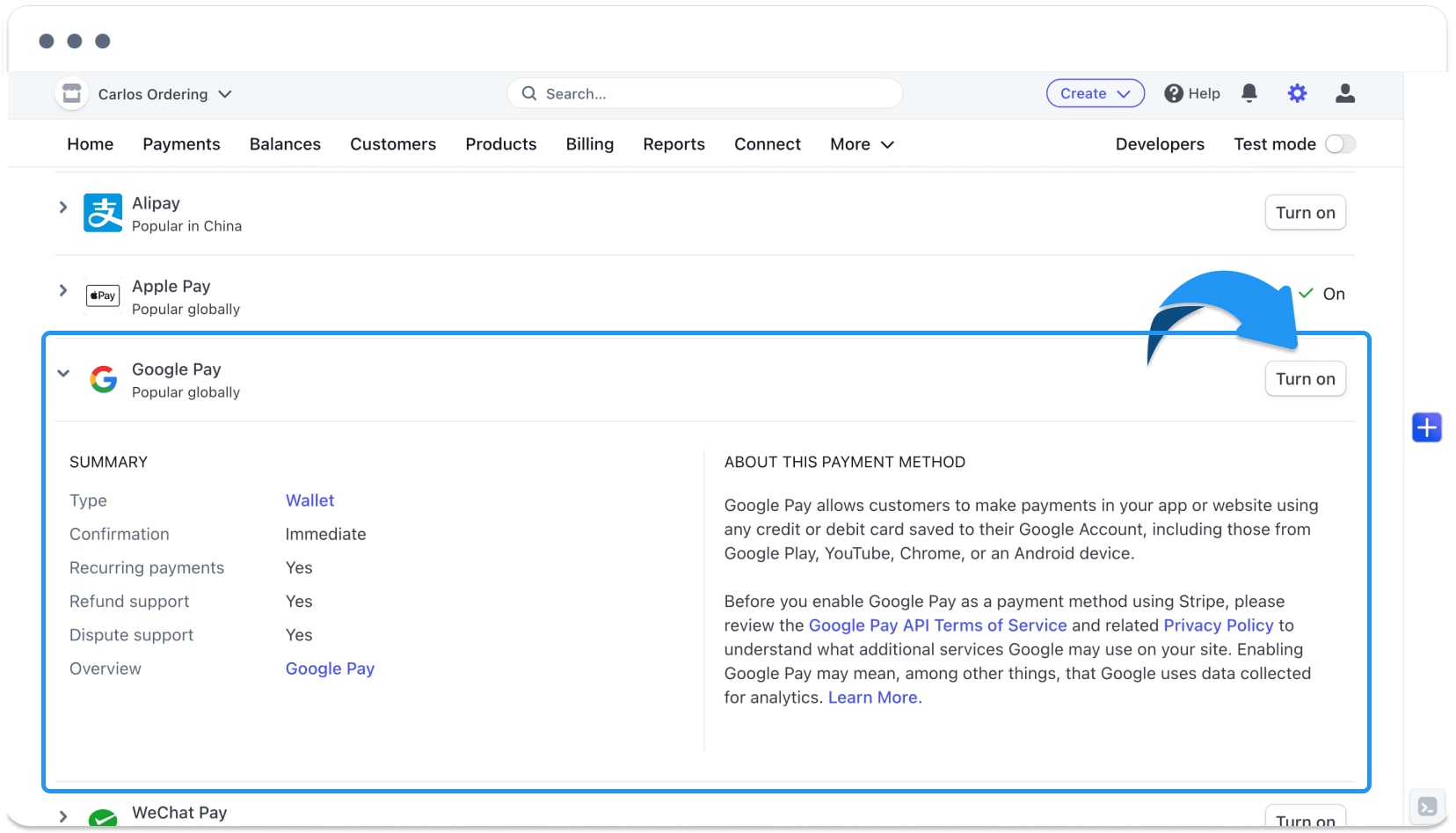
The retained source depicts a historical provider and Dashboard sequence. It is preserved for reference only and is not a verified current procedure for Ordering.co.
The source linked to a Google test-card reference and a Google Pay production-access reference. These external links are retained from the source; they do not establish current product requirements, provider approval, or a payment result.
The first capture appears with historical provider test material.
The next capture shows a historical Dashboard payment-method view with a Google Pay label.
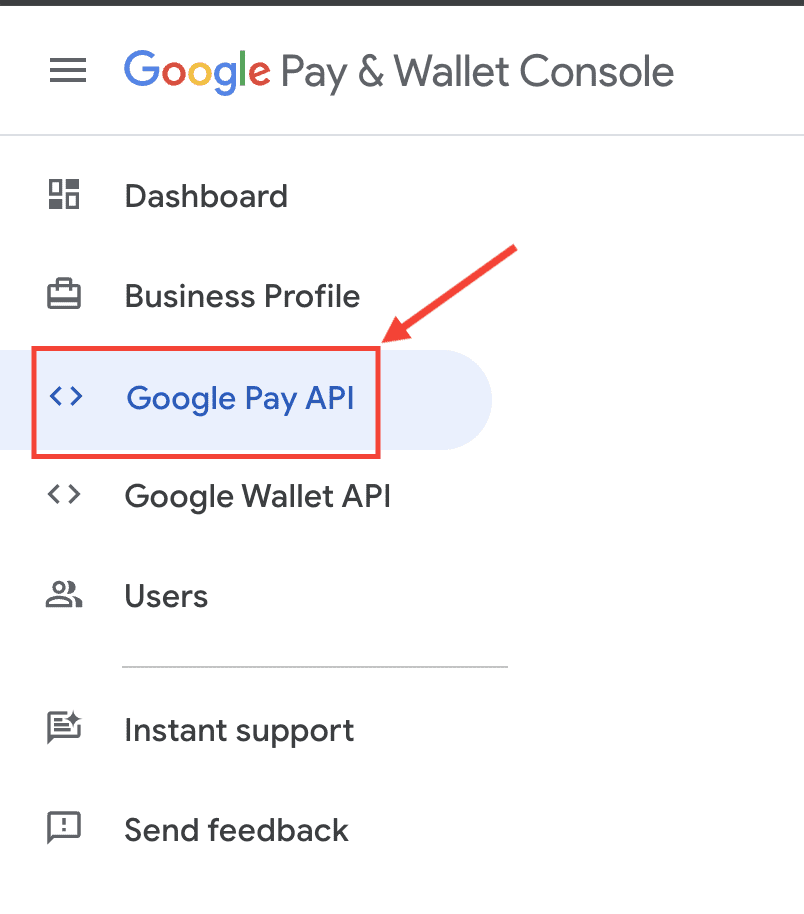
Historical provider-console captures
The source also linked to the Google Pay & Wallet Console and preserved the following console views. They are historical observations, not instructions for a current verification or configuration workflow.
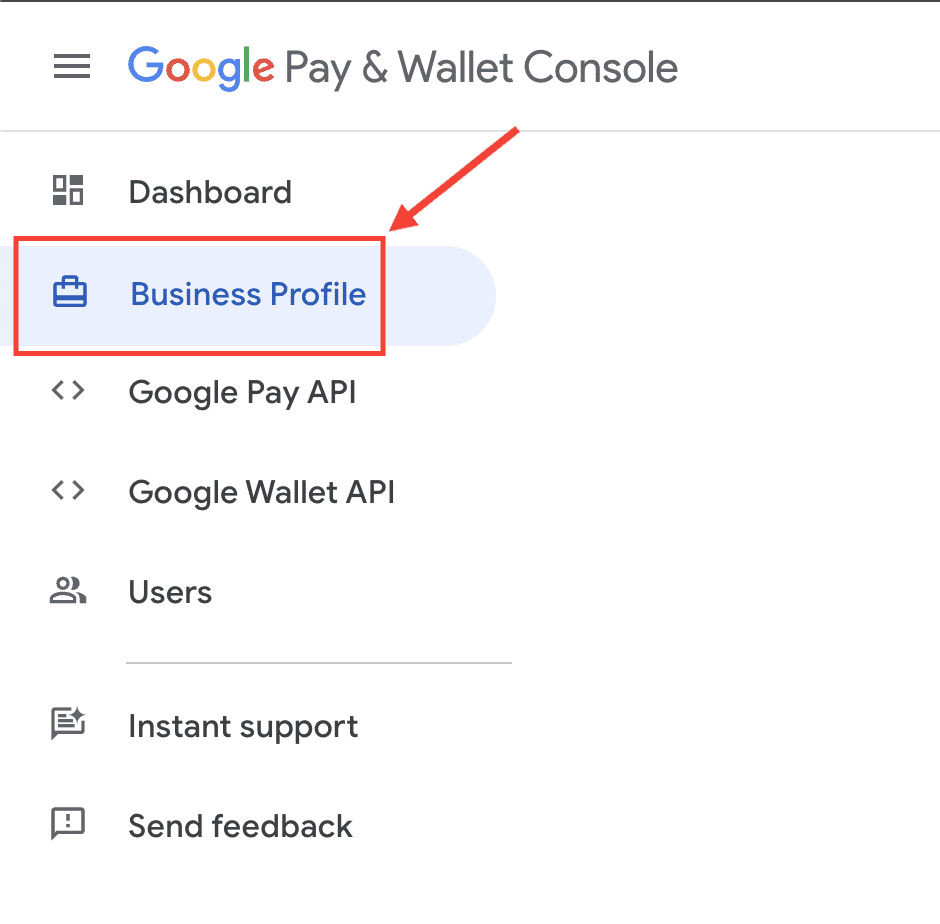
Image link: https://d.pr/i/NpRv7M
Link image: https://d.pr/i/zS7LmZ
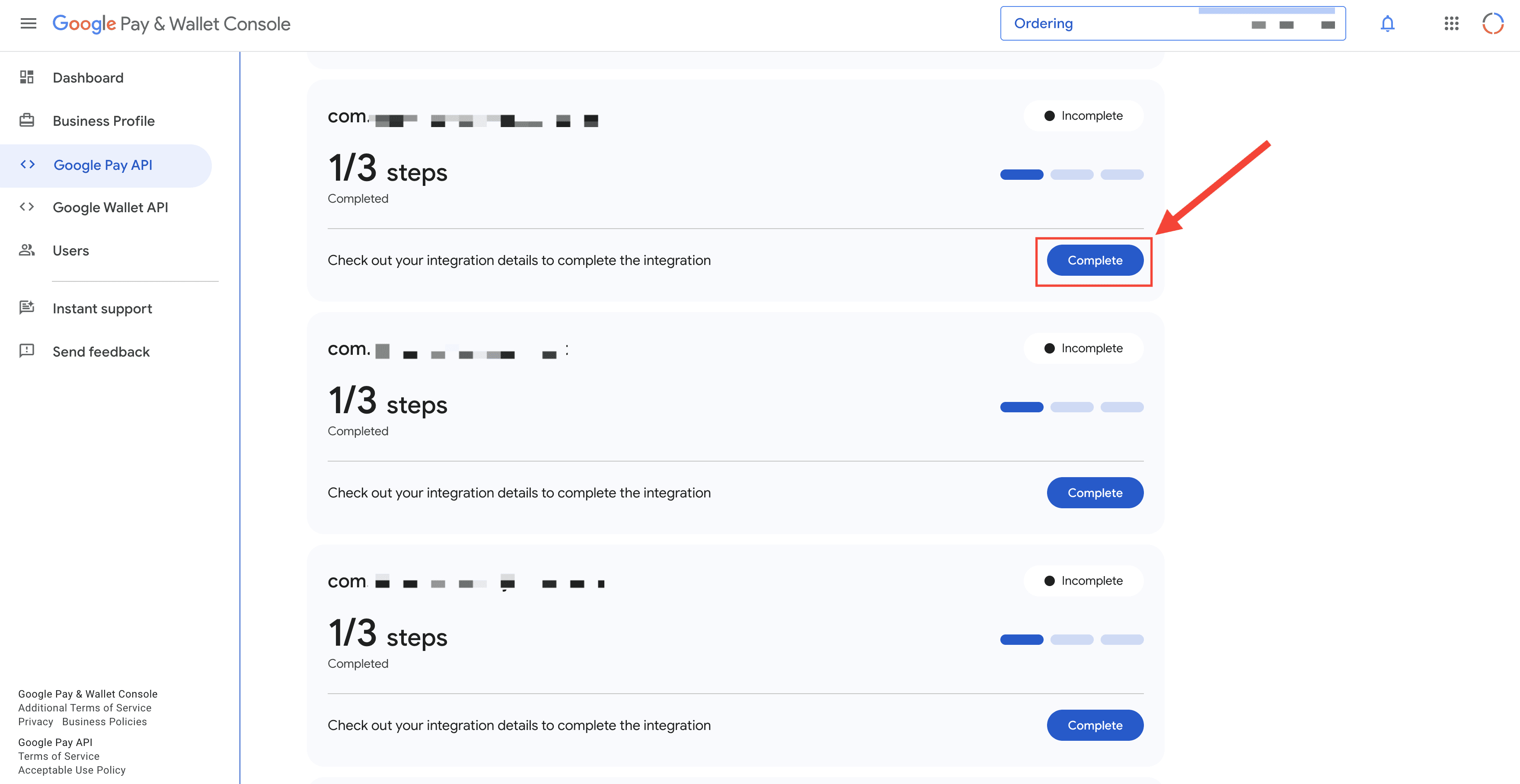
Link image: https://d.pr/i/K7iCay
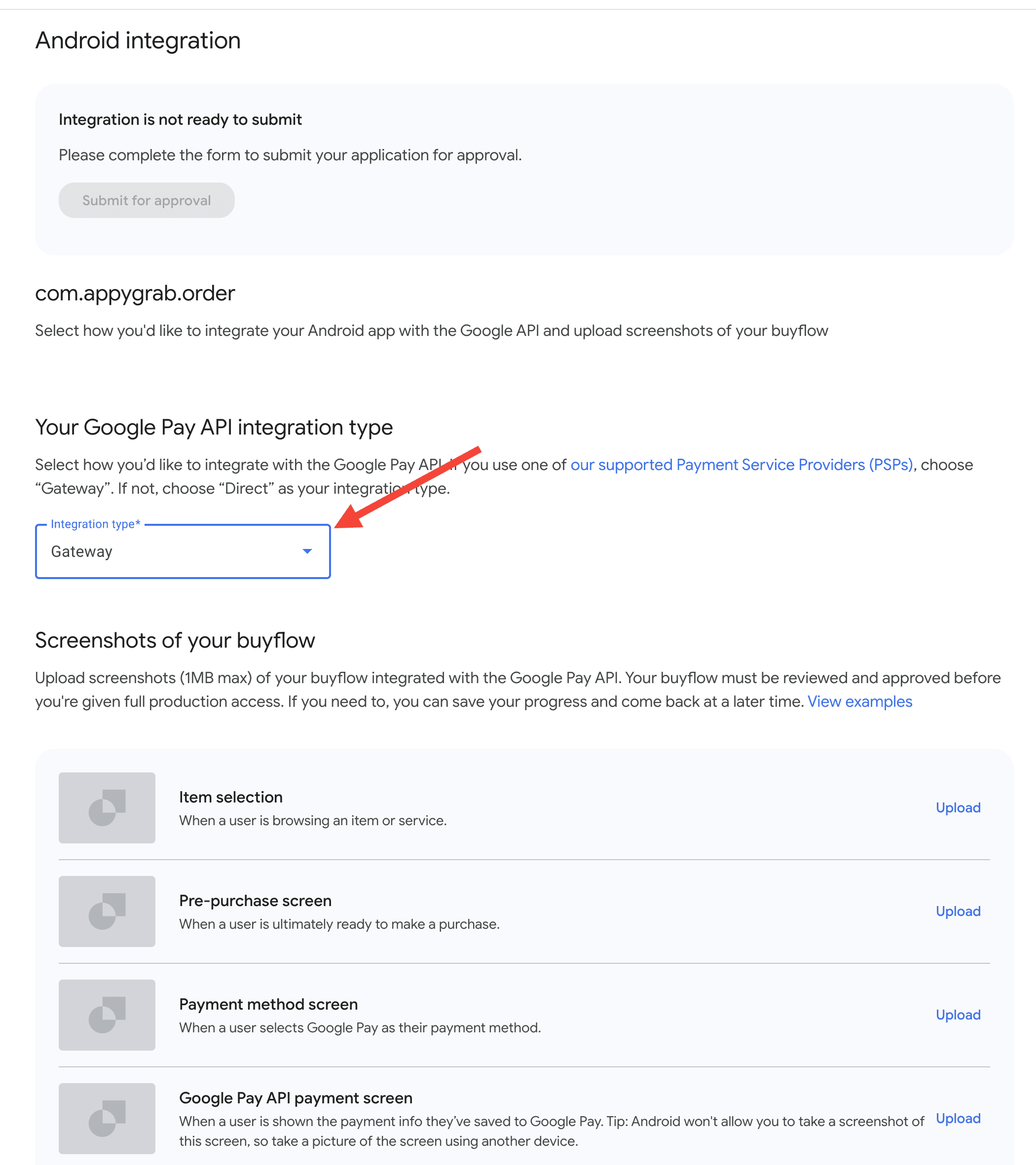
Link image: https://d.pr/i/lsfMmb
Boundary
These captures do not establish a current API contract, provider account, business verification, wallet eligibility, checkout availability, payment authorization, settlement, refund behavior, or a customer outcome. Obtain approved current provider and product evidence before changing any configuration.
For the product overview, see Google Pay on Ordering.co.