Set up Apple Pay
Historical provider and Dashboard record
The retained source includes provider and Dashboard credential fields. Never place live or test keys in documentation, screenshots, messages, or source control.
The retained source depicts a historical cross-provider configuration sequence. It is preserved for reference only and is not a verified current procedure for Ordering.co.
The first captures show historical provider-payment views labelled Create Configuration and Apple Pay.
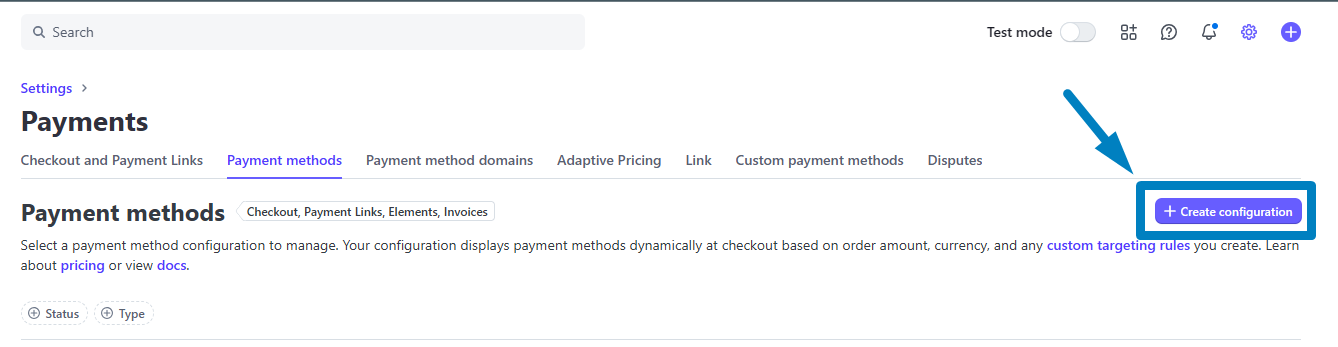
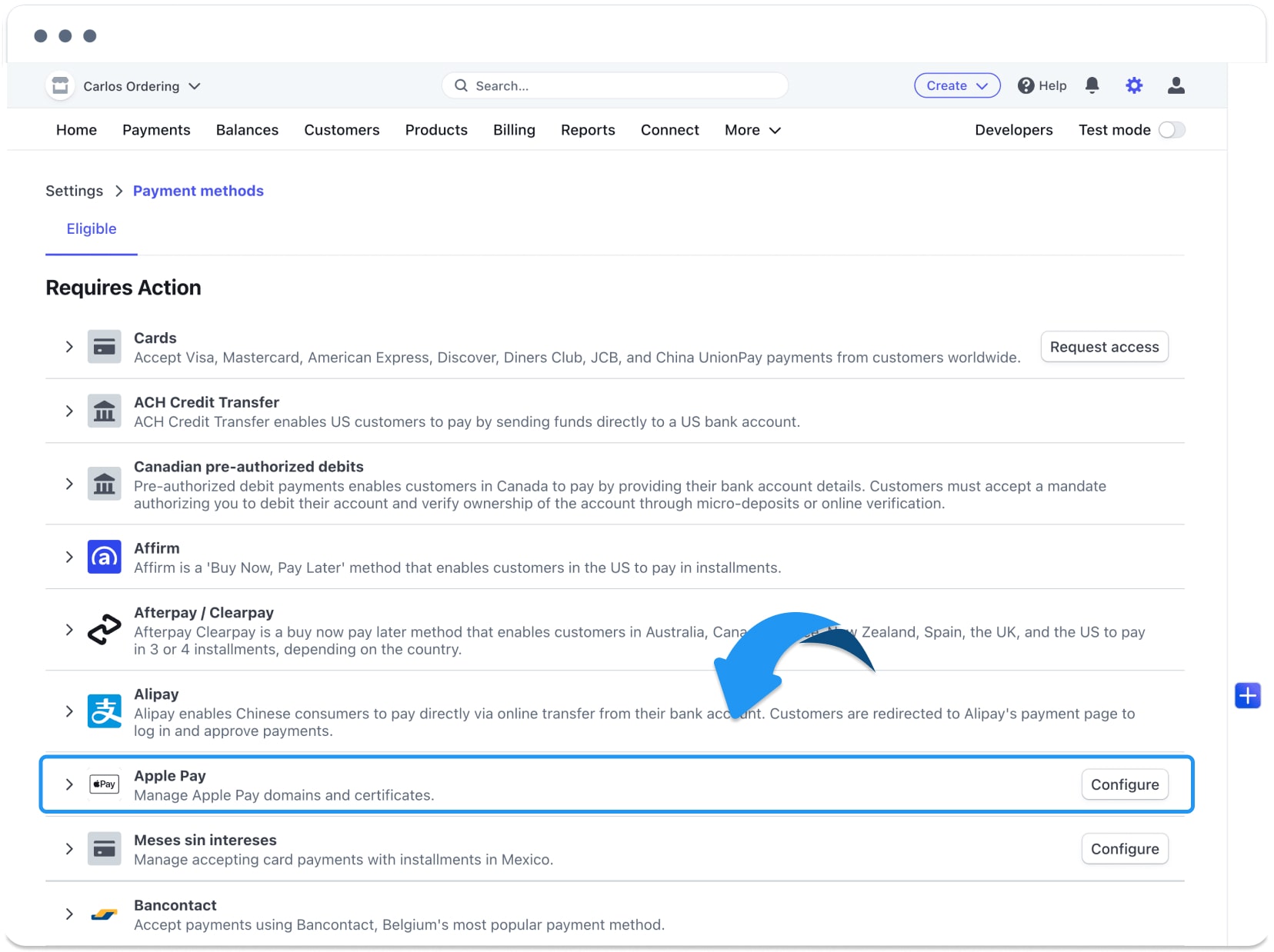
The next captures show historical domain and verification-file views.
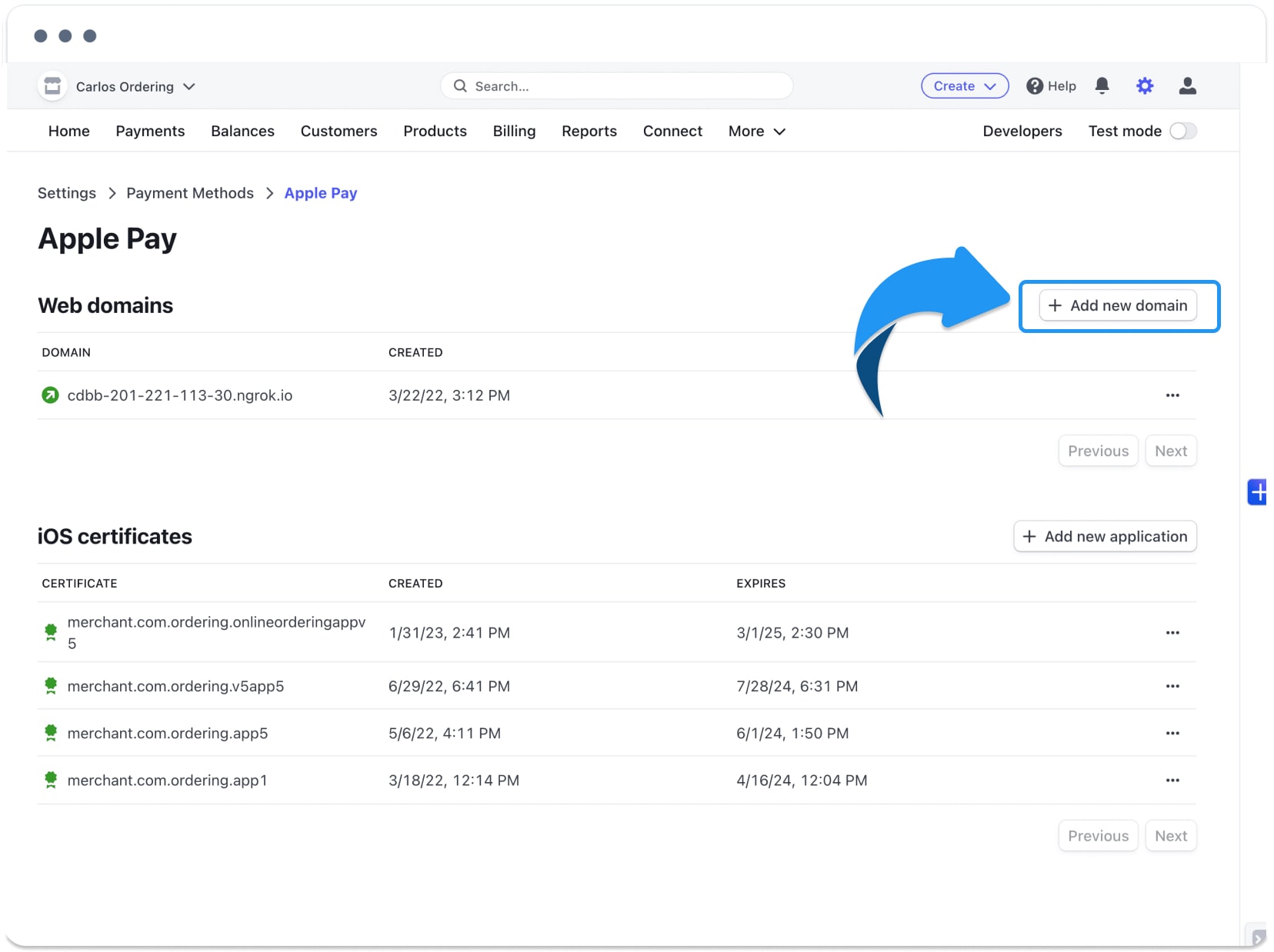
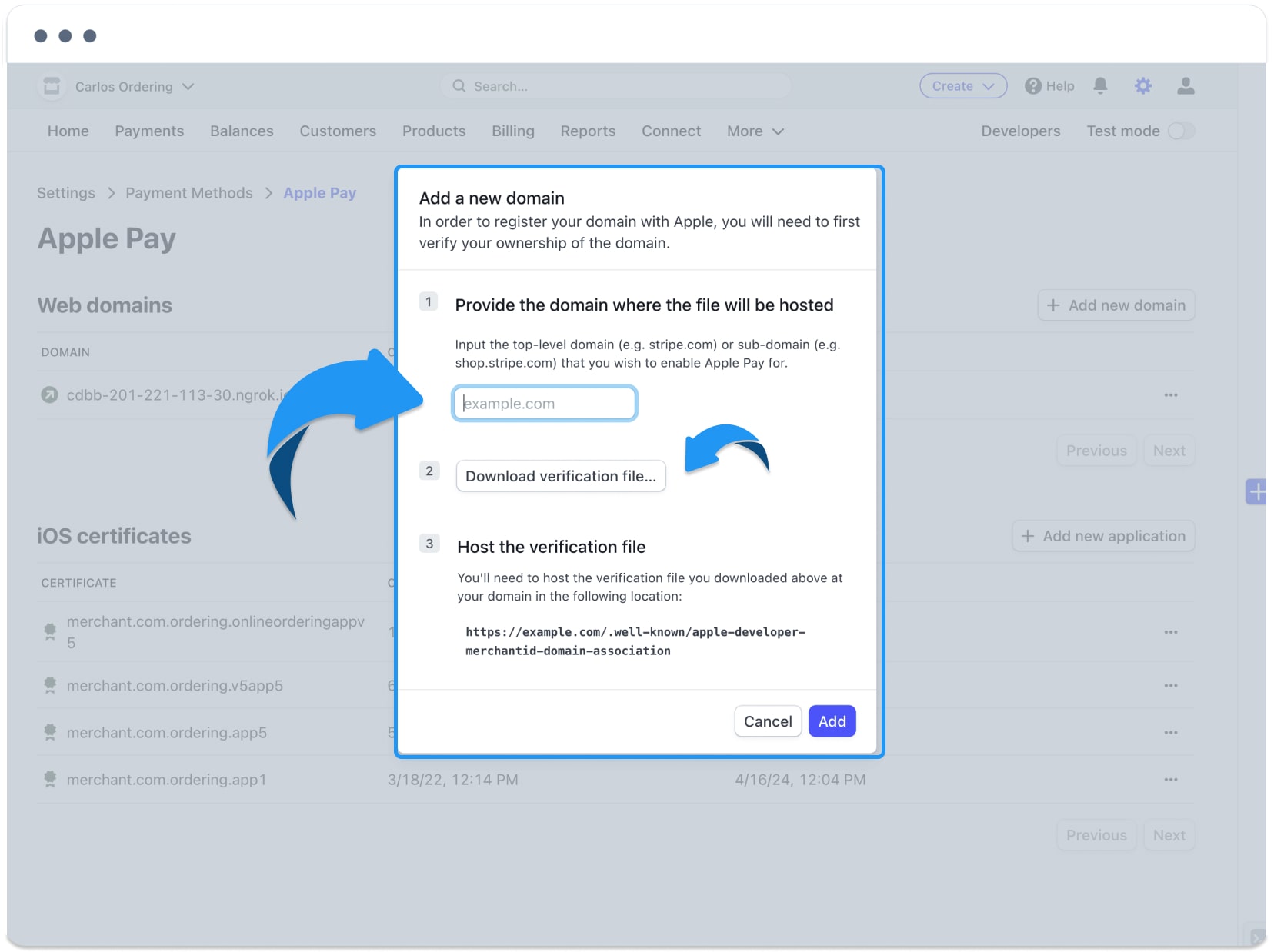
The retained source also includes a historical Dashboard credential form and its enlargement.
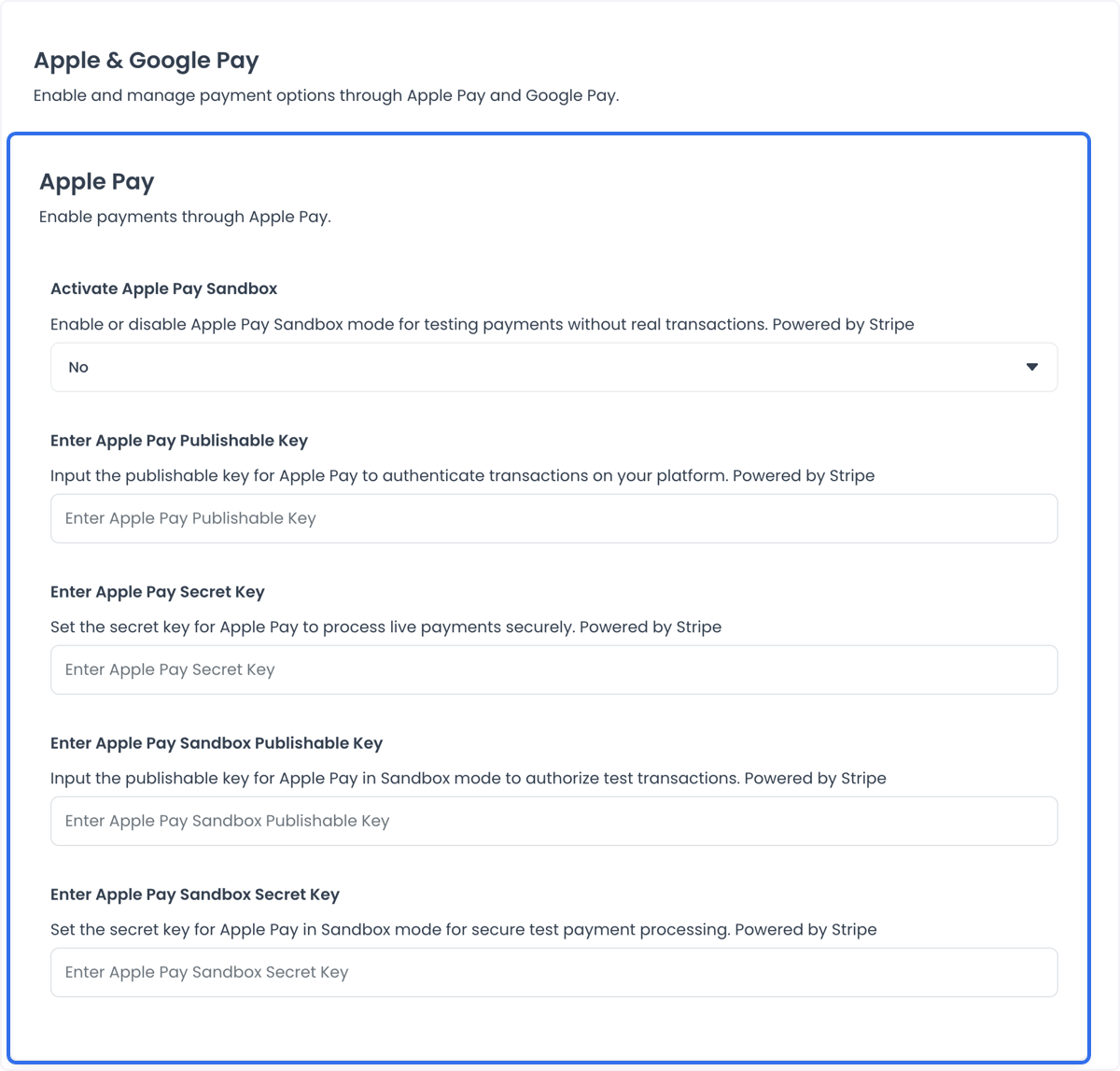
The following captures show historical Apple account and certificate views.
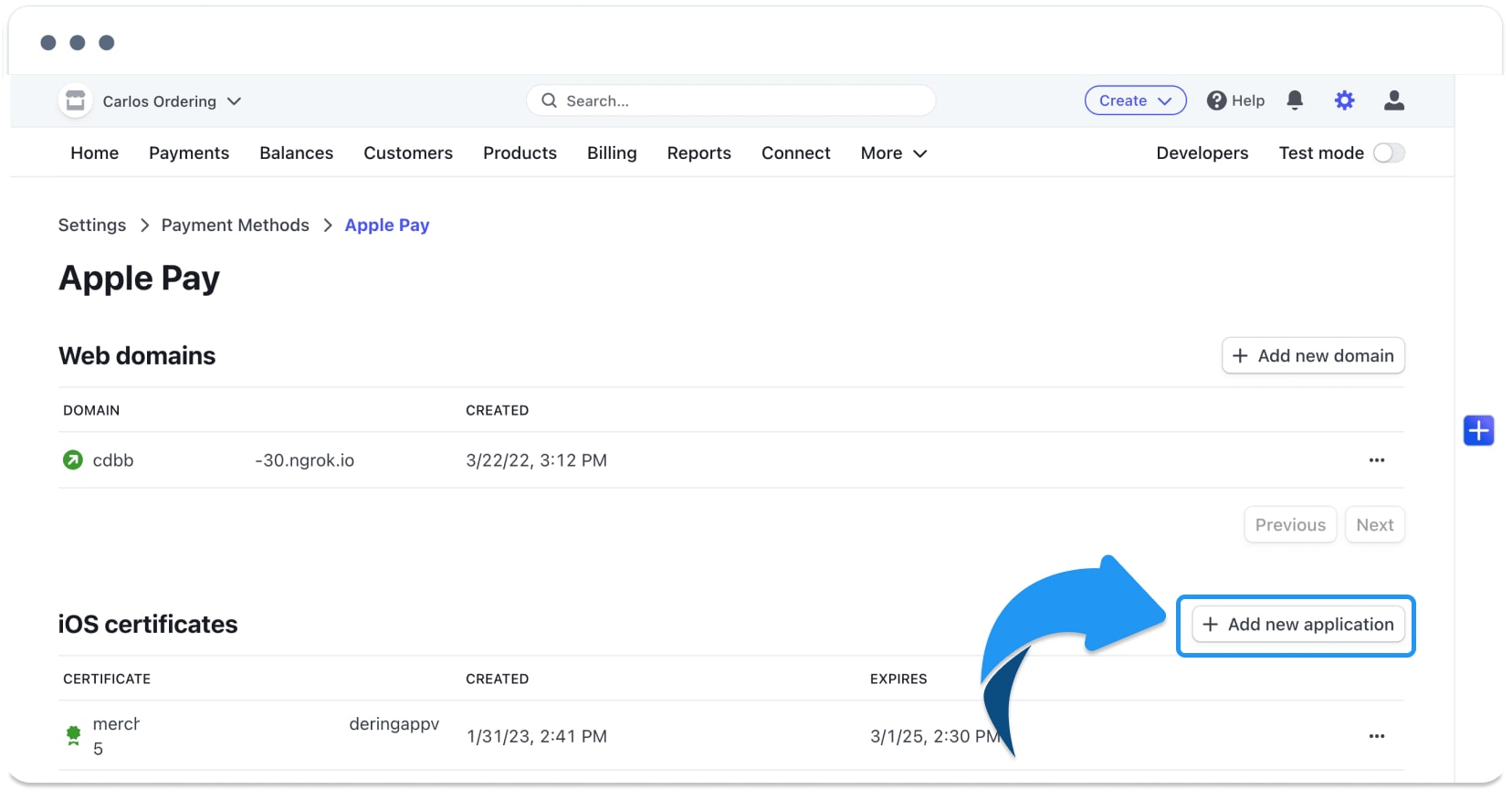
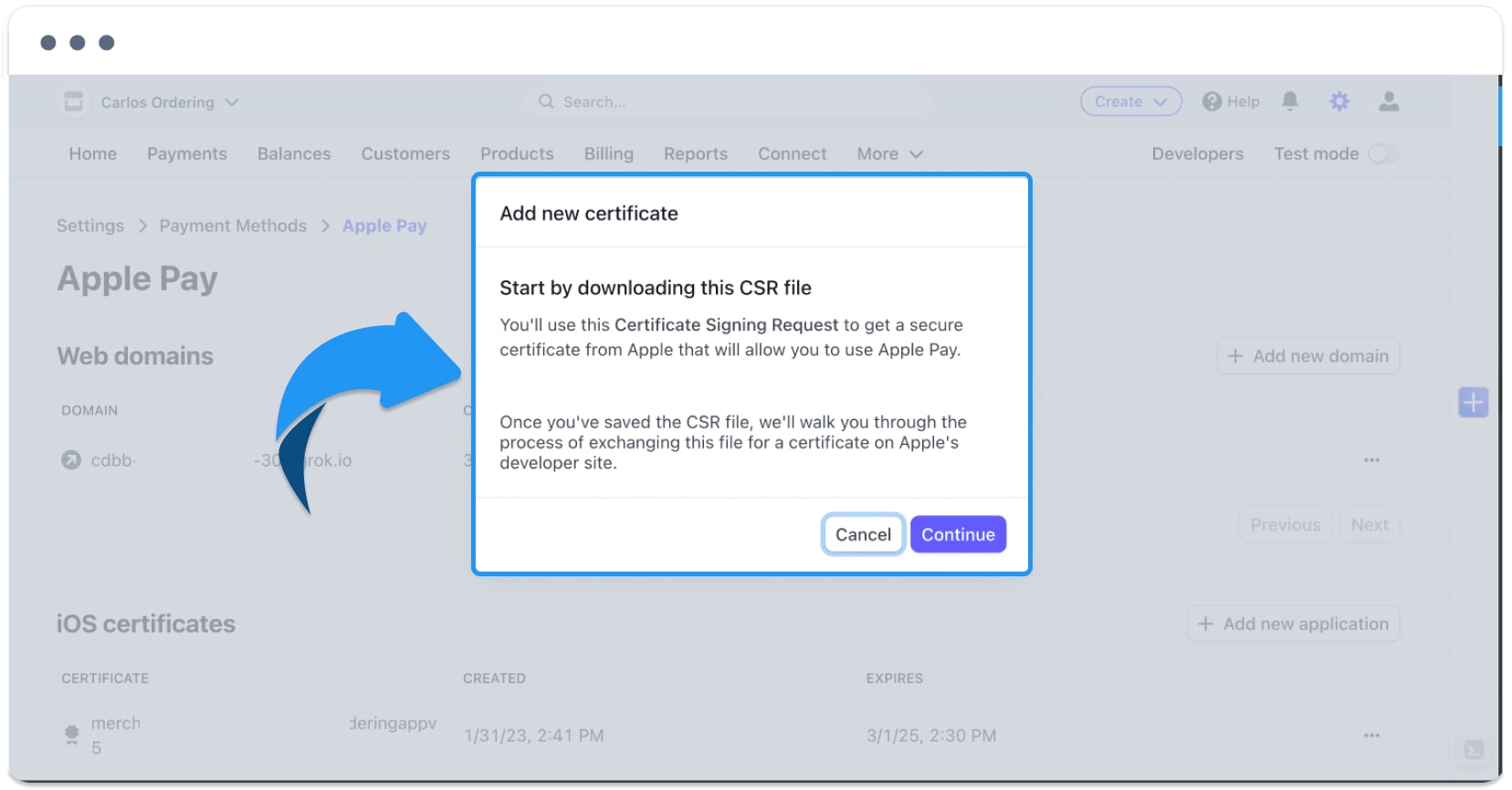
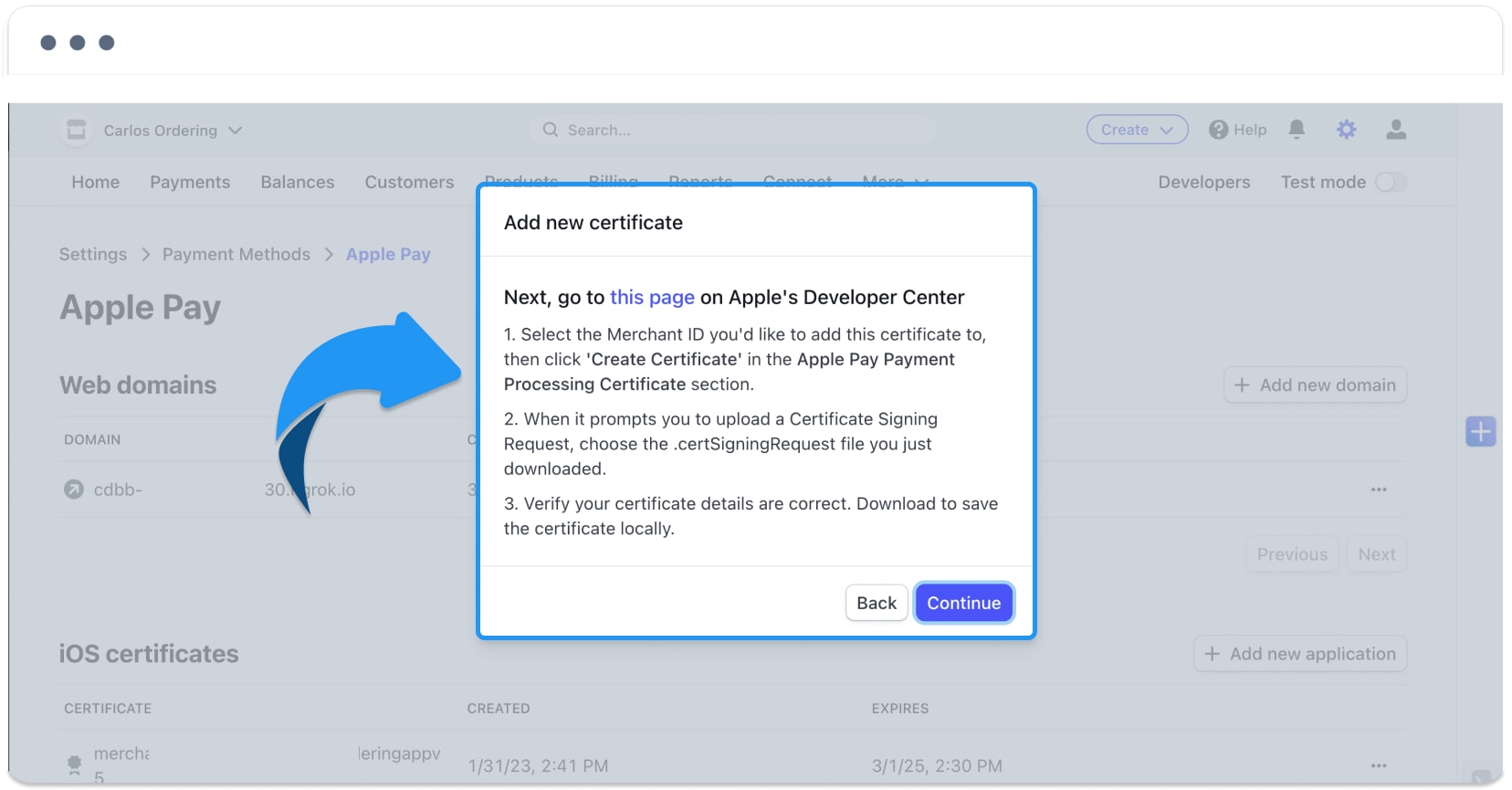
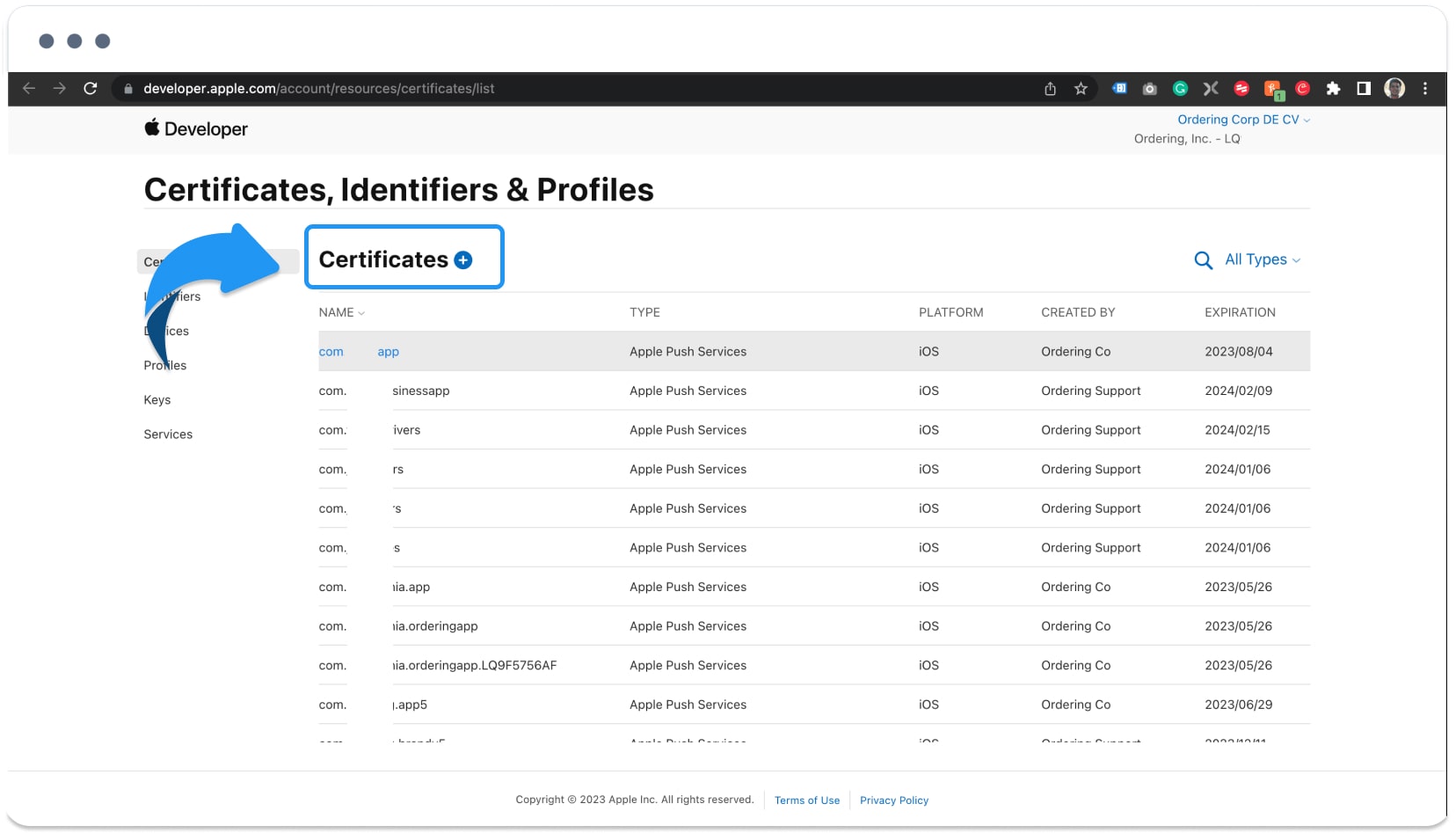
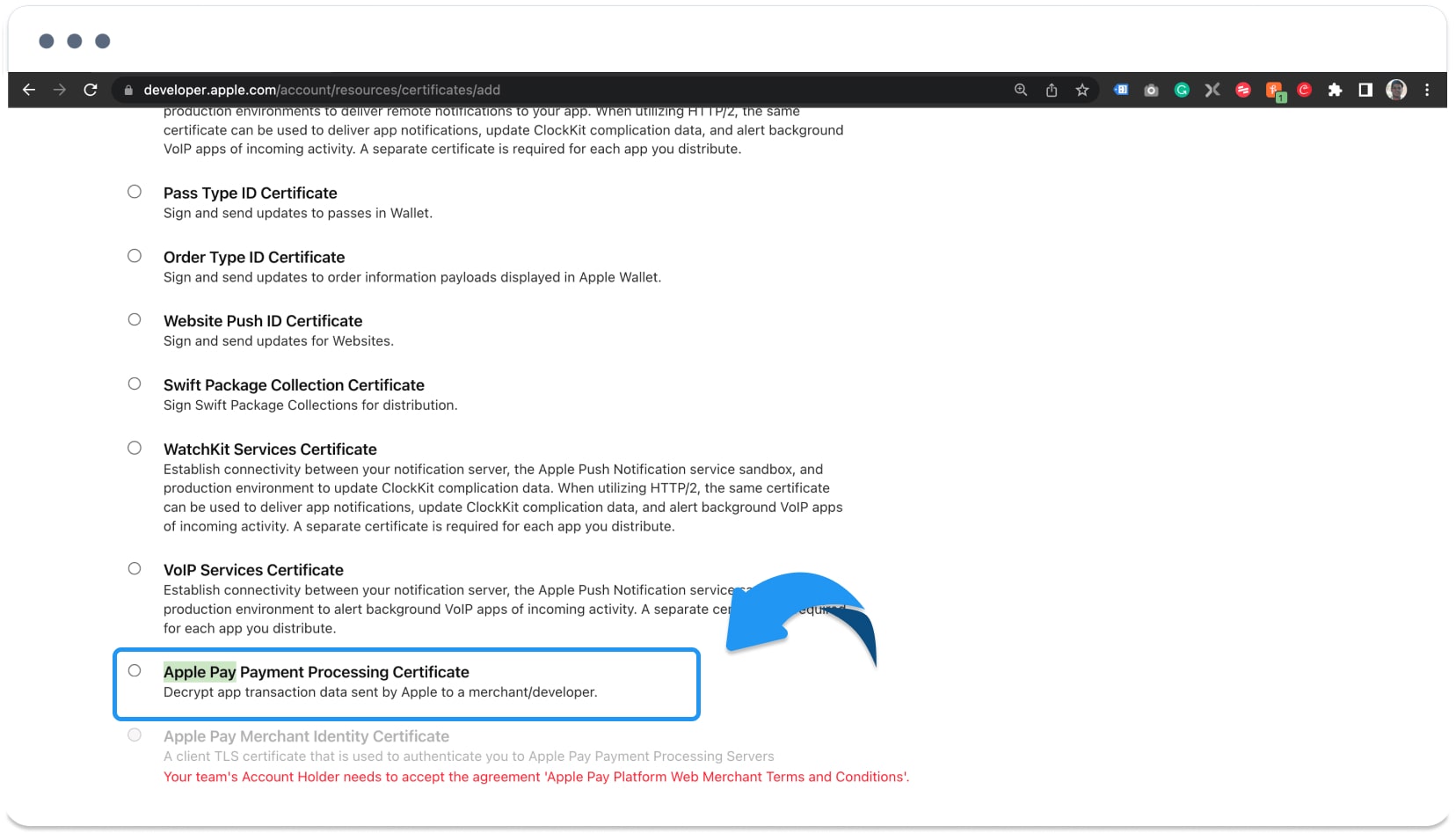
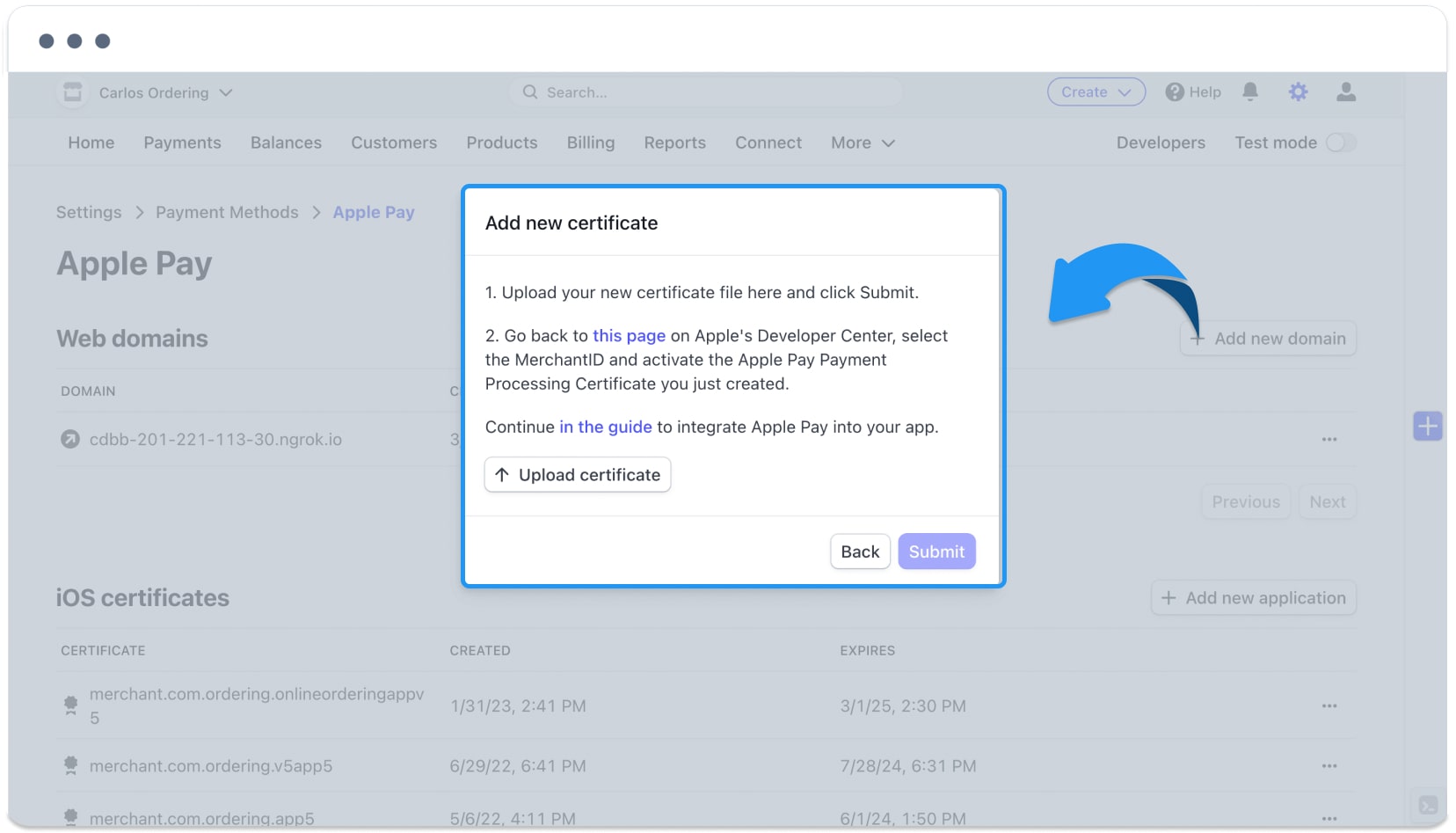
The final capture shows a historical Apple Pay settings form in the Dashboard.
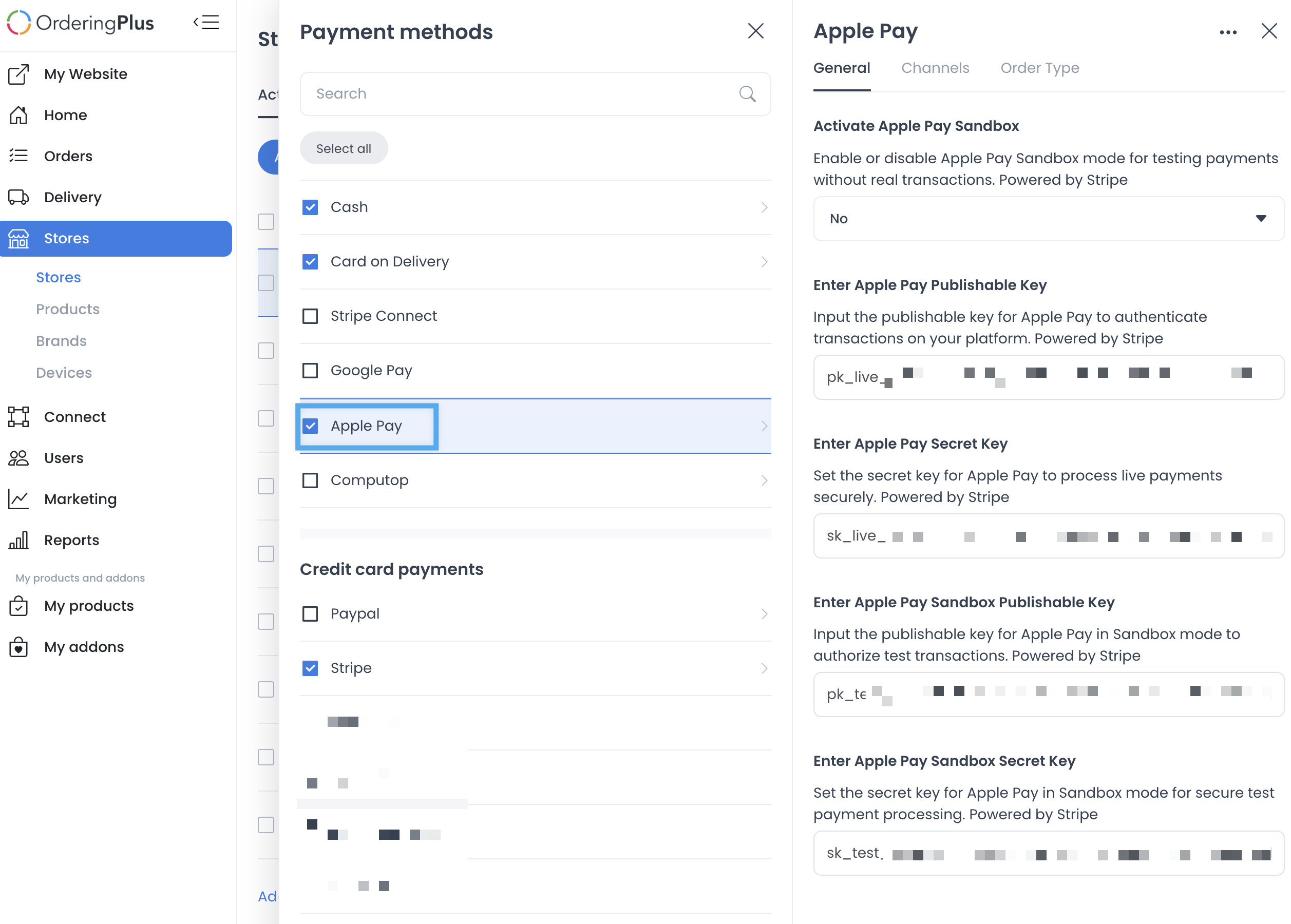
The source also linked to Apple Pay testing guidance. The external reference is retained, but it has not been used to establish an Ordering.co configuration, wallet, or payment result.
Boundary
These captures do not establish a current API contract, provider account, merchant setup, domain registration, certificate status, wallet eligibility, checkout availability, payment authorization, settlement, refund behavior, or a customer outcome. Obtain approved current provider and product evidence before changing any configuration.
For the product overview, see Apple Pay on Ordering.co.