Apple & Google Pay
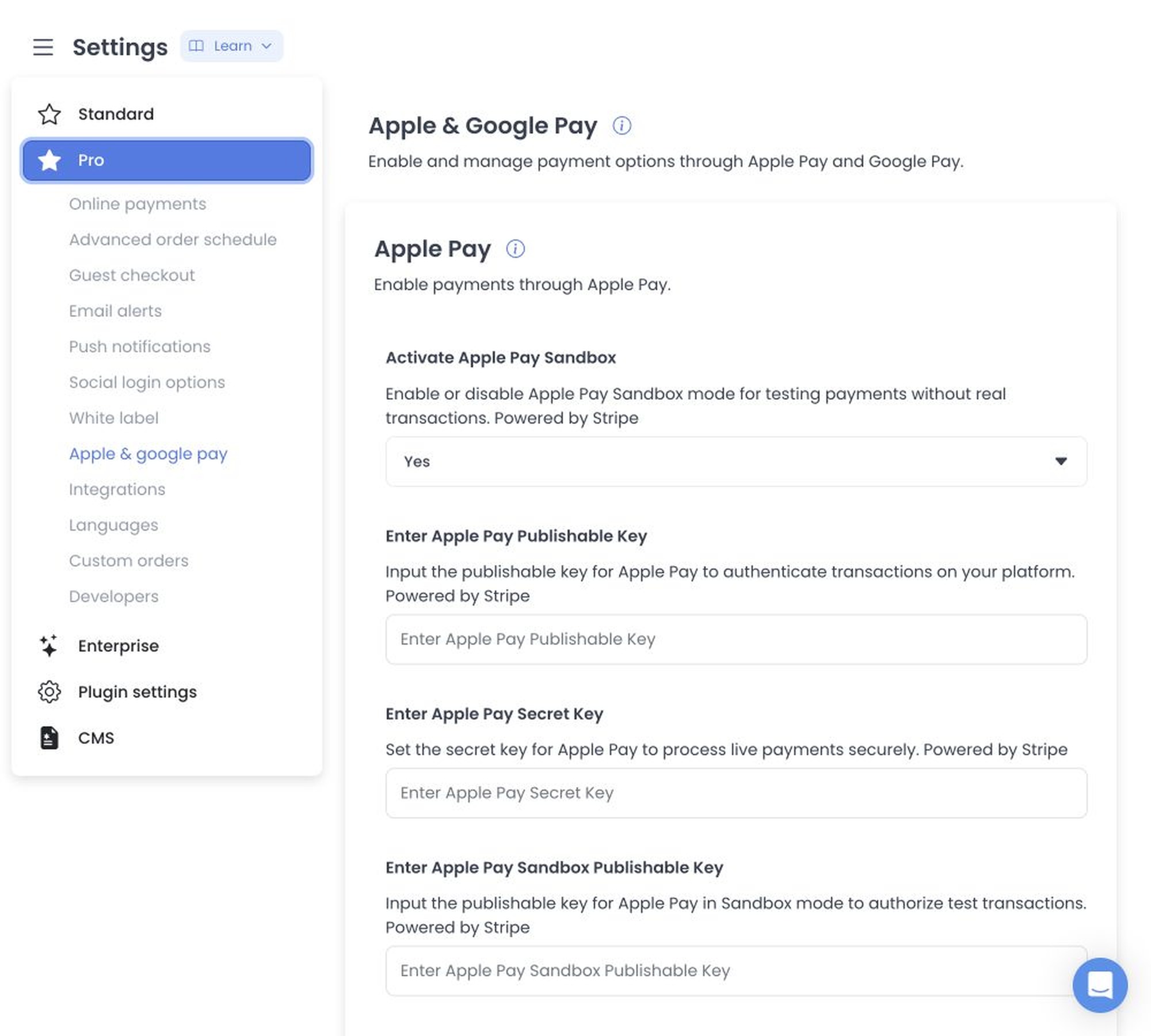
Settings → Apple & Google Pay can appear when the project returns that settings category. It configures payment options; it does not show a customer's wallet balance.
These controls depend on provider, merchant/domain, credential, certificate, checkout, and payment configuration. Their availability and effects depend on the project's setup and provider account.
Local API Reference boundary
The local API Reference documents generic configuration collection and item operations, but it does not identify Apple Pay, Google Pay, wallet-specific fields, or a wallet result schema. There is no wallet-specific API contract to link here, so this guide does not prescribe field names or map them to API operations.
Source-bound write observation
The shared SettingsList controller stages ordinary configuration changes and invokes item saves sequentially after Save. That is a controller-level observation only; it does not establish a wallet-specific form, validation, persistence, rollback, provider connection, or payment effect.
Historical configuration captures
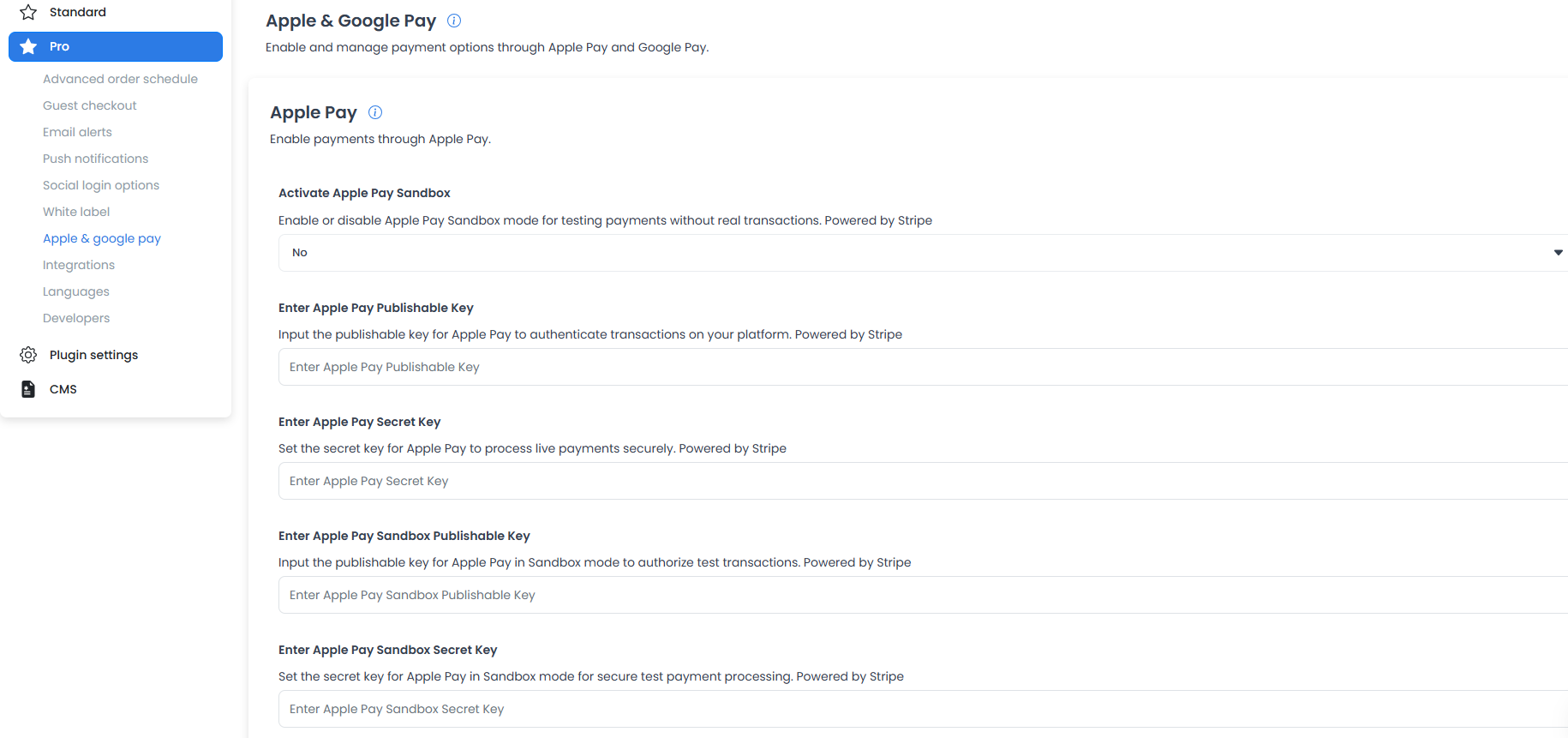
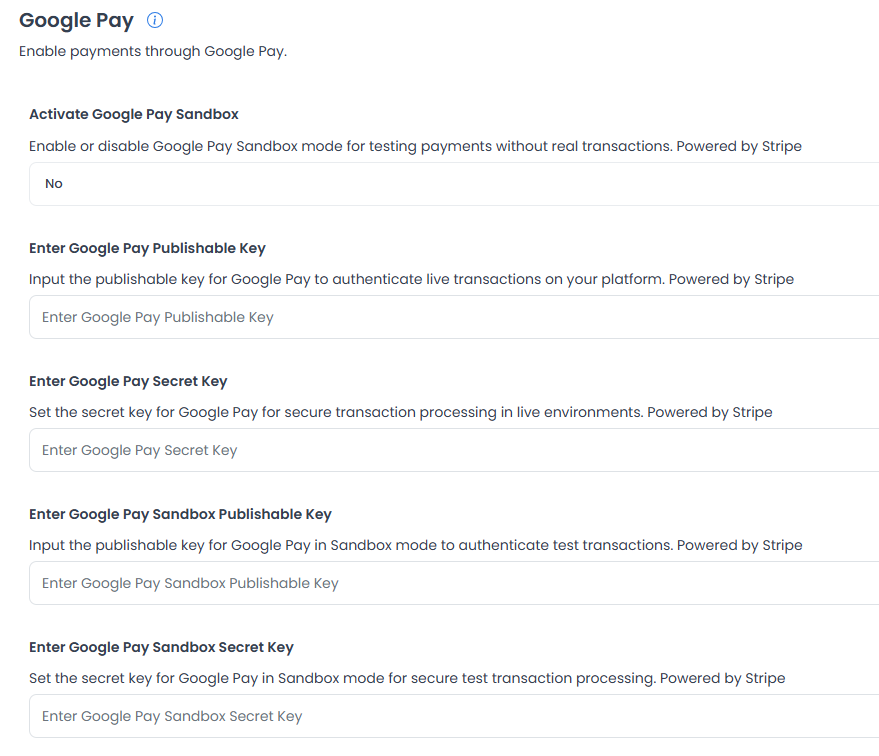
The retained captures show historical controls labelled for Apple Pay and Google Pay, including sandbox, publishable-key, and secret-key fields. They do not show configured values and are not current setup instructions or an API field contract.
Related guides: Online payments · Settings
Related procedures
Apple Pay
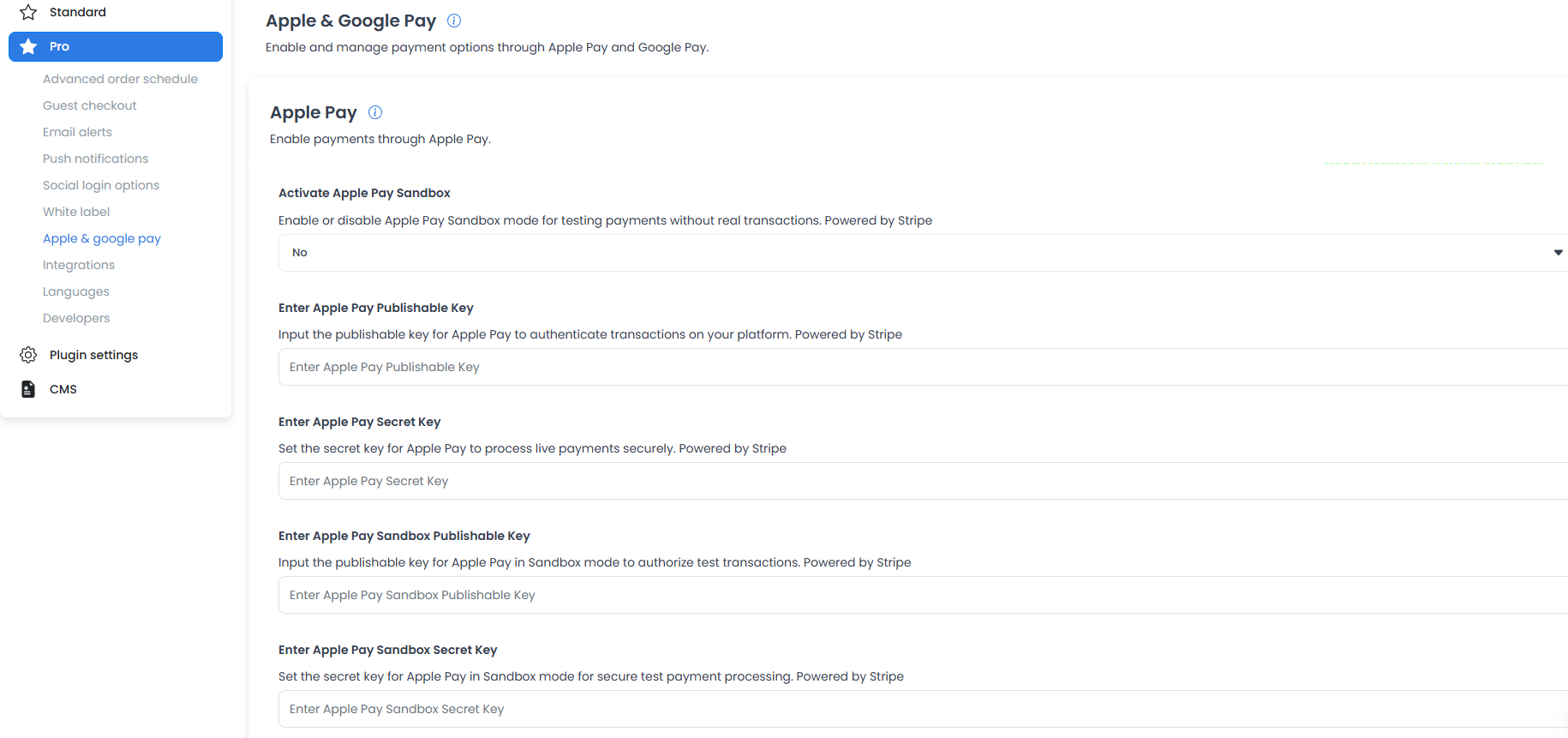
The following historical captures show an Apple Pay configuration surface. They do not establish a provider account, merchant setup, domain registration, certificate, wallet eligibility, payment authorization, settlement, refund behavior, or checkout availability.
Google Pay
The following historical capture shows a Google Pay configuration surface. It does not establish a provider account, merchant setup, business verification, wallet eligibility, payment authorization, settlement, refund behavior, or checkout availability.
Do not copy provider credentials into documentation, screenshots, messages, tickets, or source control.
For product overviews, see Apple Pay and Google Pay on Ordering.co.