Custom Order plugin settings
Dashboard provides a generic Plugin settings list and a separate Pro Custom Orders page at /all-settings?category=custom_order. Plugin categories, IDs, roots, fields, and values can vary by project.
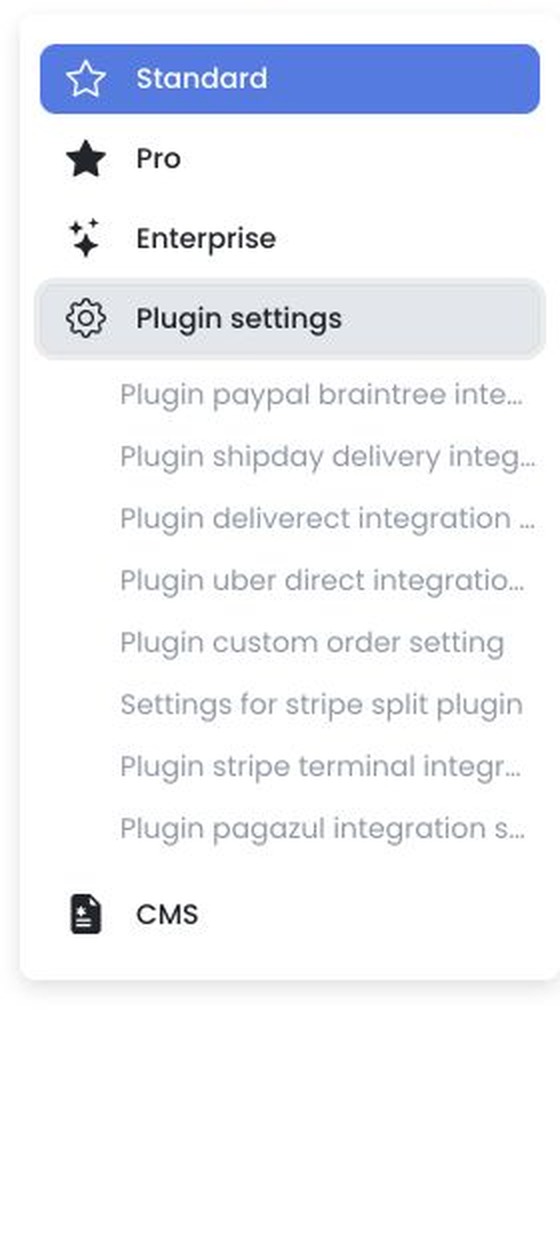
Plugin settings
The generic Plugin settings page may include a Custom Order Enabled option. Changes are staged until Save and applied sequentially; image changes may save immediately. Plugin installation and management are available separately under Developers → Plugins.
Pro Custom Orders settings
When available, Pro Custom Orders can expose these administrator-only global settings:
max_weightdelivery_fee_multipliermax_distance
Labels, descriptions, values, input types, validation, and any additional fields depend on the plugin configuration returned for your project.
The Pro form accepts numeric values and submits them together to the plugin settings service when you select Save. Confirm all values and the target project before saving.
Availability
Access to /all-settings requires level 0. Plugin settings and Pro options also depend on the categories and plugin configuration available to the project.
Related guides: Plugin settings · Custom orders settings · Create custom order