Payment plugin catalog
Administrators can browse payment plugins from Stores → select a store → Payment methods. A row with Install offers a plugin setup. The store's returned method is the one you configure or enable after setup.
Find an installable entry and return to the store
- Open Payment methods for the intended store and search for the provider. Confirm the exact variant.
- If the row offers Install, open the plugin setup. When it completes, return to the store and wait for the method to appear. The editor can open when the Dashboard receives the new method. Refresh or check the installed plugin if the method is still missing.
- Look in Settings → Apps & developers for project settings the plugin adds. Open the returned method in the store for its own credentials, channels, order types, and status.
- Verify availability in the intended test channel. A catalog entry or a completed installation alone does not confirm that a payment can be processed.
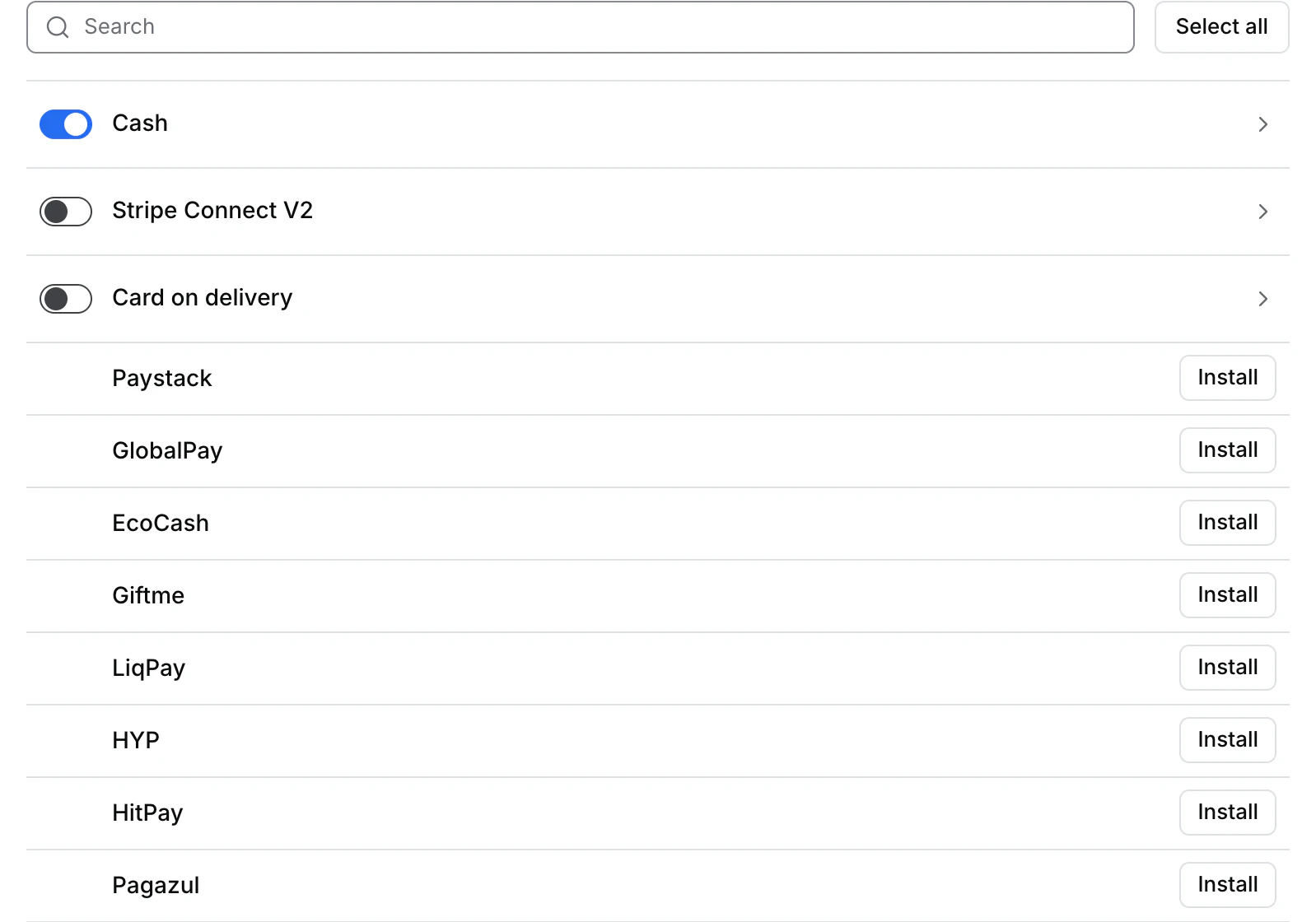
The catalog includes Paystack, GlobalPay, EcoCash, Giftme, LiqPay, HYP, HitPay, Pagazul, CyberSource, Credibanco, BPay, FreshPay, Redsys, Yappy, Mercado Pago Checkout Pro, and Square Redirect. An entry can be absent after its plugin is installed or its payment method is already available.
Choose the relevant provider guide
| Provider or method | Current setup to check |
|---|---|
| Paystack, Mercado Pago Checkout Pro, Pagazul | Installable entry in the store catalog. Check the project and store settings for the returned variant. |
| Computop | Project keys linked from the existing store method when available. |
| Credomatic, PayPal and Braintree | Store or plugin configuration when the project returns the exact gateway. |
| PayPal setup, Stripe Split, Stripe Terminal | Check the installed integration and its own store or device workflow. |
| Adyen, Authorize.net, Mollie, PayU, Razorpay | Confirm availability and scope for your project before planning setup. |
| Cash and card on delivery | Store method switches when the store offers them. |