Maps
Use Maps to configure the map service and the default location behavior used across your Ordering platform.
Maps is part of the Standard settings group and is available to Dashboard administrators. The settings shown can vary according to your project's configuration and enabled features.
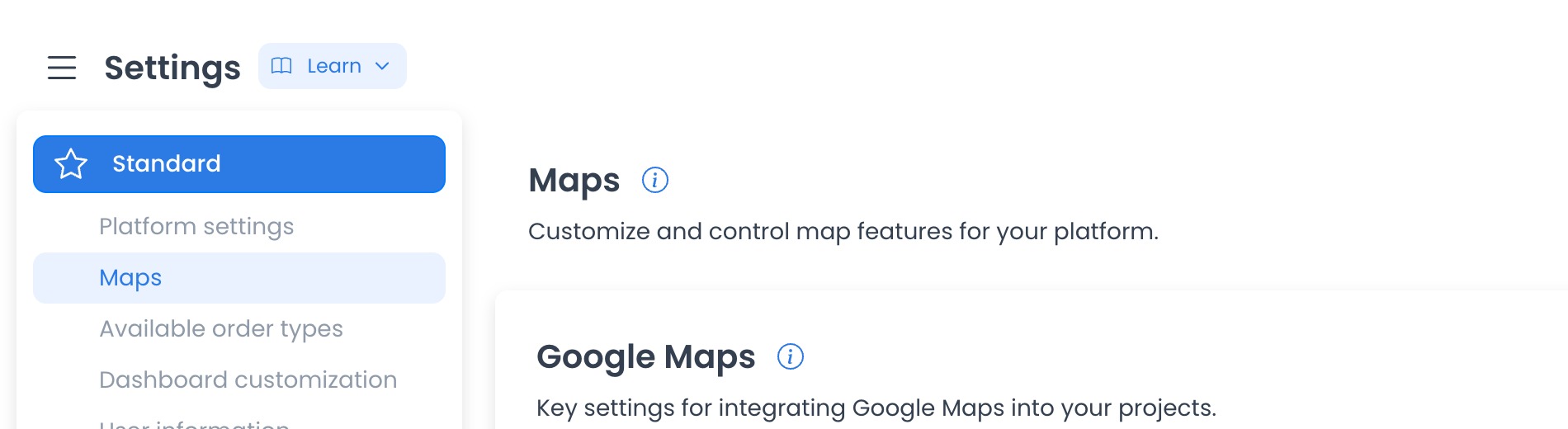
Open Maps settings
- In the Dashboard sidebar, select Settings.
- Expand Standard.
- Select Maps.
Configuration reference
The historical category capture associated this page with numeric category 806 and the controls below. The ID, labels, providers, and returned values are project/runtime evidence, not fixed-source constants; verify the returned category before relying on them.
Use Google Maps Alternative
Controls whether the platform uses its configured alternative map service instead of Google Maps.
Google Maps API Key
The credential used to connect the platform to Google Maps services.
Never include a provider credential in screenshots, support tickets, documentation, logs, or test fixtures. Credential rotation is an owner-controlled provider action and is not performed from this guide.
Enable Country-Specific Address Search
Controls whether address suggestions are limited using the configured country selection.
Default Map Latitude
Sets the latitude used as the default map position when an address or another location is not available.
Default Map Longitude
Sets the longitude used as the default map position when an address or another location is not available.
Use Google Geocode for Custom Orders
Controls whether Google geocoding is used when handling addresses for custom orders.
Save changes
In fixed source, pending generic changes expose Save and are submitted one config at a time. No field was changed, saved, or checked against a website, app, or provider here.
The pinned generic settings controller buffers changes and then submits one config update at a time. Earlier updates can succeed before a later failure; accepted updates can create audit logs, refresh global config state, and invoke plugin hooks. No save or provider request ran here.
Source traces connect map configuration to downstream location consumers. No deployed downstream or provider effect was verified.
Map credentials and coordinates are consumed by order, store, delivery, reporting, autocomplete, geocoding, timezone, and map-rendering surfaces. Some clients construct provider requests containing credentials and coordinates. This guide makes no claim about provider enablement, billing, quotas, deployed fields, or downstream success.
Frequently asked questions
Why don't I see Maps under Settings?
Confirm that you are signed in as an administrator. Available settings can also vary by project configuration and enabled features.
Why don't I see the Save button?
The Dashboard displays Save after there is a pending change.
Do these settings apply to only one store?
Treat the returned category as potentially platform-wide and high impact. Re-entry requires immutable serving receipts, a synthetic credential-free category, placeholder coordinates, deny-all provider egress, and every config write blocked.