Order SLAs
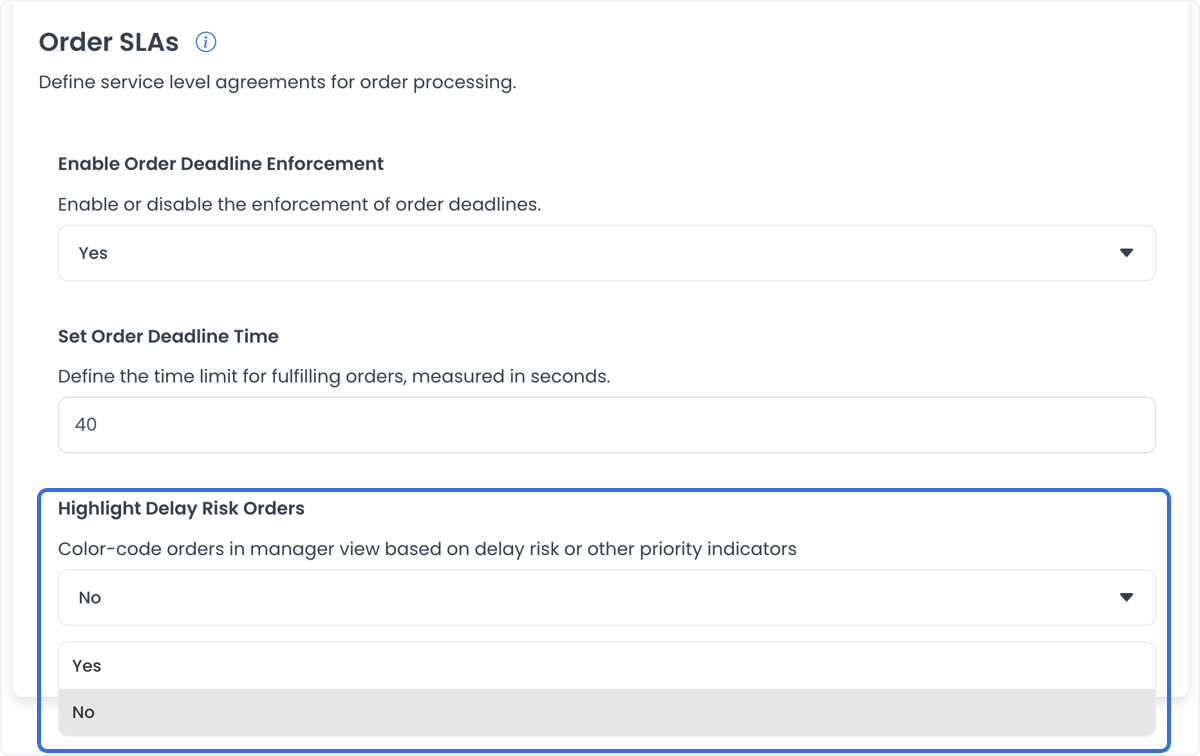
The Order SLAs settings can include three fields:
- order-deadline enforcement;
- deadline time; and
- delay-risk row highlighting.
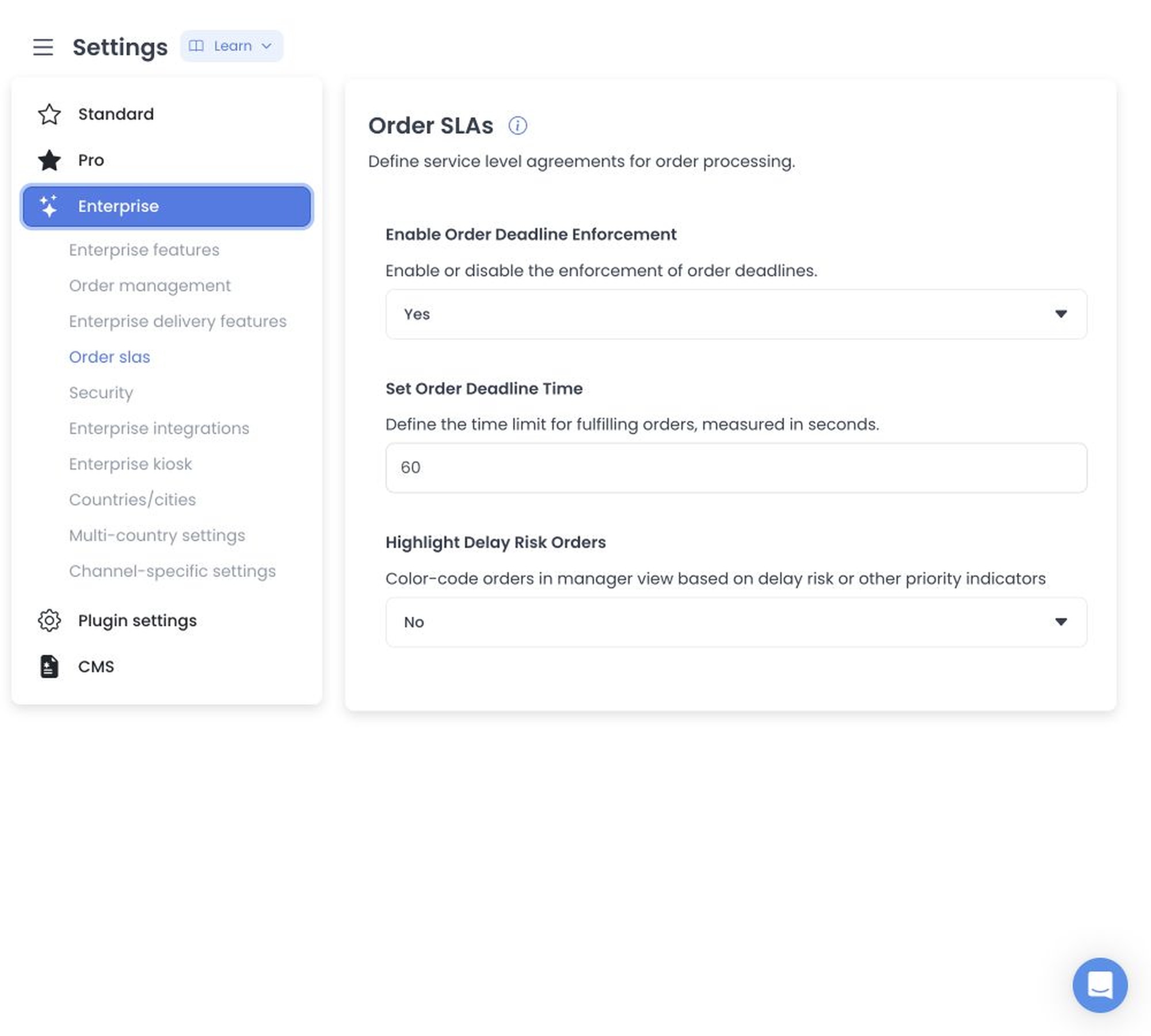
The controls shown here are illustrative. Their presence alone does not confirm configured values, seconds as the active unit, deadline computation, row highlighting, operational handling, or achieved service levels.
Reporting relationship
An SLA report can offer aggregate classifications and filters. Opening a report can expose order, business, site, driver, group, type, count, or performance data, so treat report access as sensitive. A report does not by itself prove a setting-to-report relationship, classification, or achieved SLA.
Saving changes
The editor can stage ordinary fields until Save and apply configuration updates sequentially, so a later failure can follow earlier persistence.
SLA reporting can expose operational volume, performance, and identifying filters. Use non-production aggregate data and masked identifiers when testing, and confirm results before relying on a configuration change.
Related guides: Business reports · Delivery reports
Configure the Order SLAs settings
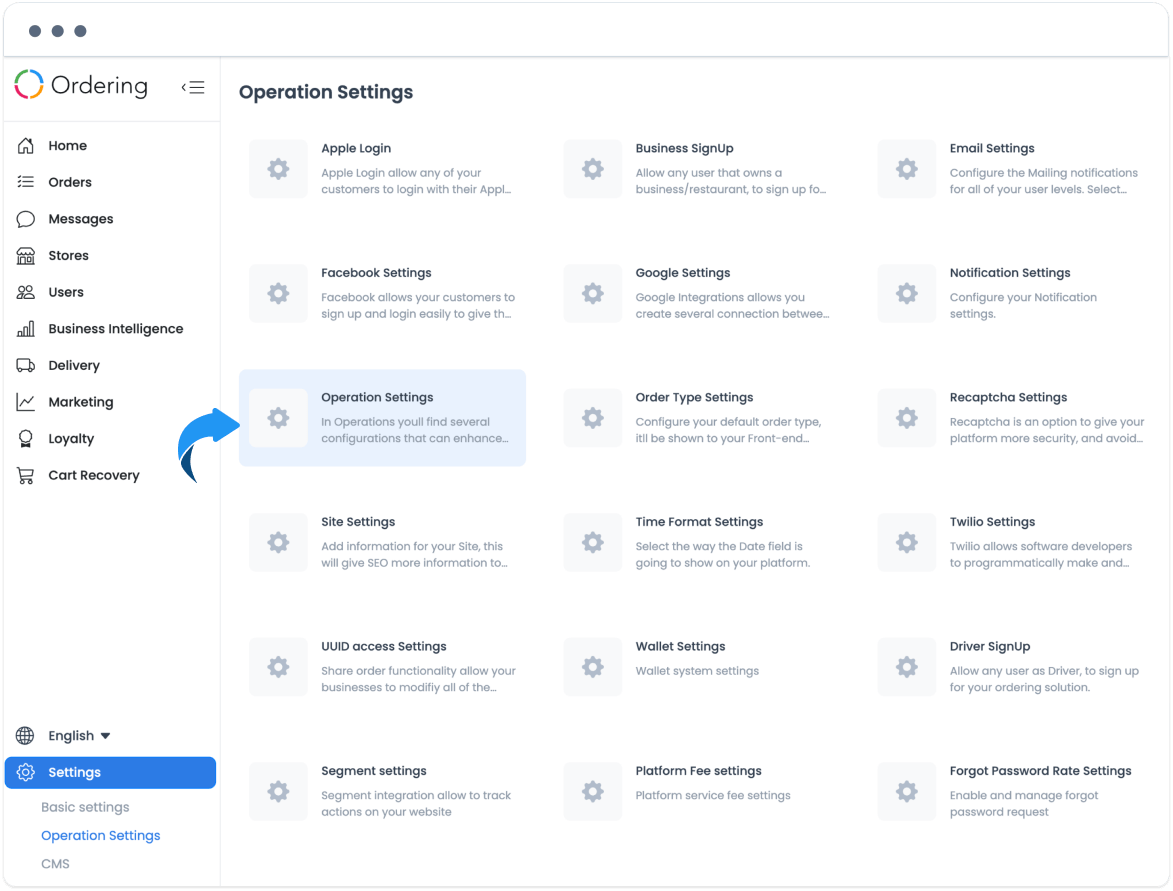
The settings panel can include Enable Order Deadline Enforcement, Set Order Deadline Time, and Highlight Delay Risk Orders. Configure these fields only through the approved operational workflow; a setting change does not prove a deadline is calculated, enforced, or reflected in a report.
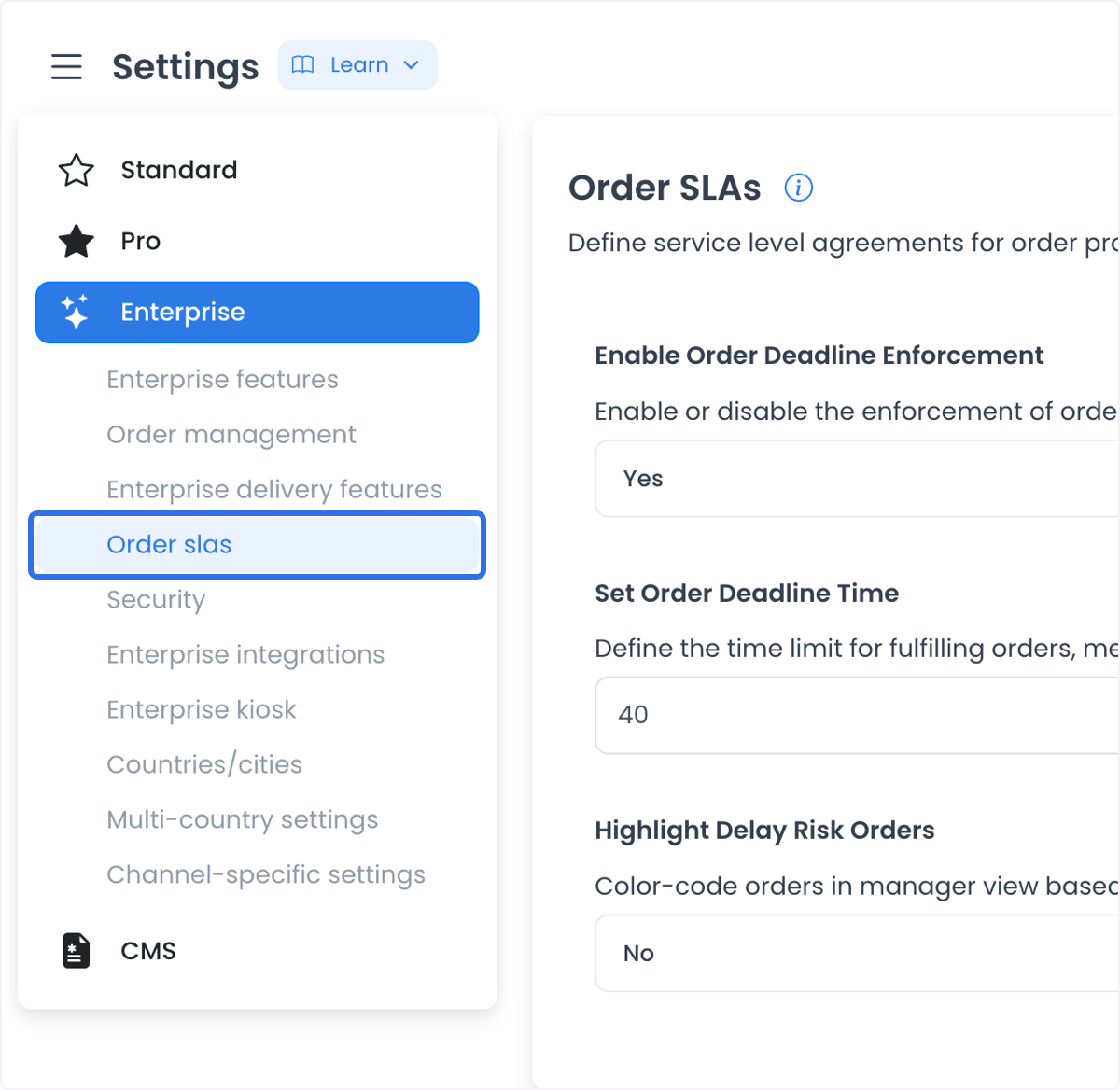
Enable deadline enforcement
If the order-deadline enable/disable control is available in the selected project, confirm the intended policy and affected order types before changing it.
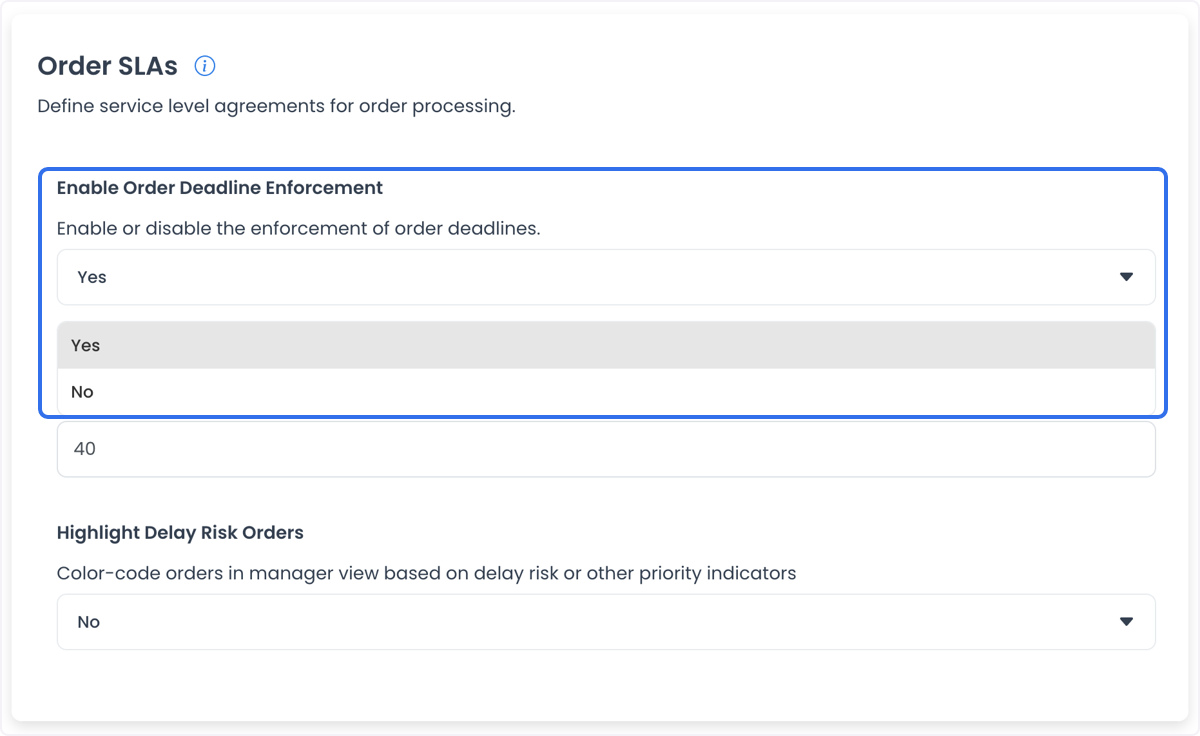
Set a deadline value
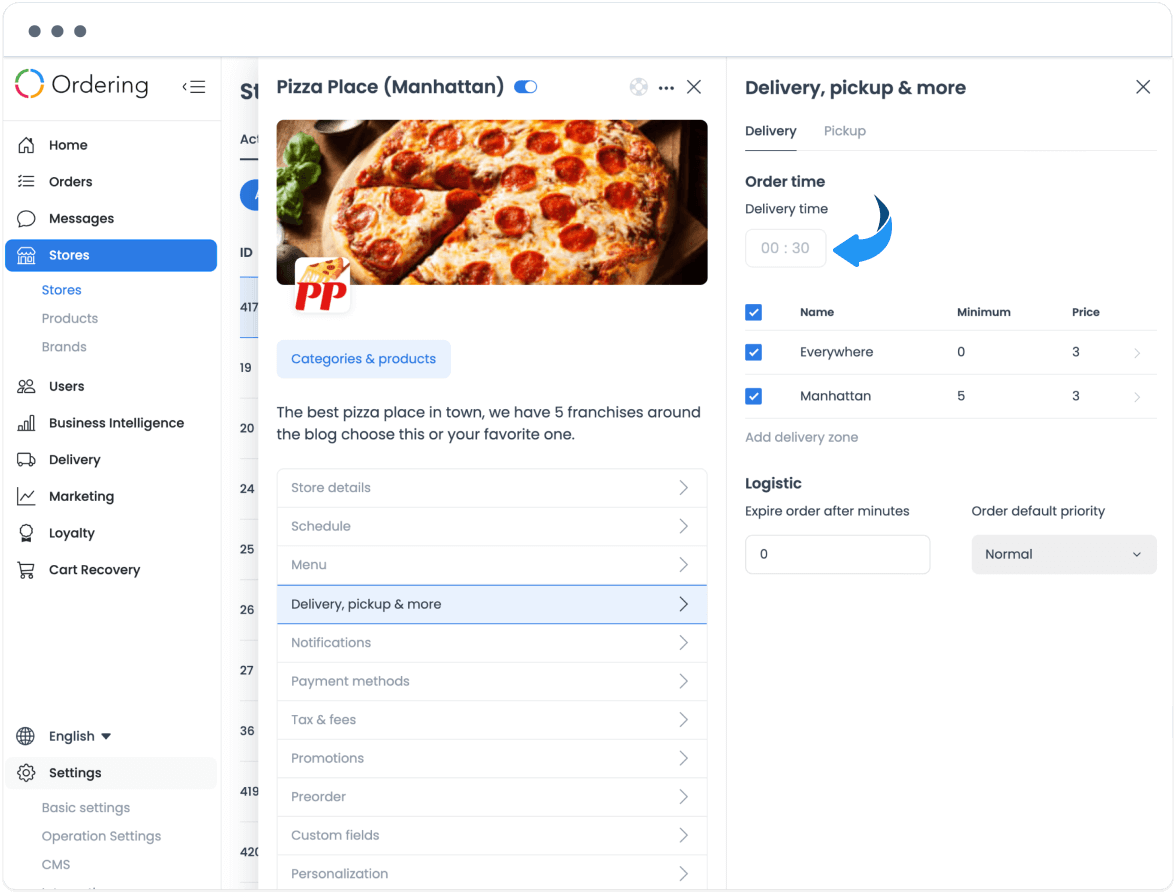
The screenshot uses seconds and gives 600 seconds as a 10-minute example. Confirm the displayed unit and value semantics in an approved test environment before setting a deadline.
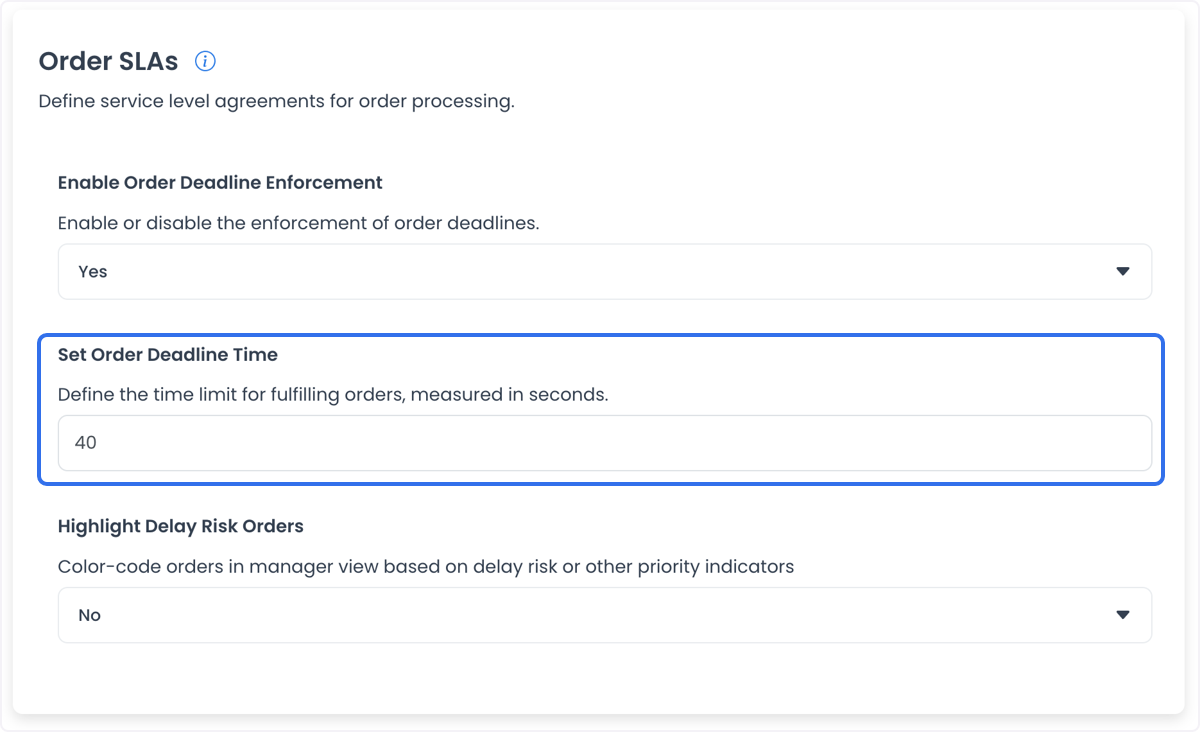
Highlight potential delay risk
A delay-risk highlighting control can be available. A highlighted order is an operational signal for review, not proof that a delivery will be late or that a change is required.
Read the displayed deadline states
The examples use green while an order is within its business delivery time, yellow during the depicted extra-time interval, and red after both periods. Colors, intervals, and state transitions can vary by project.
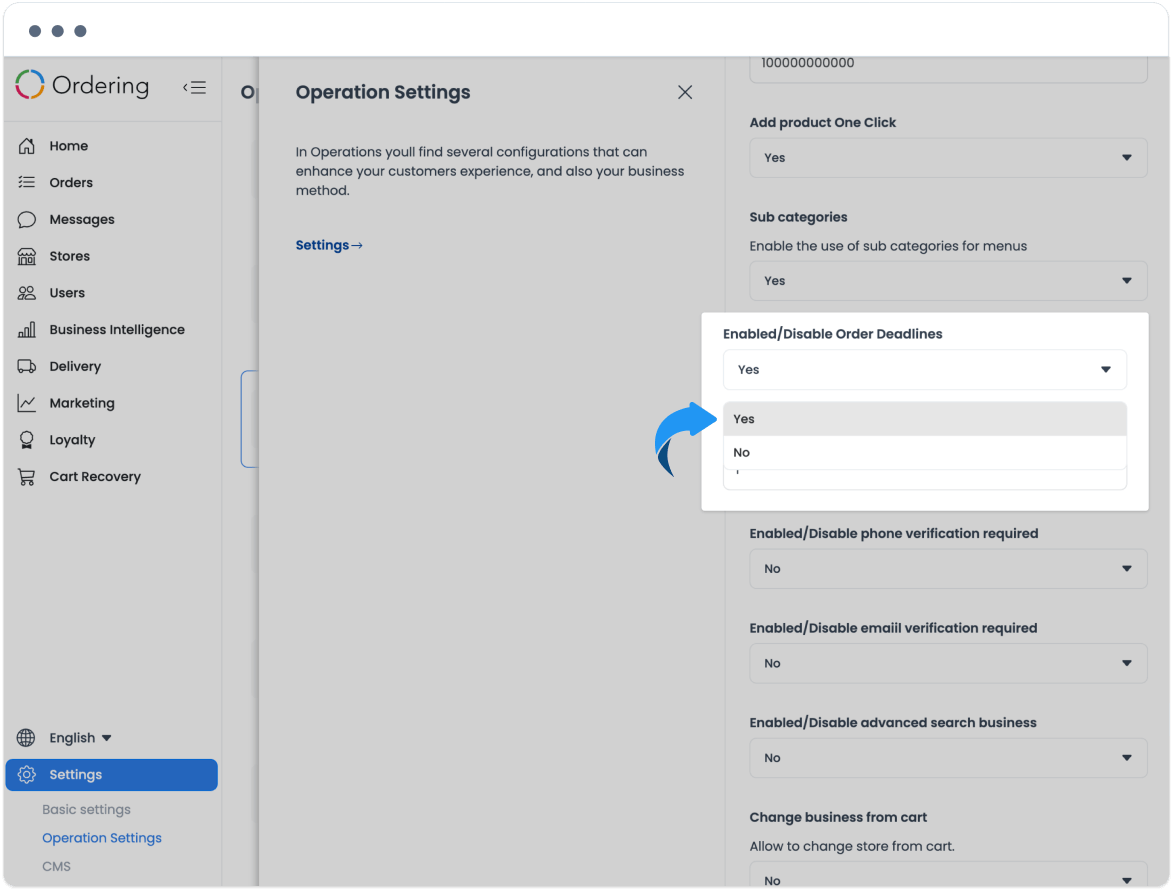
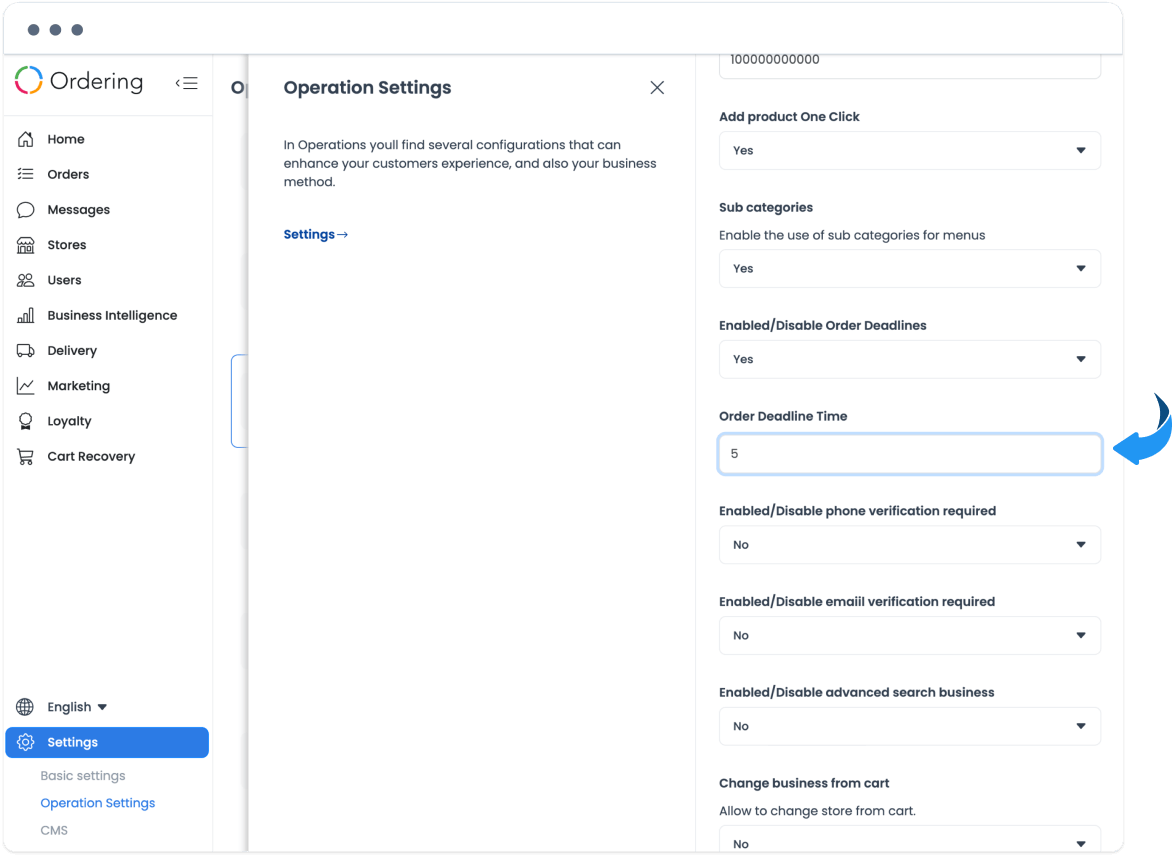
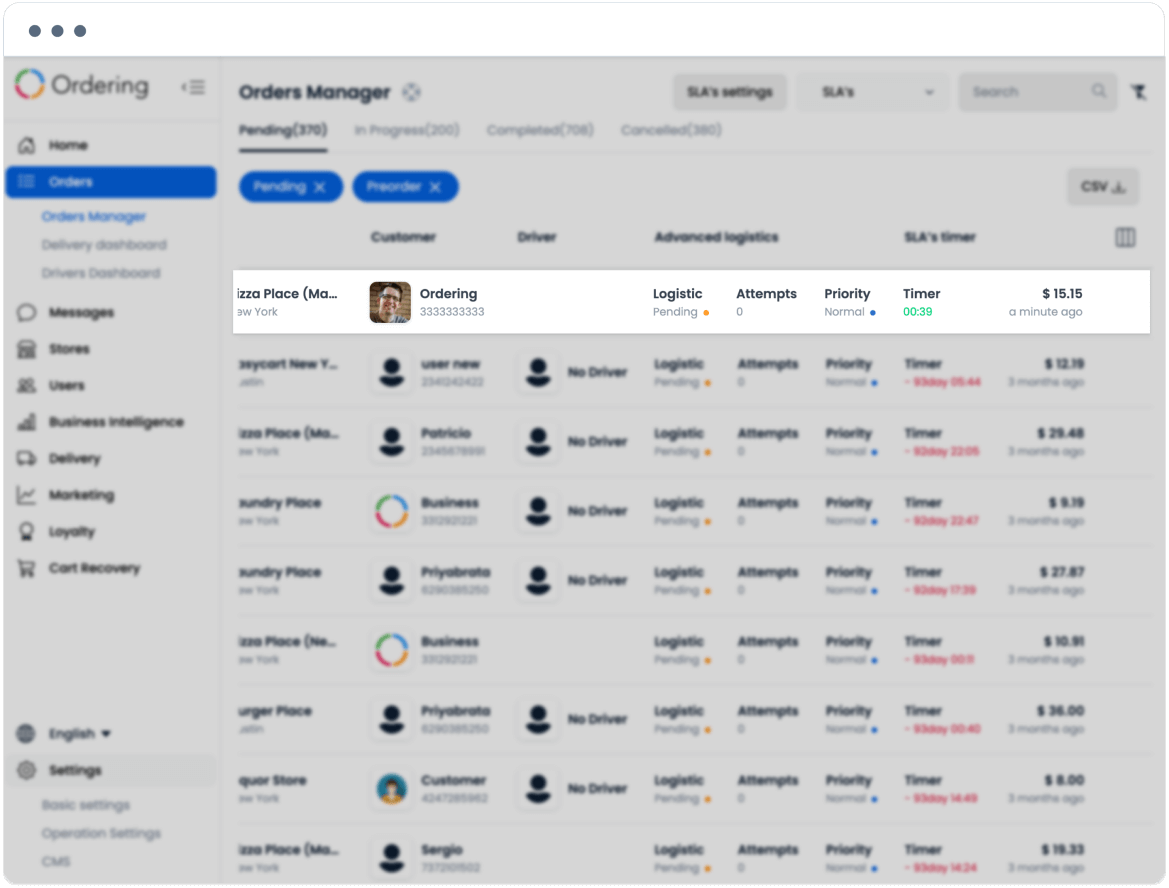
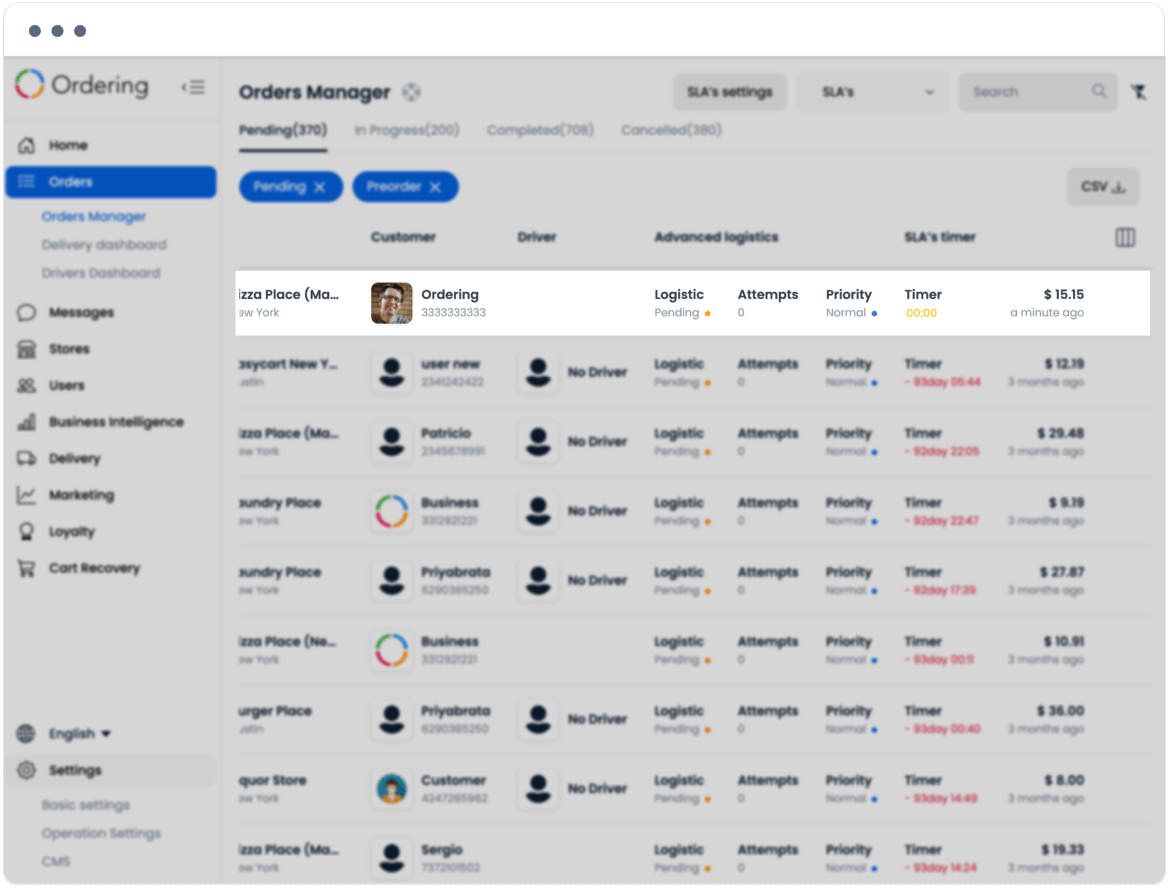
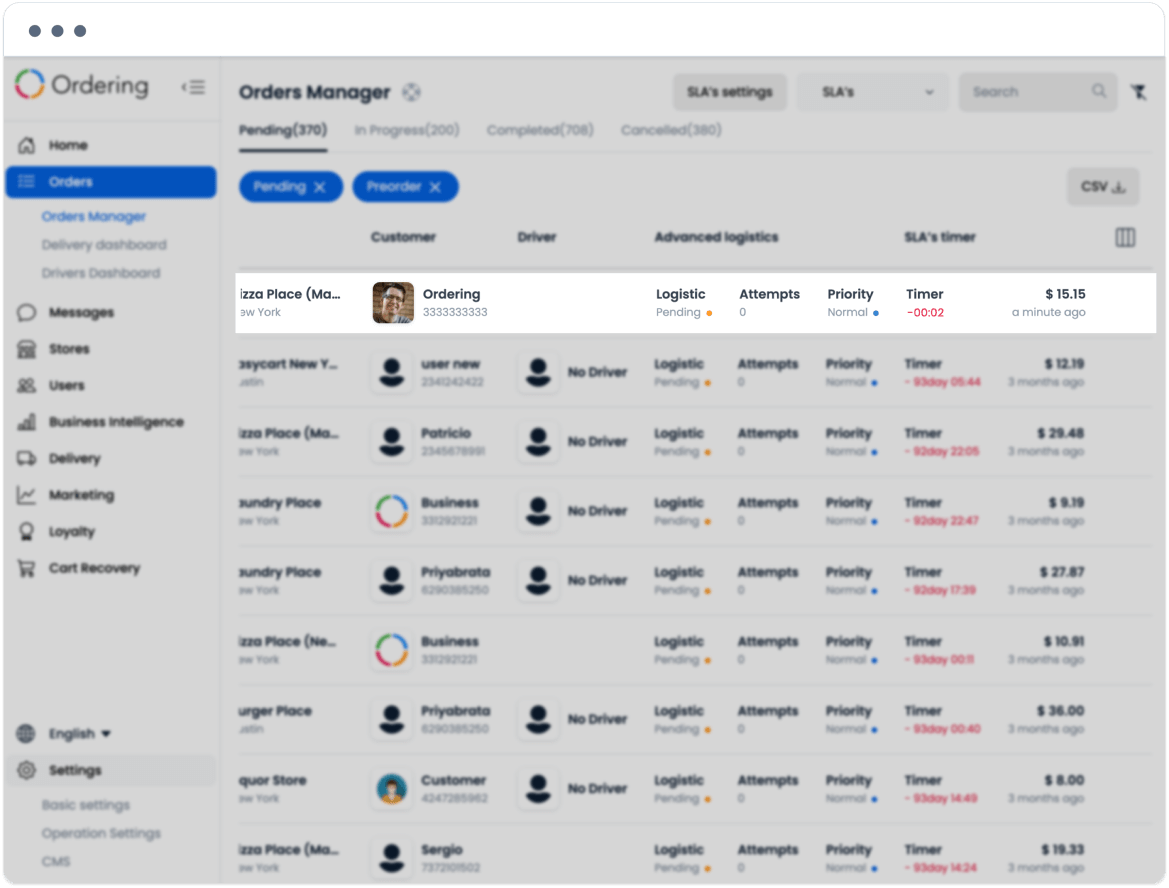
Use these states to prioritize a review according to the approved delivery process. They do not guarantee order completion, delivery timeliness, customer communication, or a service-level outcome.