Enterprise kiosk
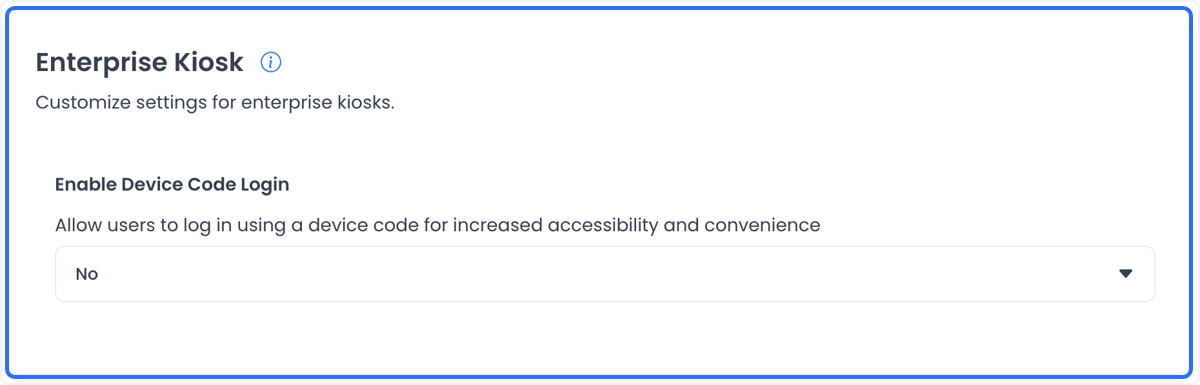
Enterprise Kiosk supports a self-service ordering setup for an authorized project. The setting category contains Enable Device Code Login, which presents Yes and No choices.
Visibility depends on the account’s access level, the level-0 context, and the Enterprise settings categories returned for the project. A category visible in another project does not prove that it is available in the project you are managing.
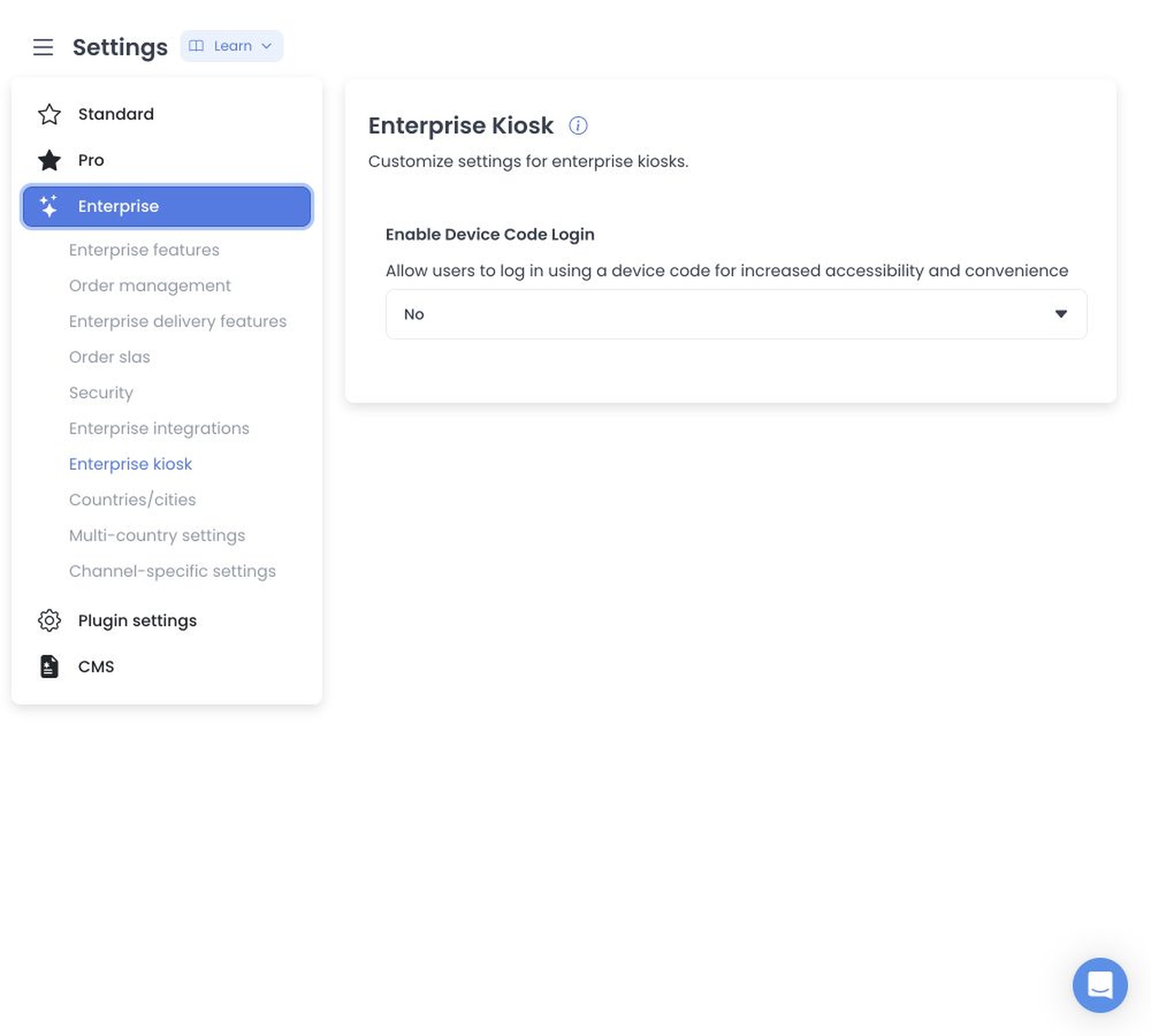
What Device Code Login controls
The setting controls whether the project configuration allows a kiosk device-code login path. It does not establish a device-code format, a successful device login, an active kiosk, or the state of a deployed project.
Self-service kiosk context
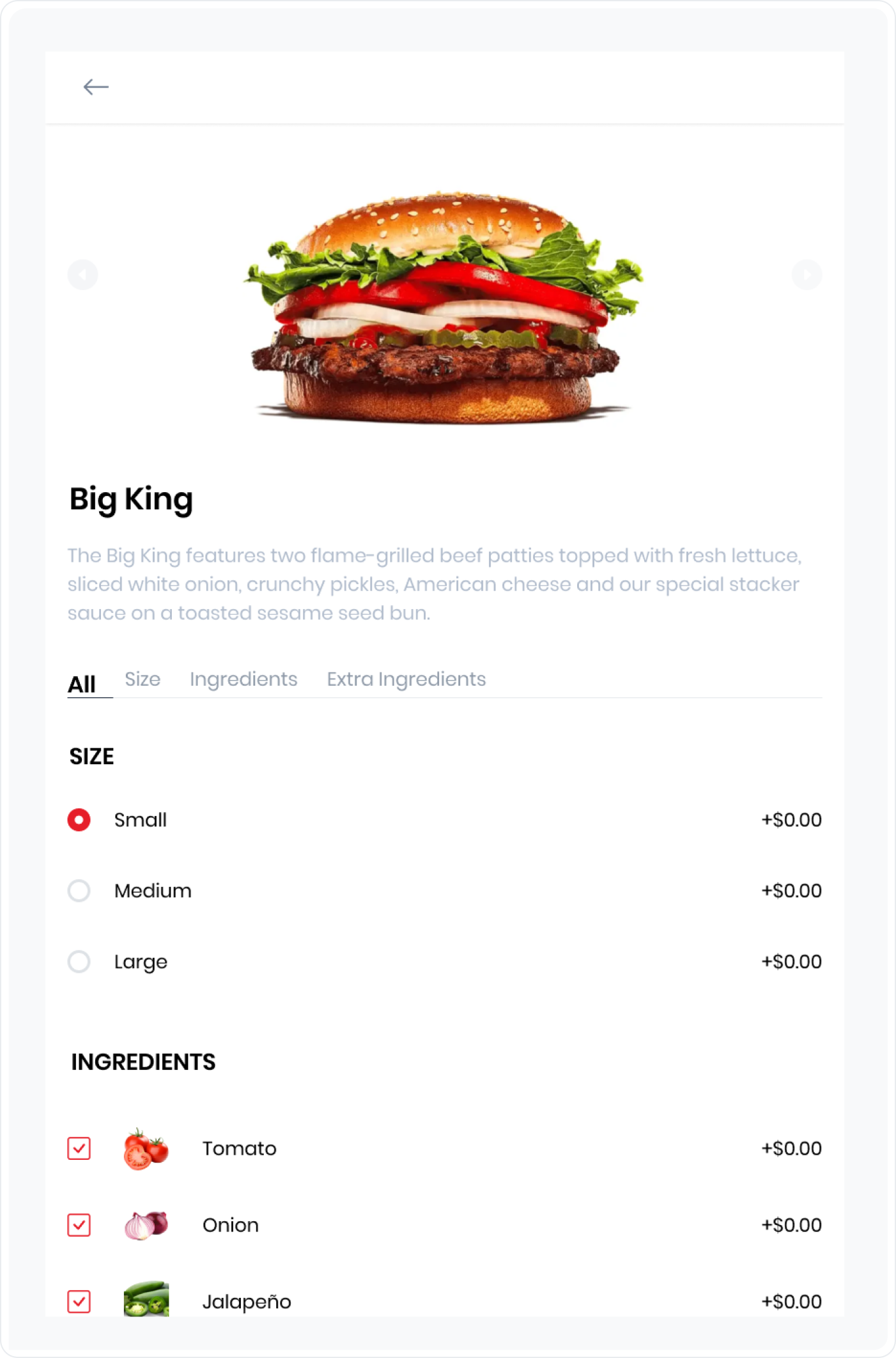
Self-service kiosks can let customers place orders directly. The experience can include a branded home screen, an order flow, and the configuration available to the project.
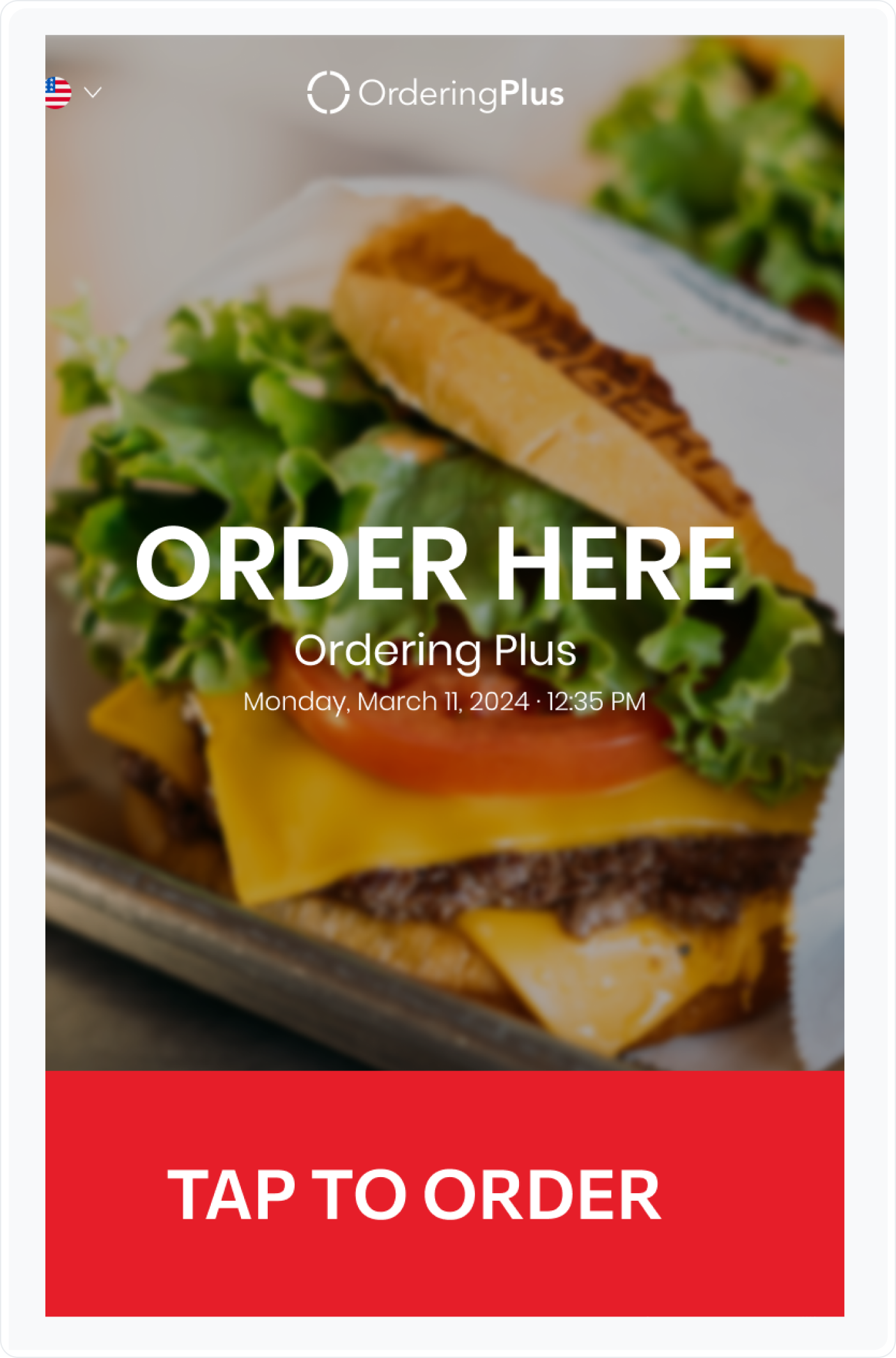
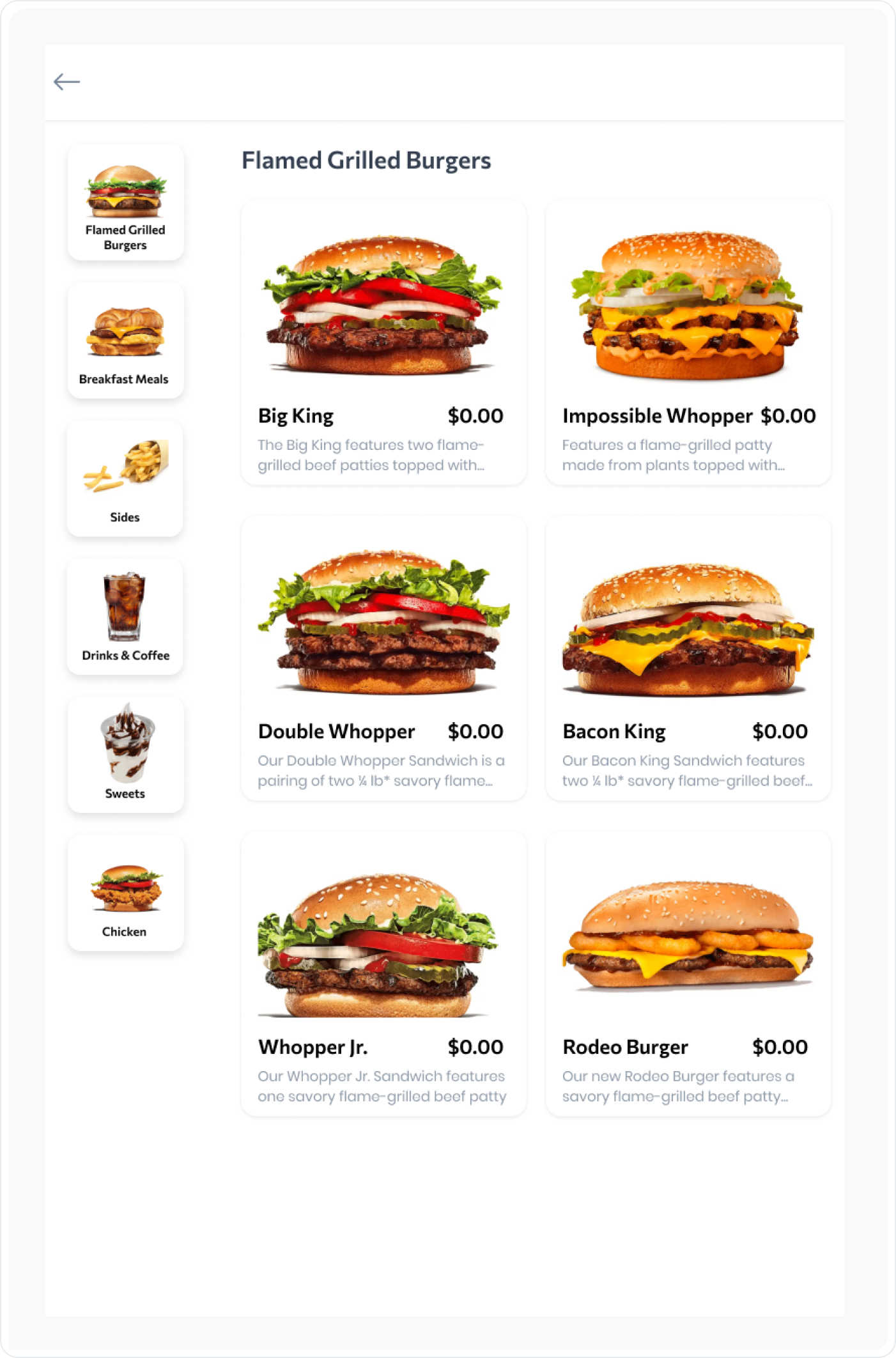
Configure Device Code Login
- Sign in to the Dashboard with an authorized account.
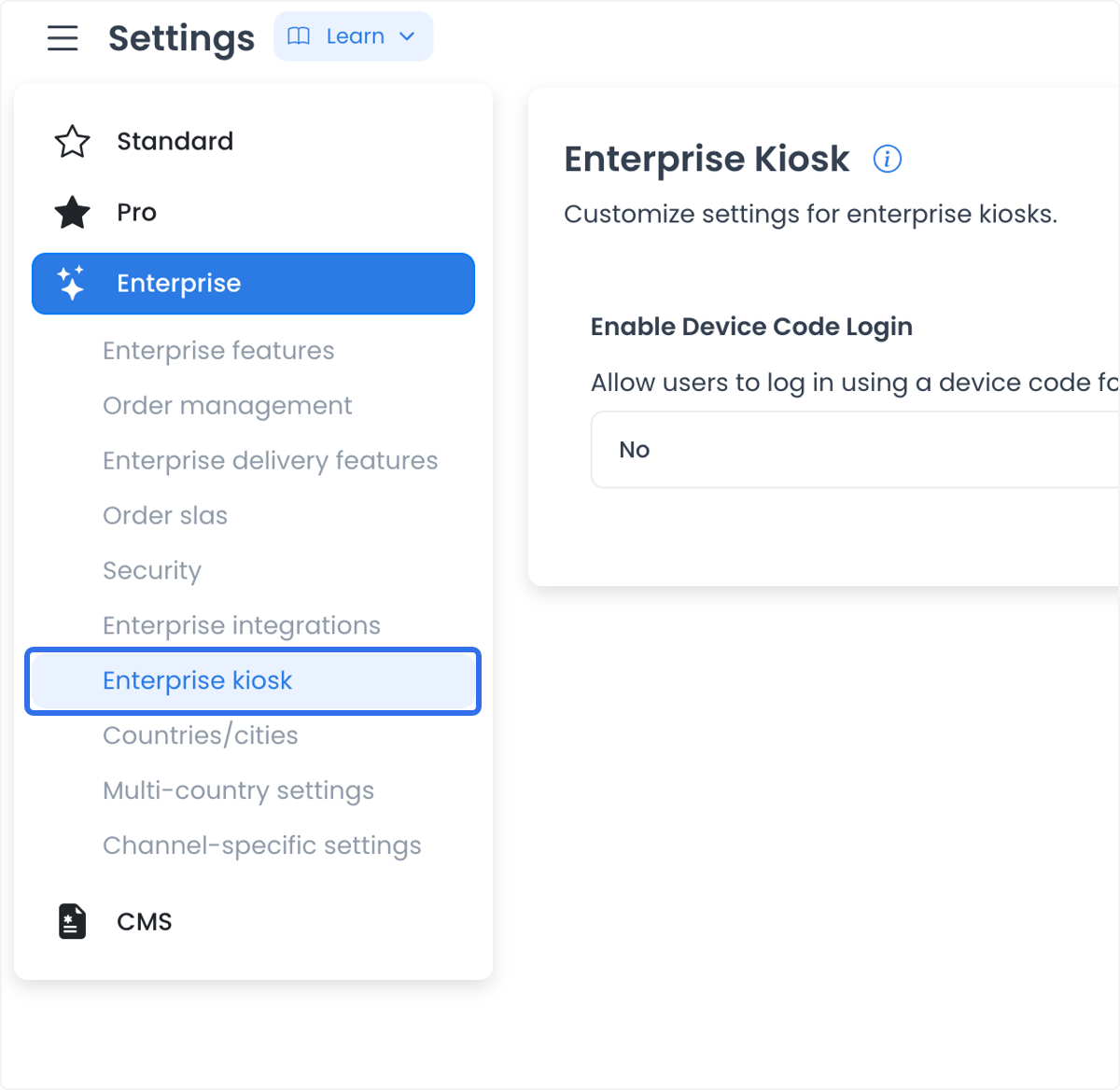
- Open Settings, then find Enterprise Kiosk in the Enterprise settings categories available to the project.
- Locate Enable Device Code Login and choose Yes to enable the path, or No to leave it disabled.
- Select the page-level Save action to apply the selected value.
The shared settings editor stages the selected value until save and sends configuration updates sequentially. If several settings are submitted together, an earlier update can persist even if a later update fails. Review the saved state before relying on the kiosk access path.
Operational boundaries
- Accessibility: A device-code path can reduce the need to enter complex credentials at the kiosk.
- Convenience: A project can use device codes to support a faster kiosk sign-in flow.
- Access control: A code-based path is not, by itself, proof of secure access. Confirm the project’s authentication configuration before use.
Device-code authentication and generation flows can exist separately from this settings category. Device codes, device identifiers, sessions, and authentication details are sensitive and are not included in this guide.
Do not use a live device, customer session, or production access path to test this setting. Verify the intended kiosk flow with an approved test project and the project owner before using it operationally.
Where this workflow can apply
- Quick-service restaurants: Kiosks can help customers place orders during busy periods.
- Corporate cafeterias: Employees can use a code delivered through an approved internal process.
- Airports: Travelers can use a kiosk when the food-court configuration supports it.
- Hotel lounges: A kiosk can support food and drink ordering for an authorized lounge workflow.
- Convenience stores: A self-service kiosk can support in-store ordering where the project’s setup allows it.
- Healthcare facilities: A cafeteria kiosk can use the facility’s approved code and access process.
When the category is absent
Confirm the account access, level-0 context, and returned Enterprise settings list. A guessed category URL, another project’s configuration, Kiosk App behavior, or Language manager behavior does not establish access to this setting.