Enterprise kiosk
The fixed Dashboard source defines Enterprise kiosk as an Enterprise settings category with the description Customize settings for enterprise kiosks. Its current fixed API catalogue contains one setting: Enable Device Code Login, represented by Yes and No choices.
This is a source contract, not proof that the category is present in a deployed project. Visibility also depends on Enterprise eligibility, level-0 access, and the settings categories returned for that project.
Setting boundary
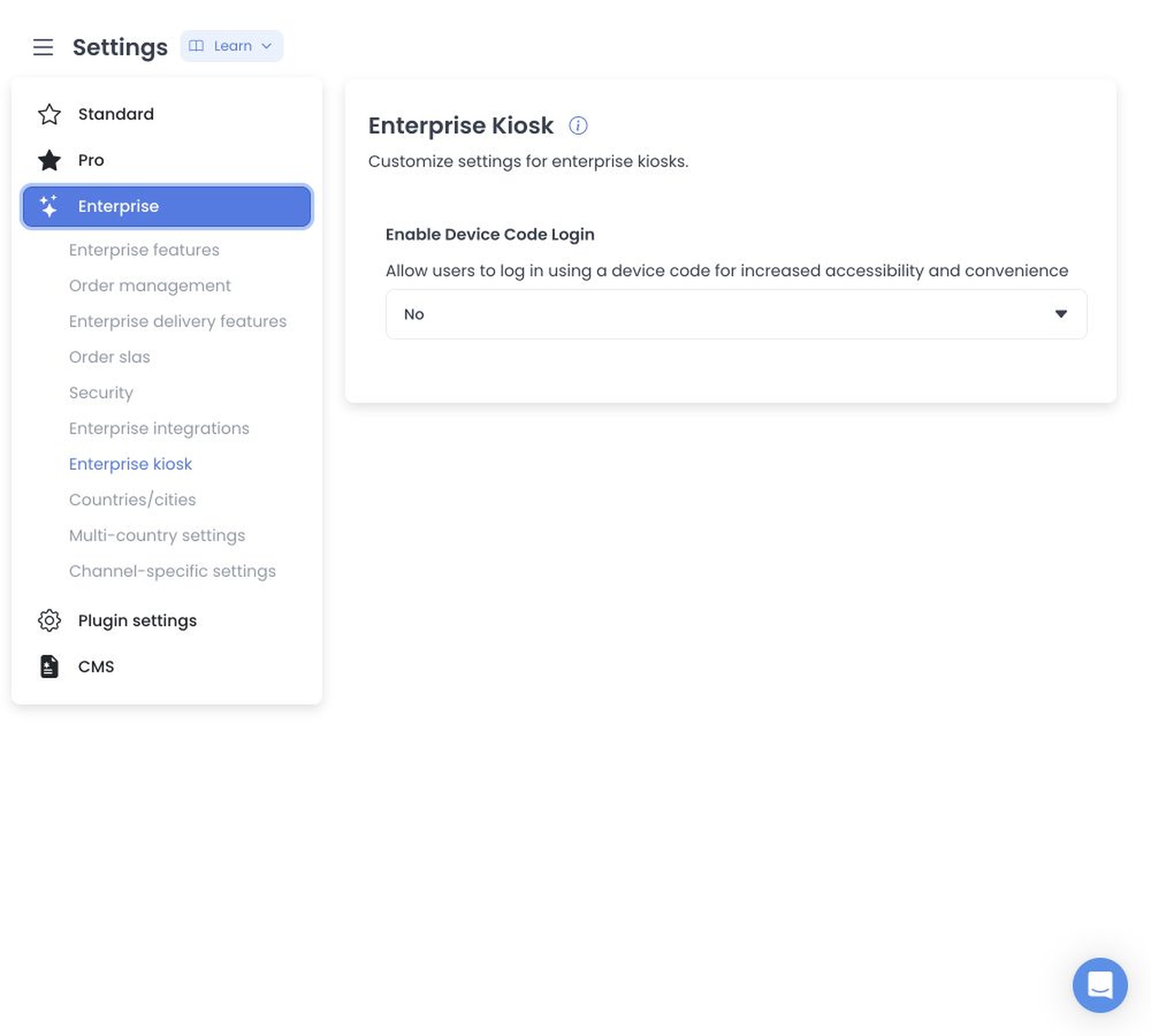
The toggle governs whether the project configuration allows the device-code login path. The shared settings editor stages the selected value until its page-level save action and sends configuration updates sequentially. When multiple settings are submitted together, an earlier update can persist even if a later update fails.
The API source separately contains device-code authentication and generation flows. Those flows are not additional controls in this category and do not establish deployed kiosk behavior. Device codes, device identifiers, sessions, and authentication details remain outside the documentation evidence boundary.
The setting can affect an approved kiosk access path. Runtime verification remains blocked until a synthetic fixture proves the setting without using a live device, session, or production access path.
Evidence and capture boundary
The existing screenshot is retained as historical media. A safe fixture may show the category name and the Enable Device Code Login label with synthetic state, but it must exclude device codes, store or device identifiers, customer data, and active-session information.
The fixed sources do not establish a device-code format rule in this category, a successful login, an active kiosk, or the state of any deployed project. Those claims require separate immutable deployment and runtime evidence.
When the category is absent
The source-defined checks are Enterprise eligibility, level-0 access, and the returned Enterprise settings list. A guessed category URL, another project's configuration, Kiosk App behavior, or Language manager behavior is not evidence for this settings category.
Related guides: Enterprise settings