Enterprise features
Enterprise features are the controls under Settings → Enterprise → Enterprise features. Enterprise is the Dashboard category that contains this page. Opening the category does not by itself enable sharing, change checkout, or apply upselling on the storefront.
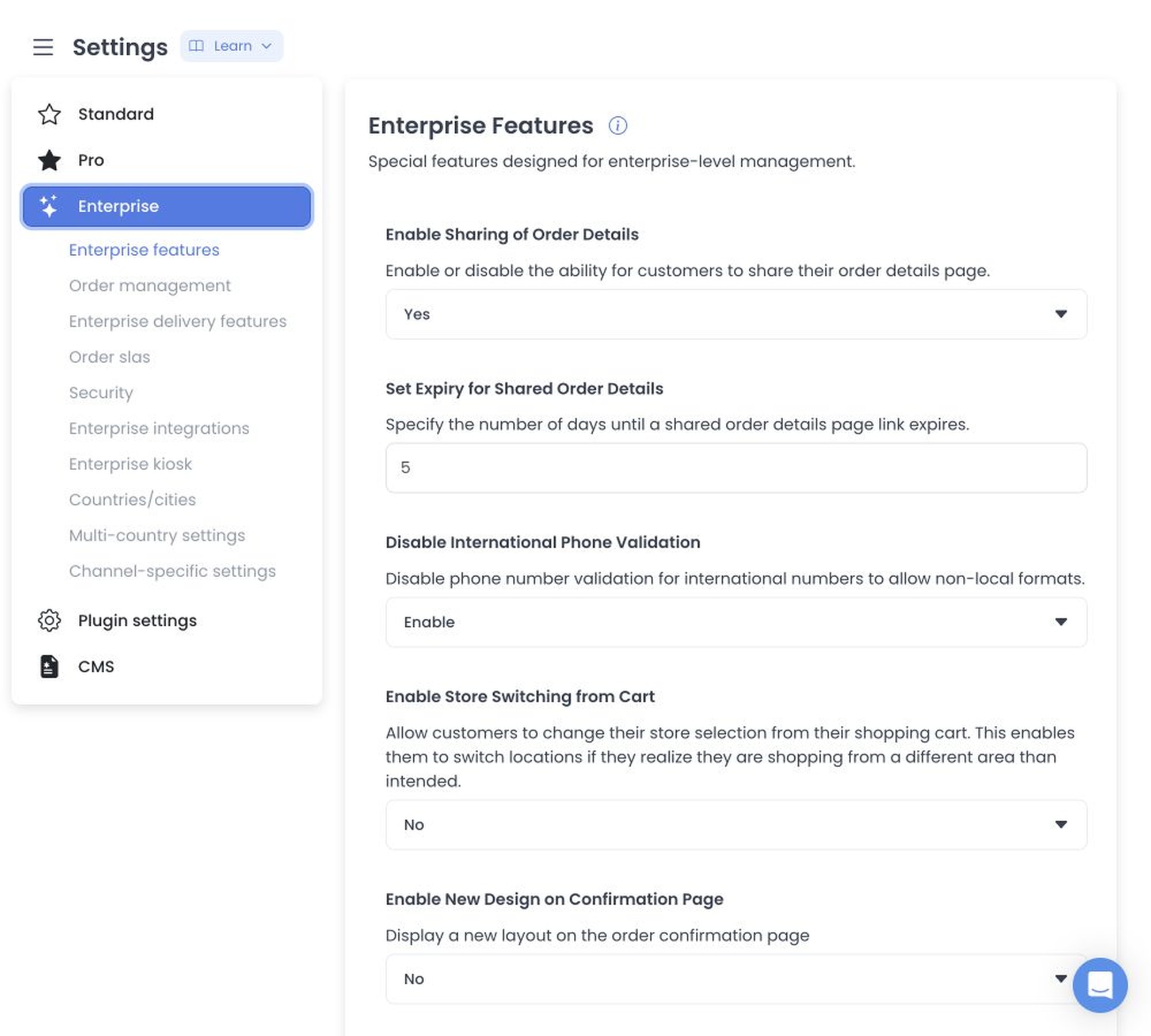
The page catalogs:
- sharing order details and its expiry (in days);
- international phone validation;
- store switching from cart;
- confirmation-page design; and
- upselling type.
Selecting the category reads the current configs. The editor can persist changed configs one at a time, so a later failure can follow an earlier save. Always scroll to the bottom and select Save.
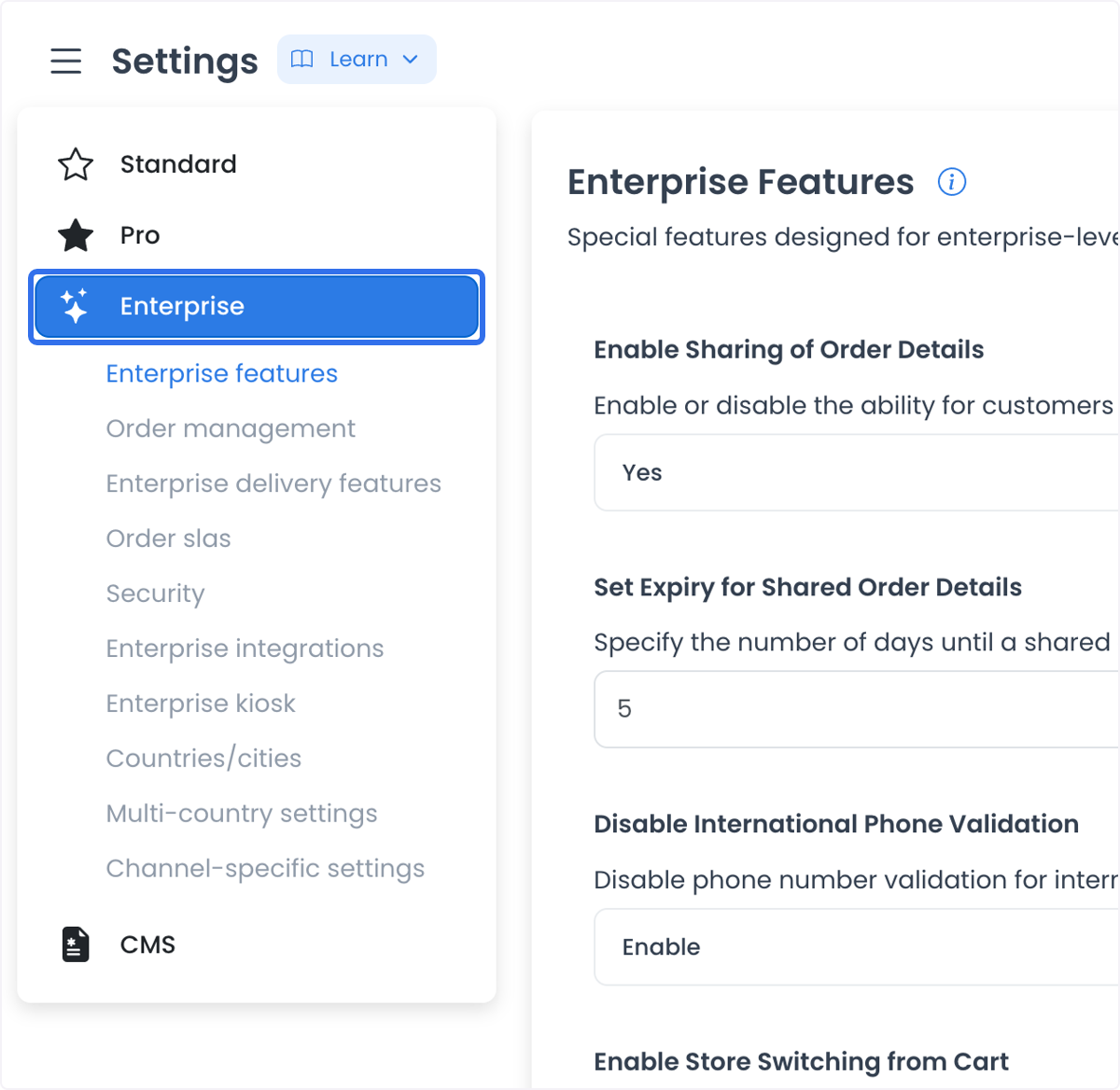
These options customize checkout and order-status behavior:
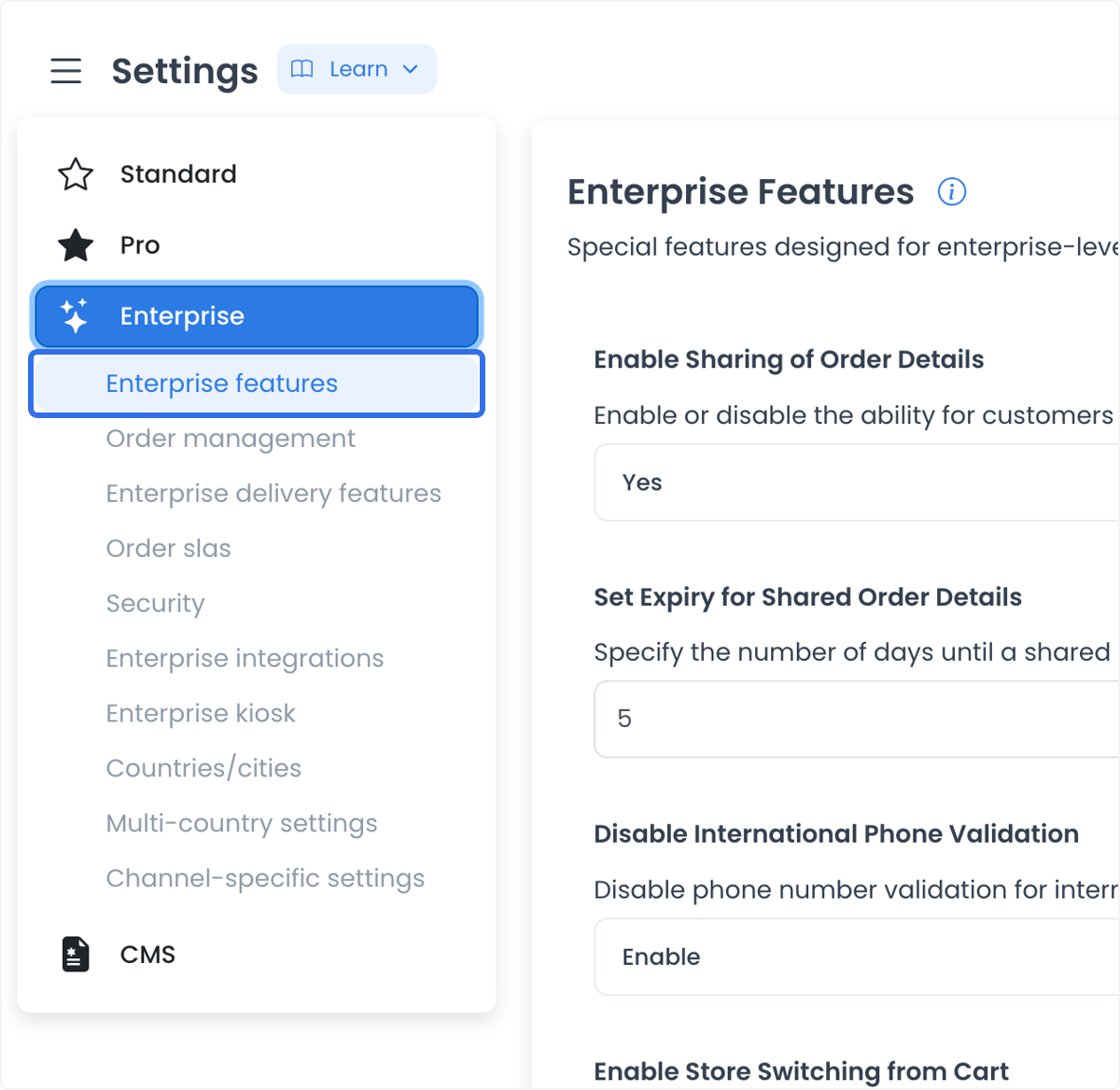
Related Enterprise pages: Enterprise settings · Enterprise delivery features · Enterprise integrations · Enterprise kiosk
Enable Sharing of Order Details
Allow customers to share a live link of their order status page with others. This is useful for group orders or for users who want to send delivery progress to someone else.
- Yes: A Share button or link appears on the order status page.
- No: The order status remains private to the logged-in user.
How to use it: Set Enable Sharing of Order Details to Yes if you want customers to share order information.
Example: A customer places a group lunch order and shares the order details with colleagues to confirm the items.
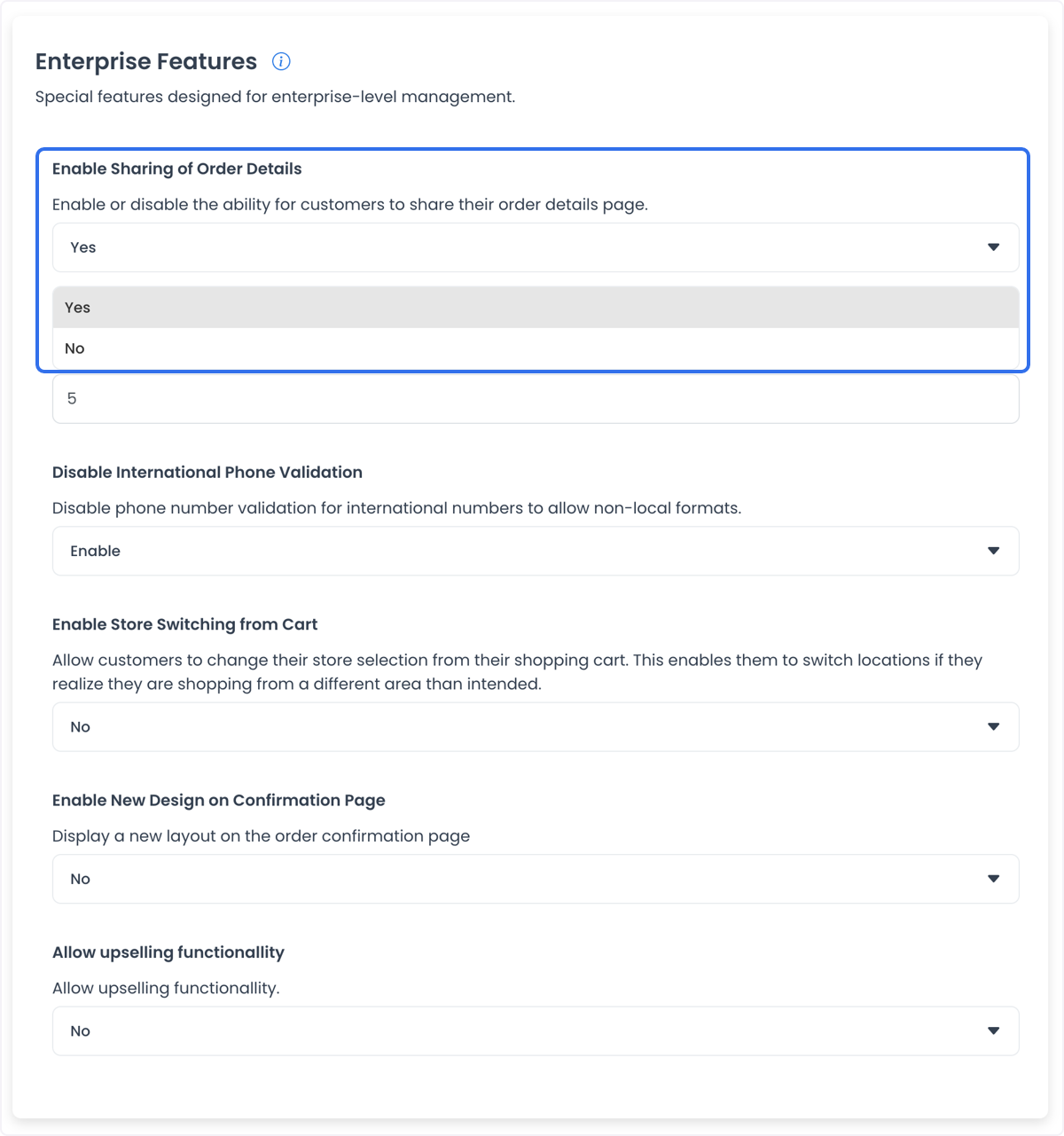
Saving Yes does not send a link. The customer still has to open the order status page and use Share.
Set Expiry for Shared Order Details
If customers can share order details, set how many days the shared link stays active before it expires.
- How to use it: Enter the number of days in Set Expiry for Shared Order Details.
Example: A customer shares an order link with a friend, and the link expires after 3 days.
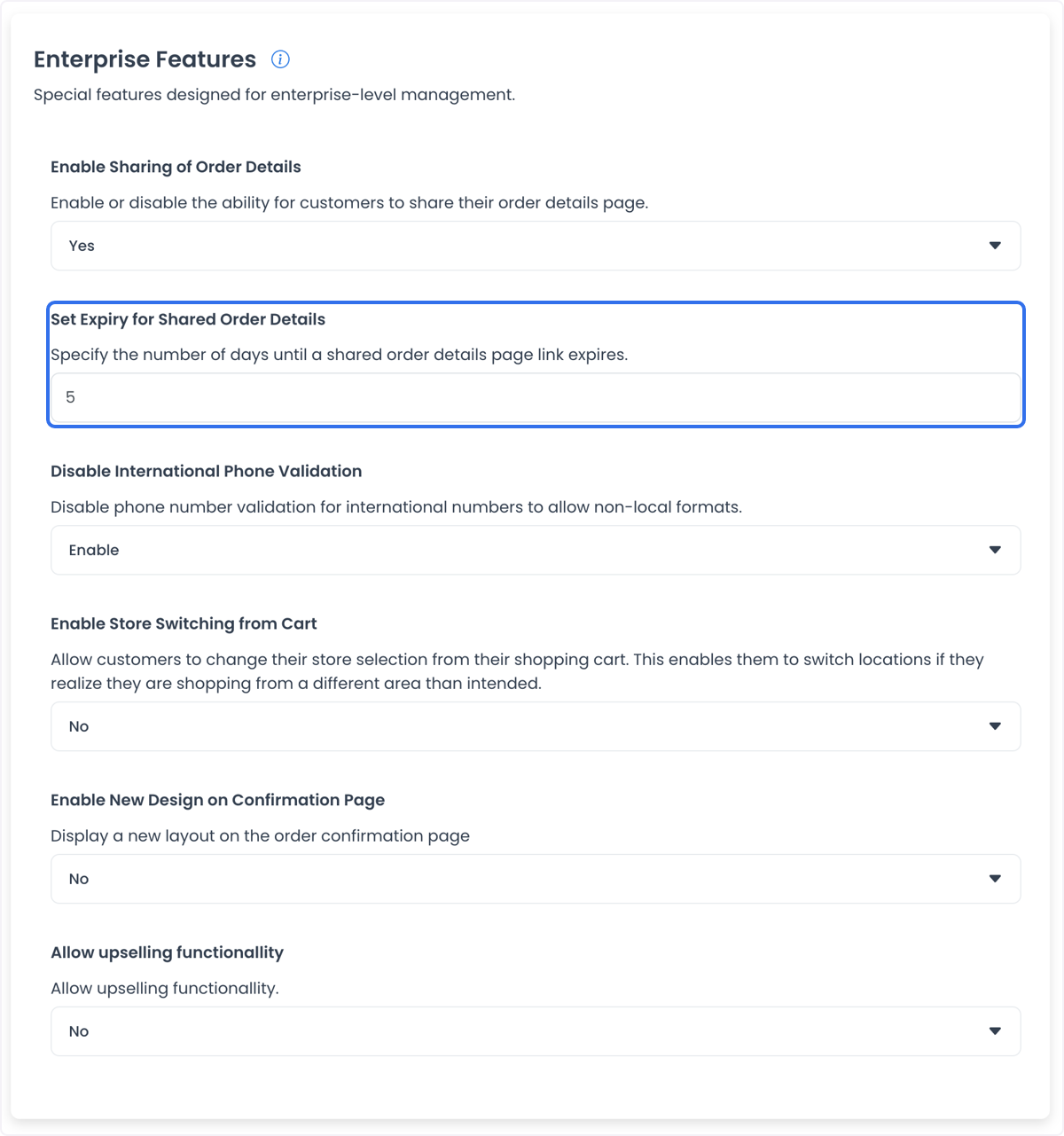
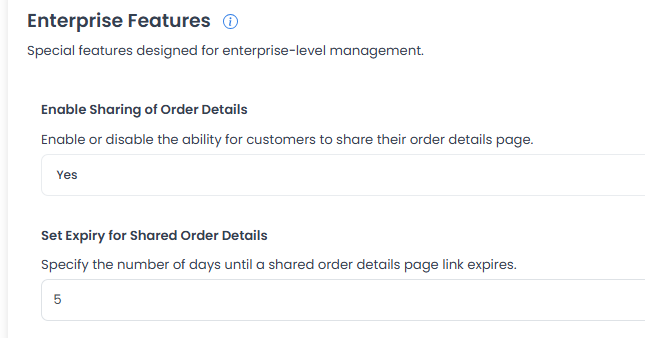
The expiry is stored in days. It does not prove a configured value is already counting down on an existing shared link until a customer creates that link.
Disable International Phone Validation
By default, the system validates phone numbers based on local formats to prevent errors.
- Enable: The system skips strict validation, so customers can enter international or non-standard phone formats.
- Disable: The system enforces standard local phone-number formatting.
How to use it: Set Disable International Phone Validation to Enable to allow non-traditional phone formats.
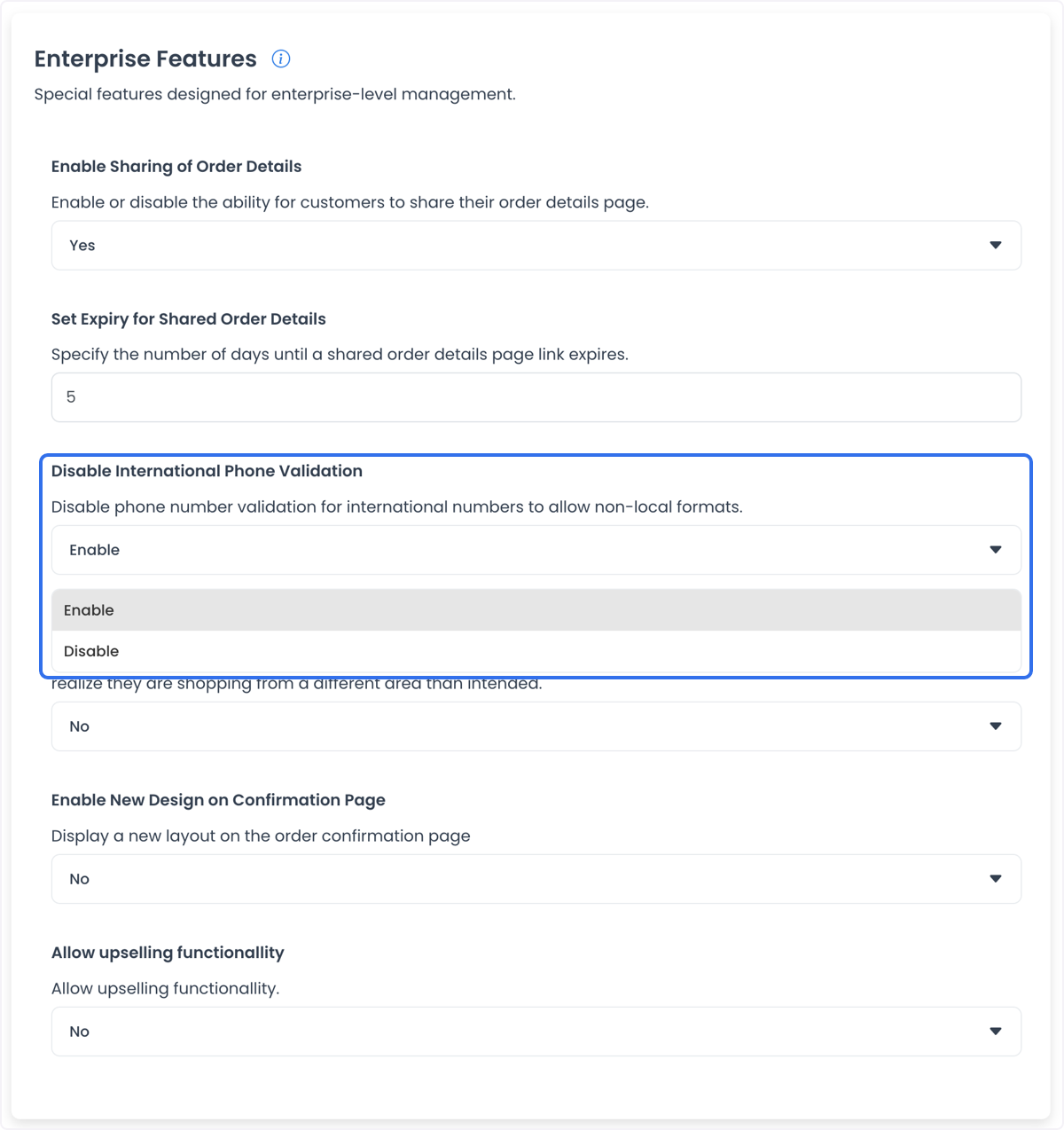
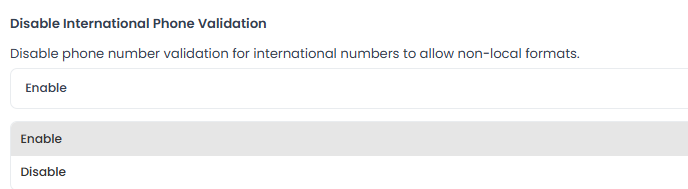
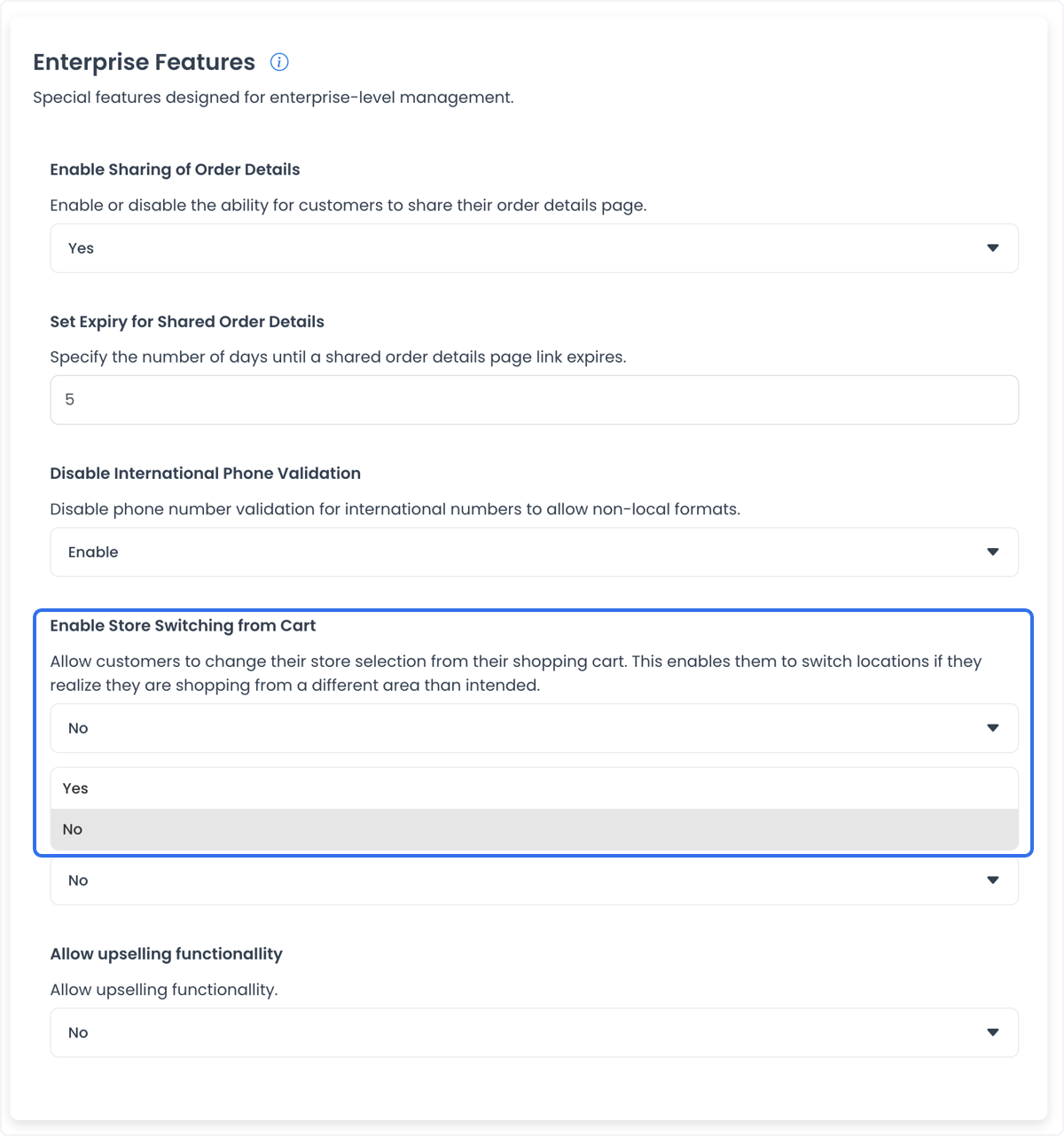
Enable Store Switching from Cart
For multi-location brands, a customer may add items and then realize they are ordering from the wrong branch.
- Yes: The customer can switch the store location from the cart without losing items, as long as the new store has the same products.
- No: The customer must empty the cart and start over with the correct store.
How to use it: Set Enable Store Switching from Cart to Yes.
This is useful if a customer wants to switch location without losing the selection. Switching still depends on matching products at the destination store.

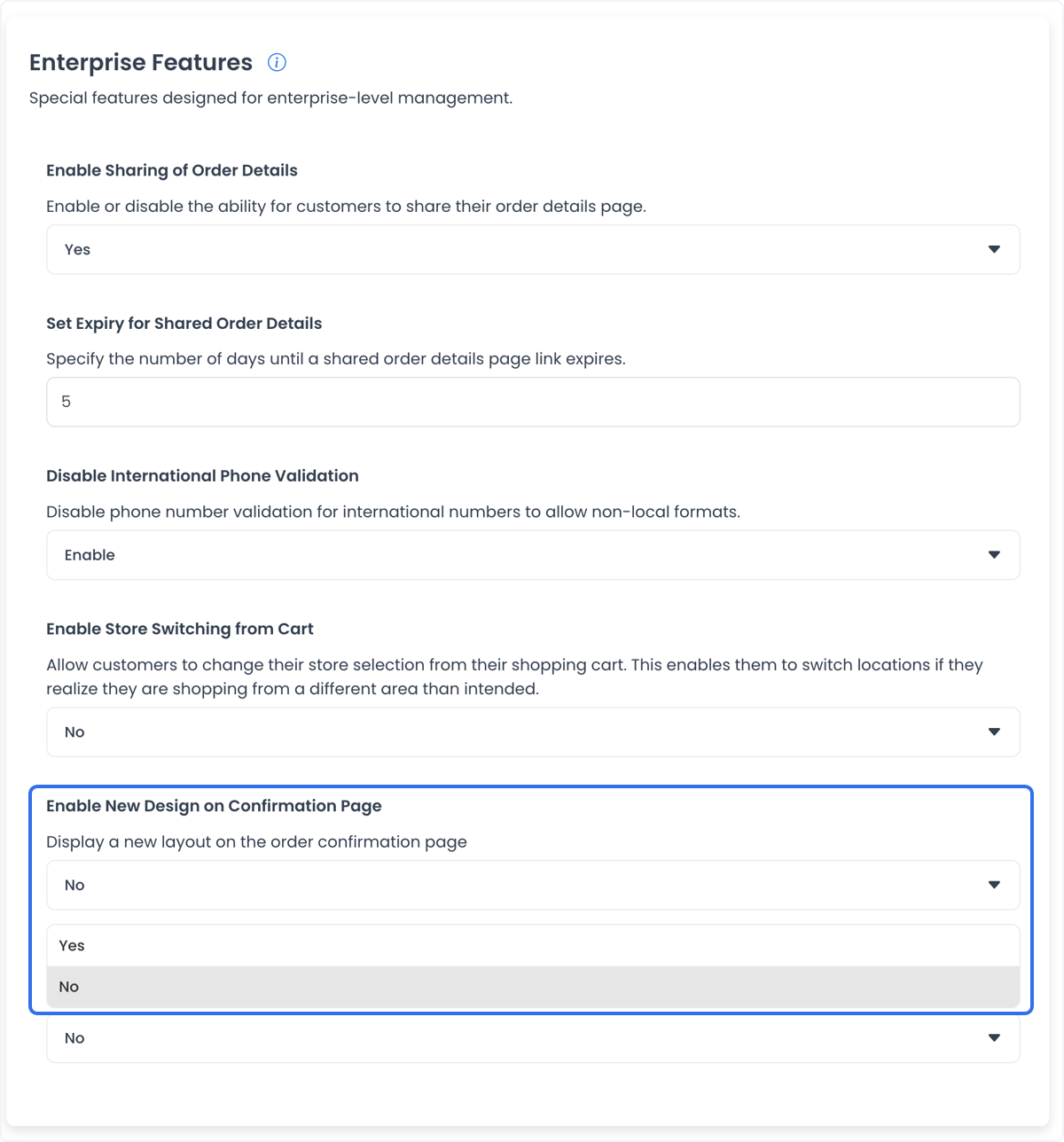
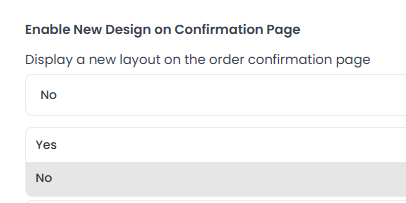
Enable New Design on Confirmation Page
Update the look of the order confirmation page.
- Yes: Activates the updated layout for the order success / confirmation page.
- No: Keeps the classic confirmation page design.
How to use it: Set Enable New Design on Confirmation Page to Yes.
Allow Upselling Functionality / Upselling Type
Suggest additional or complementary products before the purchase is finalized.
How to use it: Activate Allow Upselling Functionality to start offering additional recommendations during checkout.
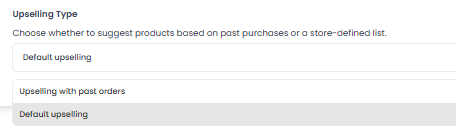
Upselling Type:
- Default Upselling: Suggests popular items or common pairings based on general store data.
- Personalized/Store-Defined: Can suggest products based on a customer's purchase history or a list defined by the business owner, depending on the project setup.
Example: A customer ordering a pizza is shown drinks or desserts before checkout.
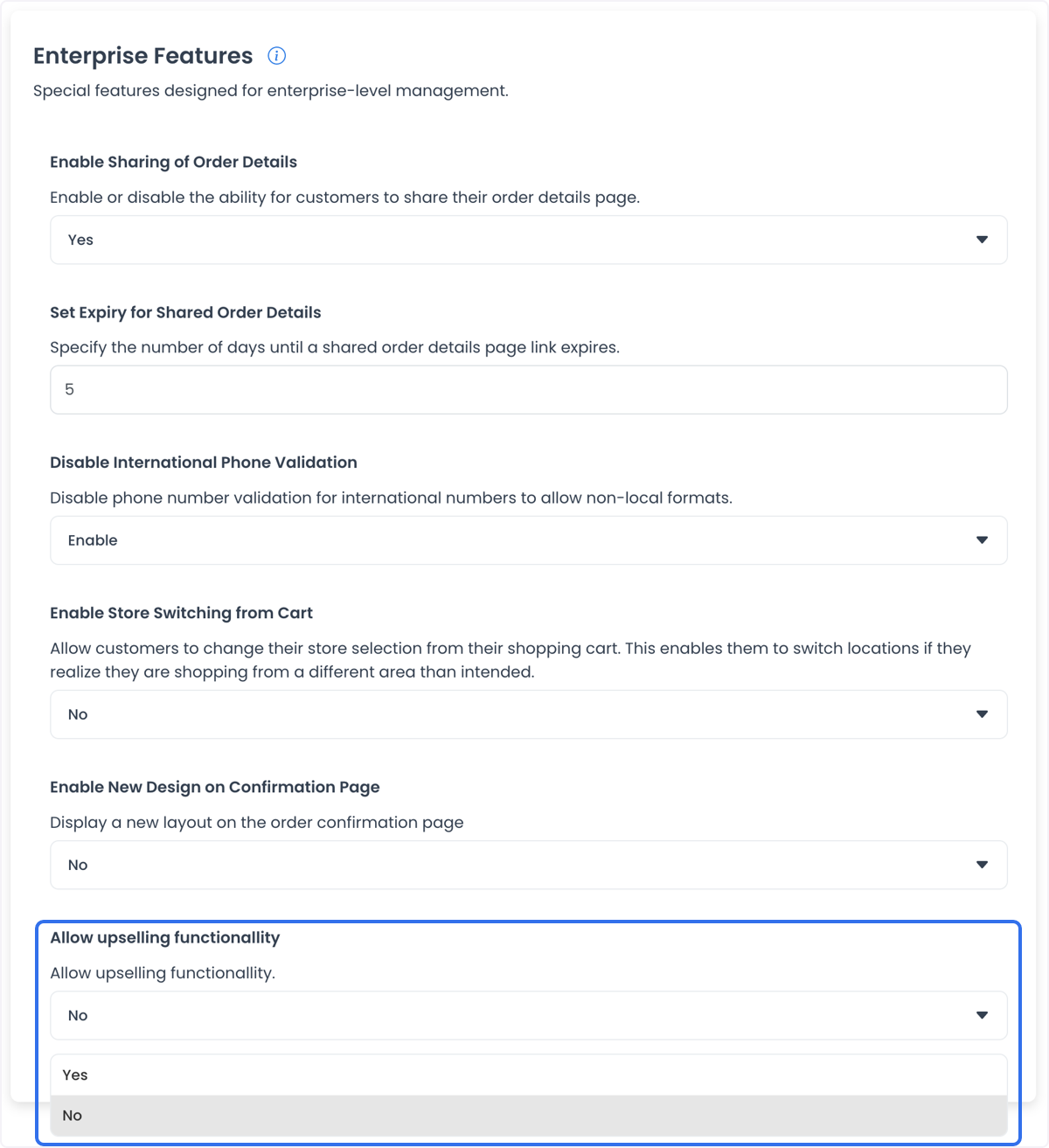
Enabling the control does not by itself add items to a cart. The storefront still has to load the upsell UI and the customer still has to accept a suggestion.
Save Enterprise features
Enabling Store Switching from Cart can reduce drop-off for businesses with multiple nearby locations, when the destination store has the same products.
These are project-wide settings. Scroll to the bottom of the page and select Save after any change so the values apply across the project.
Related guides: Enterprise settings · Settings overview