Channel-specific settings
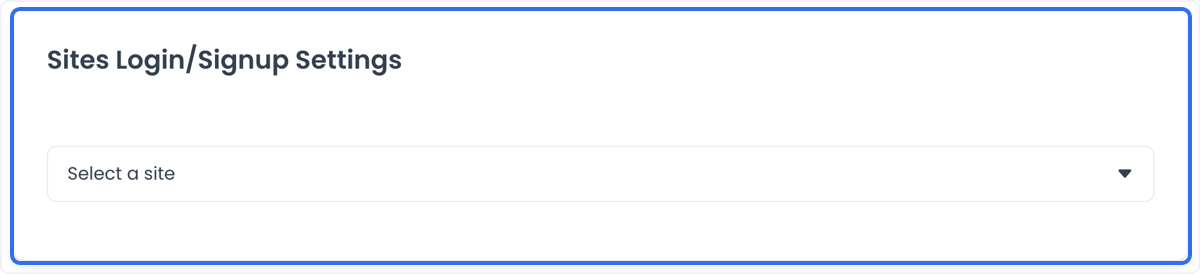
Use Channel-specific settings to review sign-up and login configuration for the channels returned in Dashboard. The source identifies Website, Kiosk, and Call Center as examples. The screenshots show a historical selector and example labels; they do not establish the complete channel list, current configuration, or availability in your project.
Each screenshot opens at full size. Brand names and labels in the historical examples are preserved as screenshot evidence only. Do not treat them as an account, channel, entitlement, or destination you can select in another project.
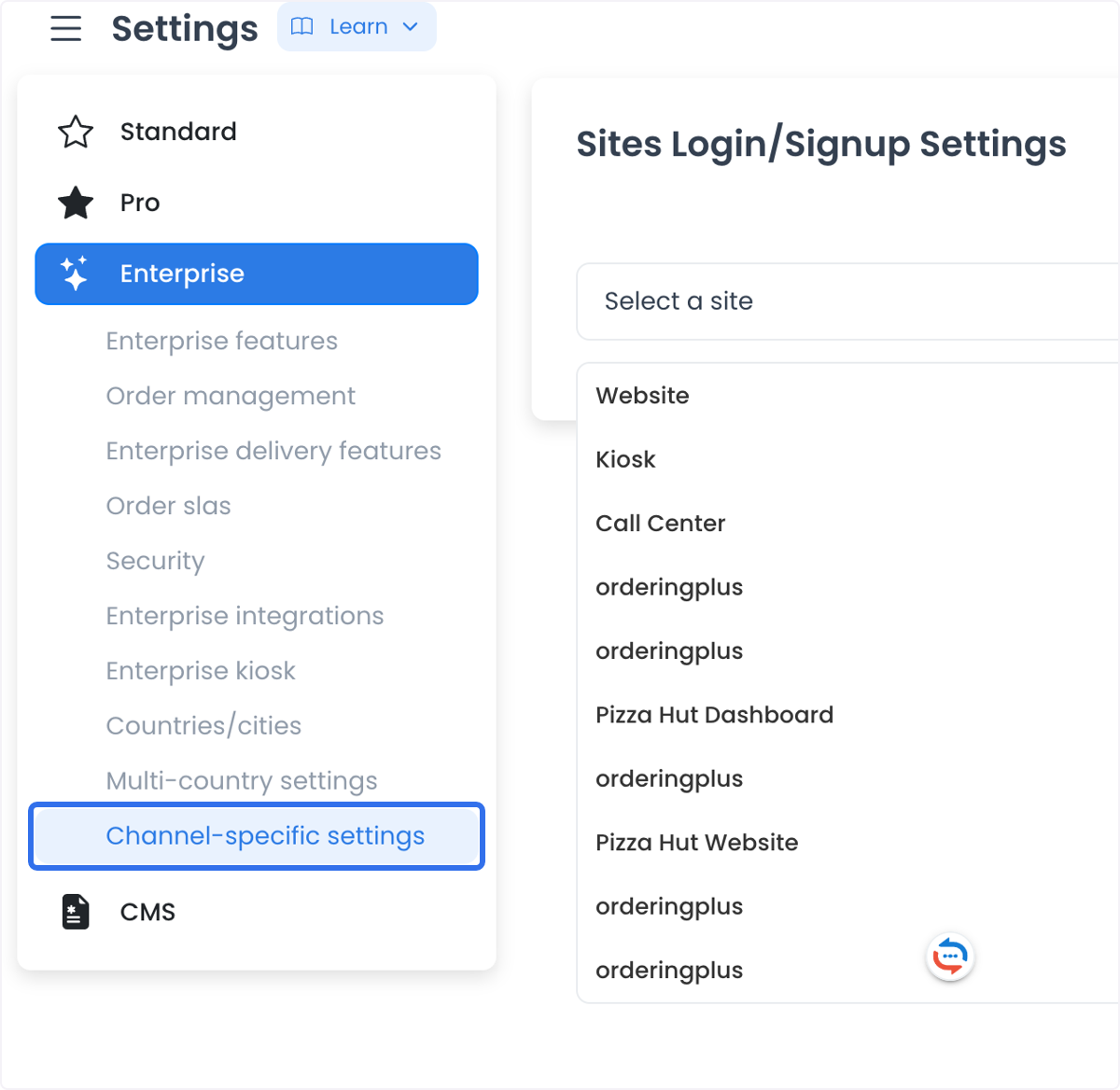
Selecting a channel or changing a setting does not by itself prove that a customer can register, sign in, retain a session, place an order, receive a verification message, access a kiosk, or complete a call-center workflow.
Before you change a channel setting
Text, select, and password controls write changes immediately for the selected site. If the configuration does not already have a site override, the update path can create one; there is no page-level Save action.
An update requires an existing selected site, a configuration marked as replaceable by site, and a non-empty value of 1–2,000 characters. Protected configurations return PROTECT; for non-administrators, reads are limited to public, non-hidden configurations.
- Confirm the intended channel, organization-approved access level, and test scope.
- Use an isolated synthetic account when validation is authorized. Do not use a customer account, real phone number, real email address, or live order to discover how a setting behaves.
- Review the fields returned after choosing the channel. Do not substitute an option or configuration value from another channel or a historical screenshot.
- Keep credentials, URLs, provider identifiers, and authentication values out of public documentation, screenshots, tickets, and chat.
Select the channel
- Open Channel-specific settings when the category is available in your Dashboard.
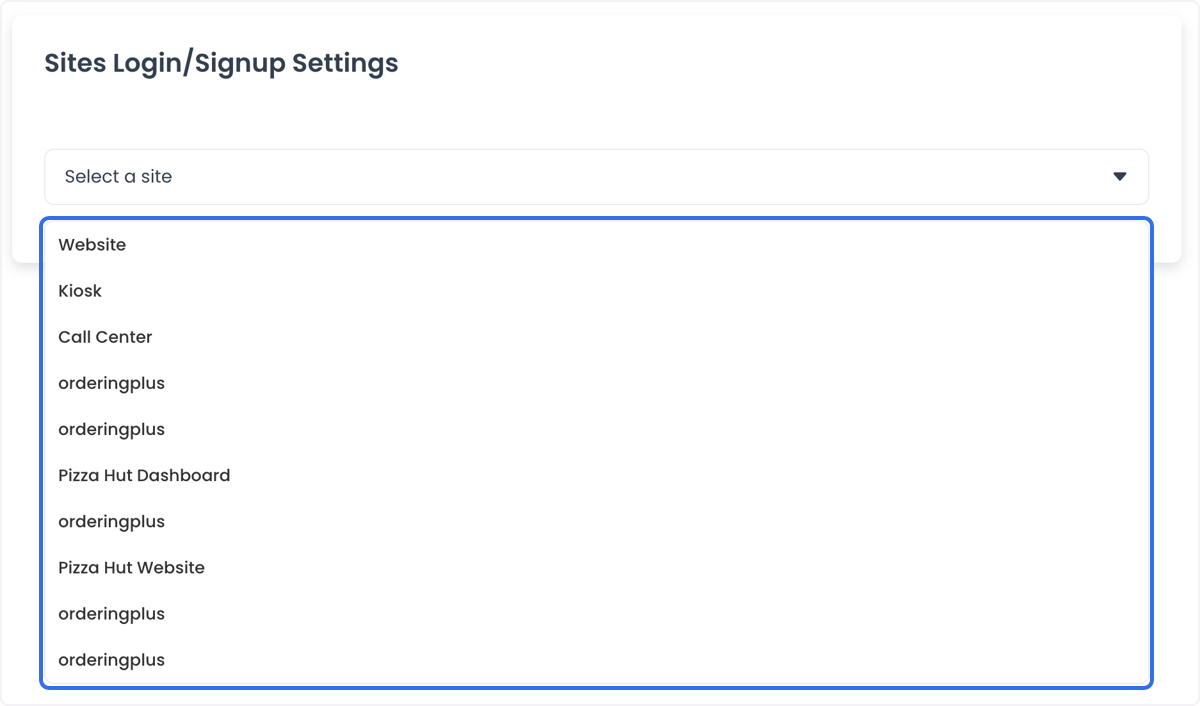
- Use the selector to choose the intended channel.
- Review the configuration fields that are returned for that channel before changing a value.
- Make the smallest authorized change, knowing that the supported control writes it immediately for the selected site.
The historical selector includes Website, Kiosk, and Call Center examples. A channel shown in that list is not proof that every account, user, or device can access it.
What channel settings can support
The source describes these operational purposes:
- Tailor the registration and login experience for a channel.
- Choose authentication approaches that fit the approved security policy.
- Align a channel experience with the organization’s brand.
- Reduce manual steps for staff and customers.
These are intended purposes, not guaranteed outcomes. A saved configuration does not prove a channel rendered the new experience, a user completed registration, an authentication method ran, a staff workflow changed, or a customer account is secure.
Validate the user journey separately
After the responsible owner approves a controlled test, keep the following checks separate:
- Configuration: Dashboard displays the intended value for the selected channel.
- Sign-up: The synthetic account can start and complete the approved registration path.
- Authentication: The selected method behaves as approved without exposing credentials, codes, or personal data.
- Session: The account’s sign-in, sign-out, recovery, and session behavior matches the approved test.
- Channel outcome: A Website, Kiosk, or Call Center configuration is not treated as proof of a customer order, payment, delivery, notification, or provider result.
If the selector or available fields differ from these examples, stop rather than mapping one channel’s configuration to another. Resolve the intended channel and access behavior with the Dashboard and security owners.
Related guides: Settings categories · Security · Kiosk settings