Appointments and professional sign-up
Open Settings → Orders & checkout as an administrator. The Appointments category is where appointment settings are grouped when the project returns fields for it. If it appears only as a category without its own controls, use Professional sign-up for registration options.
Configure professional registration
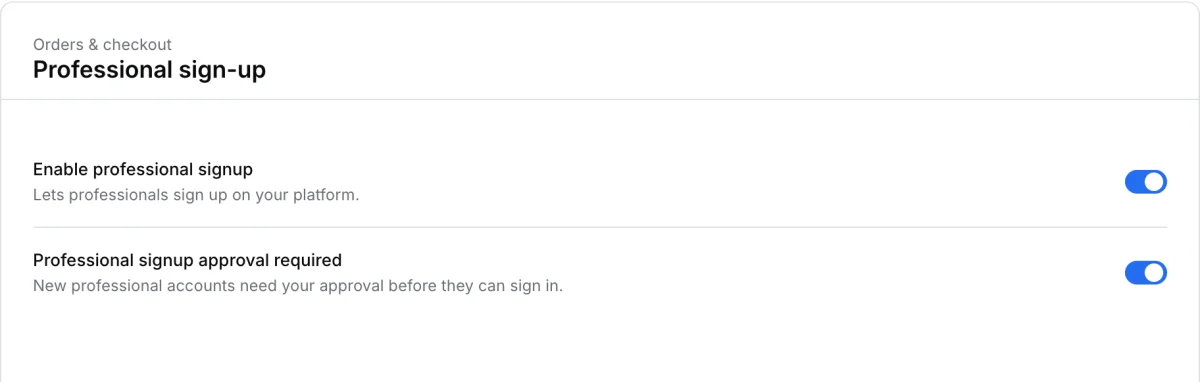
In Professional sign-up, review Enable professional signup and Professional signup approval required. Use the first to allow registration. Use the second to require approval before new professionals can sign in. Select Save changes. Test with a synthetic professional account in a channel that supports registration.
For user records and store assignments, use Professionals. For viewing appointments and the orders associated with them, use the appointment calendar.