Manage school classrooms
Open Schools, select the school, and choose Classrooms. The list shows classroom names. On a phone, classrooms appear as cards.
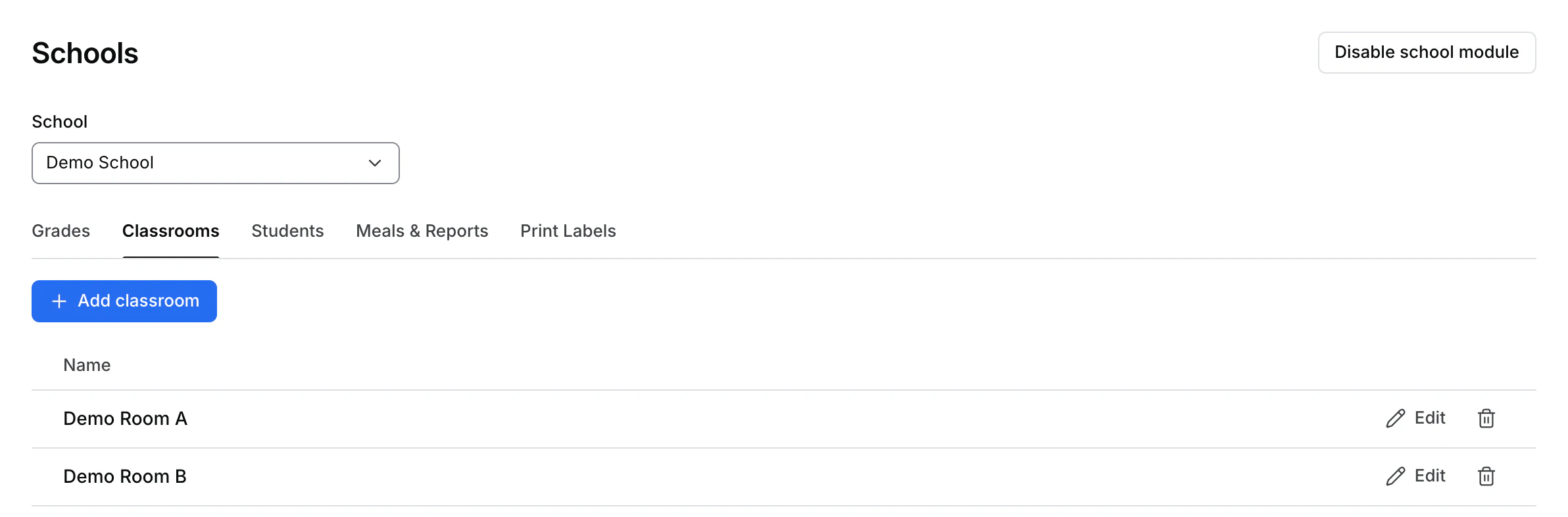
Add or rename a classroom
- Select Add classroom or choose Edit on a row.
- Enter the classroom Name and select Save.
- Check the refreshed list. If the Dashboard shows an error, correct the input in the dialog before trying again.
The classroom form changes the room name. Use the Students directory to review the students associated with that room.
Delete a classroom
Check which students use the room before you delete it. Use the row's delete action and read the confirmation. Deleting a classroom removes that classroom assignment from its students. Reassign them through your school's student record workflow as needed.