Schools
The Dashboard mounts Schools for level-0 administrators and level-2 business managers. The sidebar entry also requires the school module and is hidden from read-only administrator, delivery-manager, and business-owner classifications. School API requests are separately protected by the school-module middleware, and business managers are limited to schools they own.
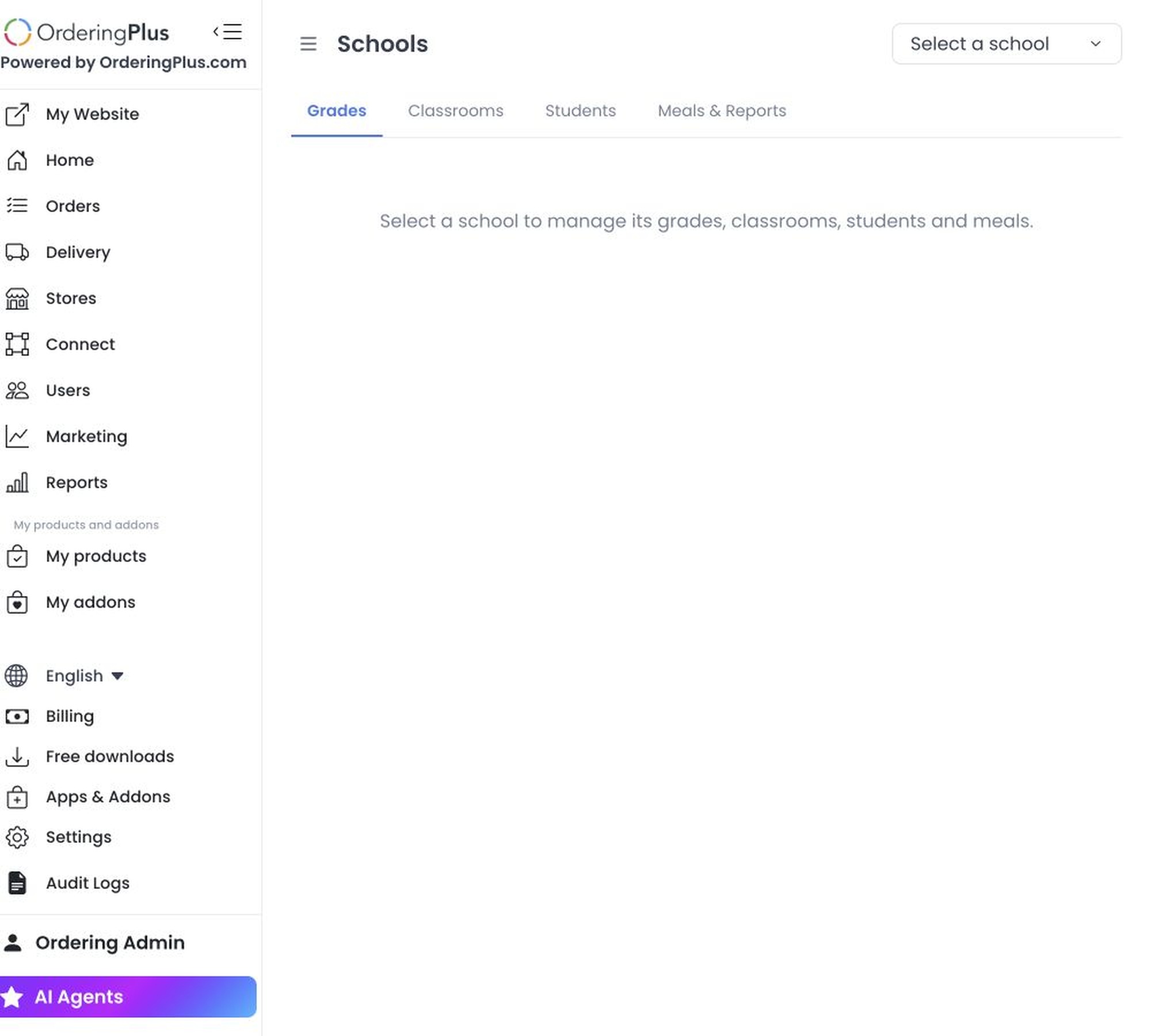
Select a school before working with its records. The workspace has four areas:
- Grades
- Classrooms
- Students
- Meals & Reports
Schools are businesses with the School vertical. If the selector is empty, create or designate the school business through the approved business-management process; do not use school records from another project as test data.
This workspace can expose student, parent, classroom, and meal information. Use the least-privileged role, do not capture or export live records for support or documentation, and obtain the required data-governance approval before changing school records or requesting a report.
Access and safe review
The school selector supports search and pagination. Opening this page starts an authenticated request for the school list; selecting a school can start additional requests for the selected area. No page visit or GET request is treated as a safe runtime check in this guide.
Creating, editing, deleting, or attaching grades, classrooms, students, or parent relationships changes live data. Meal reads can return student and order details. The two report controls use consequential GET requests that source code routes to asynchronous report generation and email delivery, so do not invoke them as a read-only check. Use an approved non-production fixture for authorized training and verify manager ownership before any operational change.
Related guides: Roles and permissions reference · Stores