Open the reset link from the email. Older links can still open the reset screen at /reset_password.
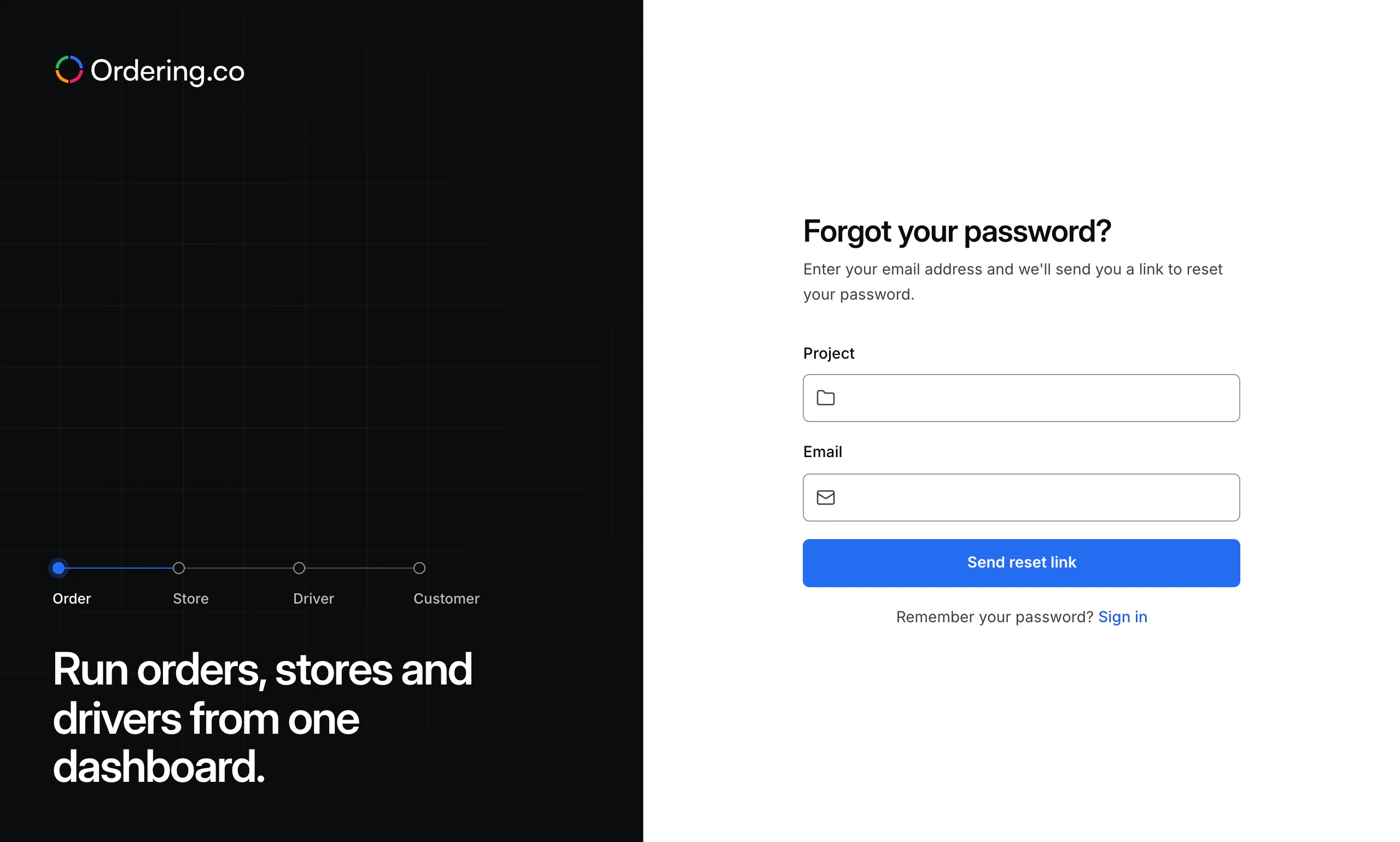
If the form asks for a Code and Verification code, use the values in the reset email and select Submit codes. If it asks for a Project, enter your project code.
Enter a New password of at least eight characters and enter it again in Confirm password. Select Change password.
After the confirmation, select Sign in and use the new password.