Manage business invoices
Use Business invoice to assemble an invoice record for a selected business and a defined order period. The surface can support a charge for commissions and fees or a business payout record, but an invoice is not itself a payment instruction, a completed fund movement, or a proof that an accounting or payment provider accepted the result.
Invoice fields can include business identity, orders, payment methods, fees, taxes, discounts, notes, and totals. Invoice generation may send invoice HTML to a PDF service and open the resulting document. Use a test business and synthetic records in a non-production environment, and confirm the document service is approved before generating invoices.
Choose the invoice scope
- Select the invoice type: Charge the business a commission and fees or Payout the business where those options are available.
- Set the date range.
- Select the business.
- Review the percentage fee, fixed fee, tax, miscellaneous amount and description, and notes before saving.
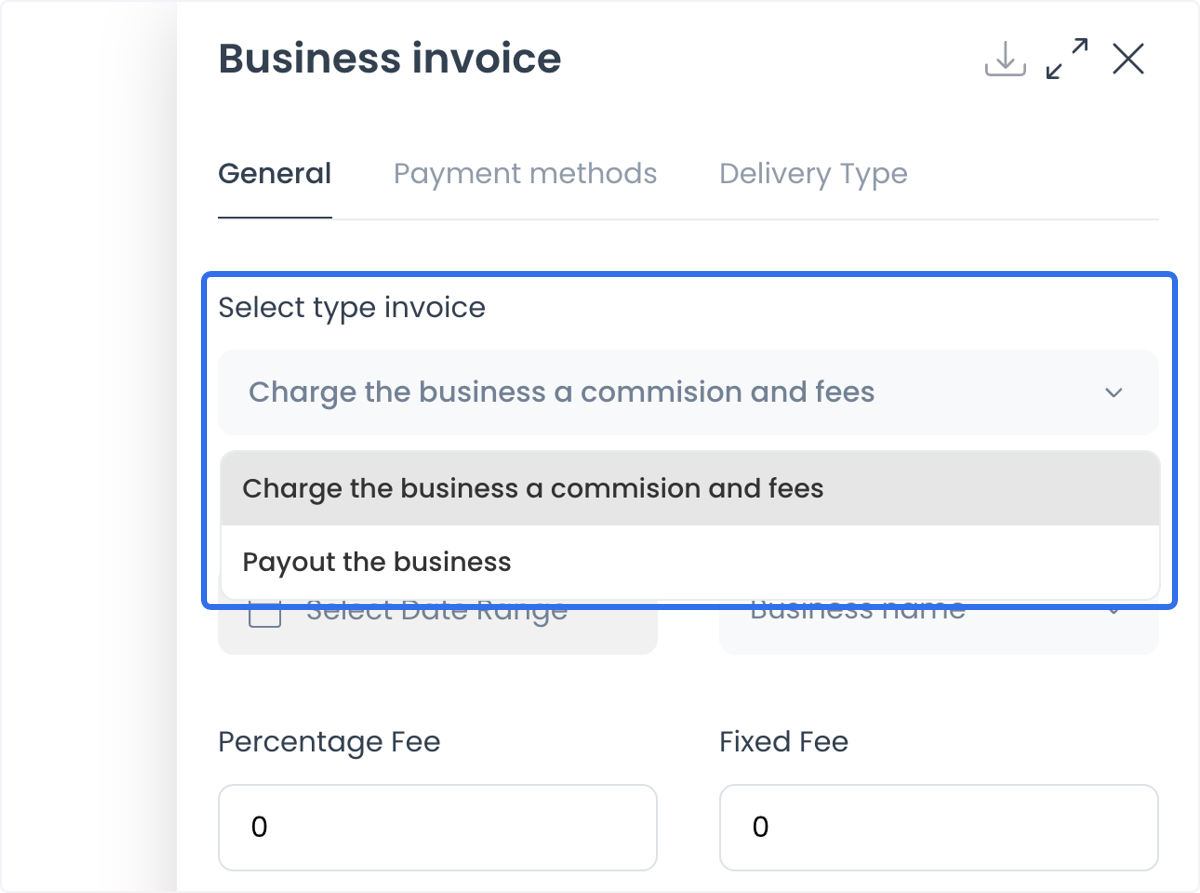
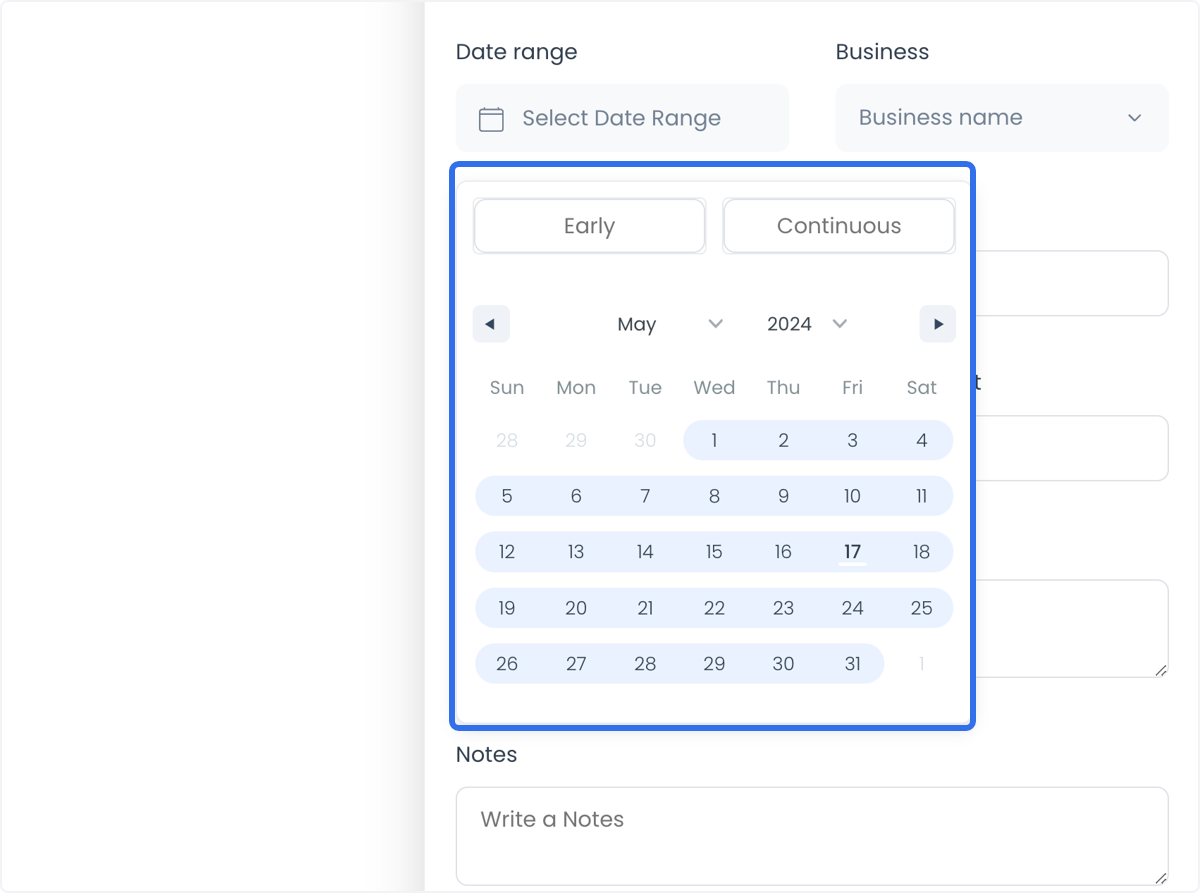
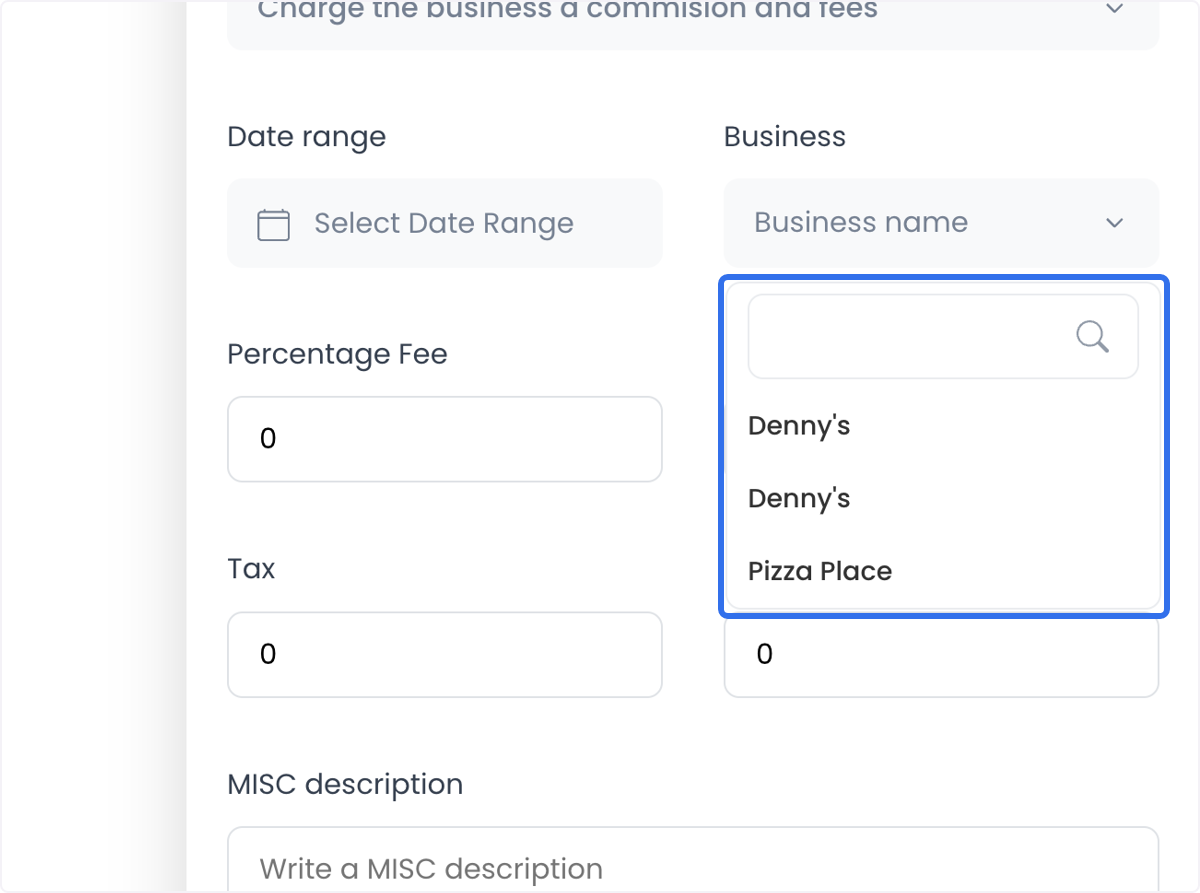
The page retrieves matching orders and supporting lists. Results can include private business, customer, payment, and location data. Only access them for an authorized accounting task and share the minimum information needed.
Filter by payment method and order type
Use the Payment methods tab to select the order payment methods that belong in the invoice.
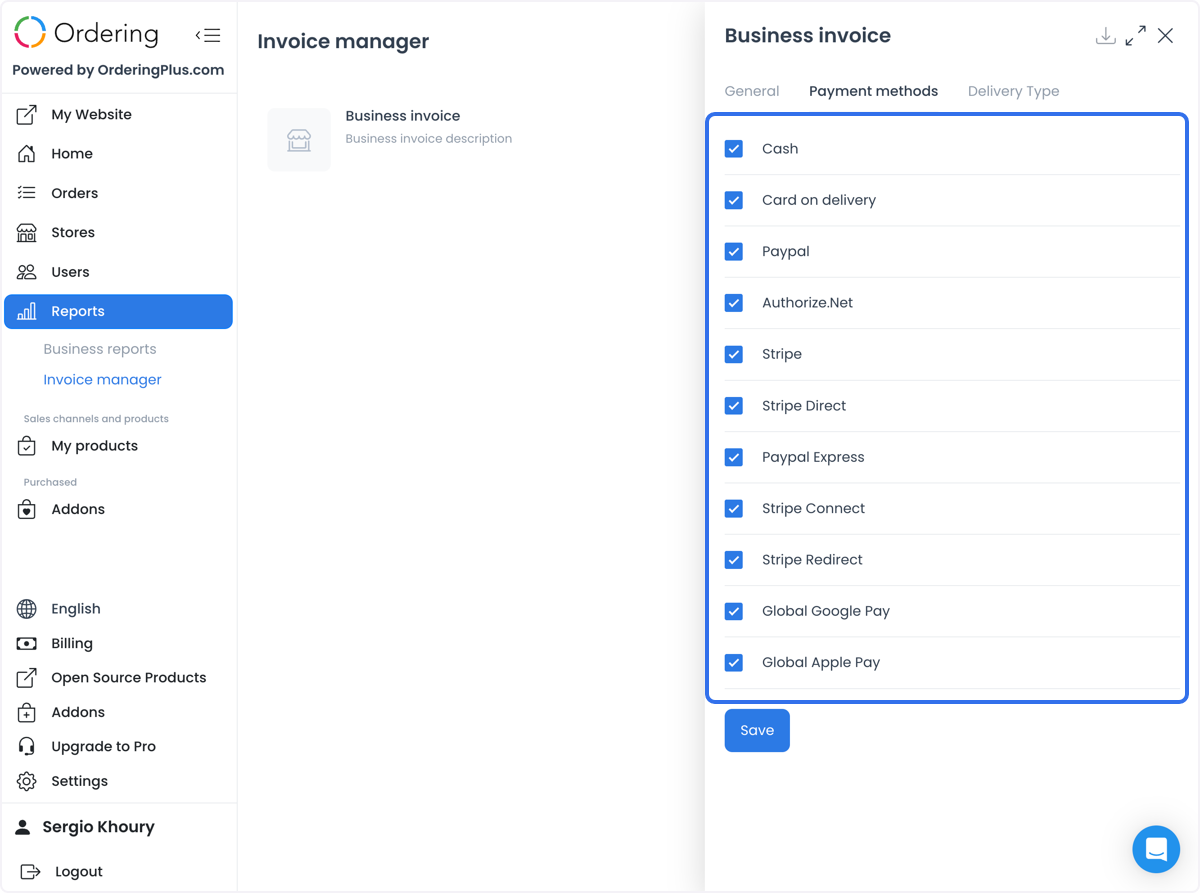
Use Delivery Type when the selected invoice needs to distinguish delivery, pickup, eat-in, curbside, or drive-thru orders where those order types are returned by the selected project.
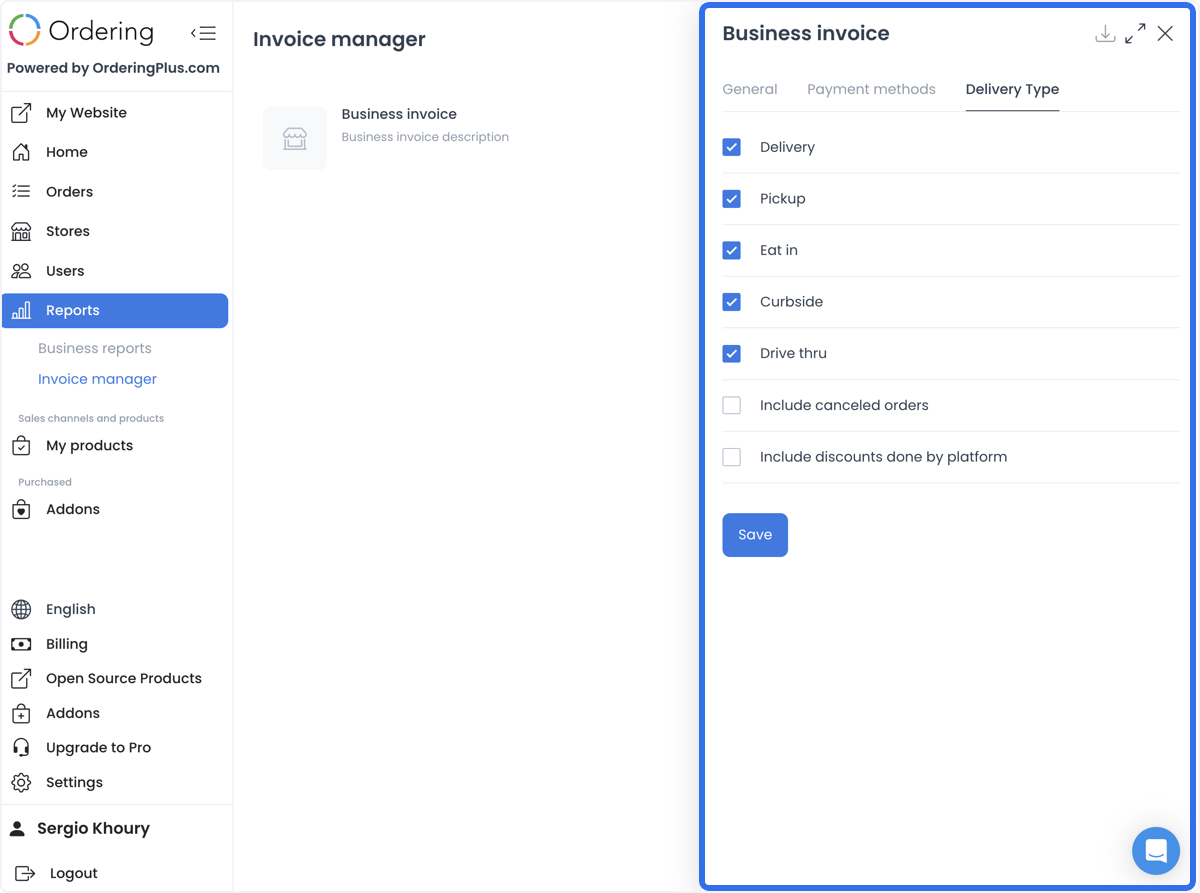
Include the intended orders
Use the available options to decide whether to include canceled orders and orders with platform discounts. Confirm that the selected options match the financial policy for the intended invoice rather than relying on a default state.
Separate invoices from payout processing
For a marketplace that uses Stripe Connect or another payment provider, connected-account onboarding, split configuration, payout timing, provider fees, tax, and settlement responsibilities remain provider- and platform-specific. An invoice can provide accounting context, but it does not prove that a provider split a payment or that a business owner received funds.
When a business invoice is used as a manual payout record, create and review the document through the approved workflow, then let the authorized accounting team perform and reconcile any actual payment. Do not describe document creation, a PDF download, or a client-side success state as a completed payout.
Useful review patterns
- Create separate records for commission and fee charges versus payout documentation when the accounting workflow requires them.
- Use date, business, payment-method, and order-type filters to make the selected order set auditable.
- Include canceled orders or discounted orders only when the financial policy calls for them.
- Use percentage, fixed, tax, and miscellaneous fields with a documented calculation or accounting rule.
- Review the generated document, selected business, totals, and supporting order scope before sharing it with accounting.
Related guides: Invoice manager · Automate invoice creation · Manage driver invoices