Invoice manager
Invoice manager assembles documents for Business and Driver invoice modes. It is distinct from Payment reports, which handles stored payment invoices and payment-report exports.
The /intelligence/invoice route can be limited to level 0. A configured Reports sidebar list can expose an entry to a level-2 Business owner without changing route access. The Business Invoice option and a configuration-dependent Driver Invoice option can be shown for the selected project. Confirm available options, access, and data in the project where you are authorized to work.
Open an invoice workflow
Invoice-mode cards keep the selected mode and tab in the URL query state. Opening a card displays the corresponding side panel; it does not by itself confirm that an invoice was retrieved or rendered.
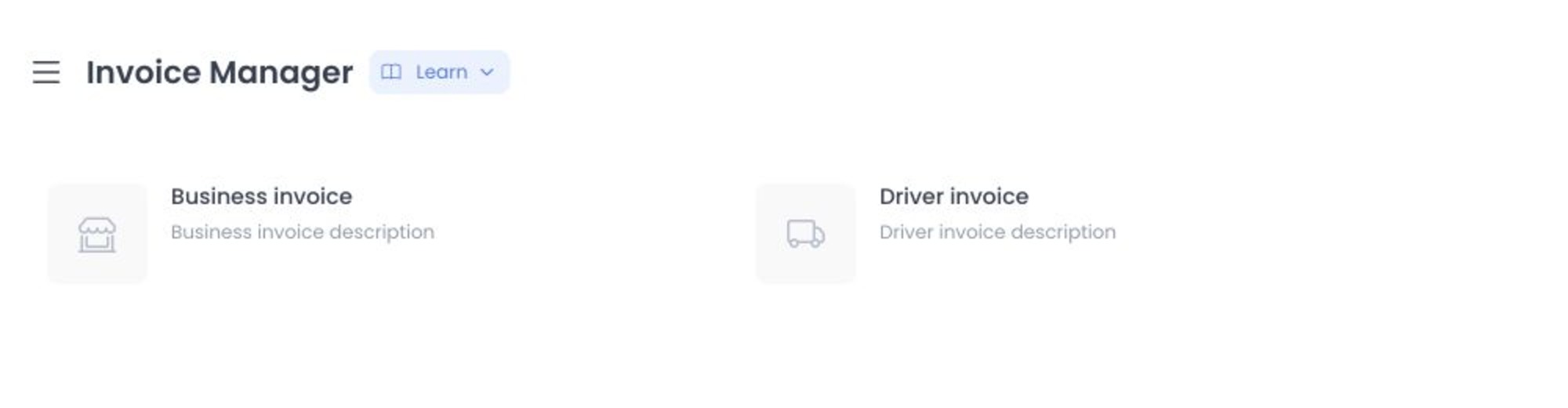
The screenshot is for orientation only. It does not confirm available access, order data, document output, or successful service behavior.
Business invoice data boundary
Business invoice can include charge or payout selection, date boundaries, Business selection, percentage and fixed fees, tax, miscellaneous description or amount, notes, enabled payment-method selection, configured order-type selection, and canceled-order or platform-discount options. It can load Businesses, payment methods, order types, and matching orders.
The Save action prepares the invoice form from the selected order data. It does not by itself confirm creation of a persistent payment-invoice record. Treat loaded order data as sensitive because it can include private operational, customer, payment, and location information.
Driver invoice data boundary
Driver invoice can include Driver selection, a date range, fees, tax, miscellaneous values, notes, delivery-price and driver-tip percentages, payment methods, and an include-canceled-orders option. It can load driver identities and matching order data. The Delivery Type tab is associated with Business Invoice and may not be available in Driver Invoice.
Document and effect boundary
Invoice manager can assemble invoice content and offer a document-generation or download path that sends invoice HTML to a PDF service. Document generation and download are export and provider boundaries, not read-only previews.
Invoice content can include Business or Driver identity, orders, payment methods, fees, taxes, discounts, tips, notes, and date-filtered totals. Before relying on a document, confirm its contents, recipient, retention, and approval within your organization's accounting workflow.
Maintenance boundary
Before using Invoice manager, confirm the route access, Business-owner sidebar condition, configuration-dependent Driver option, selected mode and tab, available fields, order-data scope, and PDF handoff for the selected project. Do not infer authorization, persistence, output contents, or success from a route or UI label alone.
Related guides: Payment reports · Reports overview