Use Enterprise reports
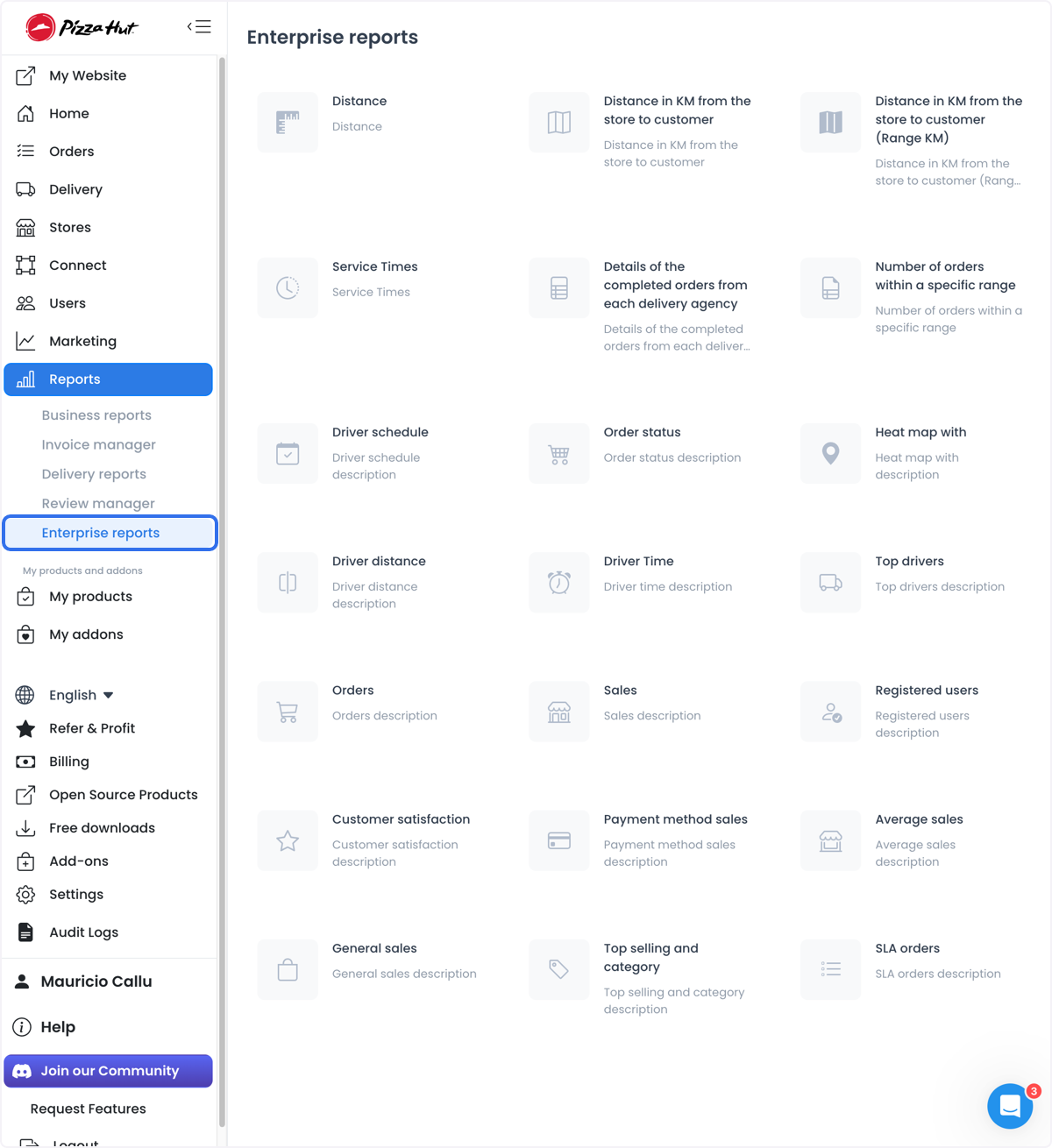
Enterprise reports is the report-card catalog for distance, service times, drivers, orders, sales, registrations, satisfaction, payment methods, and SLA orders. It is a different surface from the combined Business reports dashboard.
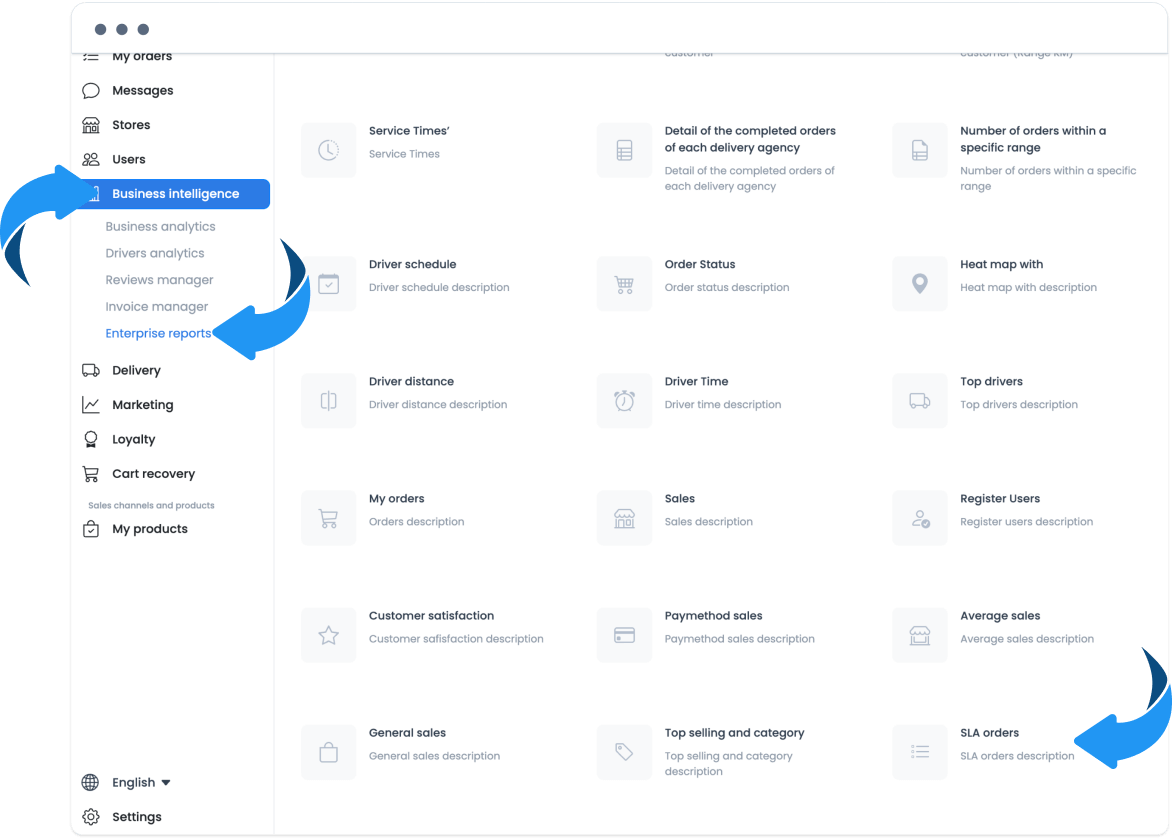
Open Reports → Business reports related navigation, or the Enterprise reports item under Business Intelligence in older Dashboards. A visible card does not prove that the underlying request is authorized or that a download succeeded.
Some individual report panels can download the results they have already loaded. That export is not the same as the Business reports dashboard, which has no CSV action.
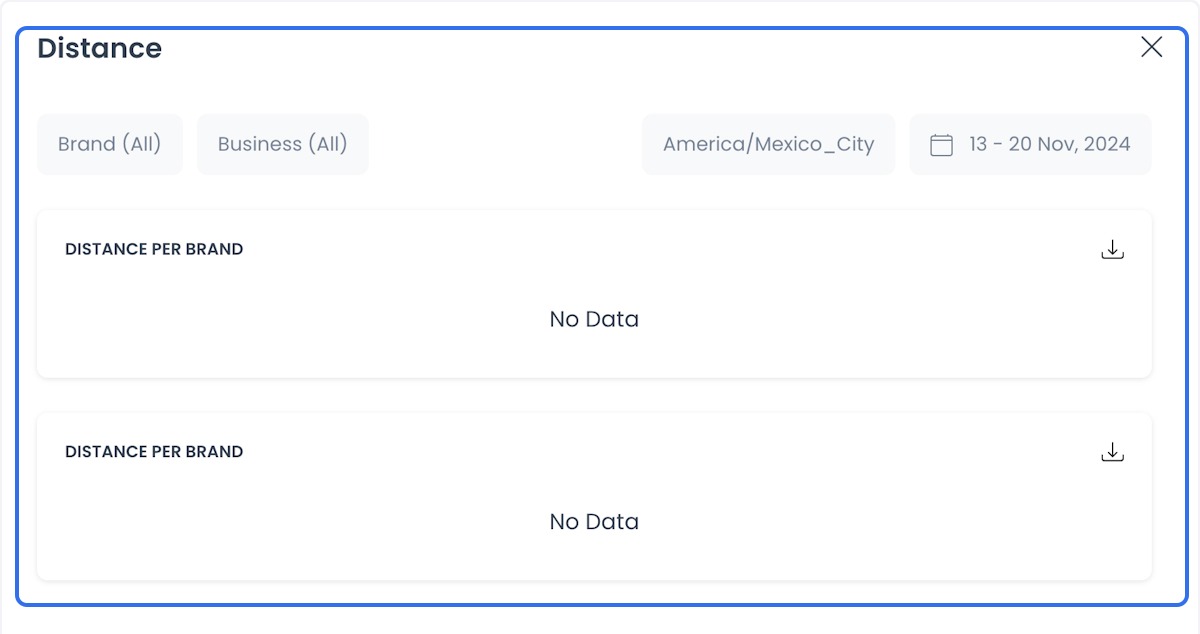
Distance
- Use case: Analyze the total distance traveled to calculate logistics costs and evaluate route efficiency.
- Benefit: Helps reduce transportation costs by reviewing routes and delivery planning.
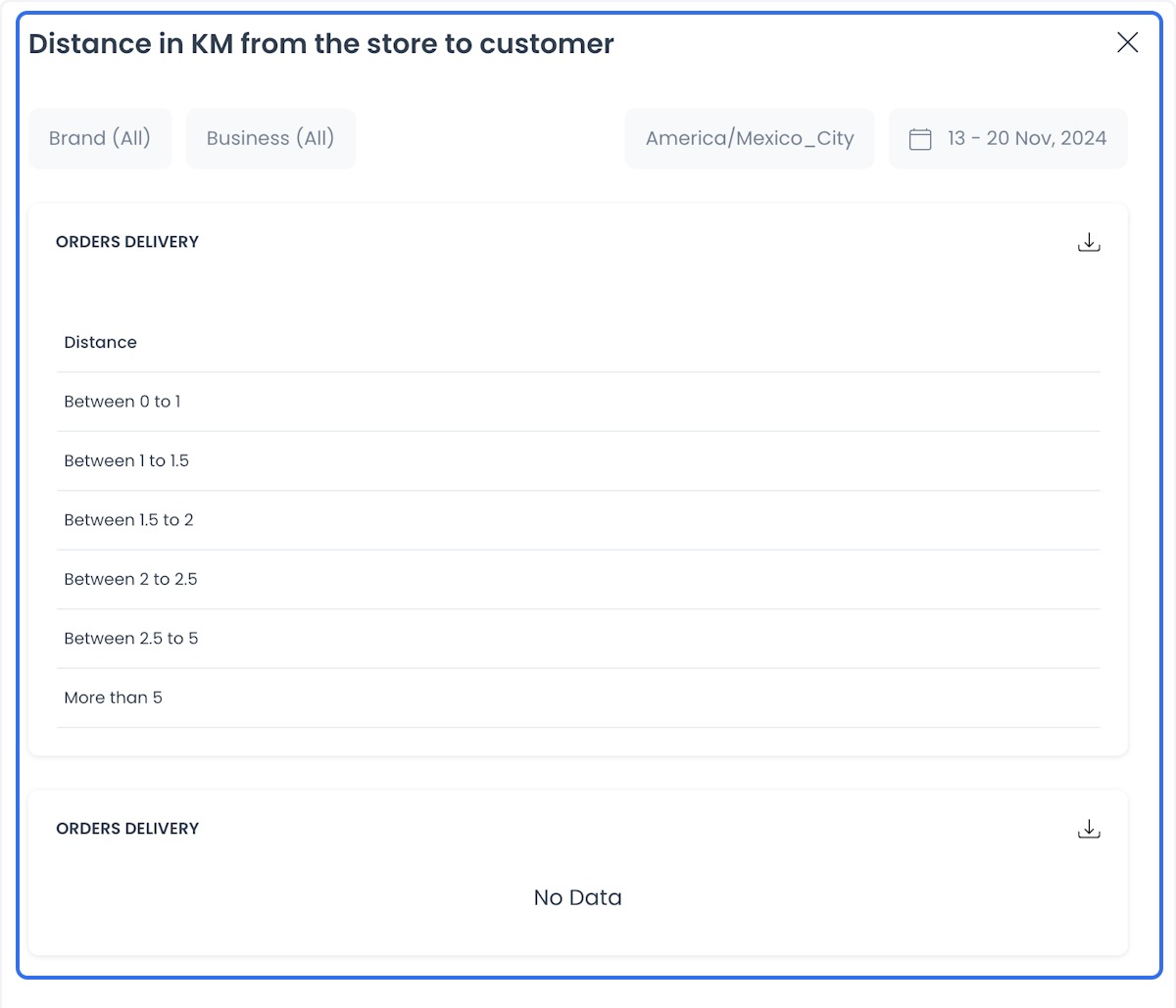
Distance in KM from the store to customer
- Use case: Identify areas with frequent orders and calculate average delivery times based on distance.
- Benefit: Helps you see which areas may need closer warehouses or delivery points.
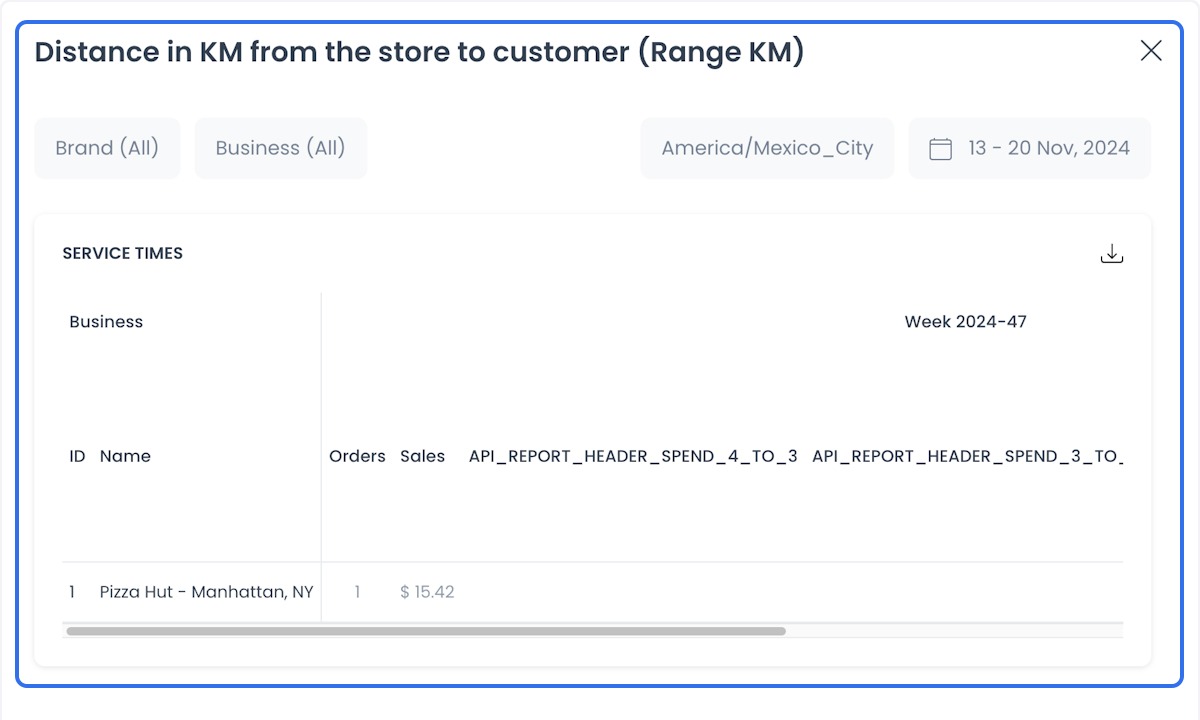
Distance in KM from the store to customer (Range KM)
- Use case: Segment distances into specific ranges to identify ordering patterns by location.
- Benefit: Helps define delivery and marketing strategies in high-demand zones.
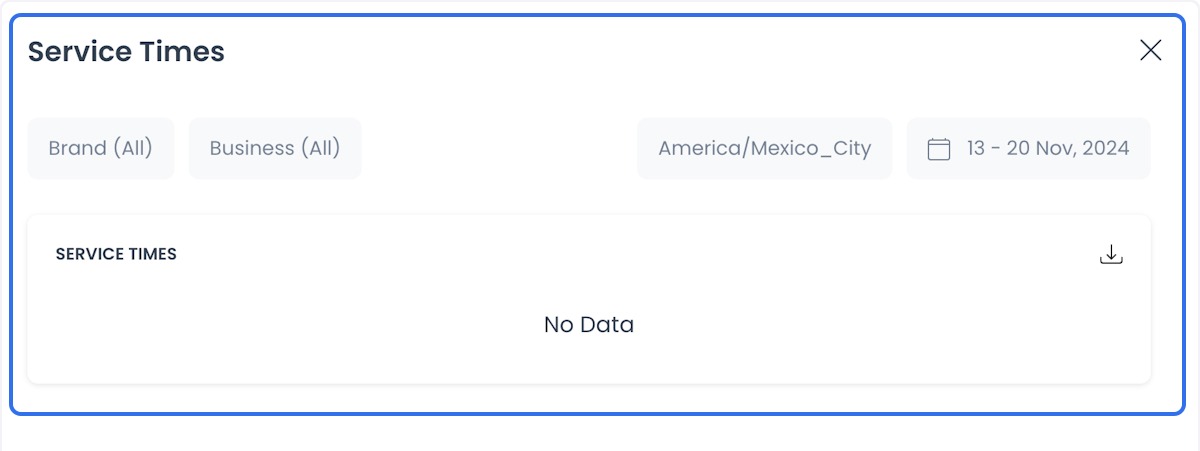
Service Times
- Use case: Monitor total service time from receiving an order to its delivery.
- Benefit: Helps you see wait times that affect customer experience.
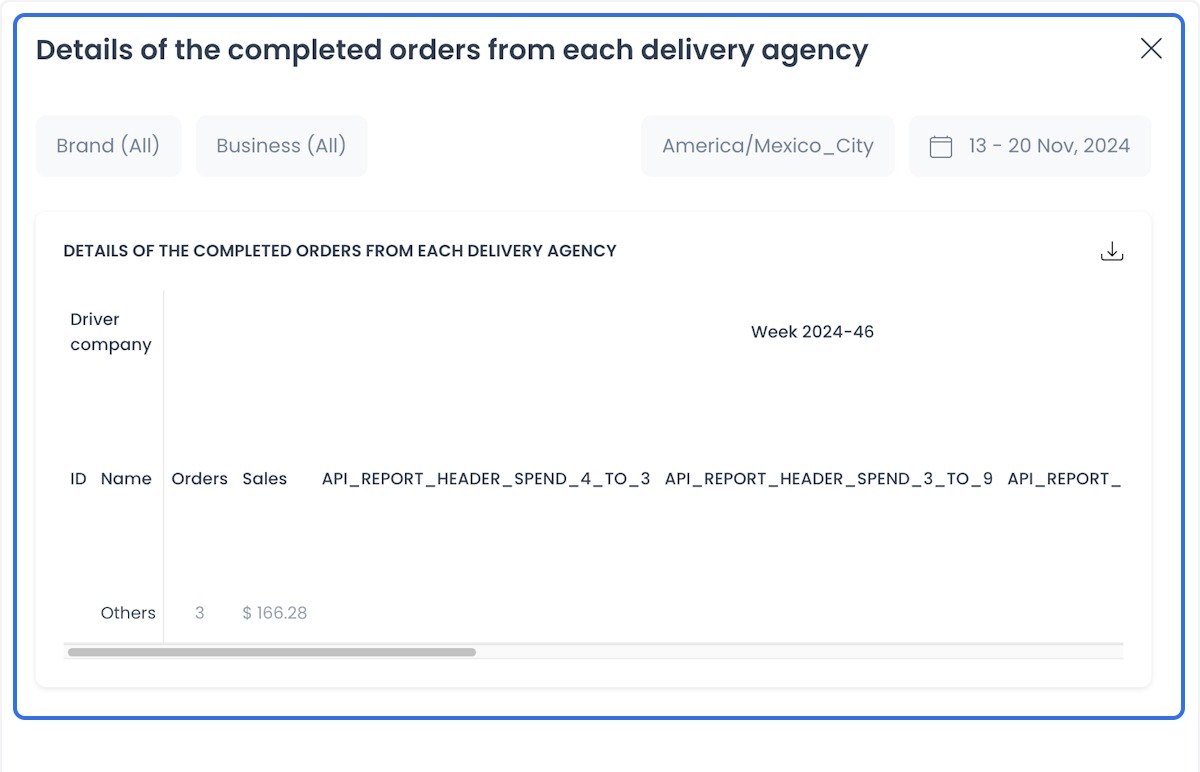
Details of the completed orders from each delivery agency
- Use case: Compare the performance of delivery agencies.
- Benefit: Helps you review which agencies complete orders faster or more reliably.
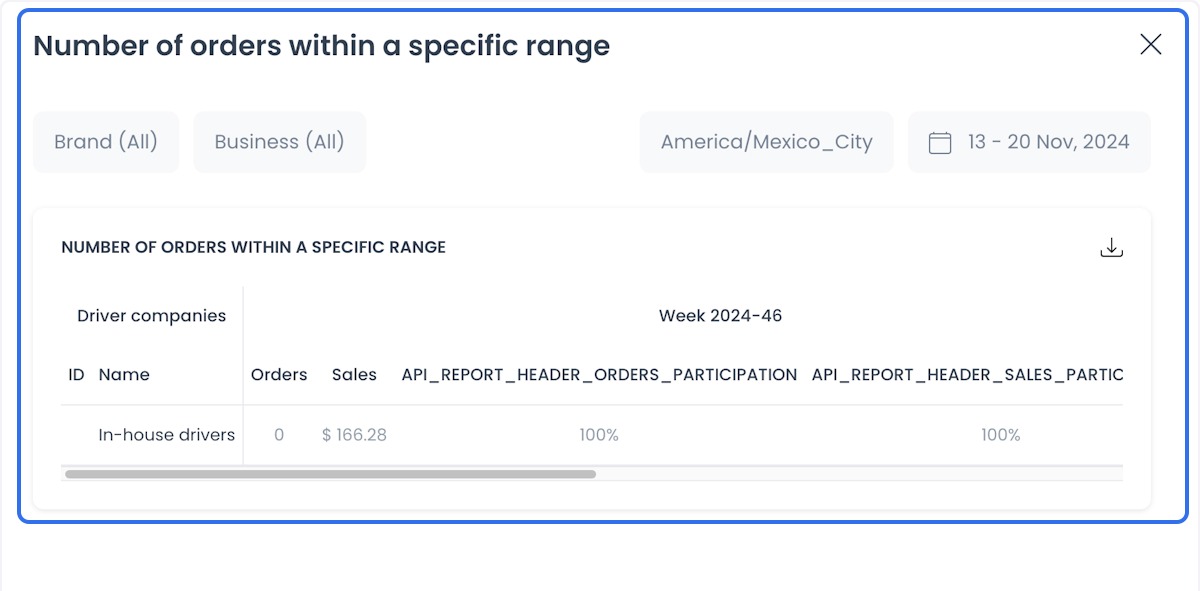
Number of orders within a specific range
- Use case: Analyze the number of orders placed within specific time periods or zones.
- Benefit: Identifies high-demand patterns so you can allocate resources.
Driver Schedule
- Use case: Coordinate drivers' schedules.
- Benefit: Helps reduce idle time and review driver coverage.
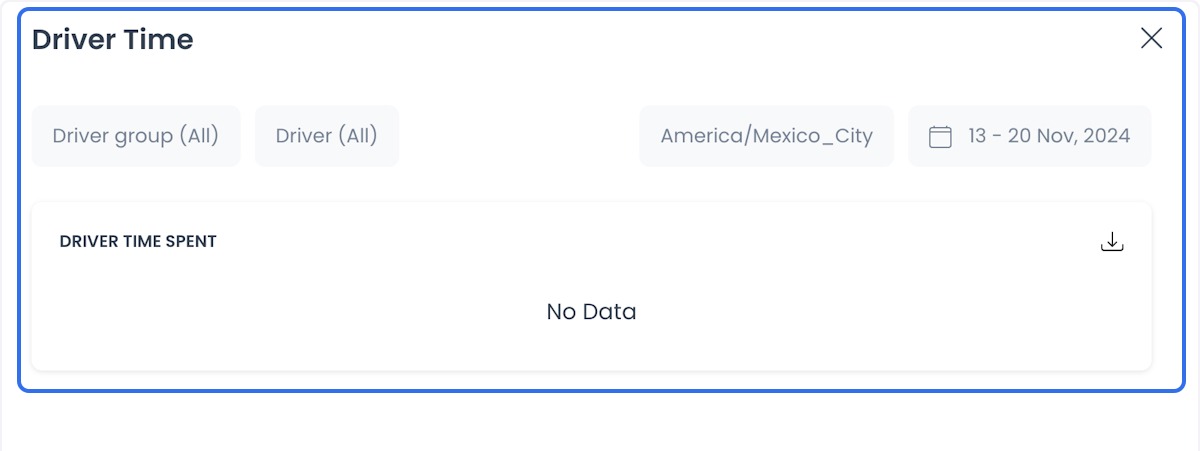
Order Status
- Use case: Monitor the total number of orders, sales, and rejection rates for each business or franchise during specific periods (for example, weekly).
- Business order count and sales: Number of orders, total sales, and rejection rates per business.
- Franchise order count and sales: Orders, sales, and rejection percentages at the franchise level.
- Benefit: Helps identify underperforming businesses or franchises by tracking rejected orders and their percentages, so you can review operations.
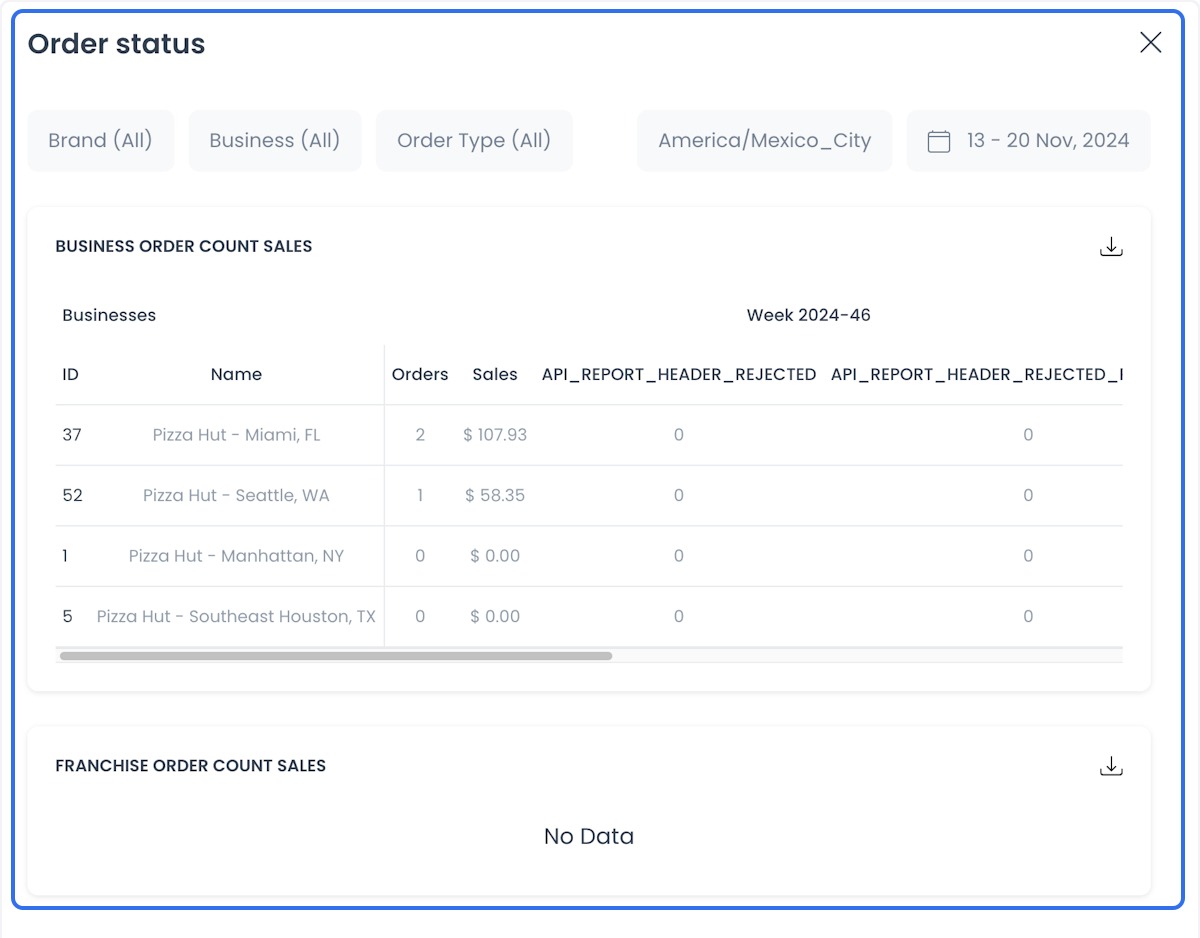
Heat map with
- Use case: Visualize areas with the highest volume of orders on a heat map.
- Benefit: Helps determine locations for new stores or delivery points.
The map can include customer order locations. Do not share it without authorization. See the map caution on Business reports.
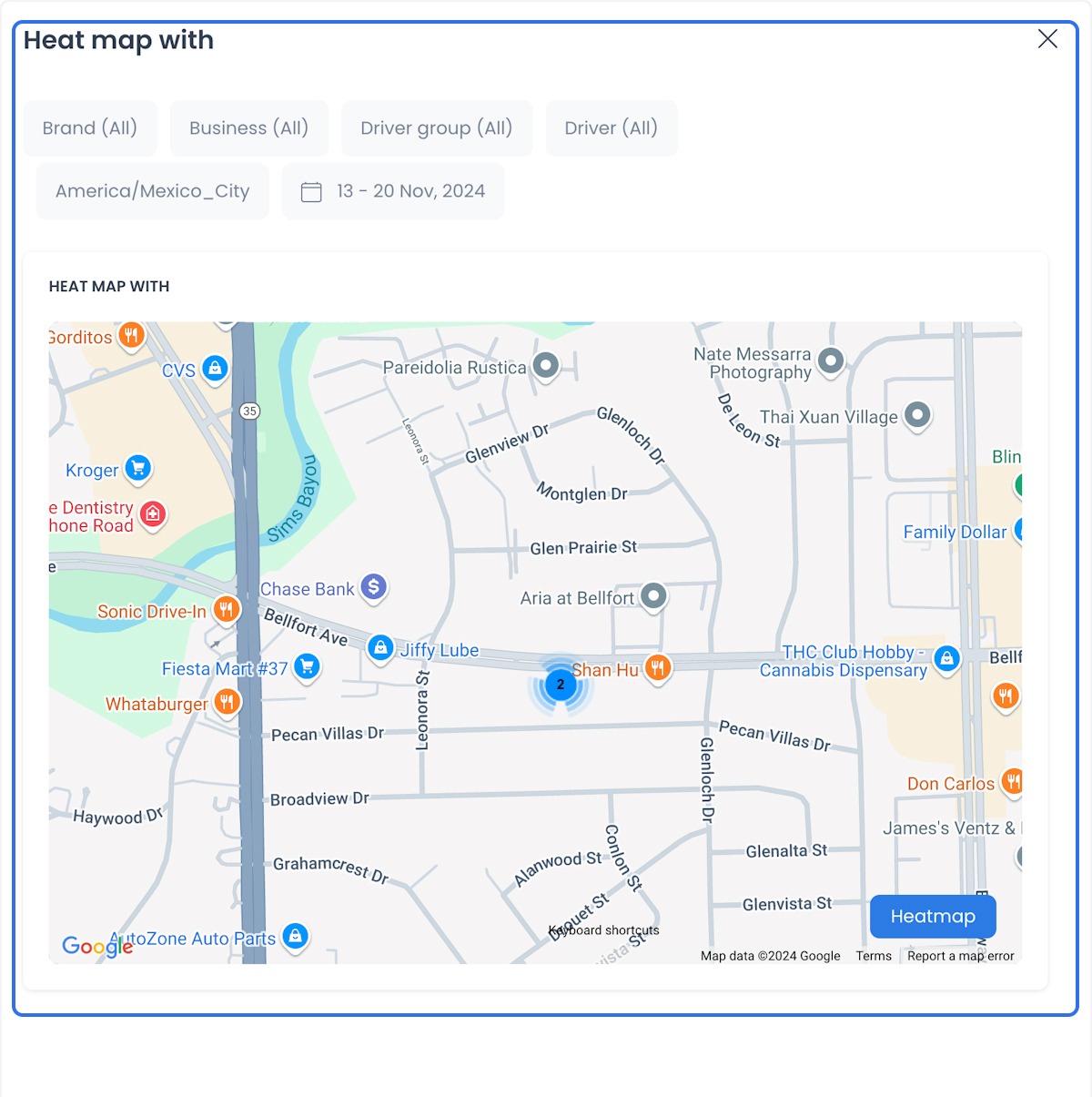
Driver Distance
- Use case: Track the distances covered by each driver.
- Benefit: Helps you review inefficient routes.
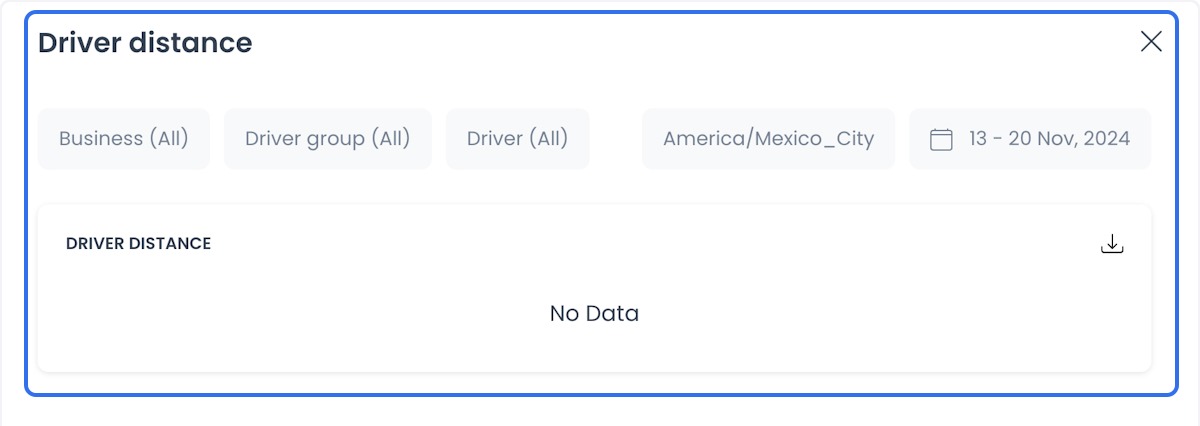
Driver Time
- Use case: Analyze the time drivers spend on deliveries.
- Benefit: Helps you review assignments and workload.
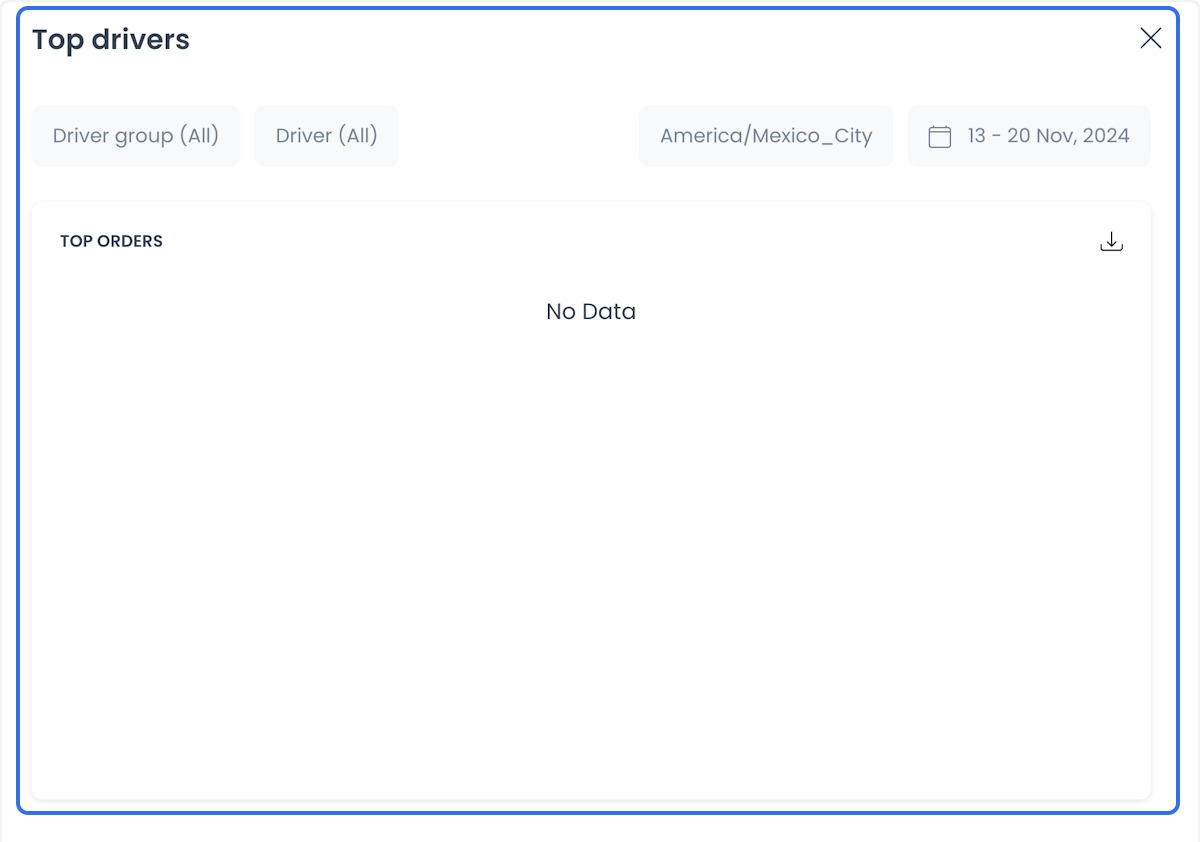
Top Drivers
- Use case: Identify top-performing drivers based on metrics such as speed, completed deliveries, or customer satisfaction.
- Benefit: Helps you recognize performance and plan incentives.
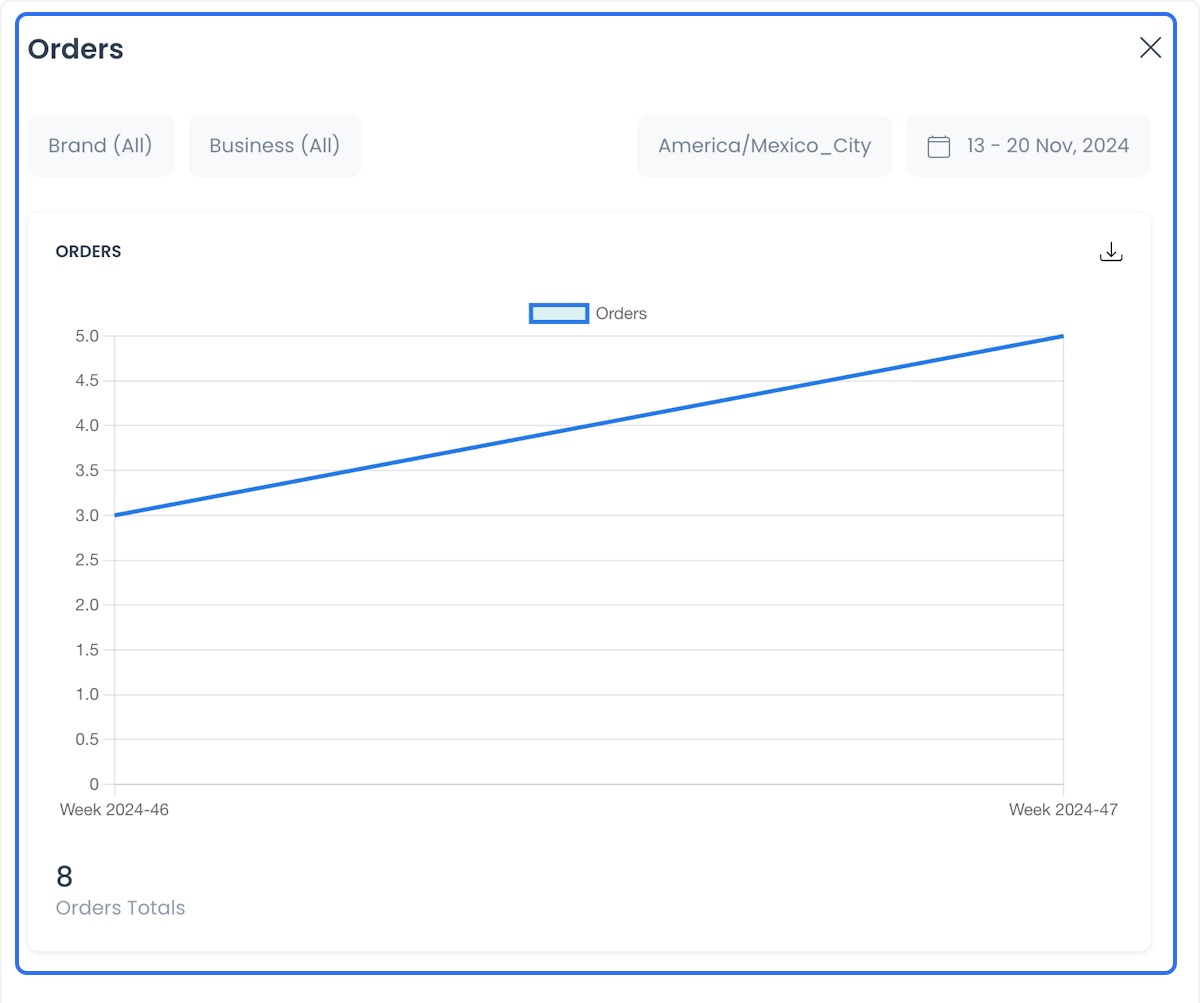
Orders
- Use case: Review a summary of all orders to identify purchasing trends.
- Benefit: Helps operational planning around peak order times or days.
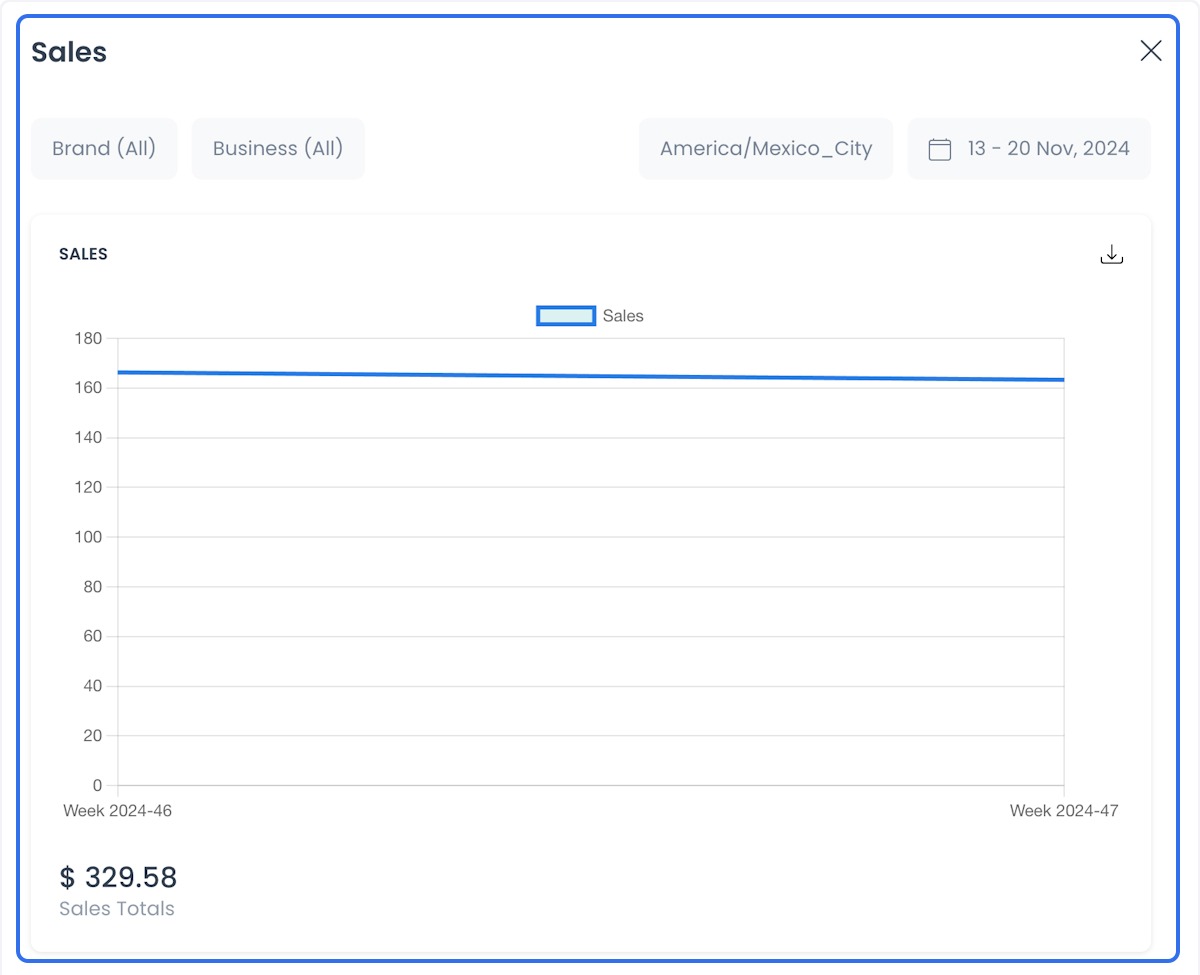
Sales
- Use case: Analyze sales generated during different periods.
- Benefit: Helps you set goals and adjust sales strategies from returned figures.
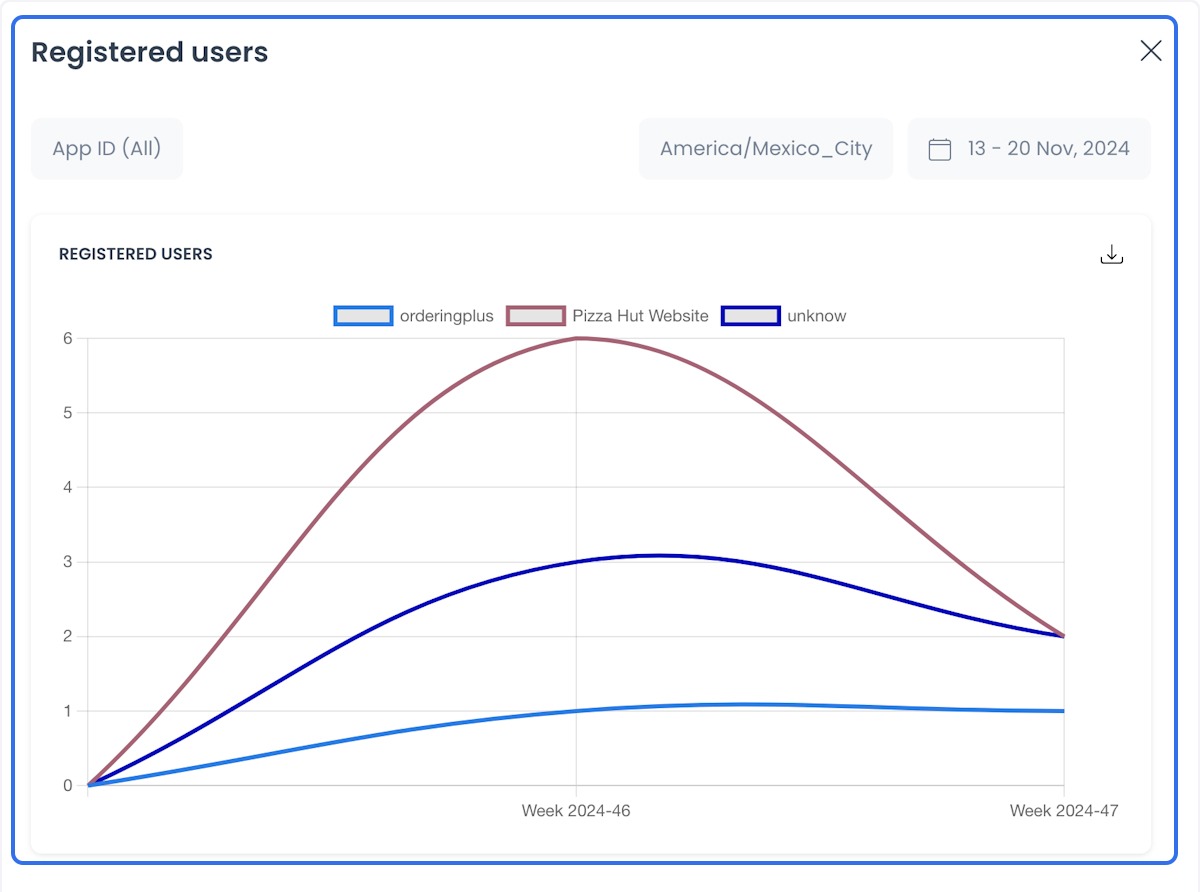
Registered Users
- Use case: Track the growth of your customer base and analyze their behavior.
- Benefit: Helps you see opportunities to retain existing customers and attract new ones.
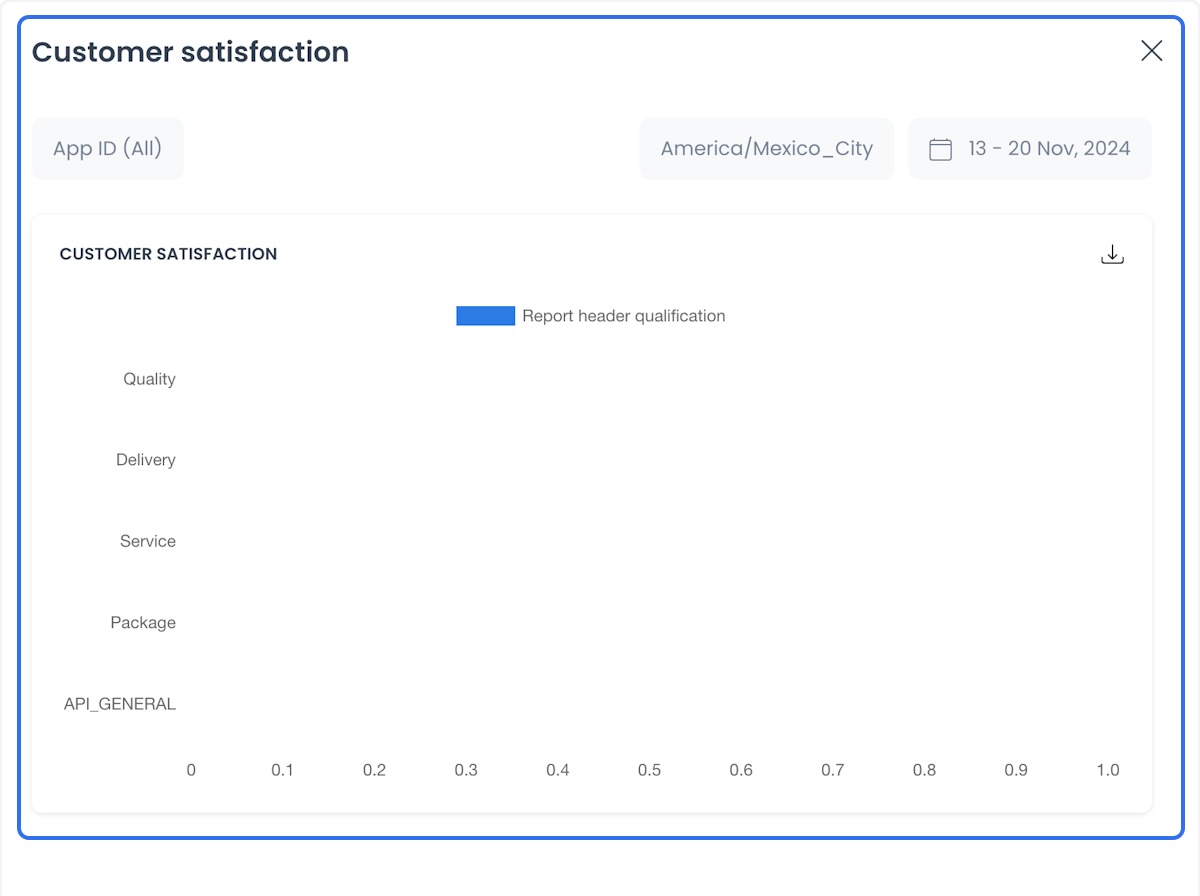
Customer Satisfaction
- Use case: Evaluate customer reviews or ratings to improve services.
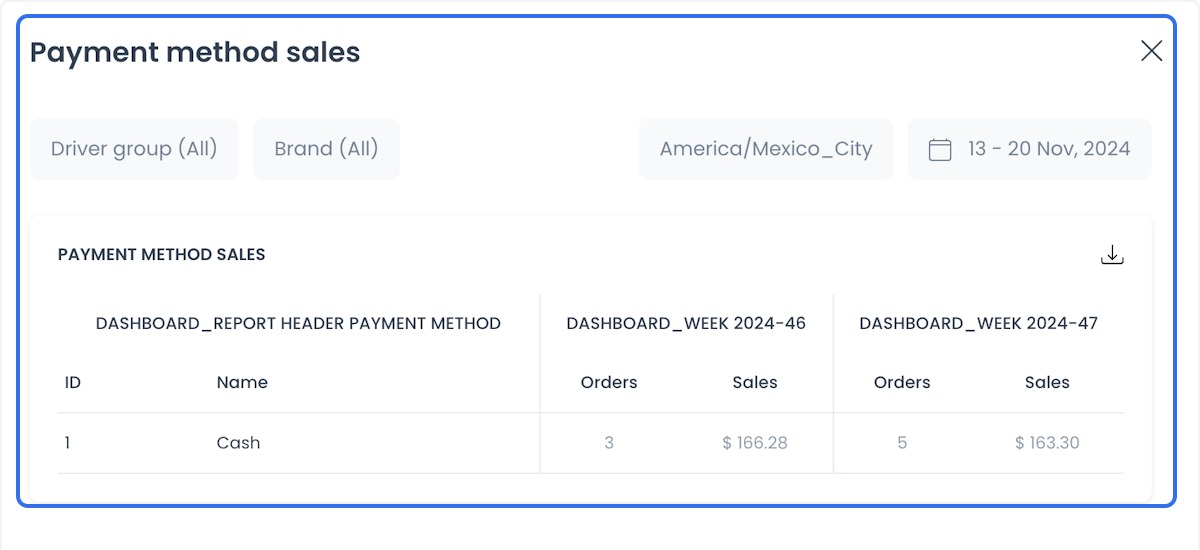
Payment Method Sales
- Use case: Identify the most used payment methods (credit cards, cash, digital wallets, and others returned for the filters).
- Benefit: Helps you see which methods customers actually use.
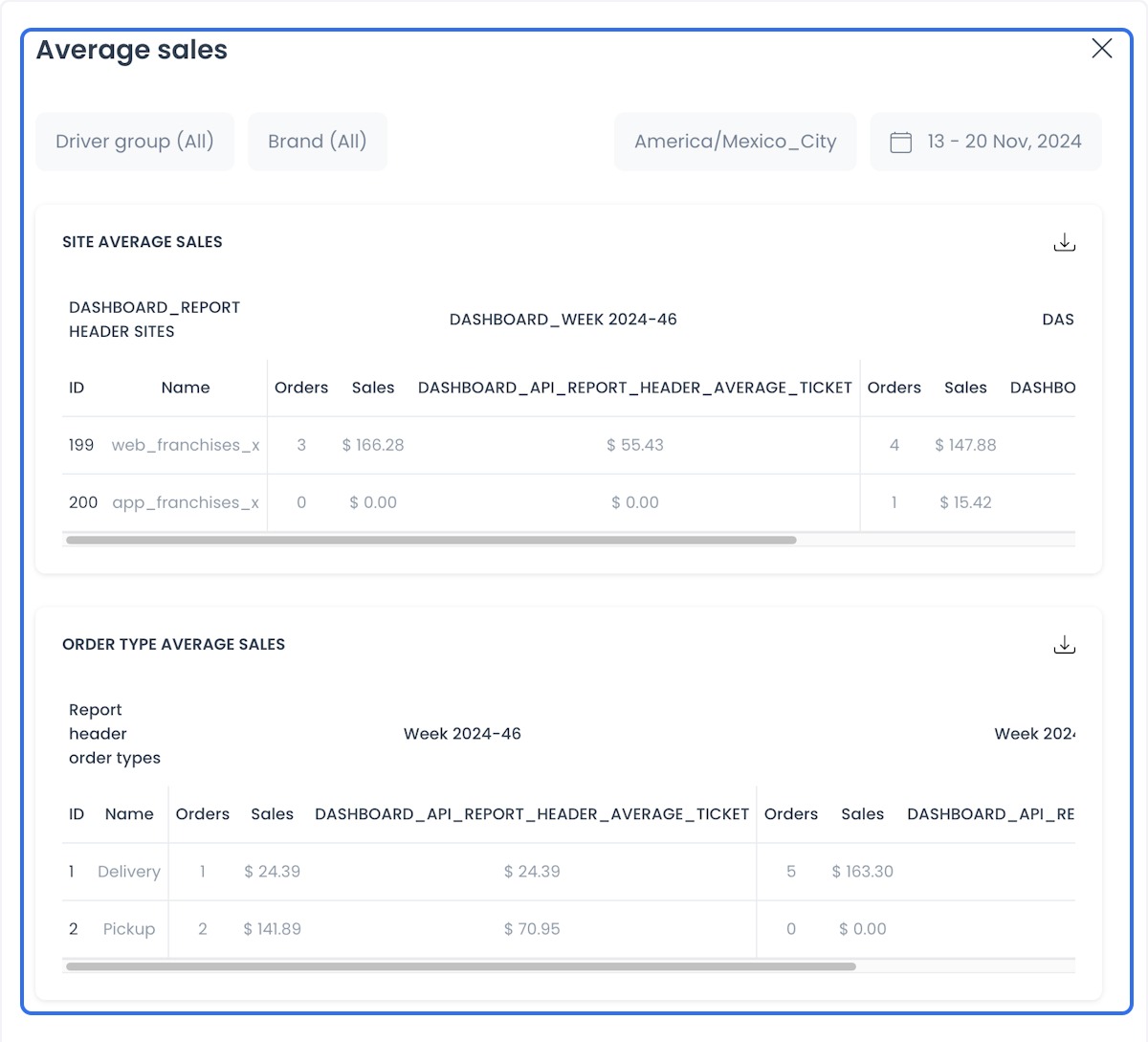
Average Sales
- Use case: Calculate the average order value per customer or order.
- Benefit: Helps you plan promotions or cross-selling from the returned average.
General Sales
- Use case: Analyze total sales on the platform.
- Benefit: Provides an overall view of the business for the selected filters.
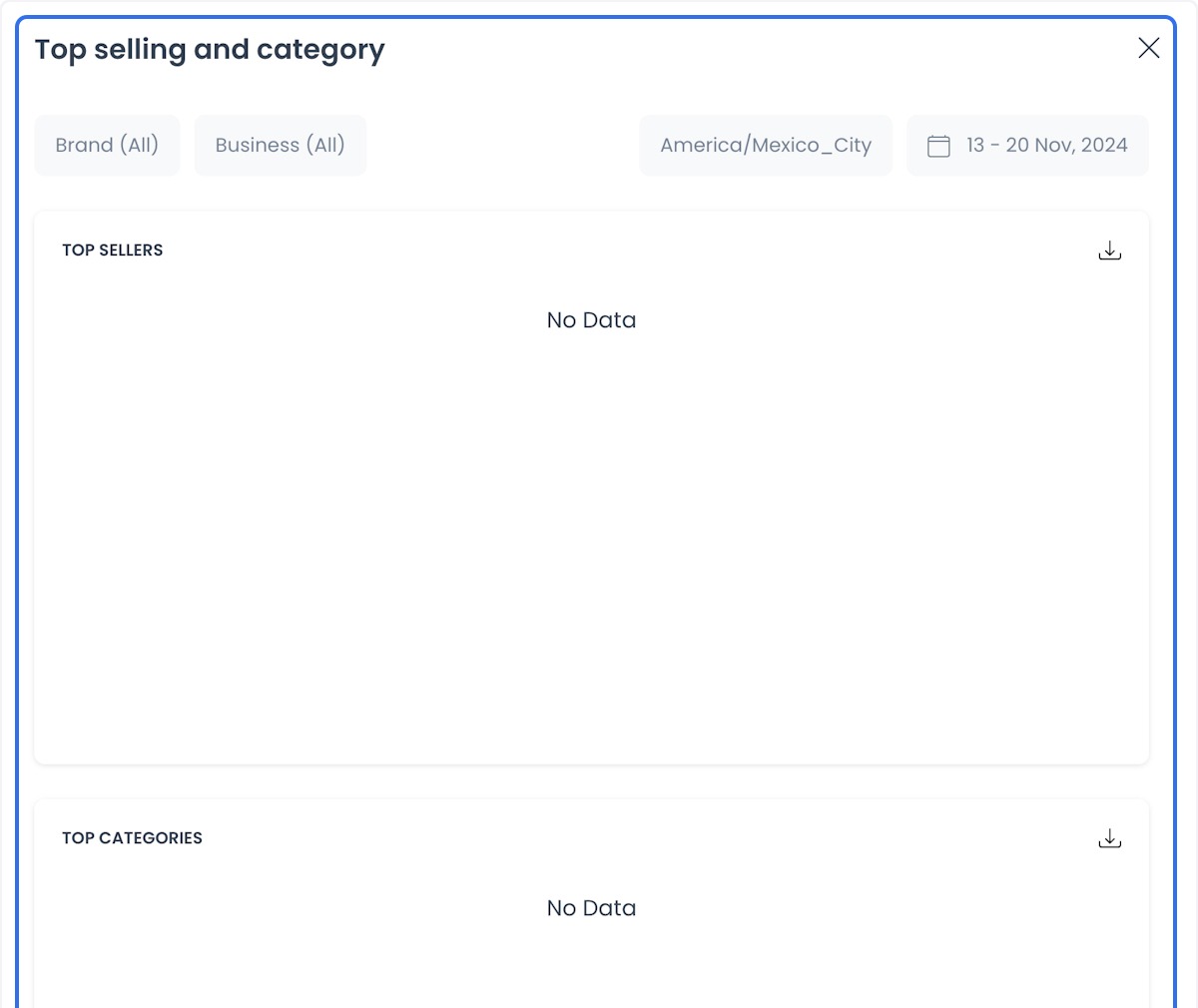
Top Selling and Category
- Use case: Identify the most sold products or categories.
- Benefit: Helps inventory management and promotional focus on top-performing products.
SLA Orders
- Use case: Monitor orders based on Service Level Agreements (SLAs).
- Benefit: Helps you see whether agreed delivery times are met.
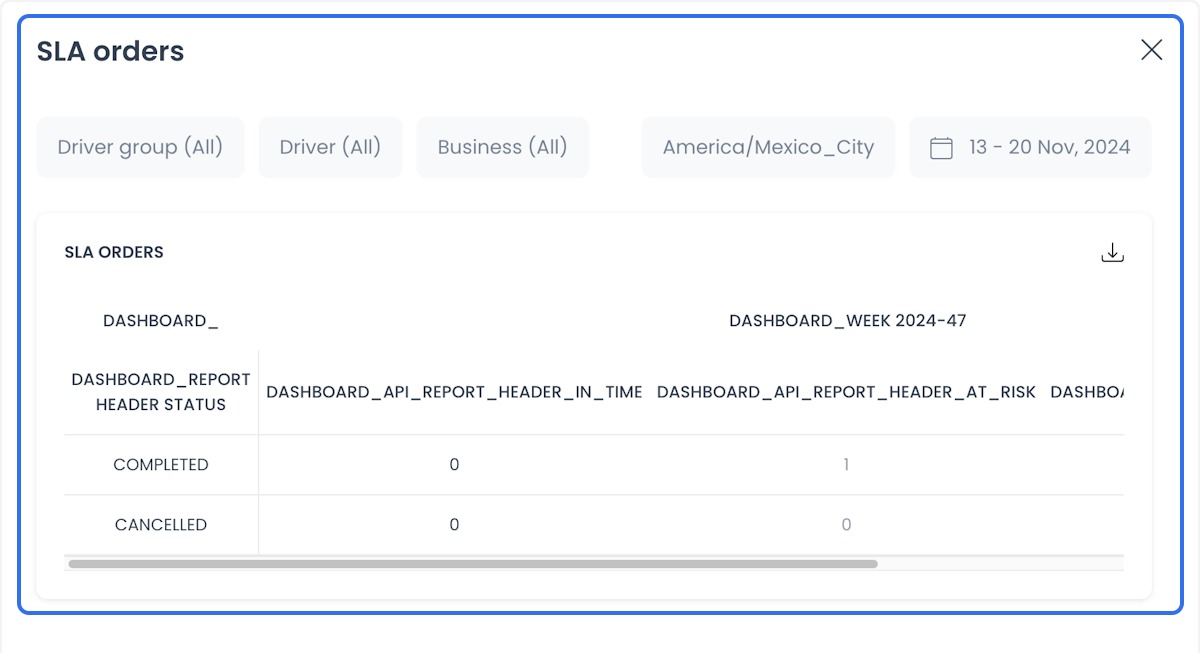
Configure SLA thresholds in Order SLAs.
SLA reports
Service Level Agreements (SLAs) establish the expected service levels between a service provider and a client. They define the parameters that must be met for quality and performance.
SLA reports assess compliance with those agreements. They can include service uptime, response time, problem-resolution speed, system performance, and other key performance indicators that the report returns.
In Ordering.co, open these reports from Dashboard → Business Intelligence → SLA Reports on Dashboards that still use that navigation, or from the SLA Orders card in Enterprise reports.
The SLA reports show status as on time, at risk, or delayed for each week, and you can download them.
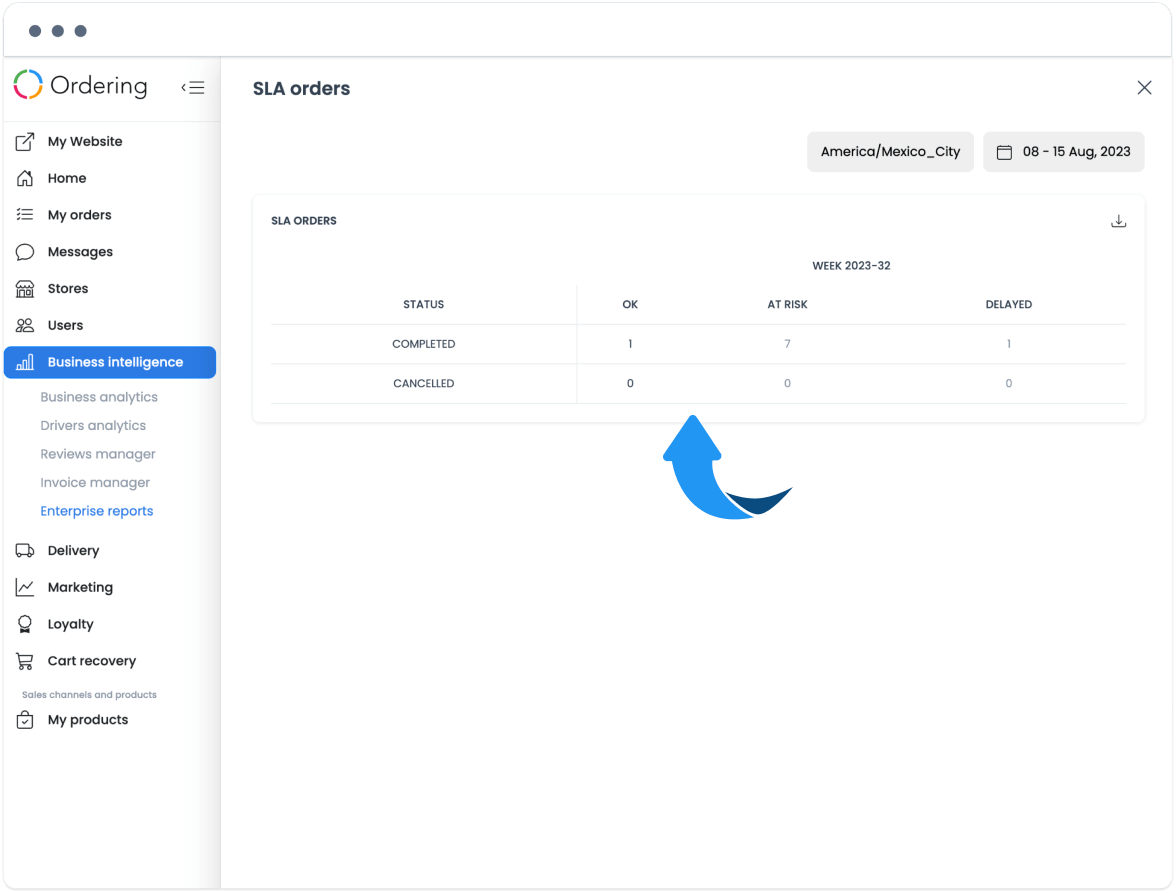
SLA reports show how a service is being carried out relative to the agreed standards. Use them to identify areas for improvement. Opening the card or downloading a file does not by itself change an order's SLA state.