Clone an order
Use Clone order to create another order from an existing one. The option is available to an administrator when the original order has a customer and has not already been cloned.
- Open the original order and confirm its number and customer.
- Select More actions → Clone order….
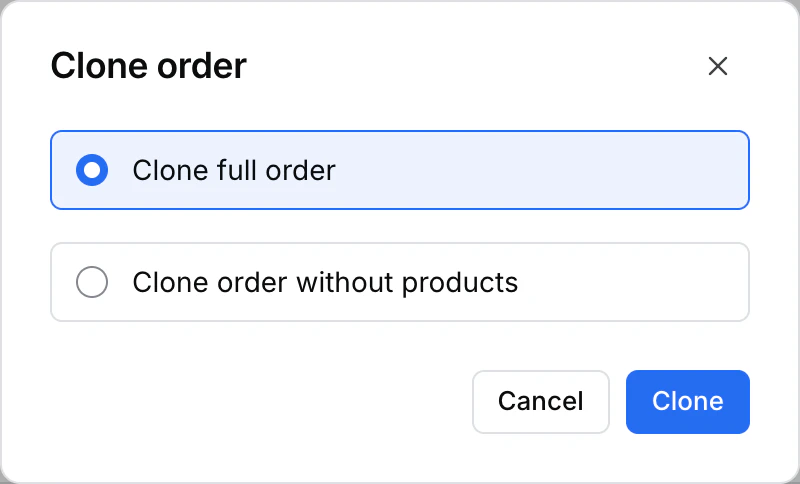
- Choose Clone full order to include the original products or Clone order without products to start without them.
- Select Clone and wait for the Dashboard to open the resulting order. Check its number, customer, and products before working on it.
If the option is missing, check the original order and your access. If the Dashboard shows an error, check the order list for a resulting order before retrying.