Open my website
Select My Website in the sidebar, or Visit my Website on Home, to attempt to open the preferred customer-facing site in a new tab. This is a navigation shortcut, not a publishing or editing action.
The Dashboard source prioritizes configured sites with completed domain setup, then a configured site URL, and finally a project-based fallback. The resulting destination can differ by project.
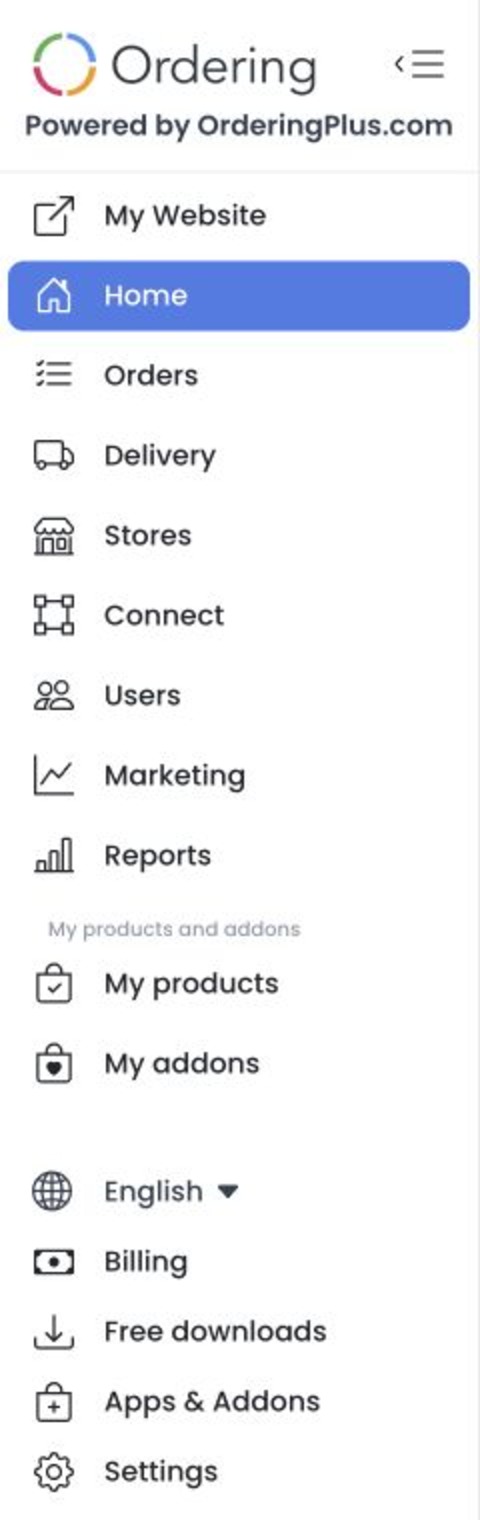
Opening the link leaves the Dashboard in a new tab. Check the destination before sharing it, and do not assume that opening it publishes changes or changes the active site.
Availability
My Website is shown in the sidebar only for administrator-level accounts. On Home, Visit my Website is hidden from business-owner accounts. Other role and read-only gates can prevent access to Home itself.
The click opens the destination resolved from the site's existing configuration; it does not publish or change the site. If the page does not load, check the configured website address and contact your project administrator.
Troubleshooting
Why is the destination different from another site?
The Dashboard applies a fixed priority to eligible configured sites before using its configured or project-based fallback. Confirm that you are in the intended project before using or sharing the destination.
Why didn't a new tab open?
The source requests a new browser tab. Browser restrictions or an unusable destination can still prevent navigation; no successful opening was verified for this guide.
Related guides: Free downloads