Open Billing
Select Billing to request an authenticated handoff to the configured external billing destination. The control is shown only to eligible administrator accounts with a billing identity, and the source attempts to navigate the current tab after a successful handoff response.
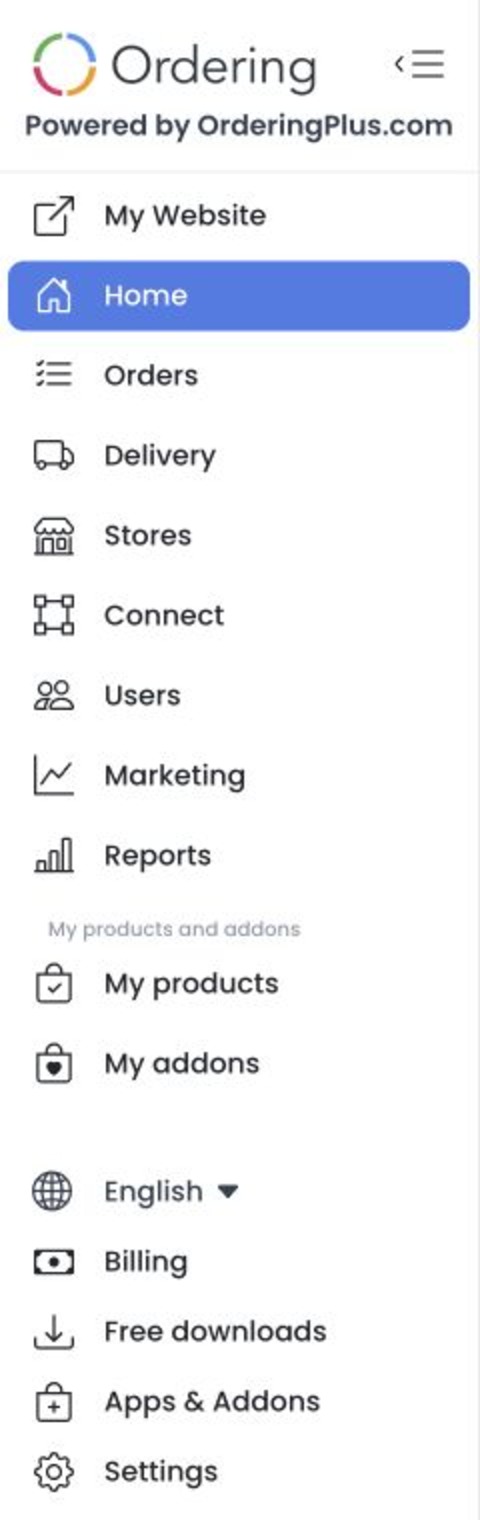
The destination can contain sensitive access data. Do not copy, share, screenshot, bookmark, or log the destination URL. The external service can expose account, subscription, or payment information.
The Dashboard also has separate billing dialogs for past-due and upgrade flows. Those dialogs can lead to financial actions and are not the same as selecting Billing. This guide does not exercise either flow or confirm that a handoff or payment succeeds.
What happens when you select Billing
- The Dashboard sends an authenticated
GETrequest for the current billing handoff. - If the response reports an error, the Dashboard shows the returned error and does not intentionally navigate.
- If the response contains the expected handoff data, the Dashboard attempts to assign the external destination to the current tab.
GET describes the source route; it is not evidence that the request is side-effect-free or that the deployed service behaves identically.
Troubleshooting
Why don't I see Billing?
The sidebar control requires an administrator-level account with a billing identity and is excluded for read-only account types. Confirm that you are in the intended project and ask the account owner to review your access.
Why did Billing stay on the Dashboard?
The source navigates only after the handoff response contains the expected data. A request error, an error response, or missing handoff data can leave you on the Dashboard. No live failure or success path was tested for this guide.
Related guides: Help, Community, and AI Agents