Ordering website 2
Ordering website 2 is a level-0 source route that uses the shared website editor for web_marketplace_26. The sidebar item requires that configuration to be enabled; the route can also mount while configuration or site state is loading. Neither condition proves deployed availability.
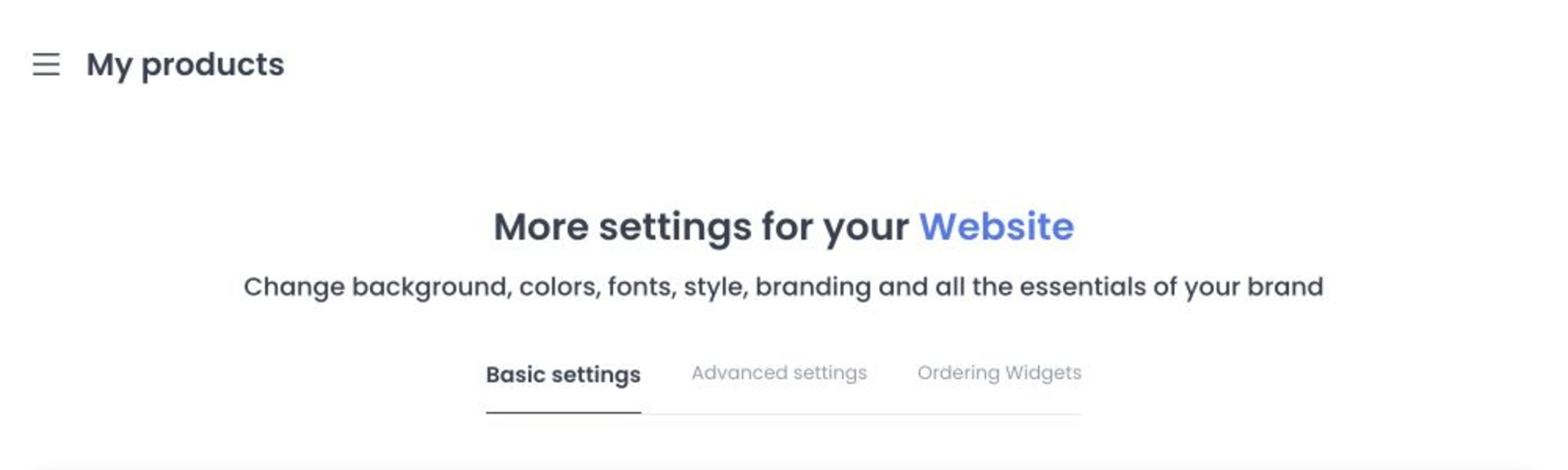
The editor has Basic Settings and Advanced Settings; Ordering Widgets can appear when the selected site is not a forced site or franchise view. Basic controls include site/domain state and website images; Advanced controls include favicon and button styling. Website image upload controls accept JPEG, JPG, and WebP.
The shared controller first reads sites, themes, businesses, and franchises. If the expected site or theme is absent, current source can register it; it can also normalize a mismatched site code or type. Do not open this page in a production project for documentation. No read, automatic write, save, upload, domain action, socket event, or customer-facing effect was run.
Review Basic Settings
Confirm the selected site before editing. Basic Settings can include:
- Name and Description.
- The generated temporary/default domain and the custom-domain workflow.
- Website Theme, such as Marketplace or Single Store when those choices are available.
- Background and primary-button colors.
- Homepage Content and Footer Content editors.
- Customer-facing images.
The current shared editor presents these image recommendations:
| Asset | Recommended size |
|---|---|
| Site Logo | 512 × 512 |
| Header Logo | 900 × 200 |
| Header mobile logo | 512 × 512 |
| Site Image | 1920 × 1280 |
| Business Header | 1920 × 1280 |
| Homepage Mobile Background | 1440 × 770 |
The upload controls accept JPEG/JPG and WebP in the reviewed UI. Treat the displayed dimensions as editor recommendations; verify the result on the approved non-production site before publishing.
Use Advanced Settings and Widgets
Advanced Settings contains additional presentation controls, including favicon and button styling. Ordering Widgets is conditional and is not shown for every site mode. Do not copy settings between site types without confirming that the tab and control are available for the selected site.
Save, site/theme updates, media changes, homepage/footer content, and custom-domain request/change/removal are write-capable source contracts. They can affect a customer-facing website, but no deployed or successful effect is claimed here.
Enter a custom domain without protocol or slashes. Confirm the selected site and domain before saving or removing it. Domain state can be pending validation, issued, error, revoked, cancelled, or expired; do not assume a requested domain is live.
Troubleshooting
Why is a tab or site missing?
The sidebar item requires the web_marketplace_26 product configuration. Route loading, tabs, widgets, and site choices have separate source conditions; do not infer entitlement or readiness from a mounted route.
What happened to the legacy Ordering website route?
Current source still retains /my-products/ordering-website for level-0 accounts and shows its sidebar item while web_franchises_x is not enabled. This page is only the conditional Website 2 pointer when web_marketplace_26 is enabled; it does not merge, redirect, or replace the legacy route. A legacy workflow requires its own product-owner decision and synthetic fixture.
Why is the custom domain not active?
Review its displayed lifecycle state and complete the approved DNS/validation process. A saved request is not proof that the domain or certificate is ready.
Related guides: Open my website