Marketplace App
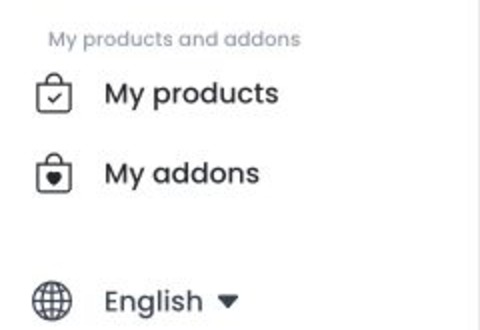
Marketplace App uses a builder entry that belongs to one project. Open it from My products so the Dashboard supplies the correct /my-products?id=:projectAppId context. An app ID from one project must not be reused in another project, a production workflow, or training material.
The builder route needs an id. Without it, the Dashboard returns to Home and does not show a product view. Generic builder entries appear under My addons only for a level-0 account that is not classified as read-only, and only while that section has available entries.
Understand the project context
The builder loads the associated app and uses its base-code configuration to select an app or website editor. Opening an assigned entry can load app settings, base actions, base constants, sites, themes, businesses, builds, credentials, and related configuration. Some app and site combinations can initialize a missing site or theme record during loading.
Use an authorized project and the Dashboard-provided app ID. Do not treat the entry as a read-only preview, and do not test it in production unless that work is approved.
Check the controls available to this app
The generic entry includes app settings, platform credential settings, and build controls. A Basic settings area is available, while Advanced settings can depend on the app’s base code. Base constants, images, colors, and files also depend on the actions and constants returned for that app.
The builder entry does not provide separate purchase, store, or demo sections. It can expose operations for app updates, credentials, certificates, builds, downloads, logs, domains, media, and external actions. Availability of an operation in the interface does not make it an approved or successful procedure for every project.
Credential values and files are security-sensitive. Do not share them in documentation, screenshots, tickets, or chat messages.
Before you make a change
- Confirm that you are working in the authorized project and selected Marketplace App entry.
- Review the controls shown for that app; do not assume another project has the same base code or settings.
- Use the dedicated workflow before changing configuration, uploading a file, starting a build, downloading an artifact, or connecting an external service.
- Keep app IDs, credentials, certificates, domains, build artifacts, logs, and external URLs private.