Franchises website
Franchises website is a level-0 source route using the shared editor in franchise mode. The sidebar item requires web_franchises_x; the route can also mount during configuration/site loading or when multiple franchise sites exist. Its appId query value can select project-specific site context. None of these conditions proves deployment.
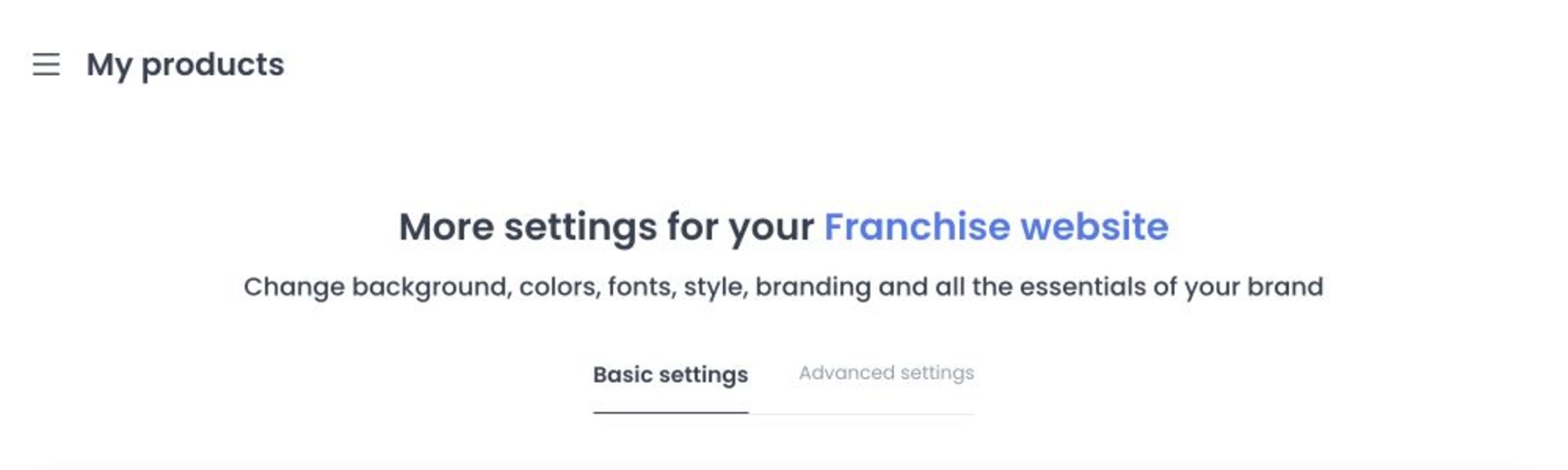
The shared editor provides Basic Settings and Advanced Settings; Ordering Widgets are excluded in franchise mode. Website image controls accept JPEG, JPG, and WebP.
Opening the page reads sites, themes, businesses, and franchises. If the selected franchise site is absent, it may be registered; if the site has no theme, a default theme may be assigned. Franchise mode does not use the shared code-replacement control. Do not use a production site to explore these settings.
Basic Settings can include Name, Description, the default/custom-domain flow, customer-facing images, background and primary-button colors, and Homepage/Footer Content. The shared image controls use the same customer-facing recommendations described in Ordering website 2. Advanced Settings includes additional presentation controls such as favicon and button styling.
The appId and selected site are project-specific. Use values from the intended project and confirm the selected franchise site before saving.
Confirm the selected franchise site before saving. A domain or content change can affect a customer-facing franchise destination. Never include production domains, credentials, certificates, tokens, or customer content in a capture.
Troubleshooting
Why is Franchises website missing?
The route requires level 0 and a route-mount condition; the sidebar item separately requires web_franchises_x. Loading or multiple-site state can mount the route without making the item visible. Do not reuse an appId from another environment.
Why are Ordering Widgets missing?
The shared editor excludes that tab in franchise mode. Use only Basic and Advanced settings that are displayed for the selected franchise site.
Related guides: Ordering website 2