Driver App product entry
The Driver App entry in My products can expose configuration and release controls. The entry, its tabs, and its actions depend on the app record, the account’s permissions, and the configured app type.
Opening the entry can load related site and theme configuration. If a required site or theme is missing, the page may create configuration records. Treat a visit as a potentially state-changing action, not a read-only inspection.
Basic settings can include editable app metadata, constants, images, colors, files, credentials, certificates, builds, downloads, and logs. The controls available to you depend on the app configuration and your authorization.
Viewing a My products menu item or setting does not grant permission to change configuration, generate a build, manage signing material, download an artifact, or view logs.
Work with the entry safely
The settings displayed for a specific app can differ from those on other app entries. Basic settings may appear directly, while other settings depend on the app type and access level. Confirm that a control is available for the selected app before relying on it.
Before changing any setting, confirm the selected app record, its configuration scope, and your authorization. Review the expected effect before saving.
If you need to inspect or configure an unfamiliar Driver App entry, use an isolated test workspace and coordinate with the release owner. Avoid exploratory actions involving writes, builds, signing material, certificates, downloads, logs, providers, or external links.
Confirm the displayed controls and authorization before operating the entry. A visible heading or menu item is not evidence that an action is available or safe for the selected app.
Related guides: My products · Apps & Addons catalog
Related procedures
Configure the Driver App entry
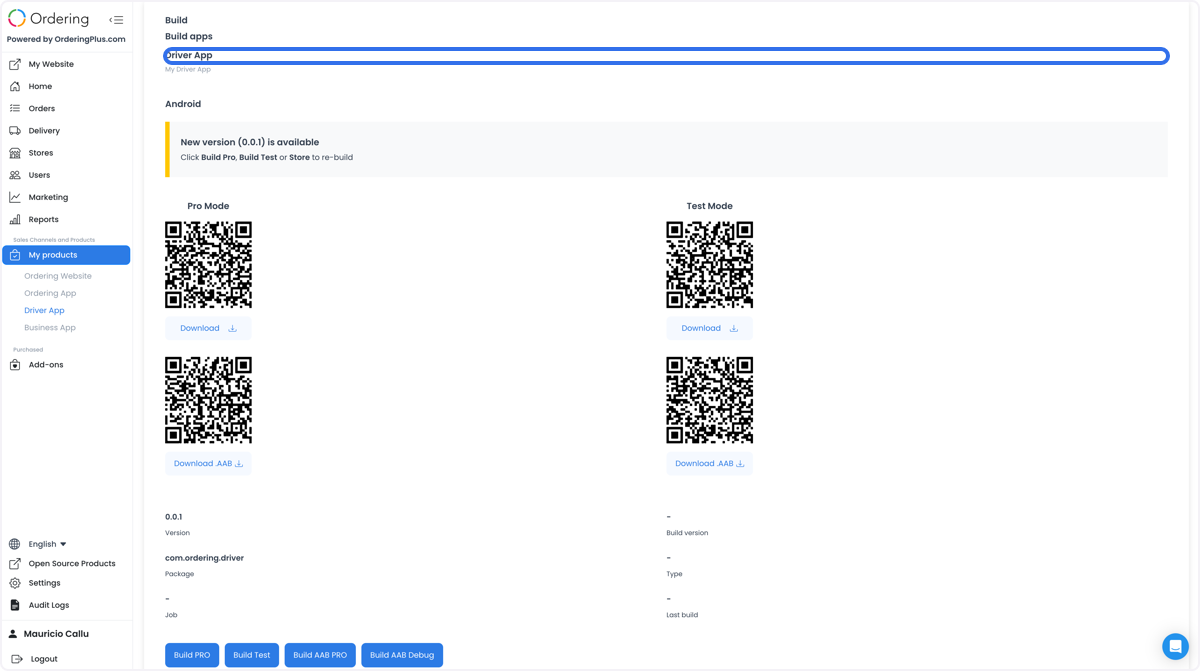
The My products entry can group basic metadata, constants, visual assets, provider files, signing materials, builds, downloads, and logs. These are configuration and release surfaces, not proof that a Driver App is built, installed, authorized, or operational.
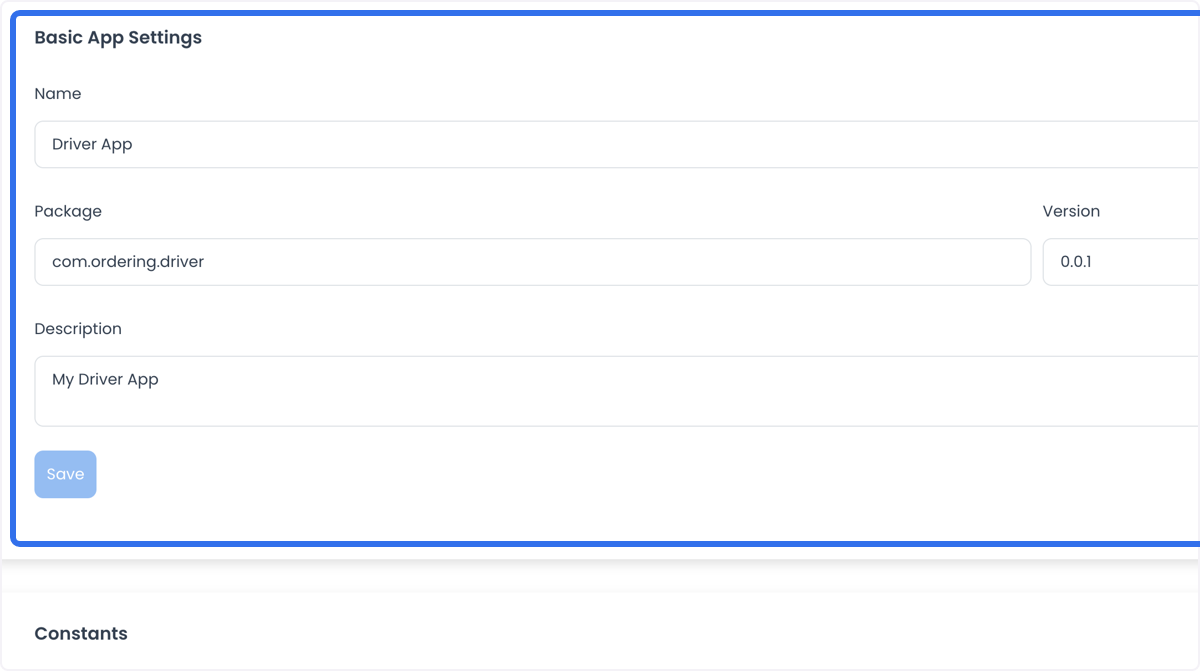
Basic metadata
The available controls can include app name, package identifier, version, and description. Confirm the intended identity before saving a change.
Constants, assets, and theme
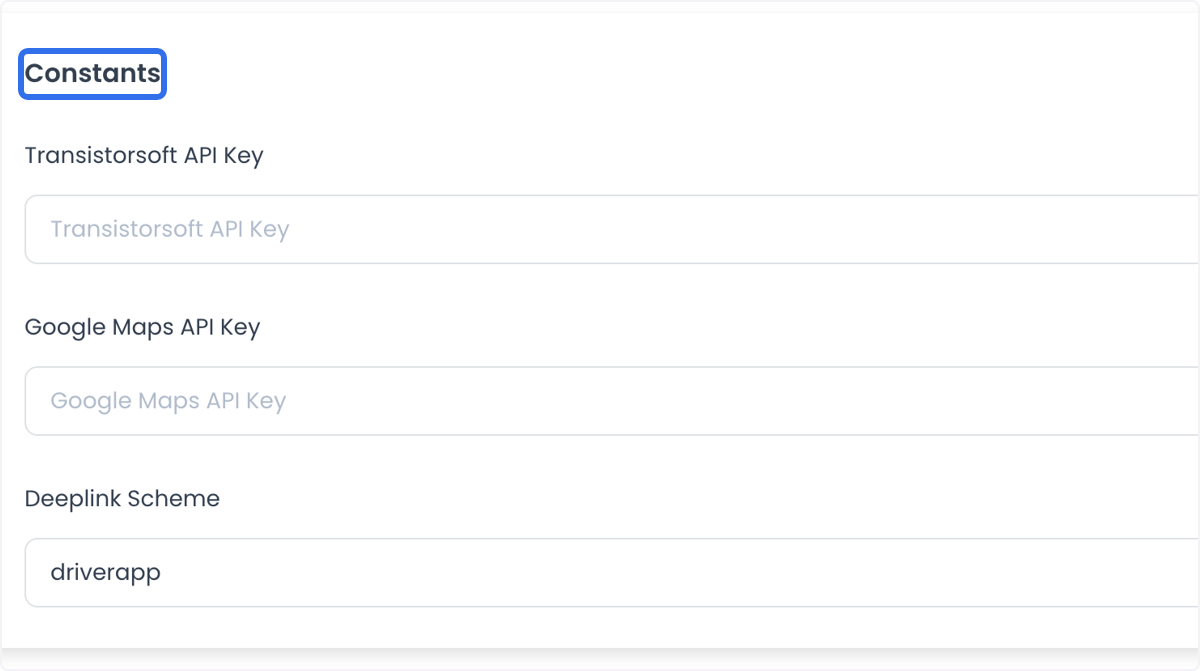
Constants can include a maps credential or a deep-link scheme. Do not paste values into documentation, screenshots, messages, or source control; a configured value alone does not prove navigation, location, or a provider handoff works.
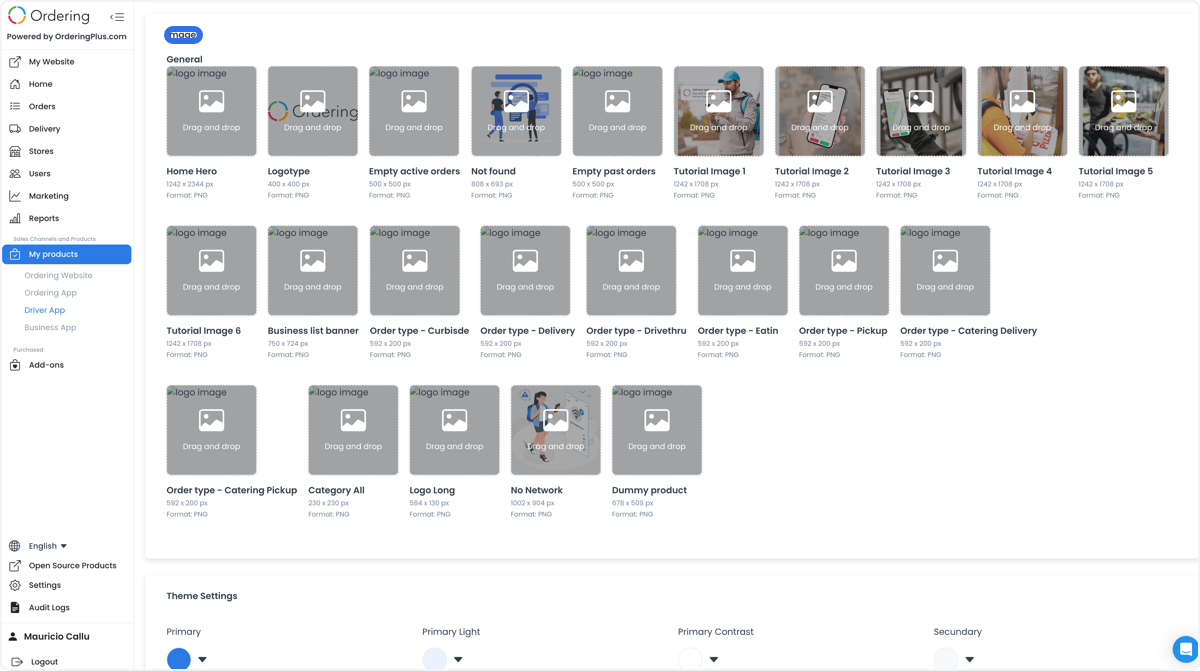
The entry can also manage application images, icons, splash resources, and theme colors.
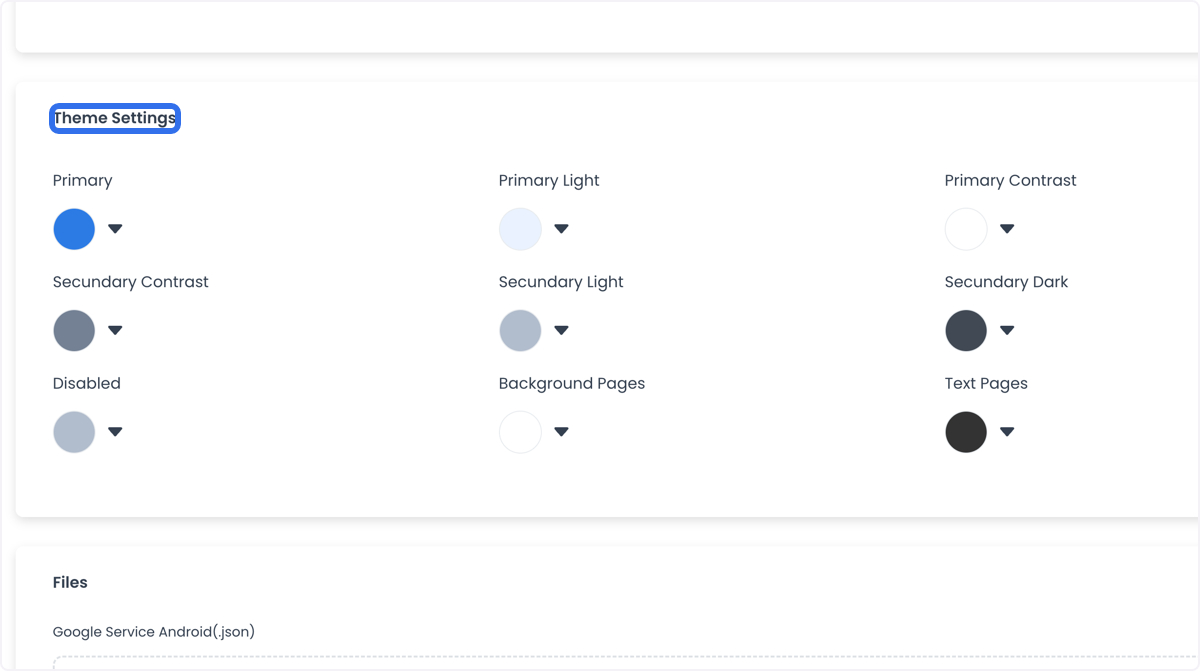
Service files and signing material
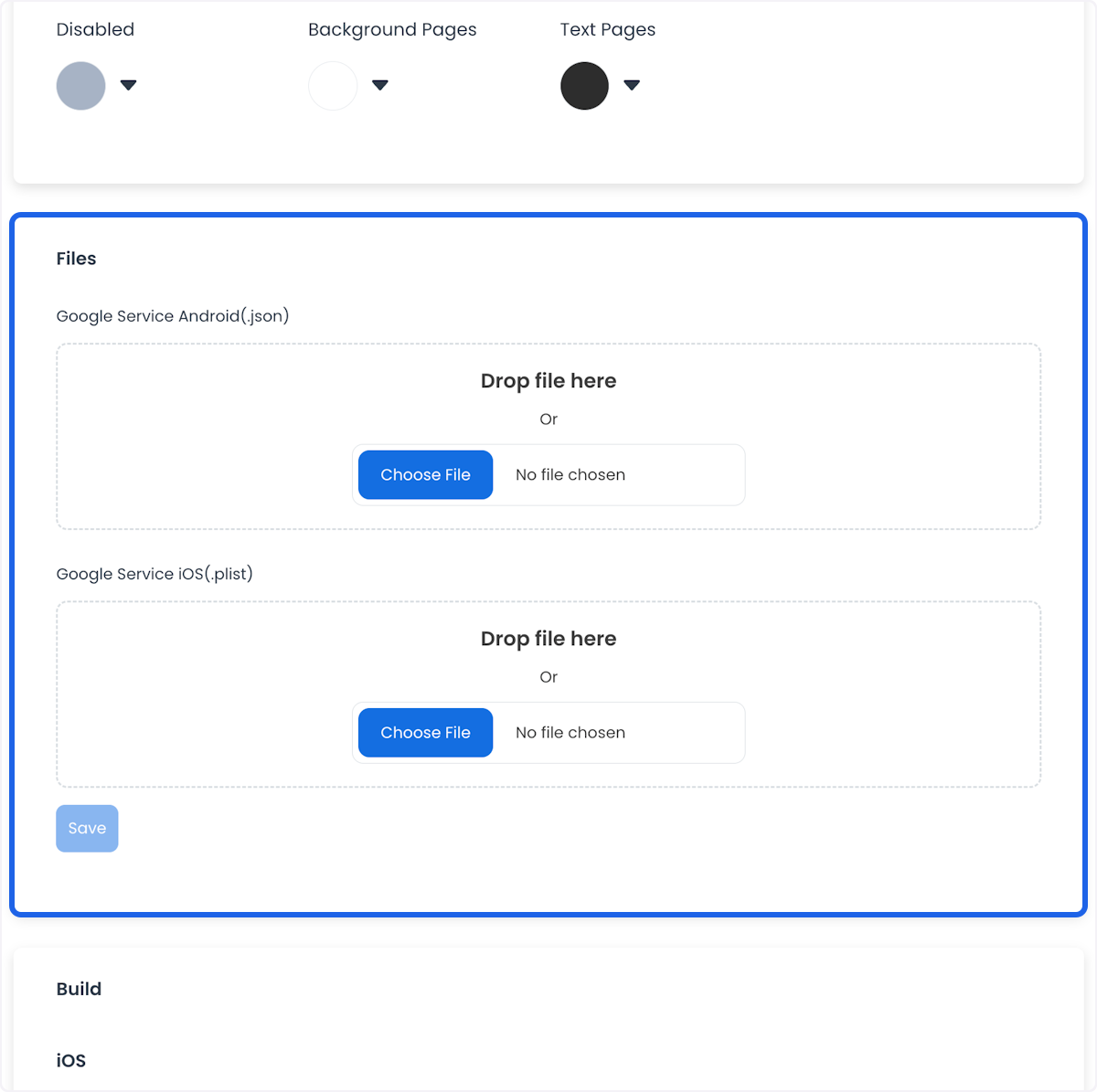
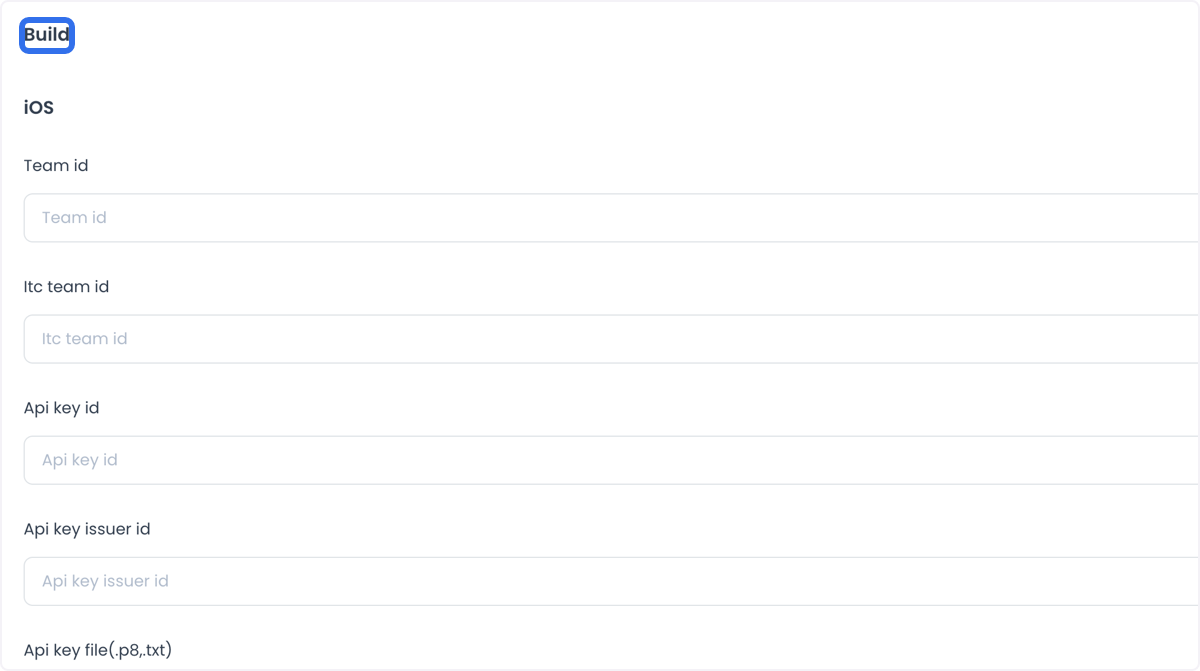
The file area can include Android .json and iOS .plist service files. Build settings can request Apple developer identifiers, including a Team ID, App Store Connect team ID, API key ID, issuer ID, and a .p8 key file. Treat every such file and identifier as sensitive and use only the approved secret-management and release workflow.
Build resources and artifacts
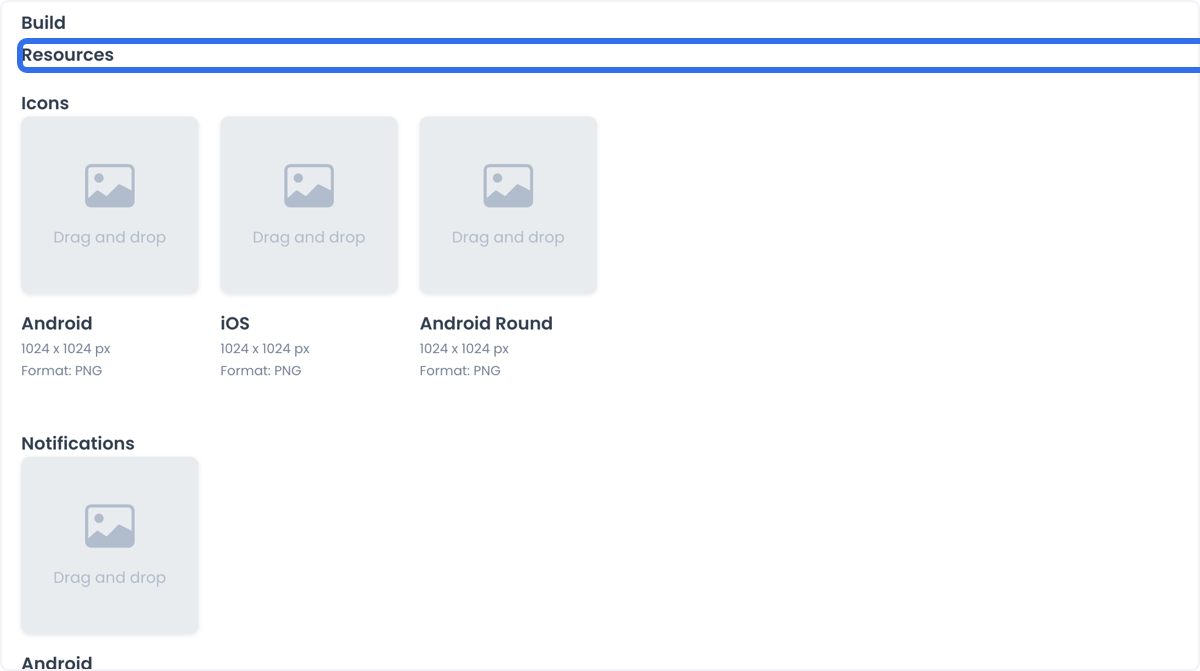
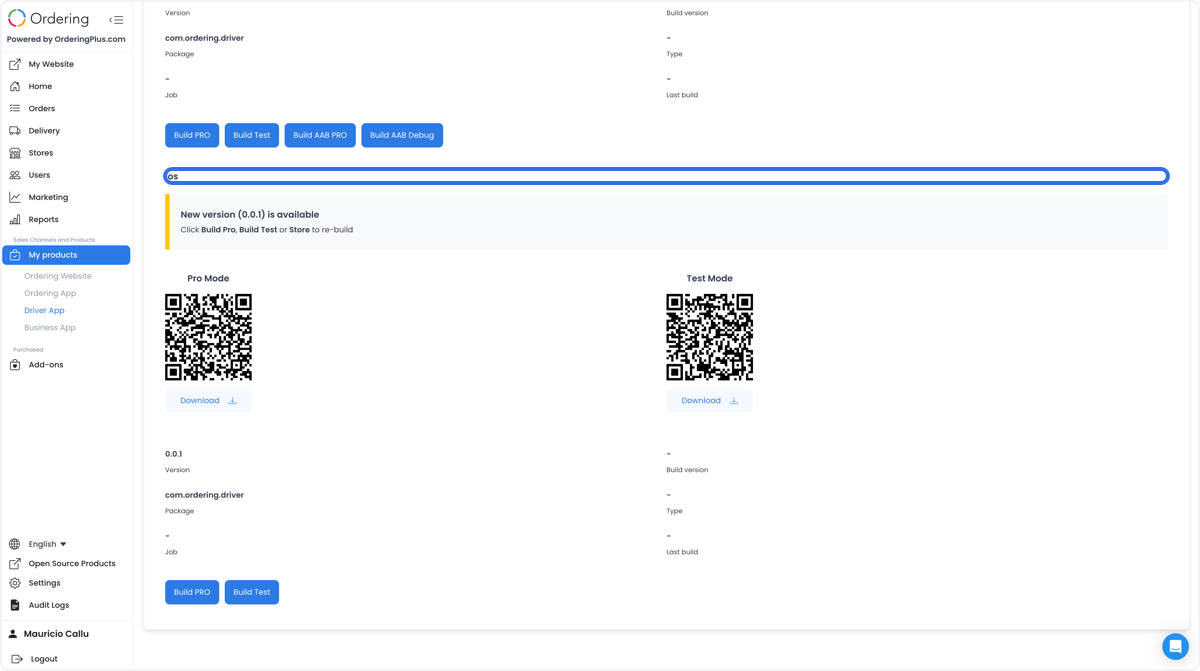
The entry can present separate build-resource controls for icons, notifications, and splash assets, followed by build and download actions. Building, downloading, or distributing an artifact remains a separate approved release workflow.
Operational context
When considering a Driver App for food delivery, courier operations, transportation, or last-mile logistics, confirm the workflows supported by the specific app, account, device permissions, provider configuration, and delivery state. Workflows that require confirmation include accepting delivery requests, route optimization, communication with customers or dispatchers, barcode scanning, signature collection, and delivery-location or tracking visibility. A configured field, file, or build control does not prove that any of these workflows is available, authorized, or accurate.