Dashboard product
The Dashboard product editor is available to level-0 administrators when web_dashboard_x is enabled. It is separate from Settings → Dashboard Customization. Availability can vary by project configuration.
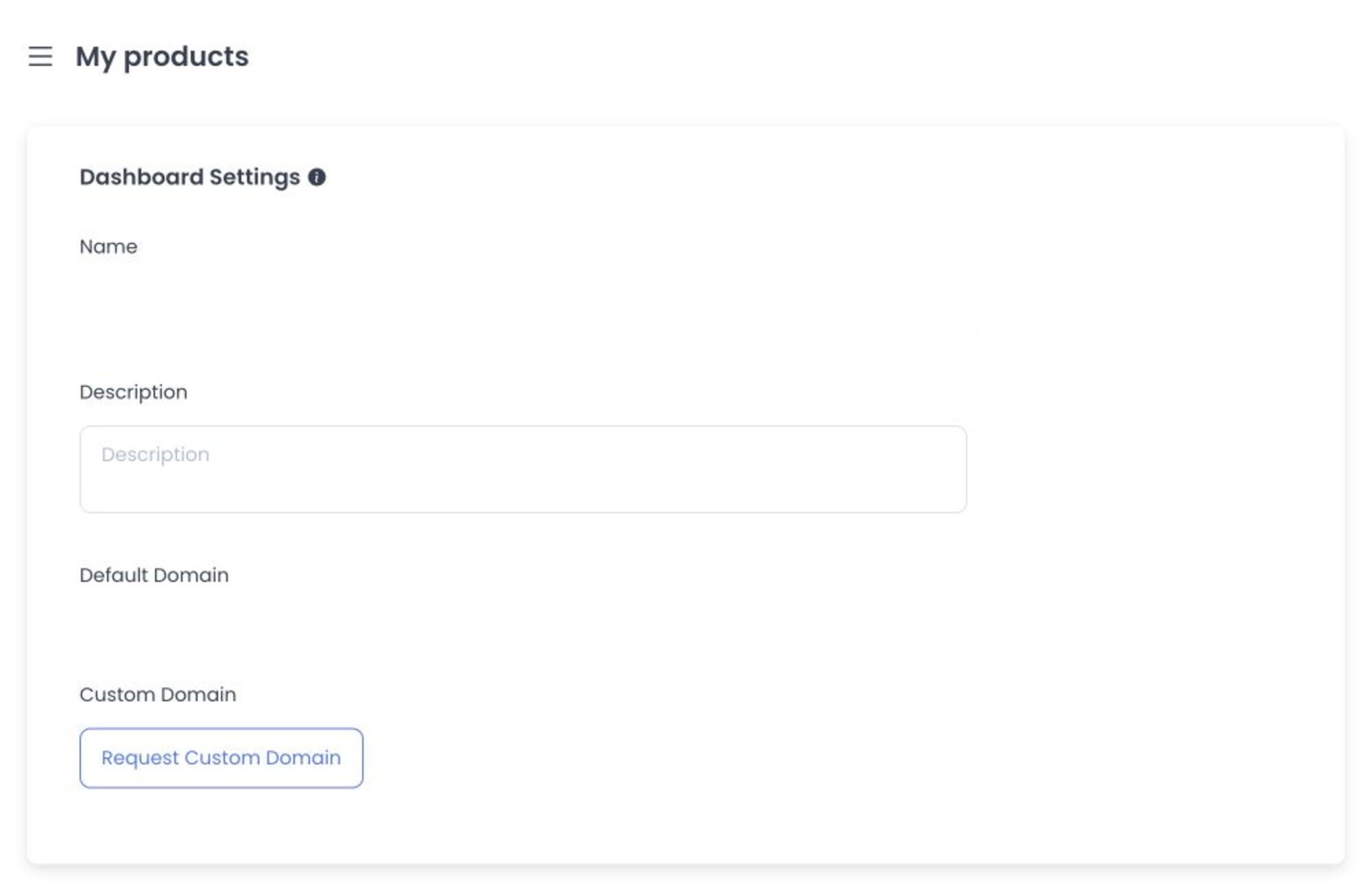
Configure Dashboard Settings
The product editor defines Basic Settings for Name and Description, the Default Domain, custom-domain request/change flow, notification preference, and branding resources. Branding controls include Dashboard images, favicon, title, and button colors.
When this page opens, Dashboard checks the project's sites and may automatically register or update a dashboardweb site if one is missing or needs its code/type normalized. Confirm that you have selected the intended project before opening the page.
The notification preference chooses between a temporary new-order notification and a persistent notification. Branding resources can affect the Dashboard logo, sign-in background, browser favicon/title, and primary button colors.
The Dashboard variant does not expose the shared website editor's Advanced or Ordering Widgets tabs. Do not copy website widgets or website-only assumptions into Dashboard Settings.
Some branding and notification controls also appear under Settings → Standard → Dashboard Customization. Treat both as project-wide configuration surfaces. Avoid editing the same value from both pages during one change, and verify the final Dashboard and sign-in experience after saving.
Domains and branding
Enter a custom domain without a protocol or trailing slash. Its status may be pending validation, issued, error, revoked, canceled, or expired. Requesting, changing, or removing a domain and saving branding updates project settings; a displayed status does not confirm DNS, certificate, sign-in, or branding behavior. Never include credentials, certificates, tokens, or production-domain values in support captures.
Troubleshooting
Why are Advanced or Widgets missing?
They are intentionally omitted for the Dashboard product. Use the controls available in its Basic Settings only.
Why is a custom domain not live?
Check its displayed lifecycle status. A request can remain pending validation or fail; do not treat Save as proof that DNS or SSL is complete.
Related guides: Dashboard customization · My products