Business App
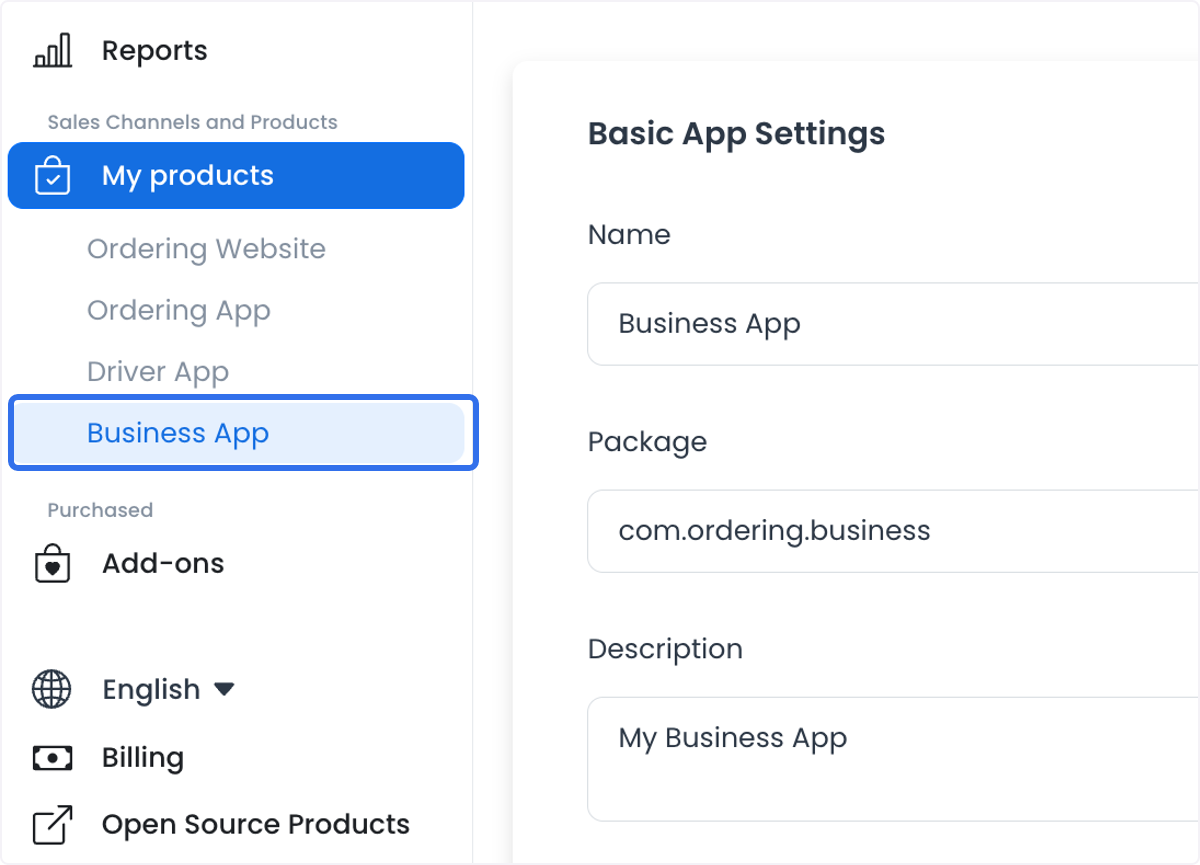
Business App is a project-specific app entry under My products. Open it from the Dashboard so the correct app ID and project context are supplied. Do not copy an app ID, package, domain, credential, or build setting from another project.
The route loads the builder app, themes, and sites. When a matching site or theme is absent, the generic app controller can create the missing configuration during initialization. Treat the entry as an operational surface, not a read-only preview.
The product route is available only in a level-0 context. Sidebar discovery is separately limited to non-read-only level-0 sessions and the builder-app records available to that account. Route access, menu visibility, record availability, and authorization for an action are different checks.
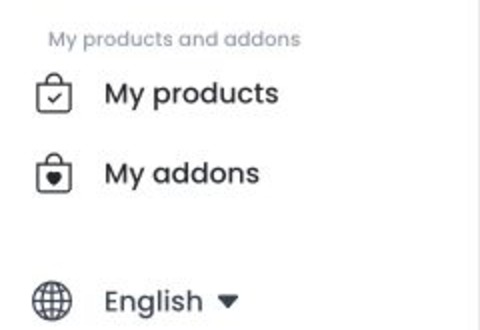
Understand the controls available to this app
The returned base code selects the generic app experience. The Business App learning link is associated with the base code app_business_x, but the entry name or a historical app record does not prove that a current project resolves to that code.
Basic settings can expose mutable app fields, constants, images, colors, files, credentials, certificates, builds, downloads, and logs. For the app_business_x base code, Basic settings render directly and no Advanced tab is added. Review the actual controls in the authorized project before operating them.
The shared layout can include purchase, demo, store-download, or promotional blocks, but the Business App entry hides those blocks. Their existence elsewhere does not establish a control in this entry.
Configure the app
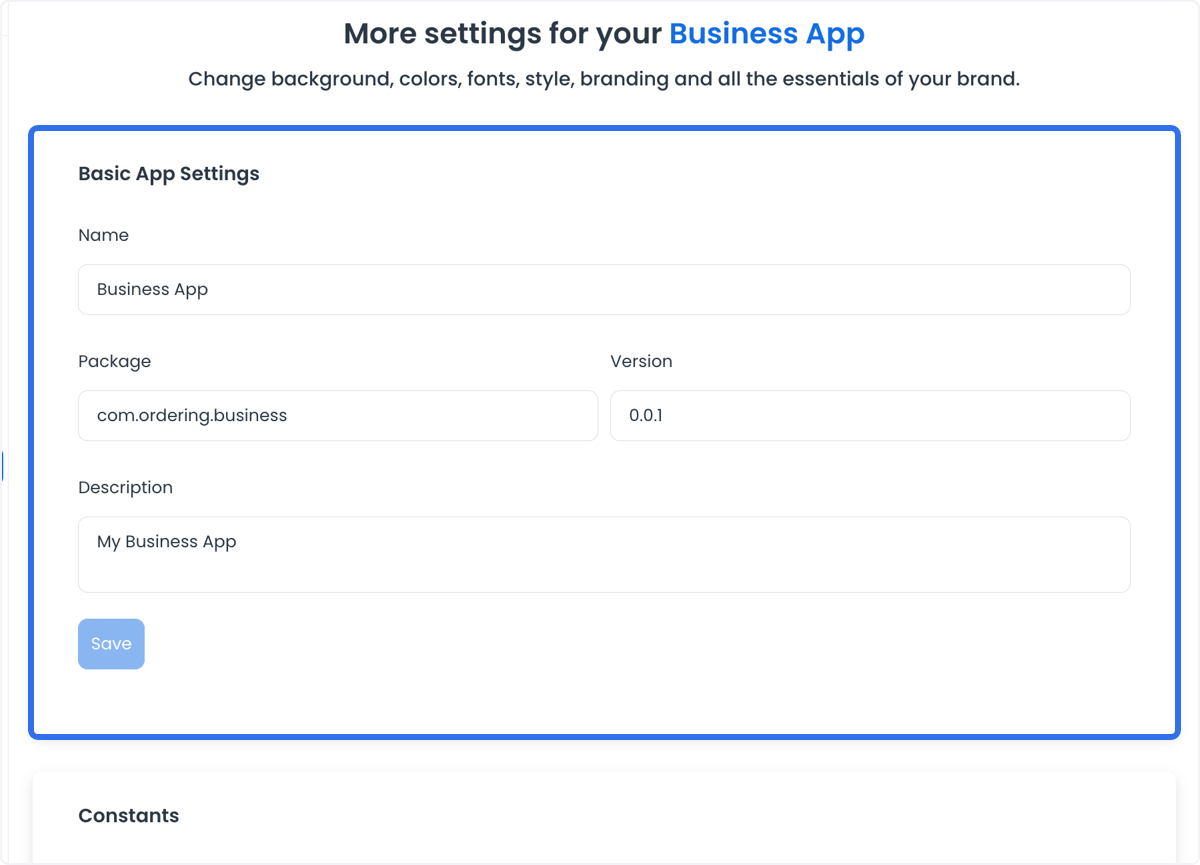
Basic app settings
Review and update the app name, package, version, and description only through the approved project release process.
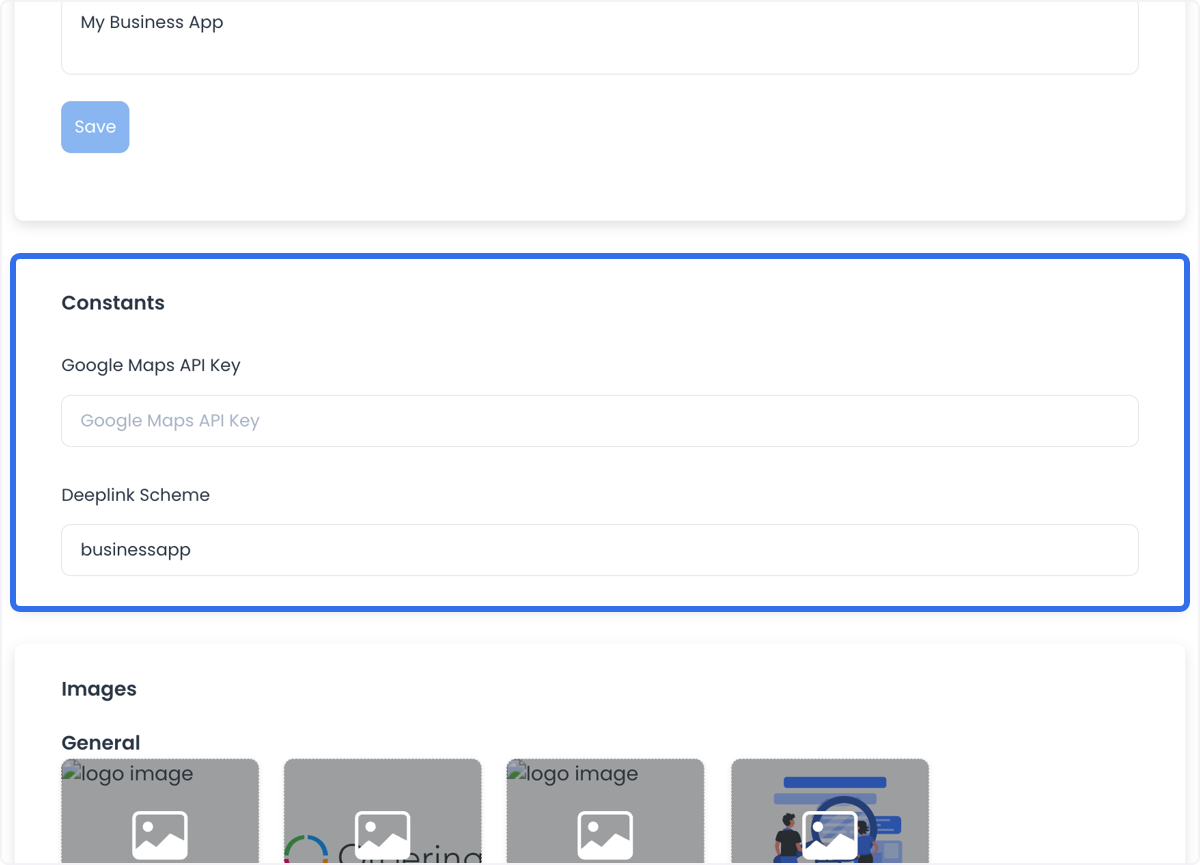
Constants
When the project exposes them, constants can include a Google Maps API Key and a deeplink scheme. Keep API keys private and verify the actual integration before assuming location or navigation behavior.
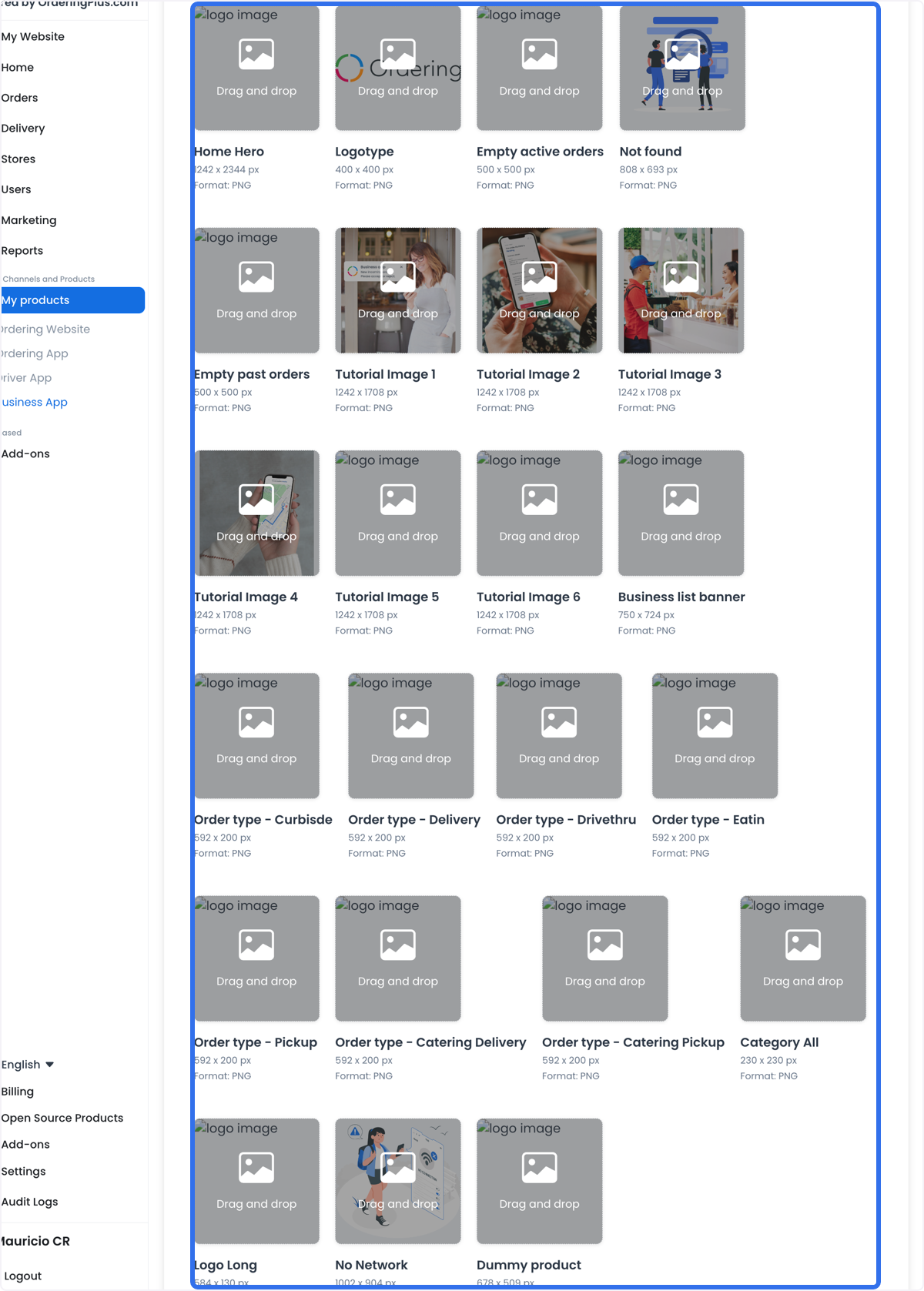
Images
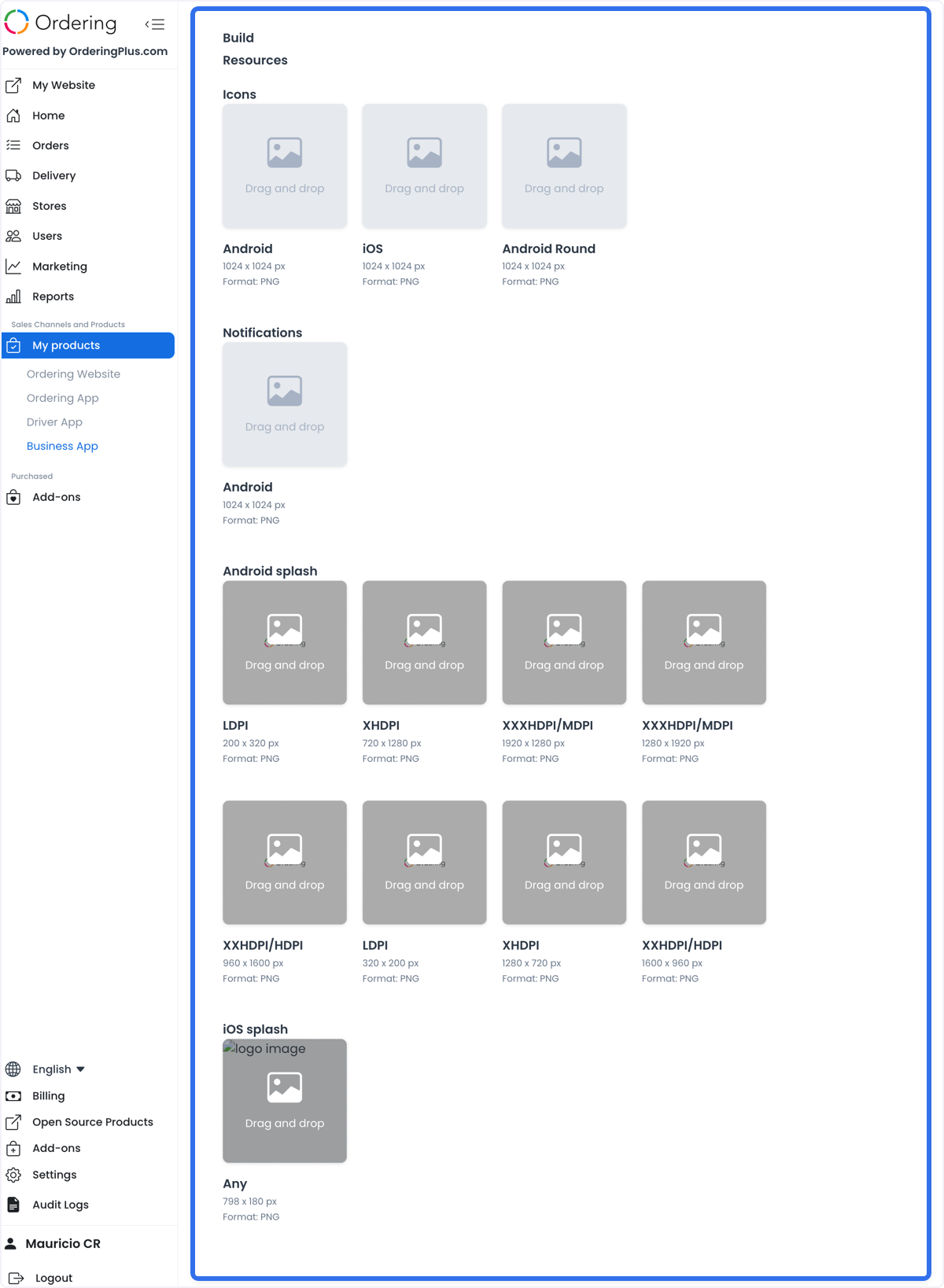
Upload the image assets that the app configuration requires, including icons, splash screens, and other graphical assets. Use the documented sizes and formats for each assigned image slot.
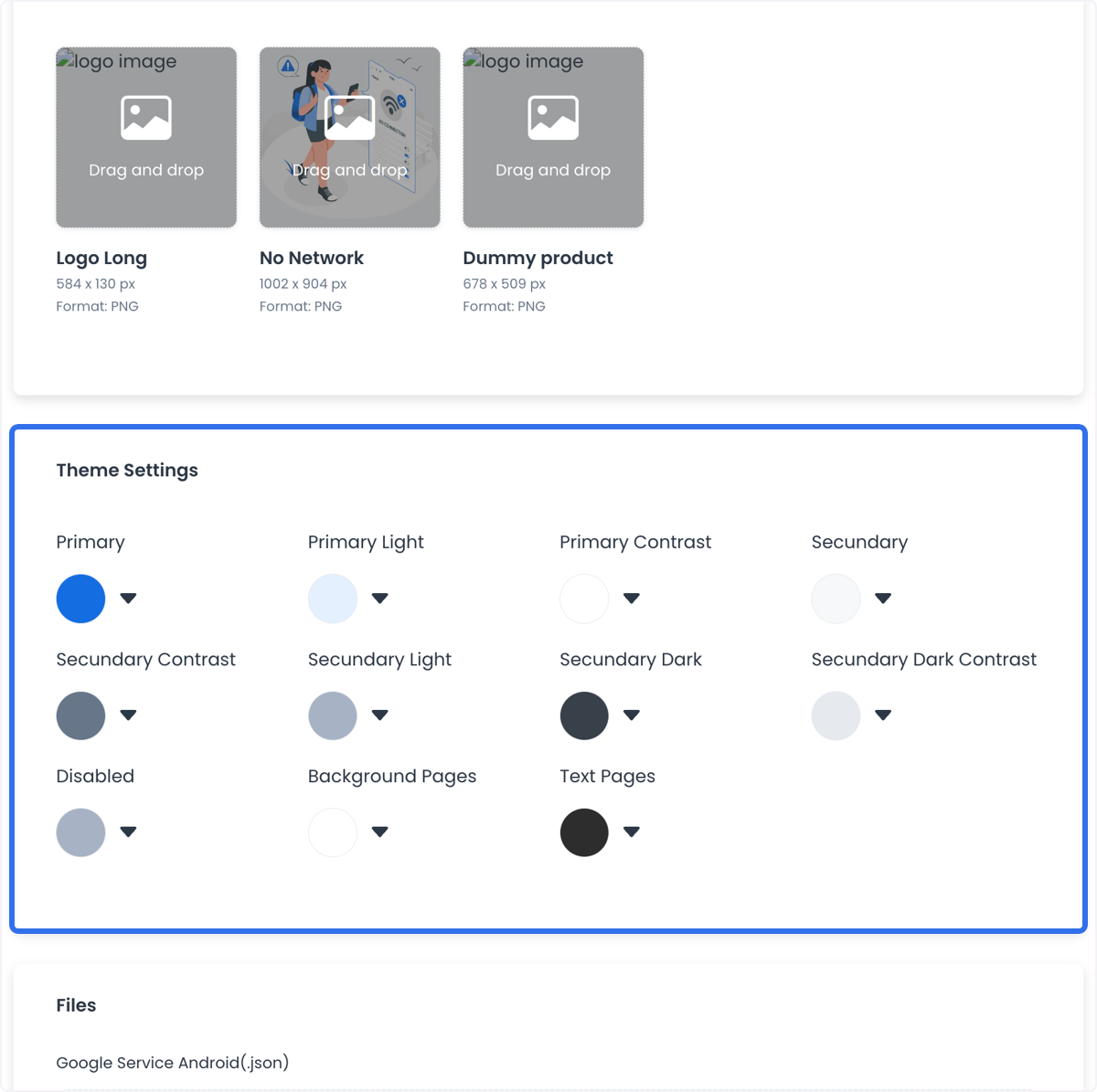
Theme settings
Use the colors and theme controls available to the app to align the visual presentation with the business identity.
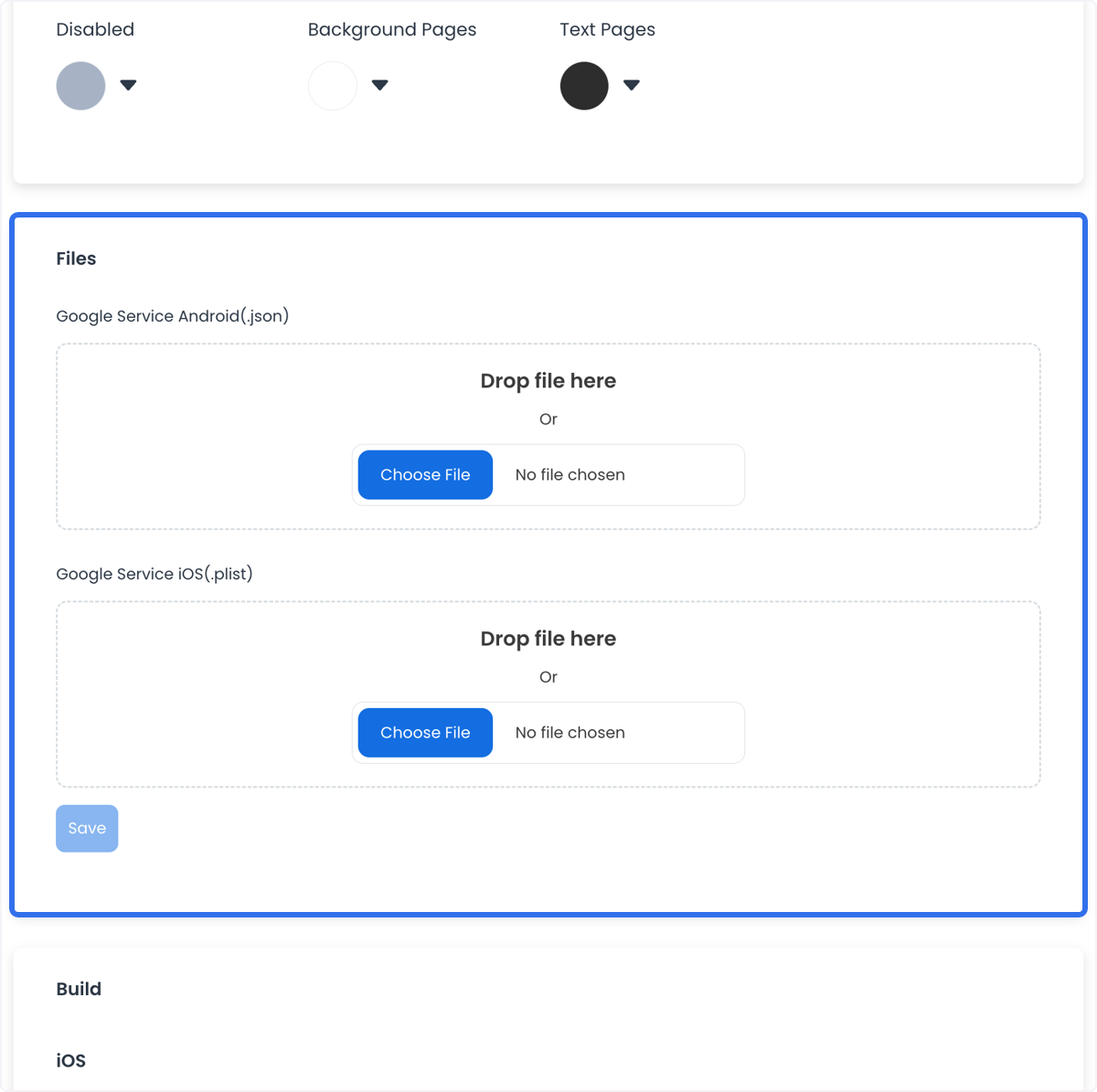
Files
When the app configuration requires them, upload Google service files for Android (.json) and iOS (.plist). Treat those files as sensitive configuration material.
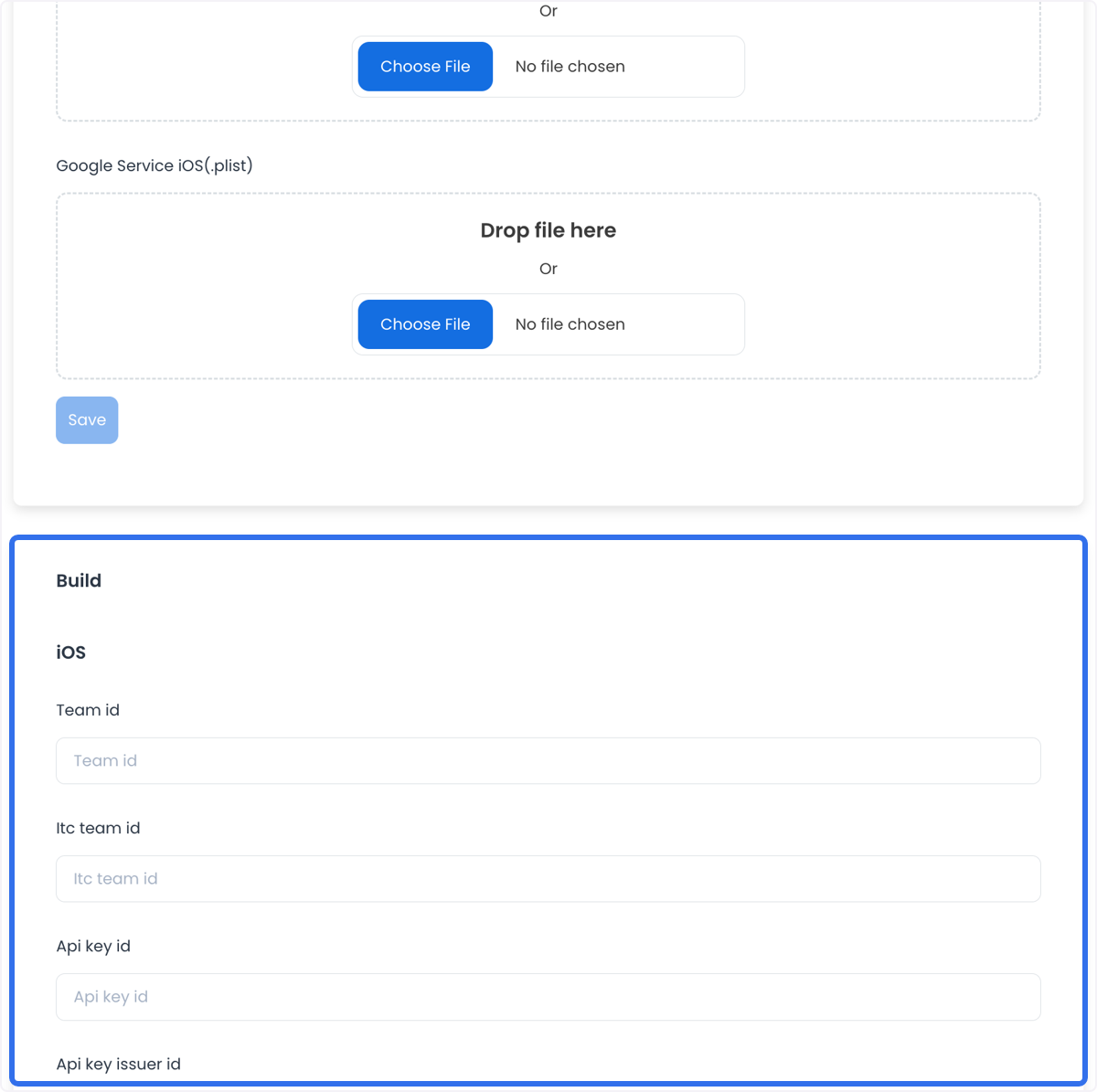
Apple Developer account information
The iOS build area can request the following Apple Developer Account information:
- Team ID
- Itc Team ID
- API Key ID
- API Key Issuer ID
- API key file (.p8.txt)
Keep these values and files private. Do not place them in screenshots, tickets, documentation, or chat messages.
Build resources
The build-resource area can include icons, notification assets, and splash screens. Prepare the assets for the actual app and store workflow before starting a build.
Build and download
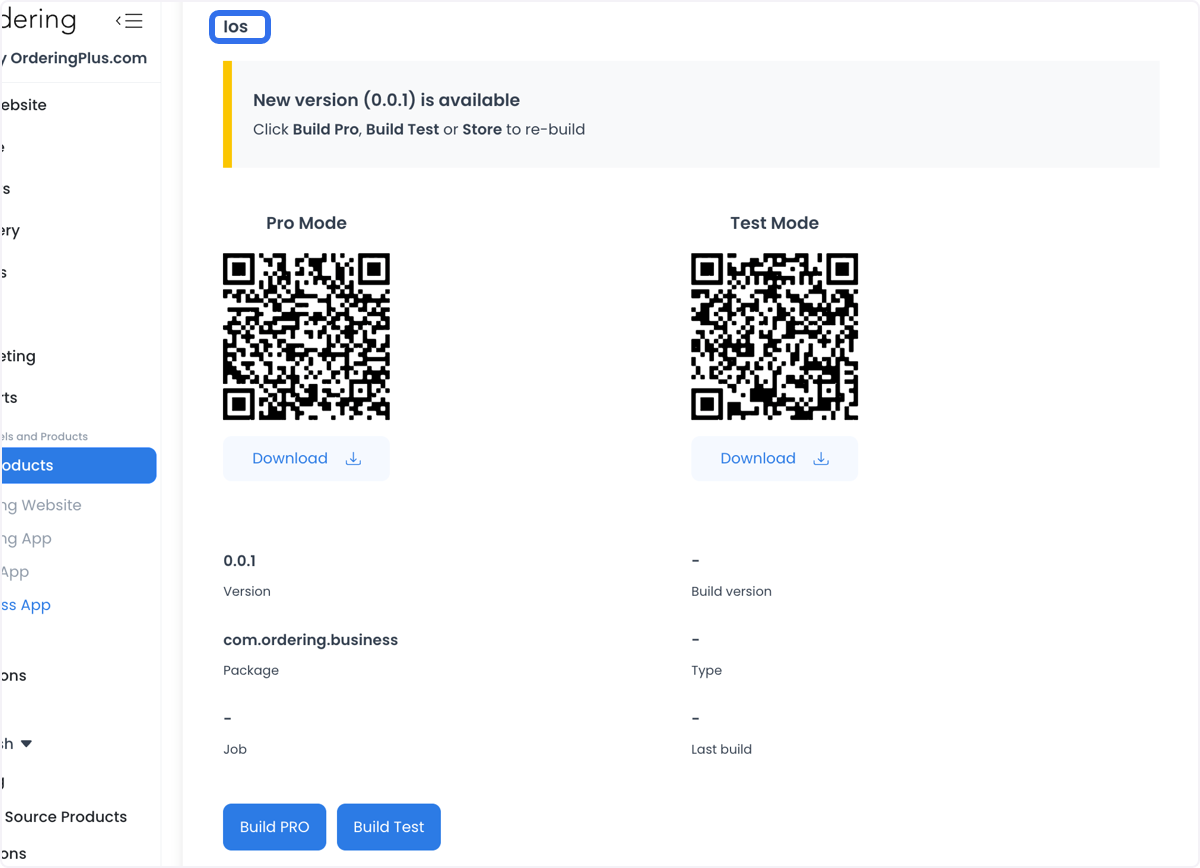
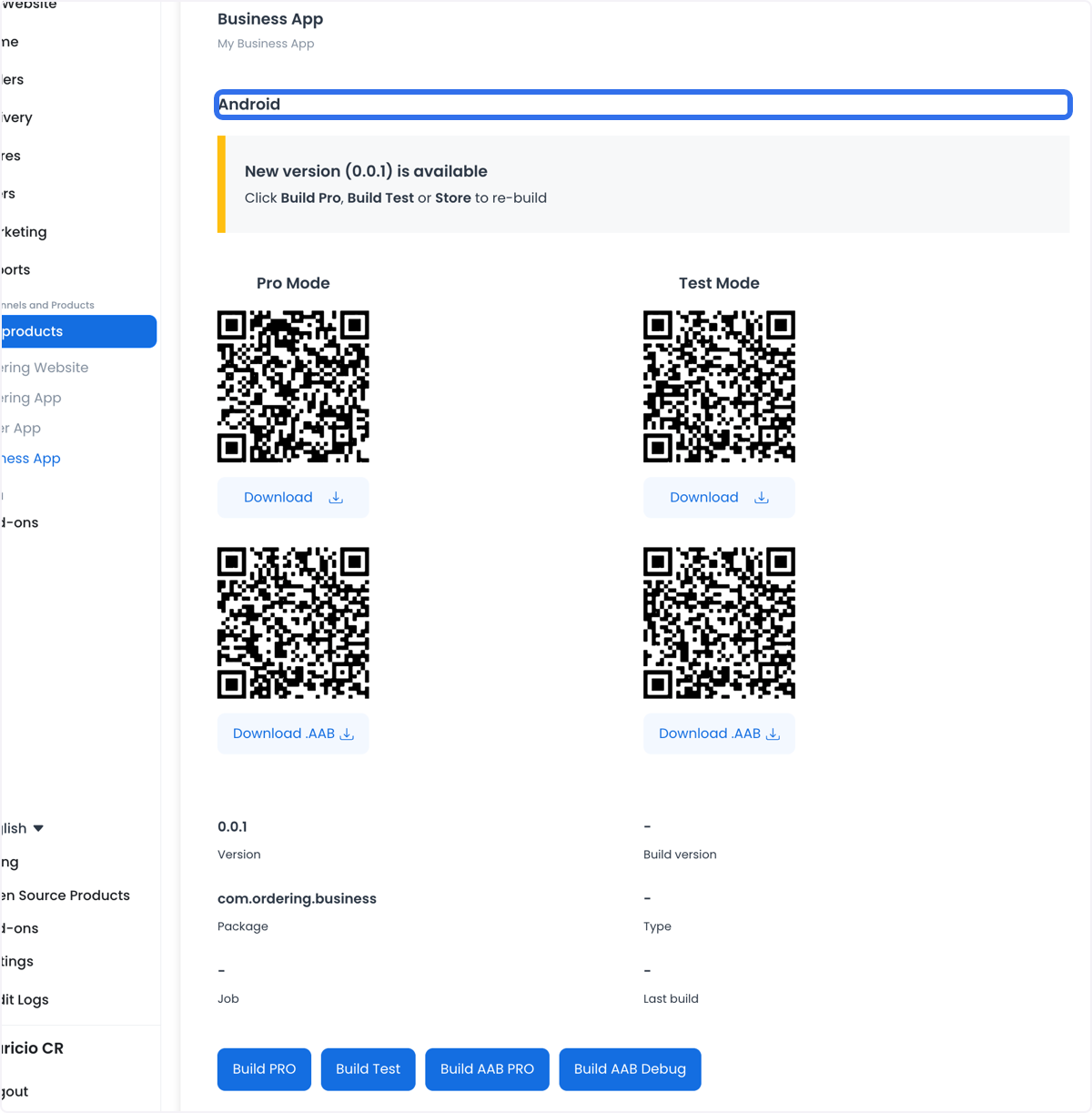
After the required configuration is complete, use the approved Android and iOS build process. A build or download option is not proof that the artifact is ready for store submission; follow the relevant release and store-publication guide.
Benefits and possible use cases
When configured for the project, a Business App can provide a dedicated mobile surface for business operations and brand presentation. Functions such as push notifications, location-based services, in-app purchases, customer communication, and order management depend on the enabled integration and actual app behavior.
The documented examples include:
- E-commerce: Browse products, place orders, and track orders when those flows are configured.
- Service businesses: Support appointments, reservations, or offers only if the app and connected services provide them.
- Hospitality: Surface booking information, menus, promotions, or loyalty workflows when configured.
- Fitness and wellness: Surface schedules, routines, nutrition plans, or progress tracking only when supported by the project.
Do not infer any of these use cases from the Business App name alone. Confirm the project’s controls, integrations, permissions, and release state before presenting a feature to users.