Franchises and Kiosk app variants
In Catalog → My products, select the enabled app for your project. Use the entry from your current project because the link includes the ID of that app.
Franchises app
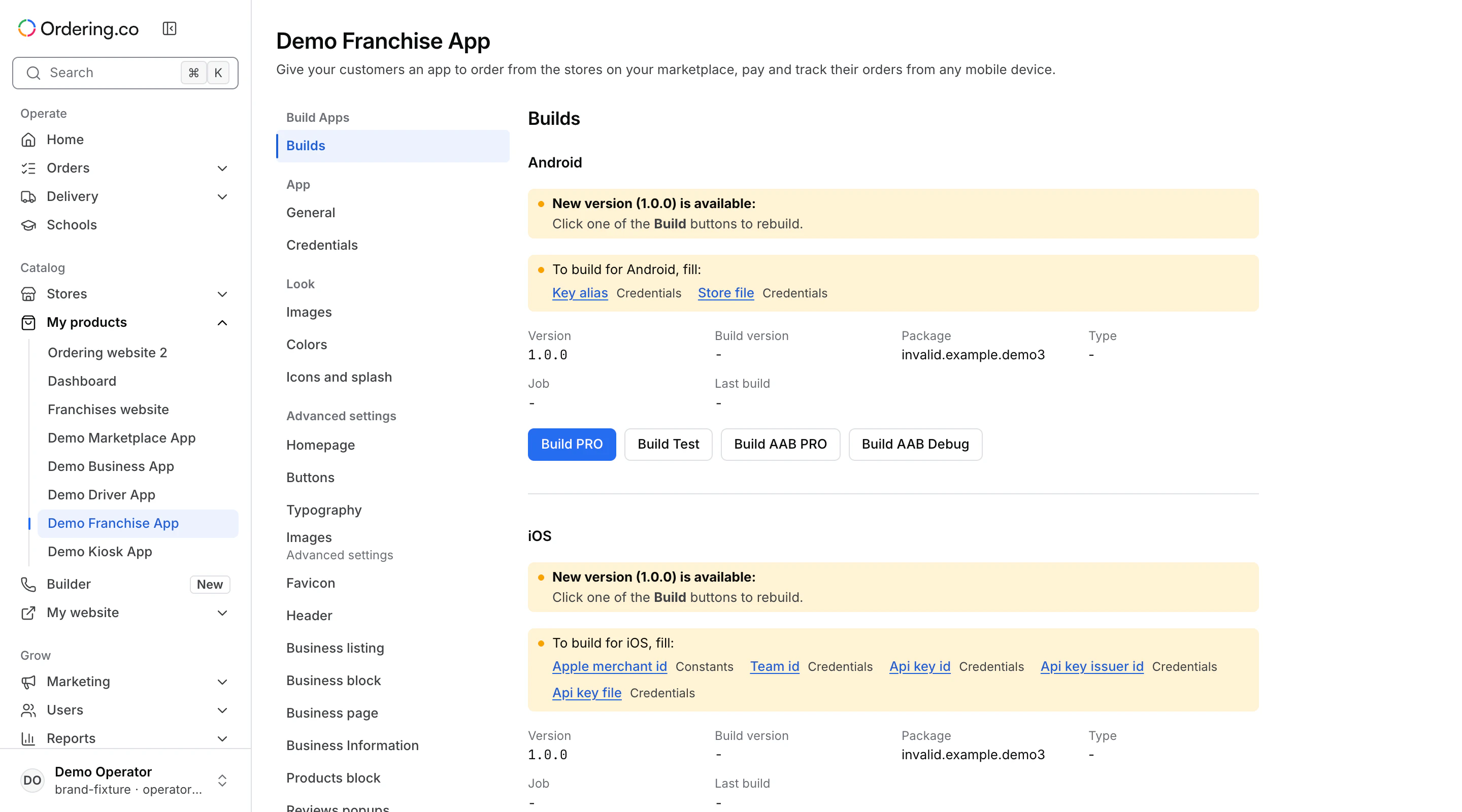
Select the installed Franchises app to open its app editor. To edit the customer-facing site, see Franchises website.
Kiosk app
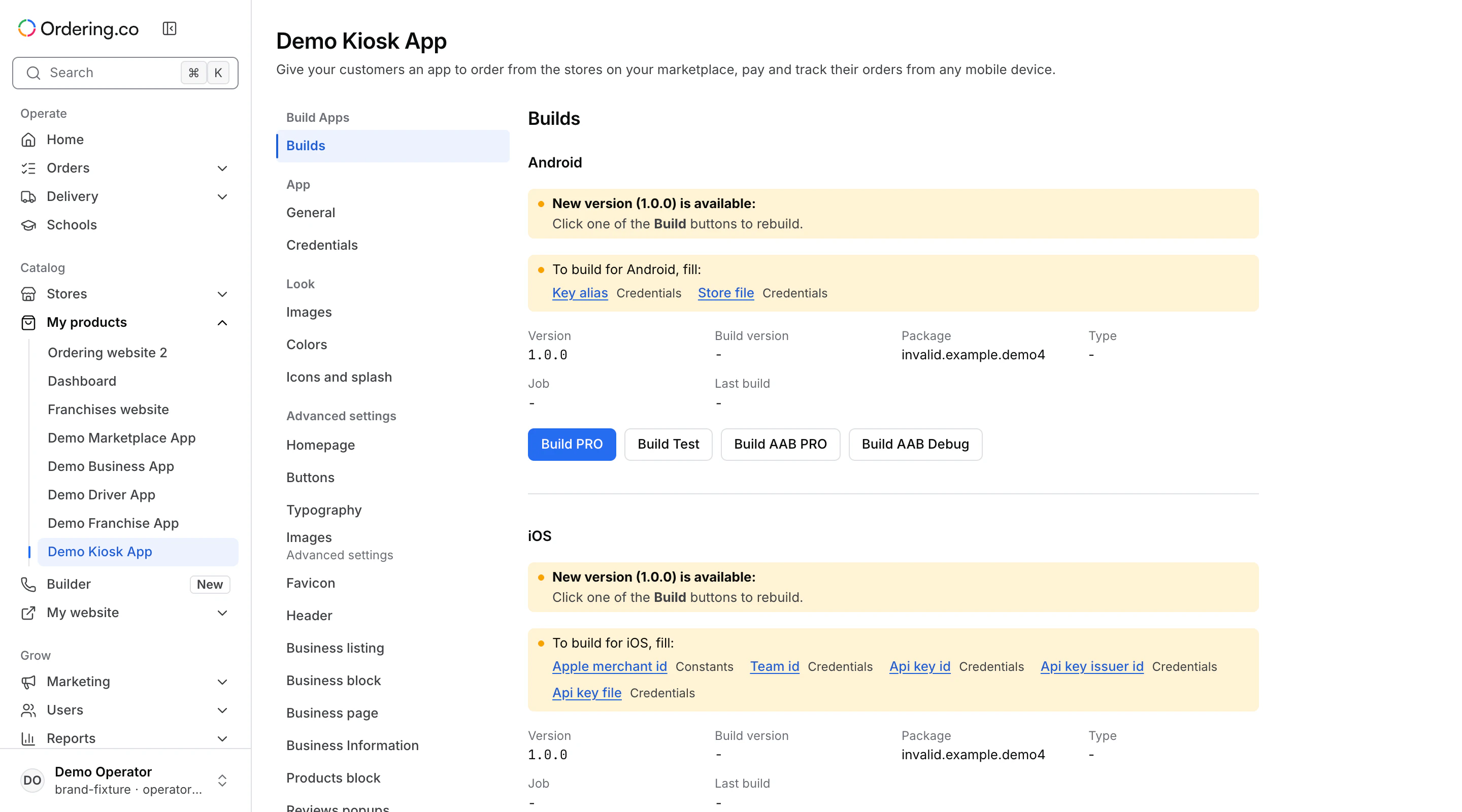
Select the installed Kiosk app to open its app editor. For kiosk setup and operation, see Ordering Kiosk.
Review the sections for your app
Builds, App → General, and App → Credentials are available in the editor. Constants, Files, and the Look sections depend on what your app supports. A compatible app base can also expose named sections under Advanced settings.
See Build apps from Dashboard or Builds in Builder for an app managed in Builder. If an app entry is missing, check the installed products and your access with your project administrator.