Use Mia in the Dashboard
Mia is the assistant inside the Dashboard. It can help you find pages and ask about orders, sales, and your catalog. Administrators and business owners can see Mia when it is enabled for their project and available to their account.
Open Mia
- Select Mia in the sidebar or from the launcher when available.
- If you see a notice, read it and choose whether to continue.
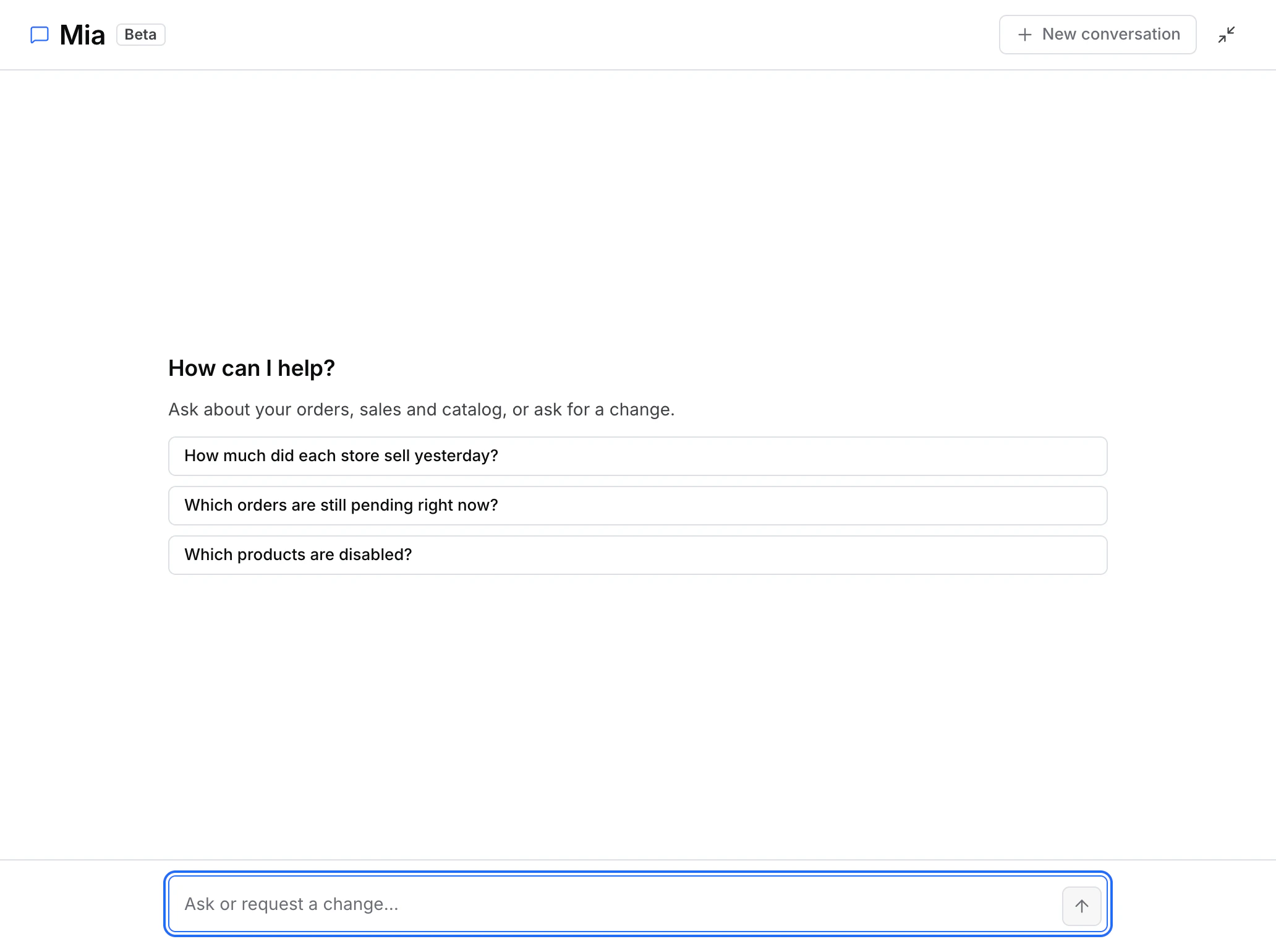
- Select a suggested question or type your own. For example, ask which orders are pending or where to find a store's products.
Use Open full page to expand the conversation. Select Back to the side panel to return to the smaller view. Both views use the same conversation.
Open a suggestion or review a change
- Suggested destinations open a Dashboard page or record you can access. If there are several matches, select the store or record you mean.
- Proposed changes show the item and the change Mia is proposing. Review the project, item, and values before confirming. You can cancel a proposal or let it expire.
- After confirming, read the result. If Mia cannot confirm the outcome, check the item in the Dashboard before trying the change again.
If Mia is unavailable or says you lack permission, check that you are in the right project. Use Dashboard Search to find pages and records directly.
For the separate product where you create or manage AI agents, open AI Agents from the Dashboard.