Create or edit an ad banner
Creating or editing a banner can change content shown to customers. Existing-banner name changes are saved after a short typing delay, and enabled switches save immediately. Do not use a production banner to test fields or controls.
Creating, editing, enabling, deleting, changing scope, adding an item, or deleting an item sends a live write. Existing-banner name changes are saved after a short typing debounce, and enabled switches save immediately. Do not use a production banner to test fields or controls.
Banner form
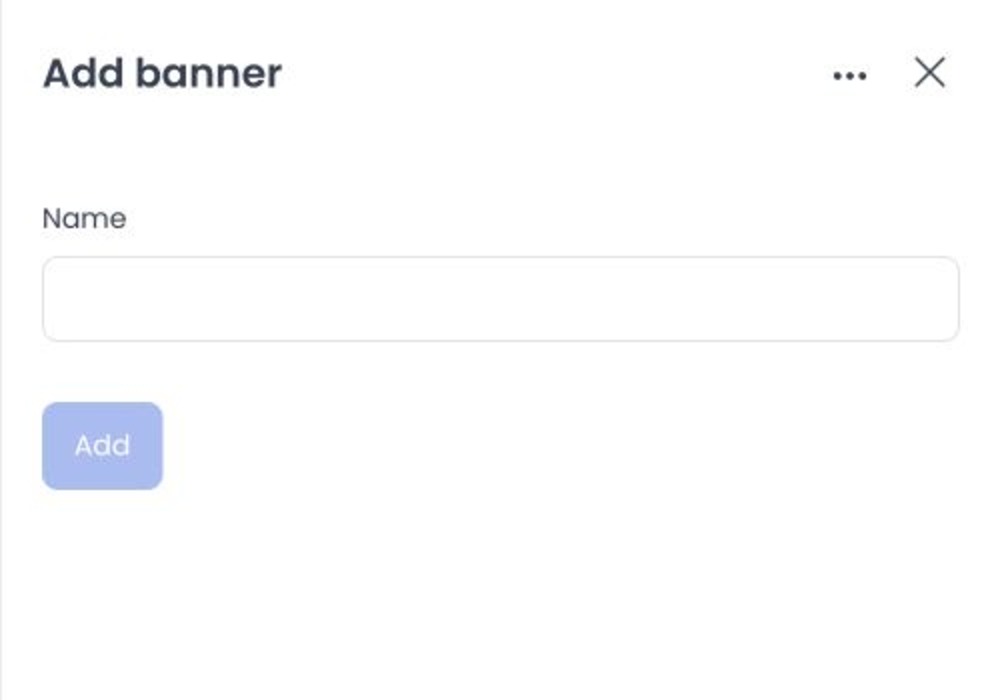
Current source defines a placement-scoped banner form. It includes a required name. Two business-page placements expose business scope. Item controls can reference media and a destination.
The banner name is required and can contain up to 255 characters. The placement is fixed by the selected placement panel.
Write and downstream-effect classes
Source defines banner register, update, and delete requests plus item register, update, and delete requests. Item creation can upload media and store a business or product destination.
Existing-banner name changes are debounced writes; enabled switches write immediately. Item replacement can alter media or destination. The reviewed API update path does not establish duplicate-banner prevention.
No upload, target resolution, banner visibility, customer rendering, duplicate handling, or deletion result was verified. A client success response alone would not prove the customer-facing effect.
Related guides: Ad banners overview · Cart recovery rules