Create or edit an ad banner
This page records the source-defined banner write boundary. It is not an executable banner-creation procedure, and no live creative, placement, business, catalog, site, or destination was accessed.
Creating, editing, enabling, deleting, changing scope, adding an item, or deleting an item sends a live write. Existing-banner name changes are saved after a short typing debounce, and enabled switches save immediately. Do not use a production banner to test fields or controls.
Re-entry requirements
- Use a synthetic project with synthetic sites, businesses, categories, products, and destinations.
- Intercept banner and item writes, uploads, and customer-facing requests.
- Prove that no production web or app surface can consume the fixture.
- Admit runtime only with immutable receipts for each attempted record and media effect.
Source-defined form
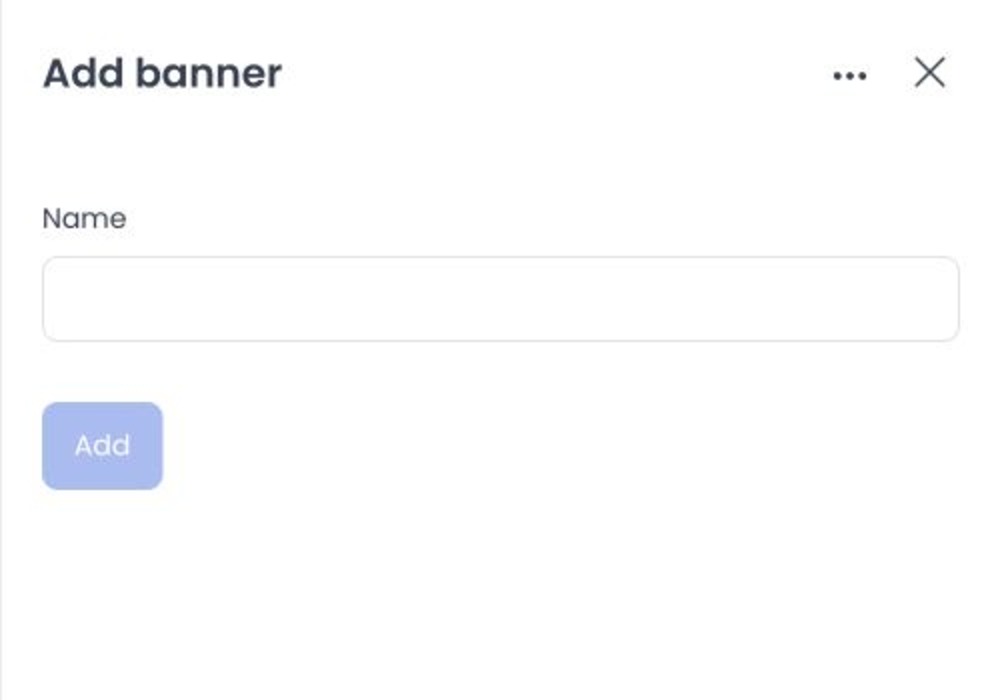
Current source defines a placement-scoped banner form. It includes a required name. Two business-page placements expose business scope. Item controls can reference media and a destination. These controls were not opened or submitted.
The banner name is required and can contain up to 255 characters. The placement is fixed by the selected placement panel.
Write and downstream-effect classes
Source defines banner register, update, and delete requests plus item register, update, and delete requests. Item creation can upload media and store a business or product destination.
Existing-banner name changes are debounced writes; enabled switches write immediately. Item replacement can alter media or destination. The reviewed API update path does not establish duplicate-banner prevention.
No upload, target resolution, banner visibility, customer rendering, duplicate handling, or deletion result was verified. A client success response alone would not prove the customer-facing effect.
Related guides: Ad banners overview · Cart recovery rules