Home overview
The Home page presents the current project's status, order and sales summaries, and shortcuts available to your account.
You must be signed in with an eligible Dashboard account. Delivery-only, profile-only, and read-only account types are routed to other pages. More Services is administrator-only, and Visit my Website is hidden from business-owner accounts.
Open Home
Select Home in the Dashboard sidebar.
Check your project status
The page shows either a setup message or the project's current status. When a status is available, eligible accounts also see Visit my Website, which attempts to open the preferred customer-facing site in a new tab.
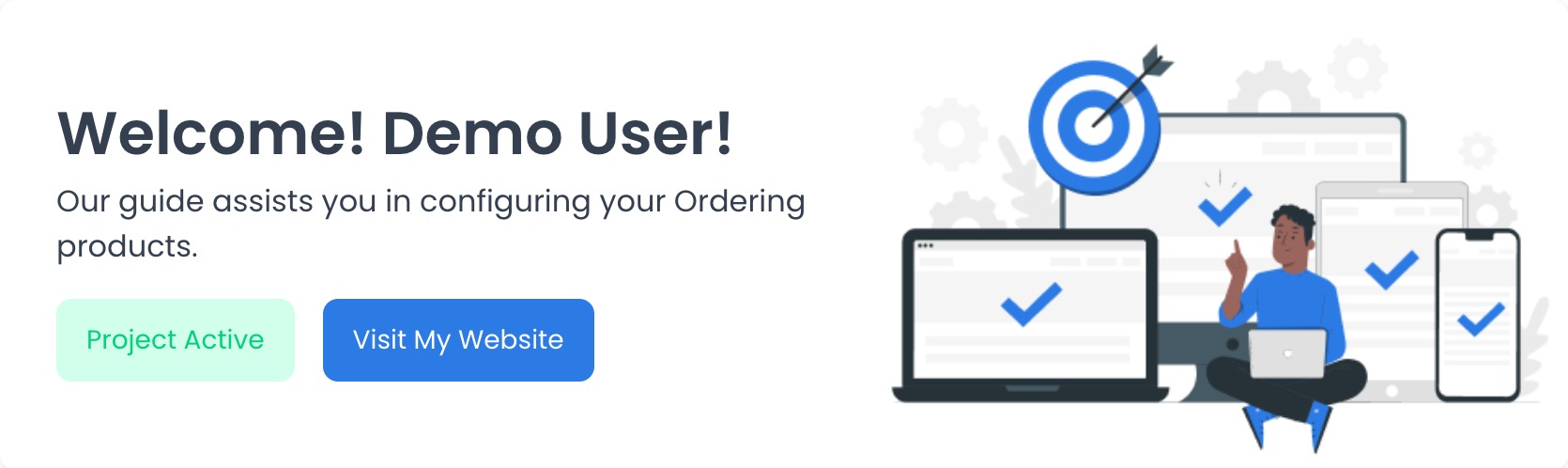
The button is hidden for business-owner accounts. The screenshot uses synthetic information; your status and greeting depend on the signed-in account and current project.
Review the report summary
The Reports area shows This month sales, Today Orders, and Today Sales. See more reports points to business analytics, whose access is evaluated separately.
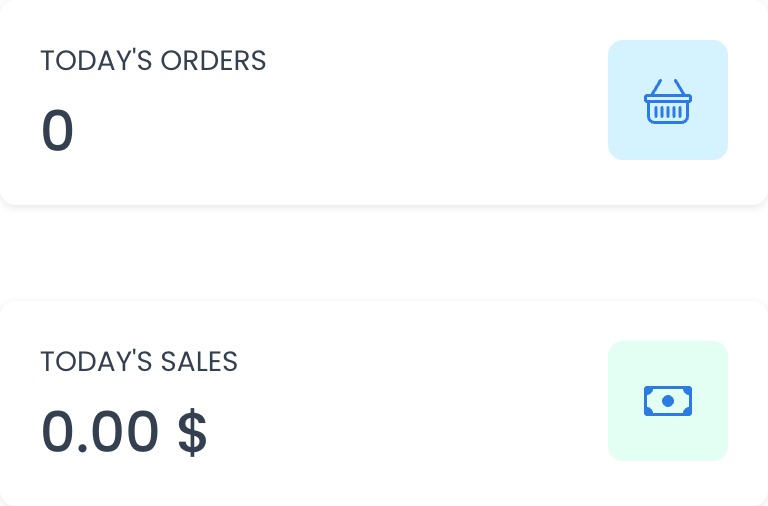
The page requests authenticated order and sales reports for today and the current month. The zero values in this screenshot are synthetic examples, not a representation of your business activity.
Loading or error states can leave a summary unavailable. A visible value reflects the report response processed by the current Dashboard source; this guide does not confirm deployed data or report completion.
Other shortcuts
Administrators can see More Services. Its Contact Us links leave the Dashboard in a new tab; they do not start a purchase or confirm that a request was submitted.
Quick checklist
- Confirm that you are in the intended project before interpreting the status or report summary.
- Use Visit my Website only when you intend to leave the Dashboard in a new tab.
- Treat the summary as an overview; use an available detailed report for its own filters and access rules.
Troubleshooting
Why don't I see Visit my Website?
The button is not rendered for business-owner accounts. Confirm that you are in the intended project and signed in with the expected account type.
Why are the report values empty or zero?
The page requests today's order and sales reports separately. A zero can mean that the corresponding response contained no matching values for the Dashboard's local date; an unavailable value can also reflect a loading or request error. Verify your project and access before relying on the summary.
Why don't I see More Services?
This section is shown only to administrator-level users.
Related guides: Stores overview · Orders overview