Drivers time display
Use Drivers time display to view and manage Driver availability blocks on a calendar. Adding, editing, or deleting a block changes saved delivery scheduling data.
This page is mounted for Enterprise projects and currently accepts levels 0 and 5. The menu is hidden for read-only Admin and Delivery-manager sessions. The delivery-block service applies its own authorization, so a visible page does not guarantee that every schedule change will be accepted.
Choose the calendar scope
- Select Delivery → Drivers time display.
- Select Driver groups or Drivers.
- Choose the relevant group or Driver, then set a calendar range.
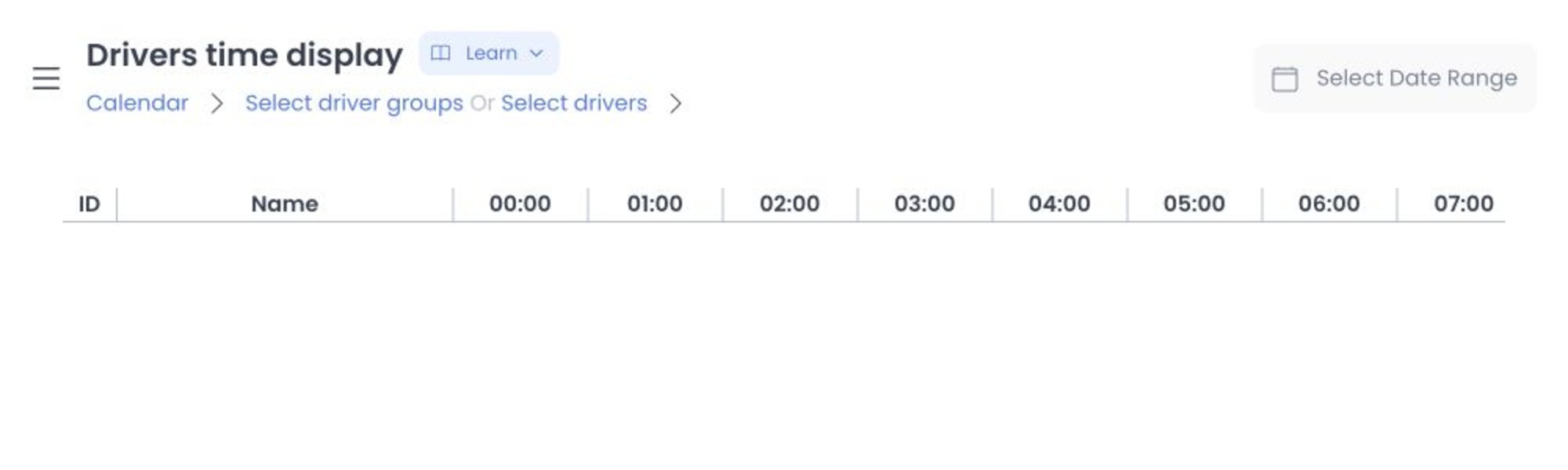
The date-range control accepts up to 31 days. Use the smallest range needed to reduce scheduling mistakes.
The current source loads level-4 Driver records, including delivery blocks, either directly or through a selected Delivery group. The displayed range is sent as UTC bounds and returned block times are converted for the local calendar. This source trace does not prove which revision a hosted project serves.
Add a block
Select a Driver and an open calendar period. In the block form, you can provide an optional name and description, date, start and end time, and optional break start/end. Times are offered in 15-minute increments.
You can make a block one-time, weekly, or daily. For recurring blocks, choose applicable weekdays and an end date. New blocks must start in the future; the interface limits the recurrence end to two months from the selected start date.
Review the Driver, date, times, break, and recurrence before selecting Add. The Dashboard converts these times to UTC before sending the saved schedule request.
Driver names, contact fields, group membership, and schedules can be personal or operational data. Do not use live Drivers to test filters or calendar changes, and do not include those values in screenshots or support notes.
Edit or delete safely
Open an existing block to edit it or select Delete. For recurring blocks, choose the propagation scope carefully:
- None changes only the selected event.
- All applies to the recurring set.
- From now applies to future events.
- From event applies from the selected event onward.
Edit and Delete are saved changes. A propagated update or deletion can alter multiple future availability blocks. Confirm the Driver, selected event, recurrence, and propagation scope before proceeding.
The service validates that end is after start, breaks fall inside the block, and a recurrence end is after the block. Correct the displayed error before retrying.
The fixed API source also associates delivery-block changes with availability checks and scheduled status work. That is an effect boundary, not proof that any hosted change or background job completed. Do not repeat a request solely because the calendar has not visibly refreshed.
Troubleshooting
Why can't I add a block in the past?
New blocks must start in the future. Select a future date and an available time.
Why can't I choose a longer calendar range or recurrence end?
The calendar range is limited to 31 days, and the UI limits a recurrence end to two months after its selected start.
Why was an edit rejected?
Check the start/end order, break boundaries, recurrence end, and your authorization. Route access does not guarantee schedule-write permission.
Related guides: Drivers list · Delivery Groups